ROB RUN: Install on an SSD
- In ROB RUN, the game needs about 20 GB of free space; an SSD keeps loading times short.
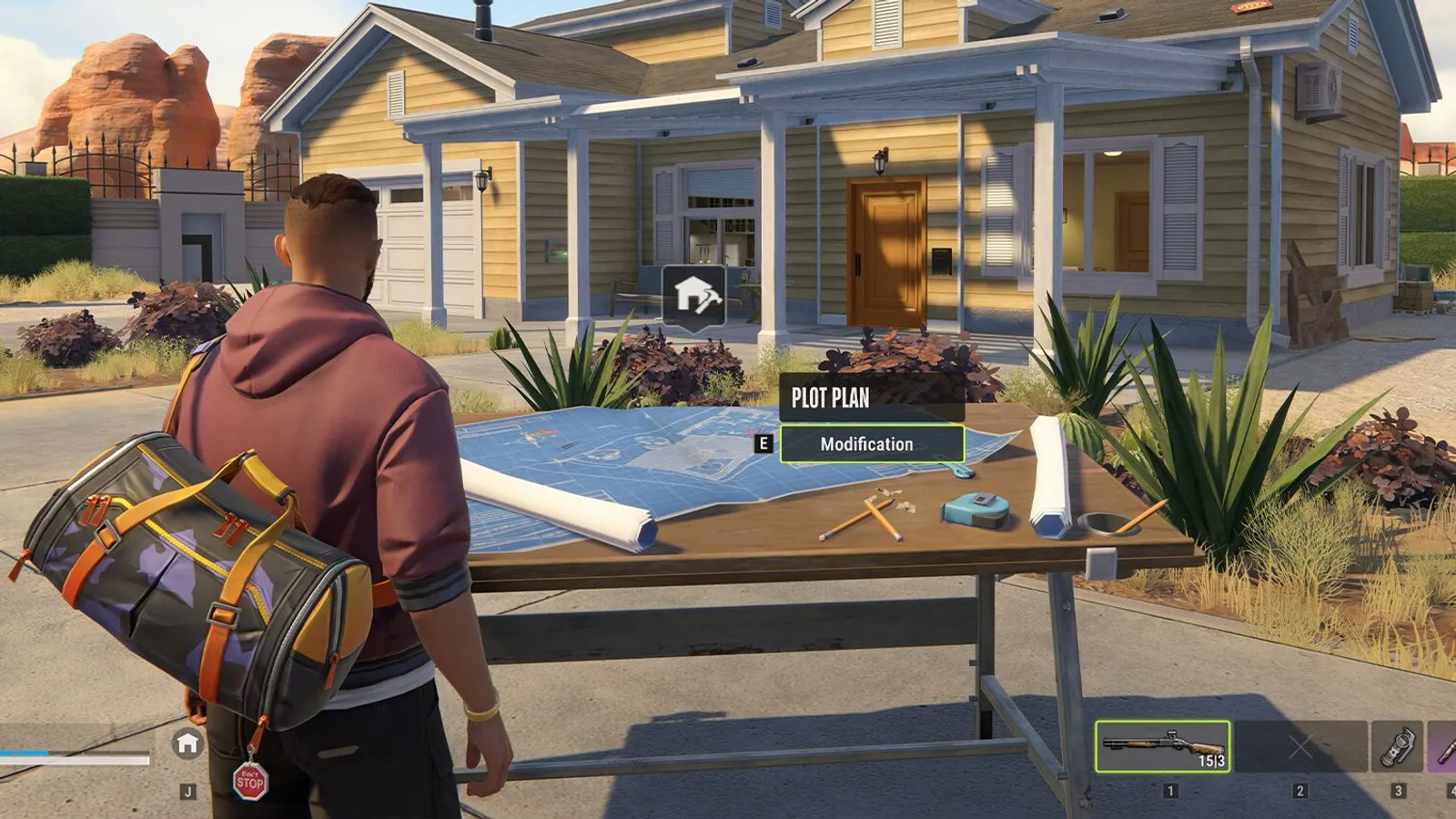
The biggest frame costs in ROB RUN are Shadows, Anti-aliasing, Additional Light. Start there, then work through the stutter checklist.
Updated . Game data researched November 2026.
Shadows
Shadow quality is usually one of the larger GPU costs; the lower tiers step down from High Quality.
Anti-aliasing
Smooths jagged edges. MSAA costs GPU time and the SMAA pass on top adds more, so the lower tiers leave it off.
Additional Light
Extra dynamic lights are drawn per pixel and add GPU cost; turning them off trades lighting detail for frames.
Additional Light Shadows
Shadows from the extra lights multiply their cost; a safe option to turn off first.
Object Visibility Distance
How far away objects are still drawn; shorter distances take load off both CPU and GPU.
Grass
Grass density and detail; dense vegetation can cost noticeable frames.
Grass Draw Distance
How far grass is drawn.
Post-processing
Master switch for the screen effects below. While it is off, HDR, Motion Blur, Depth of Field, Ambient Occlusion, Environment Reflections and Eye Adaptation are greyed out and have no effect.
Ambient Occlusion
Darkens creases and contact points for depth; a screen-space effect with a real GPU cost. Needs Post-processing on.
Environment Reflections
Screen-space reflections on shiny surfaces; costs GPU time. Needs Post-processing on.
Values shown are what we pick for max FPS. Section names follow the in-game menu.
| Setting | Low-end value |
|---|---|
| Graphics Quality | Custom |
| Fullscreen | On |
| Screen Resolution | Your monitor's native resolution; scale with the upscaler instead |
| VSync | Off; use G-Sync or FreeSync with an FPS cap instead |
| Frame Rate | Unlimited |
| Anti-aliasing | Off |
| Shadows | Medium Quality |
| Additional Light | Off |
| Additional Light Shadows | Off |
| LOD Crossfade | Off |
| Object Visibility Distance | Low |
| Water | Minimum Quality |
| Grass | Low Quality |
| Grass Draw Distance | Low |
| Texture Quality | Low |
| Interface Window Blur | Off |
| Post-processing | Off |
| HDR | Off |
| Motion Blur | Off |
| Depth of Field | Off |
| Ambient Occlusion | Off |
| Environment Reflections | Off |
| Eye Adaptation | On |