Skip to content
Set up my rig
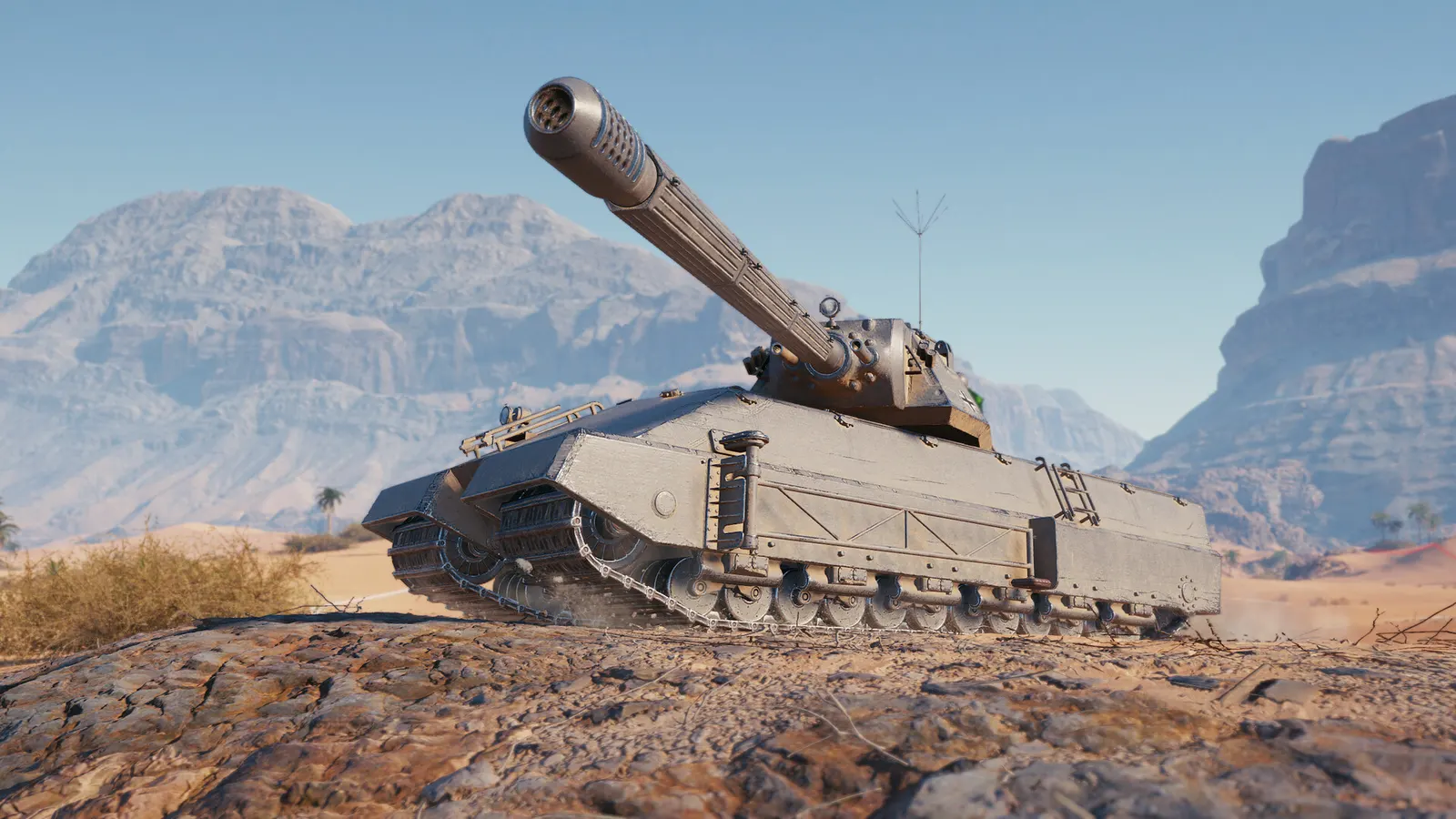
World of Tanks, official artwork

Best World of Tanks settings

Wargaming's free-to-play team tank battler. It runs on modest graphics cards but leans on the CPU in large battles; the Standard render mode, foliage and shadows are the biggest levers, and lowering vegetation also stops bushes from hiding enemy tanks.

Best World of Tanks settings at 1080p for an RTX 4060 + Ryzen 5 7600: Ultra with FSR Quality. Modelled: that PC gets about 140 fps, an RTX 3060 + Ryzen 5 5600 110 fps (Ultra), a GTX 1650 + Core i5-10400 80 fps (High). Rough estimate: no published benchmarks yet. How we estimate this

Updated . Game data researched November 2026.

  • PEGI 12
  • Free to play
  • Competitive
Genre
Tank shooter
Developer
Wargaming
Released
2010
Platforms
PC
Engine
Core (Wargaming)
Researched
Nov 2026

What are the best World of Tanks graphics settings?

The setting for every preset, from Low to Ultra. Save your hardware to get one tuned list.

Tell us your hardware once and every game page shows settings for it. Set up my rig

Set up your rig to see which column fits your PC, with an estimate of your frames. The competitive column is what we recommend for max FPS.

World of Tanks graphics settings per preset
SettingLowMediumHighUltra Competitive
Screen resolution Your monitor's native resolution; scale with the upscaler instead
Window mode Full screenFull screenFull screenFull screen Full screen
Vertical synchronization Off; use G-Sync or FreeSync with an FPS cap instead
Frame rate limit 3 below your refresh rate (141 on 144 Hz); uncapped for max FPS
Upscaling (AMD FSR) Native; FSR Quality on AMD and older GeForce
Render mode StandardStandardImprovedImproved Standard
Graphics quality preset LowMediumHighMaximum Low
Anti-aliasing OffOffMediumHigh Off
Shadow quality LowLowMediumHigh Low
Lighting quality LowLowMediumHigh Low
Texture quality LowMediumHighMaximum Low
Objects quality LowMediumHighHigh Low
Draw distance LowMediumHighHigh Low
Vegetation quality LowLowMediumHigh Low
Tessellation OffOffOffOff Off
Havok destruction OffOffOffOff Off
Post-processing OffOffOffOff Off
Motion blur OffOffOffOff Off

How much FPS will I get in World of Tanks?

Modelled frame rates on the High preset at native resolution, without upscaling or frame generation. Your own rig can differ: check your exact PC.

Estimated World of Tanks FPS by graphics card, High preset, with a Ryzen 7 7800X3D and 16 GB RAM
Graphics card 1080p1440p4K
RTX 4090 180 fps180 fps165 fps
RTX 4070 180 fps175 fps90 fps
RTX 4060 165 fps105 fps55 fps
RTX 3060 12GB 135 fps85 fps45 fps
GTX 1650 60 fps40 fps20 fps
RX 7800 XT 180 fps180 fps95 fps
RX 7600 165 fps105 fps55 fps
RX 6600 130 fps80 fps45 fps

These are estimates from our model, not measurements; real results vary with the scene, drivers and background load. Orange numbers are below 60 fps. How we estimate this

What are the best World of Tanks tips for more FPS?

How do I show FPS in World of Tanks?

  1. In World of Tanks, look in the game settings for the option that shows ping and FPS in battle and enable it; the exact wording differs between client versions.
  2. In World of Tanks, alternatively the Steam overlay counter, or the NVIDIA app or AMD Software overlay, shows FPS and frame time.
  3. In World of Tanks, check a 15v15 battle, where the CPU load is highest.

World of Tanks: The CPU sets the limit

  1. In World of Tanks, in large battles the processor limits frame rate, so graphics presets change less than on a typical shooter.
  2. In World of Tanks, turn off Havok destruction when frame rate drops during fighting, and close browsers and launchers while playing.

World of Tanks: Start from the Recommend button

  1. In World of Tanks, in the graphics settings press Recommend so the client tests your PC and picks a preset.
  2. In World of Tanks, then lower foliage and shadows one step at a time instead of dropping the whole preset.

World of Tanks: Install on an SSD

  1. In World of Tanks, the client is around 120 GB; an SSD shortens battle loading and reduces stutter from streaming.

News from Steam

All news

Steel Hunter 2026: Autumn Launch

Commanders! It's Steel Hunter time! Survive solo or in a two-player Platoon on ever-shrinking maps. Choose from eight special vehicles, ambush enemies, pick up loot, upgrade your ride on the go, and earn valuable rewards like Experimental…

Read on Steam (opens in a new tab): Steel Hunter 2026: Autumn Launch

A Fresh Look for Your Launcher

Commanders! On November 12, your World of Tanks launcher on Steam is getting a fresh new look! The updated design brings a clearer interface and a range of improvements that make everyday use easier: better scaling, bigger buttons, larger…

Read on Steam (opens in a new tab): A Fresh Look for Your Launcher

Battle Pass Special Dune: Part Three

The epic final chapter of the Dune motion picture trilogy is upon us. Follow the path of prophecy through 40 Stages in the very special Battle Pass Dune: Part Three Chapter. Discover iconic characters plus customizations inspired by the…

Read on Steam (opens in a new tab): Battle Pass Special Dune: Part Three