How do I show FPS in Warframe?
- In Warframe, open Options > Display and turn on "Show FPS".
- In Warframe, it shows FPS, frame time, RAM, VRAM and ping to the session host.
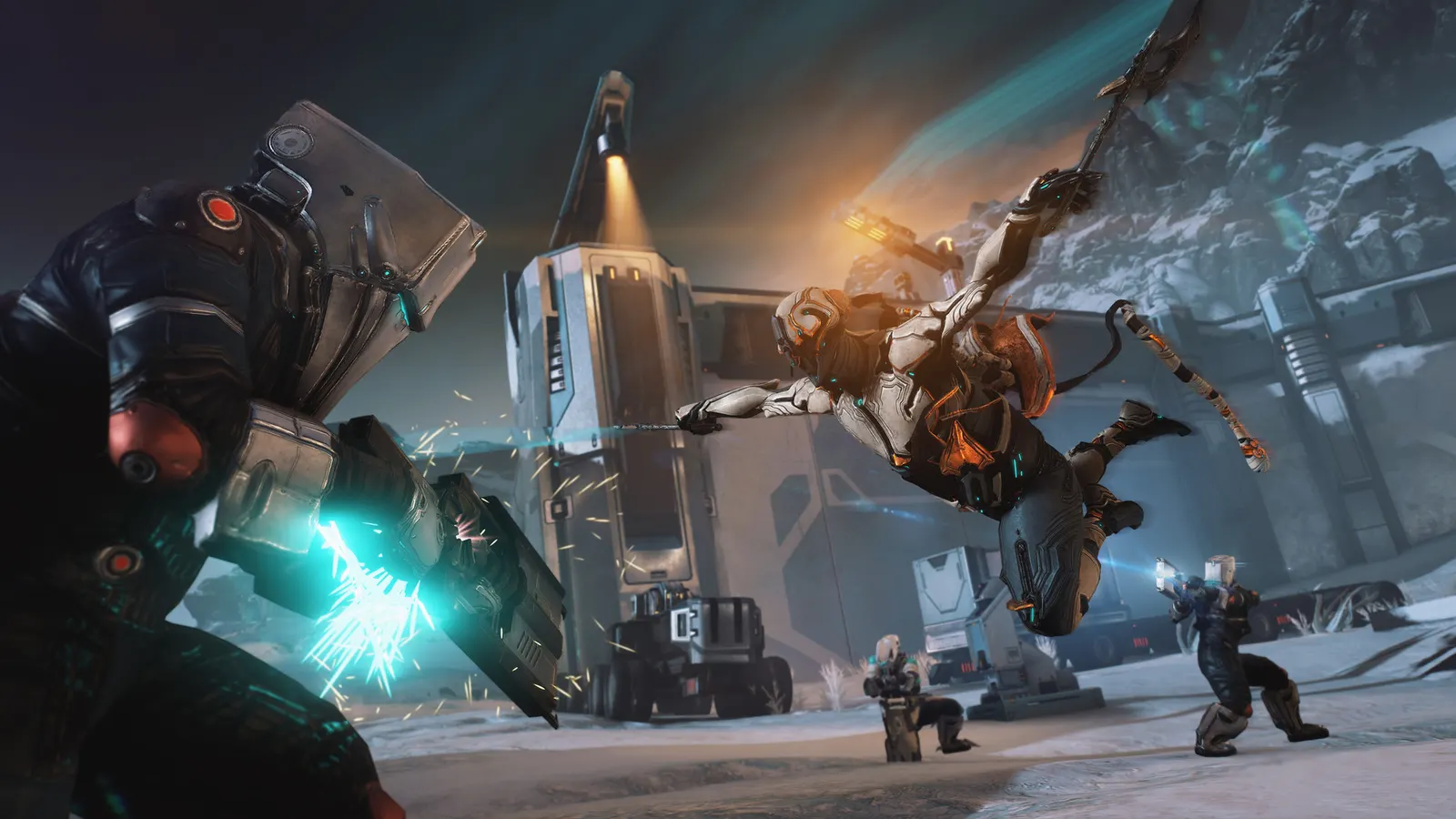
Digital Extremes' free-to-play co-op looter shooter. Fast movement and heavy particle effects in busy missions are what cost frames: GPU Particles, Volumetric Fog and shadows give the biggest gains when lowered, and an upscaler removes the need for anti-aliasing.
Best Warframe settings at 1080p for an RTX 4060 + Ryzen 5 7600: Ultra, lowering Quality Preset and Shadow Quality first. Modelled: that PC gets about 140 fps, an RTX 3060 + Ryzen 5 5600 115 fps (Ultra), a GTX 1650 + Core i5-10400 90 fps (Ultra). Rough estimate: no published benchmarks yet. How we estimate this
Updated . Game data researched November 2026.
The setting for every preset, from Low to Ultra. Save your hardware to get one tuned list.
Set up your rig to see which column fits your PC, with an estimate of your frames.
| Setting | Low | Medium | High | Ultra |
|---|---|---|---|---|
| Display Mode | Fullscreen | Fullscreen | Fullscreen | Fullscreen |
| Video Resolution | Your monitor's native resolution; scale with the upscaler instead | |||
| Upscaling | Native; DLSS Quality on RTX, FSR Quality on AMD and older GeForce | |||
| Vertical Sync | Off; use G-Sync or FreeSync with an FPS cap instead | |||
| Max Framerate | 3 below your refresh rate (141 on 144 Hz); uncapped for max FPS | |||
| Quality Preset | Low | Medium | High | High |
| Geometry Quality | Low | Medium | High | Ultra |
| Shadow Quality | Low | Medium | High | Ultra |
| Texture Memory | Low | Medium | High | High |
| Particle System Quality | Low | Low | Medium | High |
| GPU Particles | Disabled | Low | Low | High |
| Anti-Aliasing | SMAA (if not upscaling) | SMAA (if not upscaling) | SMAA (if not upscaling) | SMAA (if not upscaling) |
| Anisotropic Filtering | Off | 4 | 8 | 8 |
| SSAO Quality | Disabled | Low | Low | High |
| SSGI | Off | Off | Off | On |
| Volumetric Fog Quality | Disabled | Low | Low | High |
| Volumetric Lighting | Off | Off | Off | Off |
| Local Reflections | Off | Off | Off | Off |
| Motion Blur / Depth of Field | Off | Off | Off | Off |
| Dynamic Resolution | Auto (Disabled when upscaling) | Auto (Disabled when upscaling) | Auto (Disabled when upscaling) | Auto (Disabled when upscaling) |
| Reduce Frame Latency | On (with V-Sync off or a G-Sync / FreeSync display) | On (with V-Sync off or a G-Sync / FreeSync display) | On (with V-Sync off or a G-Sync / FreeSync display) | On (with V-Sync off or a G-Sync / FreeSync display) |
Modelled frame rates on the High preset at native resolution, without upscaling or frame generation. Your own rig can differ: check your exact PC.
| Graphics card | 1080p | 1440p | 4K |
|---|---|---|---|
| RTX 4090 | 190 fps | 190 fps | 190 fps |
| RTX 4070 | 190 fps | 190 fps | 110 fps |
| RTX 4060 | 190 fps | 125 fps | 65 fps |
| RTX 3060 12GB | 160 fps | 100 fps | 55 fps |
| GTX 1650 | 70 fps | 45 fps | 25 fps |
| RX 7800 XT | 190 fps | 190 fps | 115 fps |
| RX 7600 | 190 fps | 125 fps | 65 fps |
| RX 6600 | 155 fps | 100 fps | 50 fps |
These are estimates from our model, not measurements; real results vary with the scene, drivers and background load. Orange numbers are below 60 fps. How we estimate this
Winter is here, so it's high time we warm things up with some red-hot savings on select items during our spectacular Black Friday Merch Sale! From now until November 30, treat yourself to discounts on several Statues and Bobbleheads while…
Read on Steam (opens in a new tab): Black Friday Merch Sale 2026With Warframe: Tau launching later this year, our first of two dedicated Devstreams took you deeper into its new Star Chart than ever before. We showcased Brysko's Abilities along with his brutal new Weapons, as well as his Chimera Skin…
Read on Steam (opens in a new tab): Devstream 198 OverviewShave the date, Tenno — from now until November 30, Digital Extremes is proudly supporting the Canadian Movember Foundation with new and returning in-game goodies, Merch, a Captura contest and more! New Movember Items It wouldn't be…
Read on Steam (opens in a new tab): Movember 2026Your remarkable journey is about to lead to an era-defining trip to the Tau System, where new worlds ripe for exploration are waiting. Jump back into Warframe today and get ready to experience our most expansive update ever this December…
Read on Steam (opens in a new tab): Warframe: Tau Coming In December