VALORANT: Vanguard needs TPM 2.0 and Secure Boot on Windows 11
- On Windows 11, VALORANT requires TPM 2.0 and UEFI Secure Boot to be enabled.
- In VALORANT, cloud gaming and virtual machines are not supported.
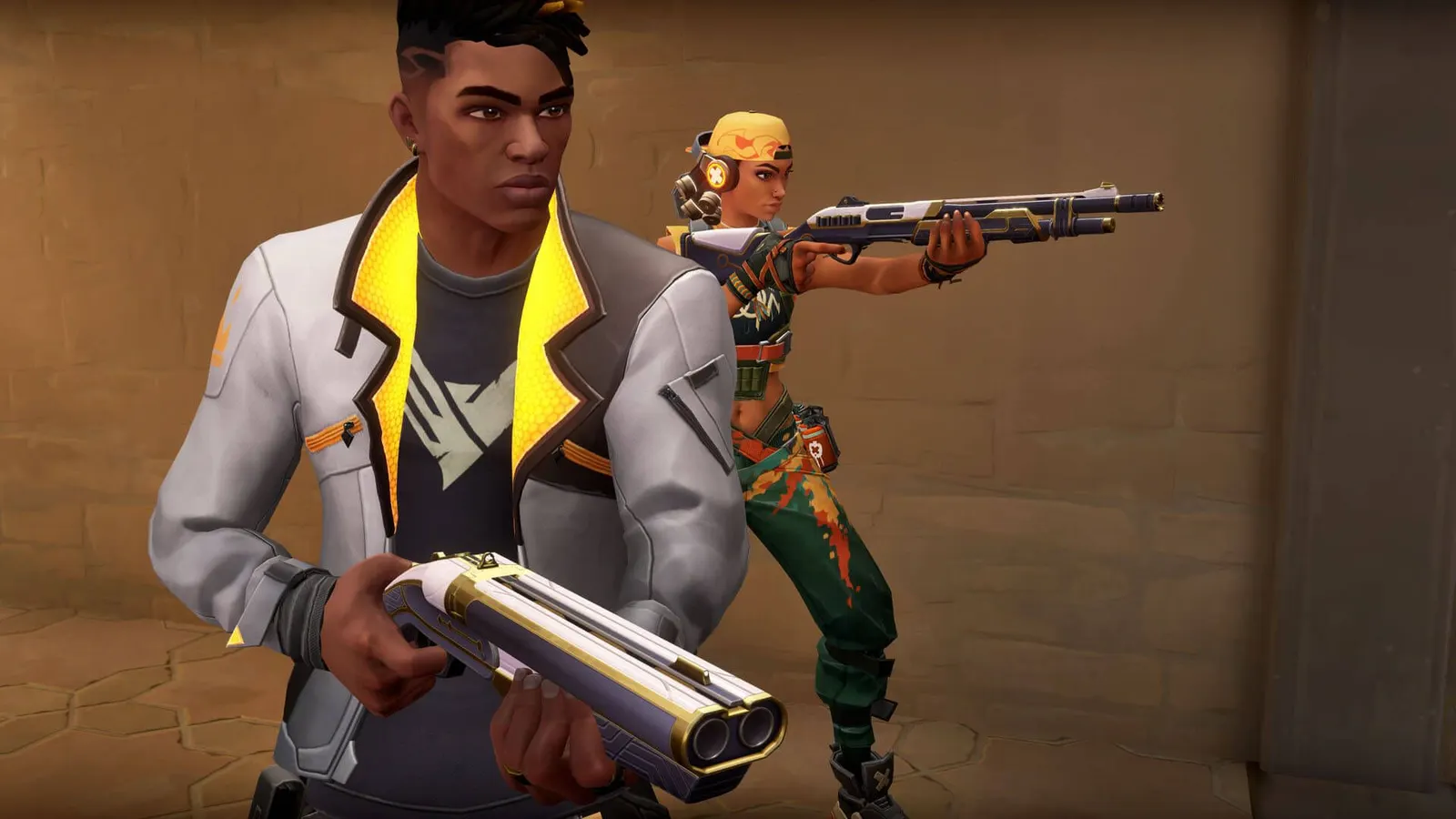
The biggest frame costs in VALORANT are Material Quality, Detail Quality. Start there, then work through the stutter checklist.
Updated . Game data researched November 2026.
Material Quality
Surface detail; Low or Med are enough to see clearly.
Detail Quality
Fewer small decorative objects.
Values shown are what we pick for max FPS (visibility kept where it matters). Section names follow the in-game menu.
| Setting | Low-end value |
|---|---|
| Display Mode | Fullscreen |
| Resolution | Your monitor's native resolution; scale with the upscaler instead |
| Limit FPS Always | 3 below your refresh rate (141 on 144 Hz); uncapped for max FPS |
| NVIDIA Reflex Low Latency | On with NVIDIA Reflex on GeForce; On with AMD Anti-Lag 2 on Radeon |
| Multithreaded Rendering | On |
| Material Quality | Low |
| Texture Quality | Low |
| Detail Quality | Low |
| UI Quality | Low |
| Vignette | Off |
| VSync | Off; use G-Sync or FreeSync with an FPS cap instead |
| Anti-Aliasing | None |
| Anisotropic Filtering | 1x |
| Improve Clarity | Off |
| [BETA] Experimental Sharpening | Off |
| Bloom | Off |
| Distortion | Off |
| Cast Shadows | Off |