Skip to content
Set up my rig
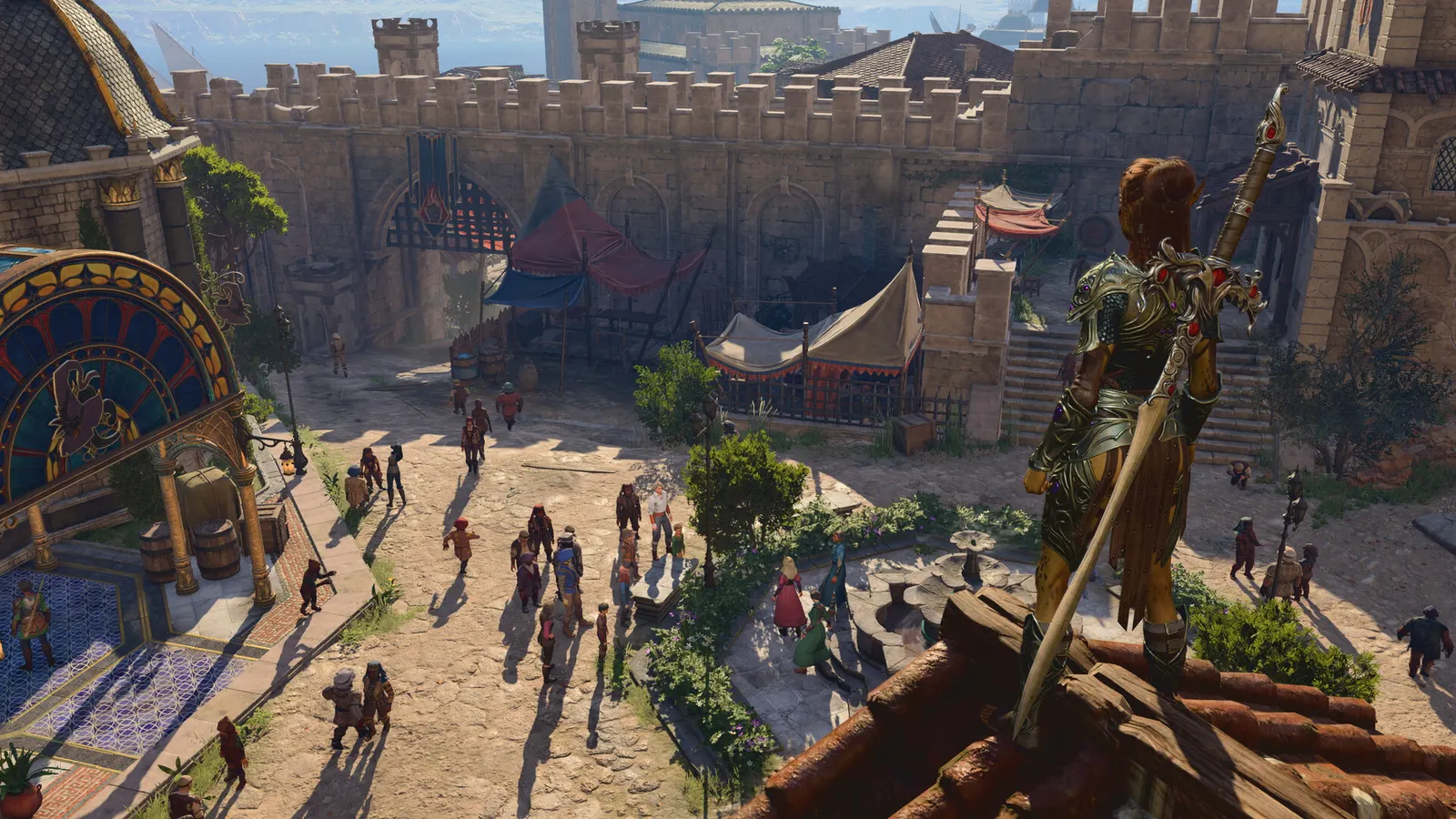
Baldur's Gate 3, official artwork

Baldur's Gate 3 FPS boost and stutter fix

The biggest frame costs in Baldur's Gate 3 are Shadow Quality, Model Quality, Detail Distance. Start there, then work through the stutter checklist.

Updated . Game data researched November 2026.

  • PEGI 18
Genre
CRPG
Developer
Larian Studios
Released
2023
Platforms
PC, Mac, Xbox, PlayStation

Which Baldur's Gate 3 settings cost the most FPS?

Shadow Quality

The biggest GPU-side cost; Medium is a good compromise.

Low

Model Quality

One of the two options worth keeping high (with textures).

Low

Detail Distance

How far detailed models are drawn; CPU and GPU cost.

Low

Instance Distance

Draw distance for small objects such as grass.

Low

Dynamic Crowds

Extra background NPCs in cities; guides turn it off on weaker hardware.

Disabled

Fog Quality

Resolution of volumetric effects.

Low

Values shown are what we pick for max FPS. Section names follow the in-game menu.

Upscaling and latency in BG3

  • Upscaling: NVIDIA DLSS, AMD FSR, Intel XeSS, DLAA. Use the Quality mode first; at 1080p avoid Balanced and Performance, they get blurry.
  • Frame generation: not available in this game.
  • Latency: no Reflex or Anti-Lag 2 in this game. Cap your FPS a few frames below your refresh rate instead.

Upscaling explained

How do I fix stuttering in Baldur's Gate 3?

BG3: Skip the launcher and choose the API

  1. In BG3, the Larian launcher lets you start the game with DirectX 11 or Vulkan.
  2. In BG3, to skip it, add --skip-launcher to the launch options (Steam library > right-click > Properties > General).
  3. In BG3, community guides report DirectX 11 as the stable choice; try Vulkan only if you see low GPU usage on a Radeon.

In BG3, behaviour of launch options can change with patches; community-reported.

BG3: Act 3 is CPU-heavy

  1. In BG3, frame rate drops in the Lower City are usually a CPU limit, so GPU settings change little there.
  2. In BG3, turn off Dynamic Crowds and lower Detail Distance and Instance Distance to help.
  3. In BG3, make sure your RAM runs at its rated XMP/EXPO speed.

In BG3, based on community reports; the game's own benchmark tests use the opening area.

BG3: Install it on an SSD

  1. In BG3, the game needs about 150 GB and lists an SSD as required.
  2. In BG3, on a hard drive expect long loads and texture pop-in.

Checklist for every PC

  • Install the game on an SSD: a hard drive causes texture pop-in and hitches. Baldur's Gate 3 wants 16 GB of RAM; close browsers and launchers while playing.
  • Lower Textures one step if your graphics card has 8 GB of VRAM or less and you see sudden drops.
  • Let shaders finish compiling on first launch and after driver updates; the first match can stutter.
  • Enable XMP/EXPO so your RAM runs at its rated speed, and update your graphics driver.
  • Check that Windows runs your monitor at its full refresh rate: how to check.
  • Turn on Game Mode and Hardware-accelerated GPU scheduling: Windows gaming settings.

Baldur's Gate 3 settings for a low-end PC

SettingLow-end value
APIDirectX 11
V-SyncOff; use G-Sync or FreeSync with an FPS cap instead
Maximum Frame Rate3 below your refresh rate (141 on 144 Hz); uncapped for max FPS
Model QualityLow
Detail DistanceLow
Instance DistanceLow
Texture QualityLow
Texture FilteringTrilinear
Animation Level of DetailLow
Dynamic CrowdsDisabled
Shadow QualityLow
Cloud QualityLow
Fog QualityLow
Upscaling (DLSS / FSR / XeSS)Native; DLSS Quality on RTX, FSR Quality on AMD and older GeForce, XeSS on Intel Arc
Ambient OcclusionDisabled
Depth of FieldOff
God RaysDisabled
BloomEnabled
Subsurface ScatteringDisabled