How do I show FPS in BF3?
- In BF3, in a match press ~ to open the console, type render.drawfps 1 and press Enter (0 turns it off).
- In BF3, the Steam overlay FPS counter or the NVIDIA app / AMD Software overlay also works.
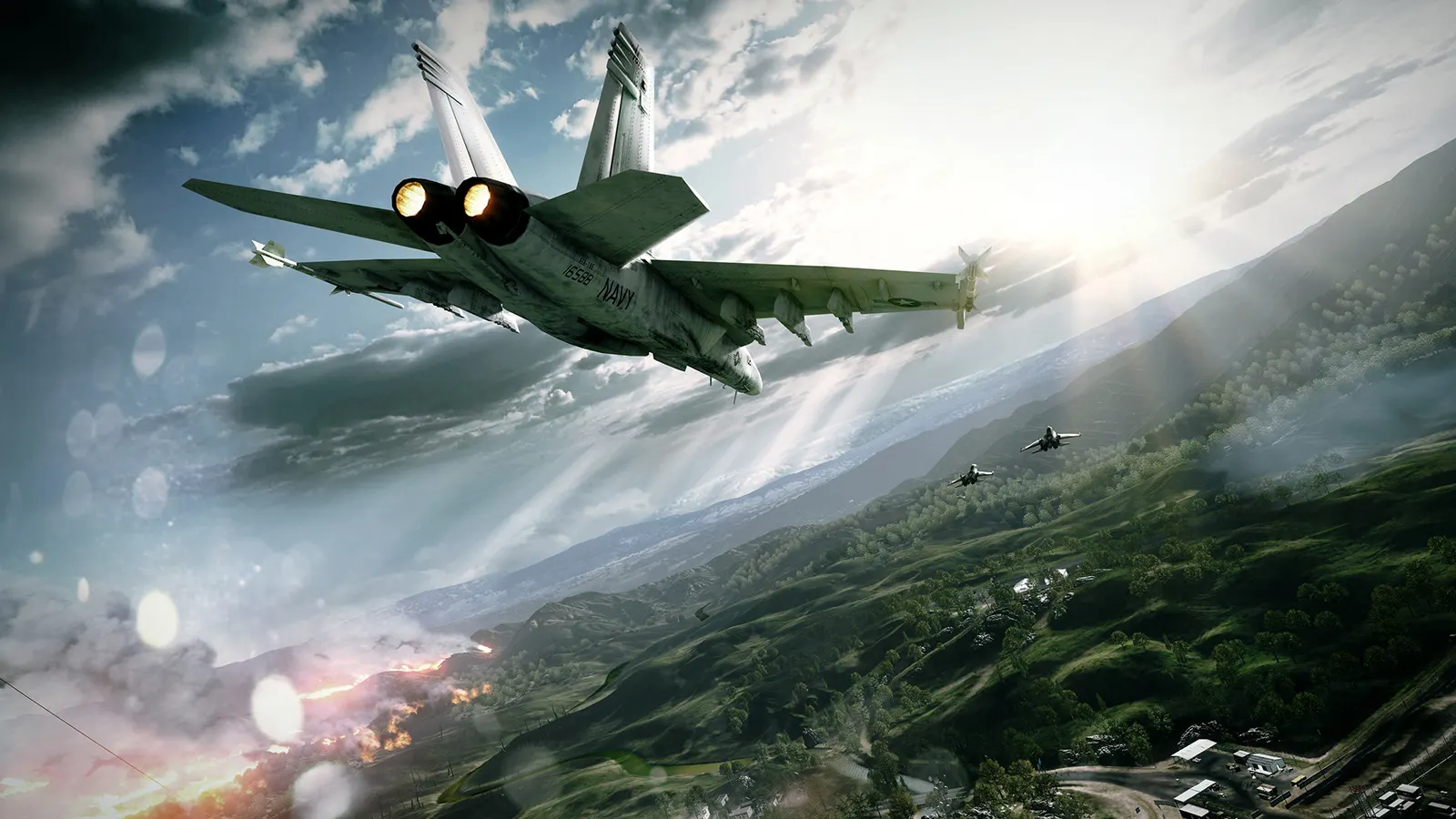
DICE's 2011 Frostbite 2 shooter with 64-player Conquest on PC, jets, destruction and a co-op mode. A mid-range GPU from the last ten years runs it at Ultra and far above 60 fps; the useful tuning is MSAA versus FXAA, ambient occlusion, the field of view and the frame cap. The game needs the EA app to launch, including the Steam version.
Best Battlefield 3 settings at 1080p for an RTX 4060 + Ryzen 5 7600: Ultra, lowering Graphics Quality and Shadow Quality first. Modelled: that PC gets about 220 fps, an RTX 3060 + Ryzen 5 5600 180 fps (Ultra), a GTX 1650 + Core i5-10400 120 fps (High). Calibrated against 15 measured benchmarks. How we estimate this
Updated . Game data researched November 2026.
The setting for every preset, from Low to Ultra. Save your hardware to get one tuned list.
Set up your rig to see which column fits your PC, with an estimate of your frames.
| Setting | Low | Medium | High | Ultra |
|---|---|---|---|---|
| Fullscreen | On | On | On | On |
| Fullscreen Resolution | Your monitor's native resolution; scale with the upscaler instead | |||
| Vertical Sync | Off; use G-Sync or FreeSync with an FPS cap instead | |||
| Field of View | 90 | 90 | 90 | 90 |
| Graphics Quality | Low | Medium | High | Ultra |
| Texture Quality | Low | Medium | High | Ultra |
| Shadow Quality | Low | Medium | High | Ultra |
| Effects Quality | Low | Medium | High | Ultra |
| Mesh Quality | Low | Medium | High | Ultra |
| Terrain Quality | Low | Medium | High | Ultra |
| Terrain Decoration | Low | Medium | High | Ultra |
| Antialiasing Deferred | Off | Off | 2x MSAA | 4x MSAA |
| Antialiasing Post | Low | Medium | High | High |
| Motion Blur | Off | Off | Off | Off |
| Anisotropic Filtering | 16x | 16x | 16x | 16x |
| Ambient Occlusion | Off | SSAO | SSAO | HBAO |
| GameTime.MaxVariableFps (console) | 3 below your refresh rate (141 on 144 Hz); uncapped for max FPS | |||
Modelled frame rates on the High preset at native resolution, without upscaling or frame generation. Your own rig can differ: check your exact PC.
| Graphics card | 1080p | 1440p | 4K |
|---|---|---|---|
| RTX 4090 | 710 fps | 630 fps | 330 fps |
| RTX 4070 | 550 fps | 345 fps | 180 fps |
| RTX 4060 | 330 fps | 210 fps | 110 fps |
| RTX 3060 12GB | 270 fps | 170 fps | 90 fps |
| GTX 1650 | 120 fps | 75 fps | 40 fps |
| RX 7800 XT | 570 fps | 360 fps | 190 fps |
| RX 7600 | 330 fps | 210 fps | 110 fps |
| RX 6600 | 260 fps | 165 fps | 85 fps |
These are estimates from our model, not measurements; real results vary with the scene, drivers and background load. Orange numbers are below 60 fps. How we estimate this
Deploy to Railway to Golmud, an iconic map reimagined to become the biggest Battlefield 6 map yet. Engage in all-out war across a village in ruins, a massive landscape ablaze with tank shootouts, an industrial site, and a moving railway…
Read on Steam (opens in a new tab): Battlefield 6 Season 3 Official Gameplay TrailerWarm up by the gunfire this holiday season with up to 30% off Battlefield 6 Standard Edition or up to 20% off Phantom Edition. Experience ultimate all-out warfare. Fight in high-intensity infantry combat. Rip through the skies in aerial…
Read on Steam (opens in a new tab): Get up to 30% off Battlefield 6This Community Update outlines the current status of the Class System in Battlefield Labs, featuring insights from early player experiences. Some systems aren't yet available in Battlefield Labs, but everything discussed here is crucial…
Read on Steam (opens in a new tab): Battlefield Labs - Community Update - The Class System - Part TwoToday, we're excited to start outlining our future vision for the Class System in Battlefield. The gameplay mechanics of classes and aspects that players have enjoyed most have evolved throughout the history of the Battlefield franchise…
Read on Steam (opens in a new tab): Battlefield Labs - Community Update - The Class System - Part One