Skip to content
Set up my rig
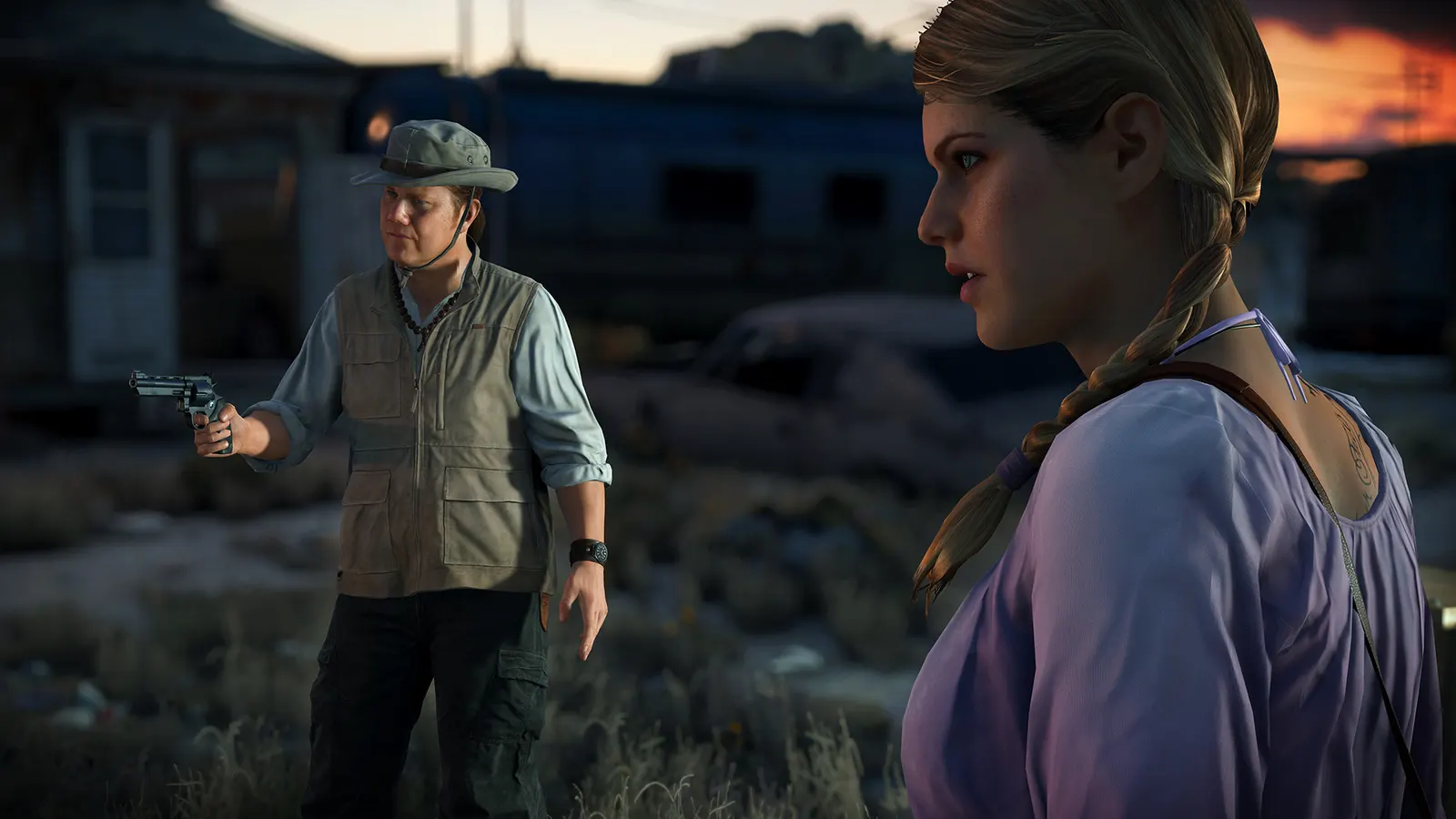
Battlefield Hardline, official artwork

Best Battlefield Hardline settings

Visceral's 2015 cops-versus-criminals take on Battlefield, built on Frostbite 3. Easy to run on modern hardware; the Ultra preset adds 4x MSAA and costs about as much as the rest of the settings combined.

Best Battlefield Hardline settings at 1080p for an RTX 4060 + Ryzen 5 7600: Ultra, lowering Antialiasing Deferred first. Modelled: that PC gets about 225 fps, an RTX 3060 + Ryzen 5 5600 185 fps (Ultra), a GTX 1650 + Core i5-10400 130 fps (High). Calibrated against 19 measured benchmarks. How we estimate this

Updated . Game data researched November 2026.

  • PEGI 18
Genre
Cops-and-robbers shooter
Developer
Visceral Games / EA
Released
2015
Platforms
PC, Xbox, PlayStation
Engine
Frostbite 3
Researched
Nov 2026

What are the best Battlefield Hardline graphics settings?

The setting for every preset, from Low to Ultra. Save your hardware to get one tuned list.

Tell us your hardware once and every game page shows settings for it. Set up my rig

Set up your rig to see which column fits your PC, with an estimate of your frames.

Battlefield Hardline graphics settings per preset
SettingLowMediumHighUltra
Resolution Your monitor's native resolution; scale with the upscaler instead
Vertical Sync Off; use G-Sync or FreeSync with an FPS cap instead
Texture Quality LowMediumHighUltra
Texture Filtering LowMediumHighUltra
Lighting Quality LowMediumHighUltra
Effects Quality LowMediumHighUltra
Post Process Quality LowMediumHighUltra
Mesh Quality LowMediumHighUltra
Terrain Quality LowMediumHighUltra
Undergrowth Quality LowMediumHighUltra
Antialiasing Deferred OffOffOff4x MSAA
Antialiasing Post OffFXAA LowFXAA MediumFXAA High
Ambient Occlusion OffSSAOSSAOHBAO

How much FPS will I get in Battlefield Hardline?

Modelled frame rates on the High preset at native resolution, without upscaling or frame generation. Your own rig can differ: check your exact PC.

Estimated Battlefield Hardline FPS by graphics card, High preset, with a Ryzen 7 7800X3D and 16 GB RAM
Graphics card 1080p1440p4K
RTX 4090 455 fps455 fps360 fps
RTX 4070 455 fps380 fps200 fps
RTX 4060 360 fps225 fps120 fps
RTX 3060 12GB 295 fps185 fps95 fps
GTX 1650 130 fps85 fps45 fps
RX 7800 XT 455 fps390 fps205 fps
RX 7600 360 fps225 fps120 fps
RX 6600 285 fps180 fps95 fps

These are estimates from our model, not measurements; real results vary with the scene, drivers and background load. Orange numbers are below 60 fps. How we estimate this

What are the best BFH tips for more FPS?

How do I show FPS in BFH?

  1. In BFH, press ~ in a match or the menu to open the console (use a US keyboard layout if it does not open).
  2. In BFH, type PerfOverlay.DrawFps 1 and press Enter; 0 hides it again.
  3. In BFH, alternative: the Steam overlay FPS counter (Steam > Settings > In Game).

BFH: Recording tools show no FPS

  1. In BFH, notebookcheck needed the console setting RenderDevice.PresentAsync 0 (for example in a user.cfg text file in the game folder) before Fraps could read the frame rate.
  2. In BFH, if a capture or overlay tool shows nothing, try that line.

BFH: Play on PC

  1. In BFH, PC multiplayer is still online but has a small player population; the PlayStation 4 and Xbox One servers closed on 22 June 2026.
  2. In BFH, use the server browser or quick match at off-peak hours and expect fewer game modes to fill.

News from Steam

All news