Skip to content
Set up my rig
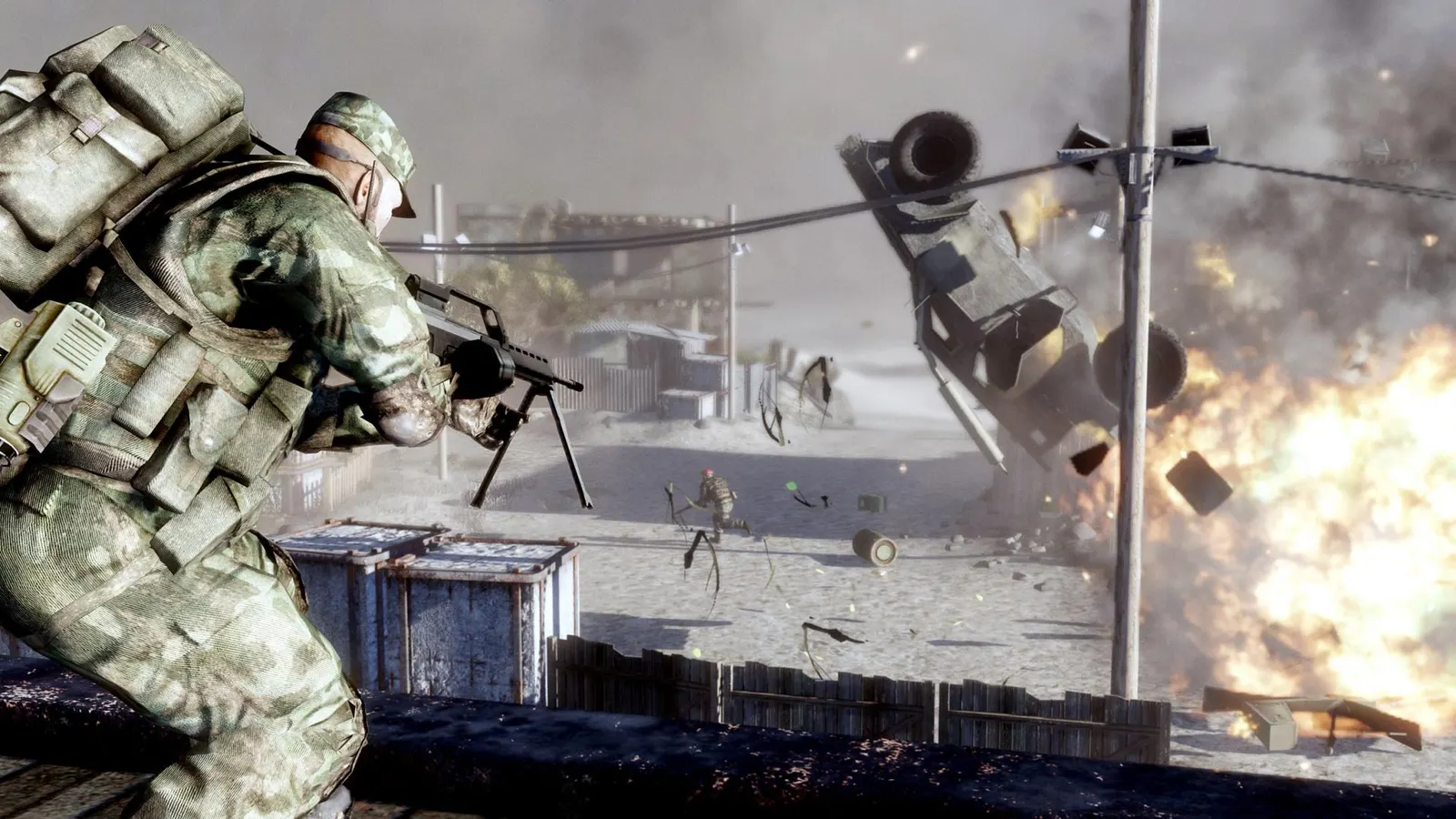
Battlefield: Bad Company 2, official artwork

Battlefield: Bad Company 2 FPS boost and stutter fix

The biggest frame costs in Battlefield: Bad Company 2 are Overall Quality, Level of Detail, Shadow Quality. Start there, then work through the stutter checklist.

Updated . Game data researched November 2026.

  • PEGI 16
  • Delisted
Genre
Military shooter
Developer
DICE
Released
2010
Platforms
PC, Xbox, PlayStation

Which Battlefield: Bad Company 2 settings cost the most FPS?

Overall Quality

A preset (Low, Medium, High, Advanced) that sets the individual options below; changing texture options needs a full restart of the game.

Low

Level of Detail

Controls how far detailed models and terrain are drawn.

Low

Shadow Quality

Noticeable in heavy firefights with many dynamic shadows; DirectX 11 makes them softer.

Low

Anti-Aliasing

NVIDIA recommends 4x as the balance between image quality and speed; it is disabled when the game runs in DirectX 9.

Off

HBAO

A heavy GPU effect in 2010 and cheap on current cards; leave it off in a competitive setup.

Off

Values shown are what we pick for max FPS. Section names follow the in-game menu.

Upscaling and latency in BC2

  • Upscaling: not available in this game.
  • Frame generation: not available in this game.
  • Latency: no Reflex or Anti-Lag 2 in this game. Cap your FPS a few frames below your refresh rate instead.

Upscaling explained

How do I fix stuttering in Battlefield: Bad Company 2?

BC2: Change the field of view

  1. In BC2, close the game, then open settings.ini in the game's settings folder inside your Documents folder.
  2. In BC2, change the Fov line (default 55, a vertical value) and save; a higher number shows more of the world and applies to multiplayer only.

BC2: Force a DirectX version

  1. In BC2, in settings.ini the DxVersion line accepts Auto, 11, 10 or 9; the game falls back to the next lower version it supports.
  2. In BC2, DirectX 11 gives softer shadows; use 9 only if the game is unstable, at the cost of anti-aliasing and HBAO.

BC2: Online play after December 2023

  1. In BC2, EA removed the game from sale in April 2023 and closed the official servers on 8 December 2023; the single-player campaign still works for owners.
  2. In BC2, on PC, fan-run community servers keep online play going (the Project Rome community patch). Console versions have no such option.

Checklist for every PC

  • Install the game on an SSD: a hard drive causes texture pop-in and hitches. Battlefield: Bad Company 2 wants 2 GB of RAM; close browsers and launchers while playing.
  • Lower Textures one step if your graphics card has 8 GB of VRAM or less and you see sudden drops.
  • Let shaders finish compiling on first launch and after driver updates; the first match can stutter.
  • Enable XMP/EXPO so your RAM runs at its rated speed, and update your graphics driver.
  • Check that Windows runs your monitor at its full refresh rate: how to check.
  • Turn on Game Mode and Hardware-accelerated GPU scheduling: Windows gaming settings.

Battlefield: Bad Company 2 settings for a low-end PC

SettingLow-end value
ResolutionYour monitor's native resolution; scale with the upscaler instead
Overall QualityLow
Level of DetailLow
Texture QualityLow
Shadow QualityLow
Effects QualityLow
Anti-AliasingOff
Anisotropic Filtering16x
HBAOOff
DirectX VersionAuto
VSyncOff; use G-Sync or FreeSync with an FPS cap instead
Fov (settings.ini)75