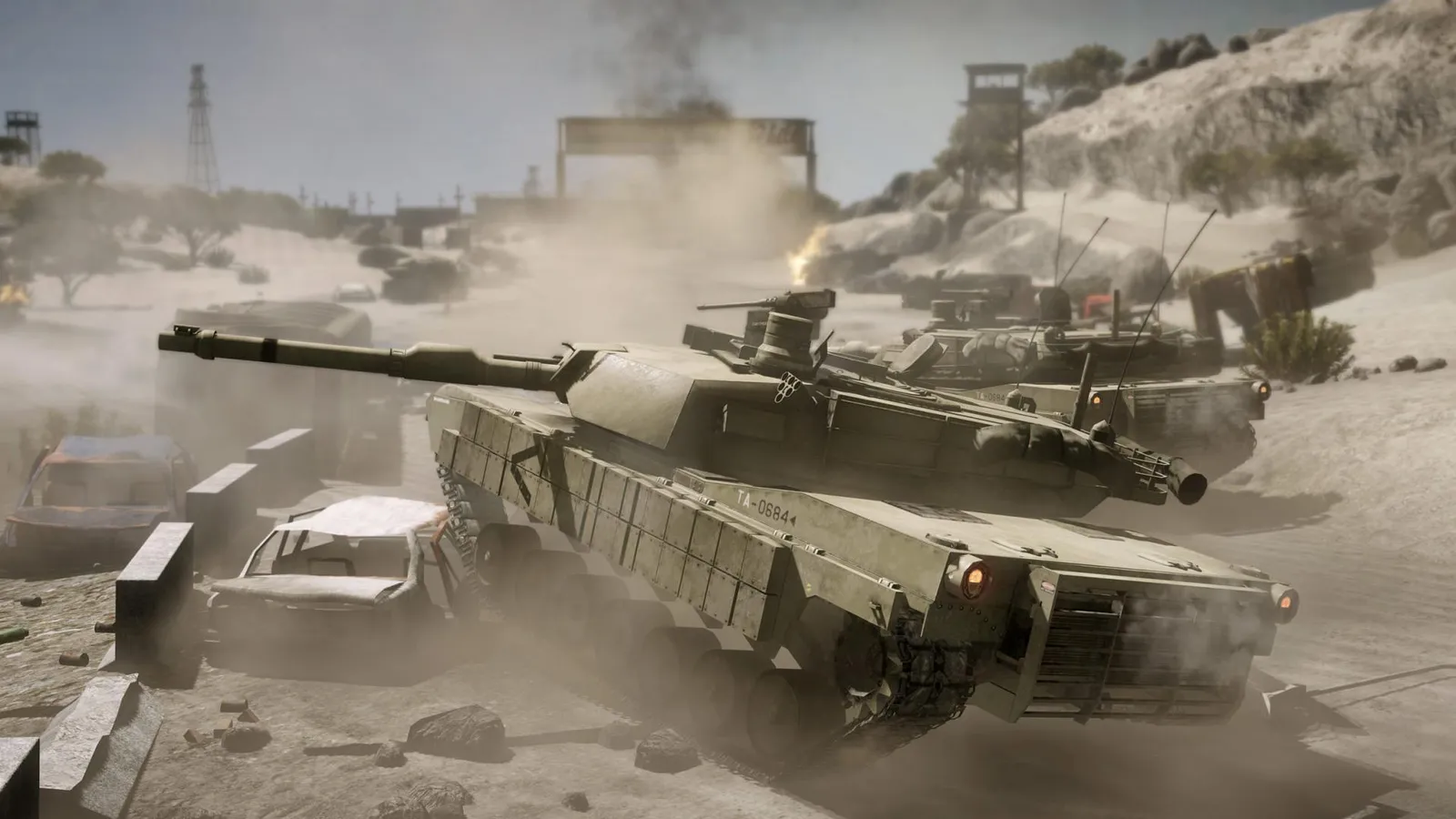
How do I show FPS in BC2?
- In BC2, use the Steam overlay FPS counter (Steam > Settings > In Game) or the NVIDIA app / AMD Software overlay.
- In BC2, NVIDIA suggests keeping minimum frame rate consistently above 25-30 fps when testing.
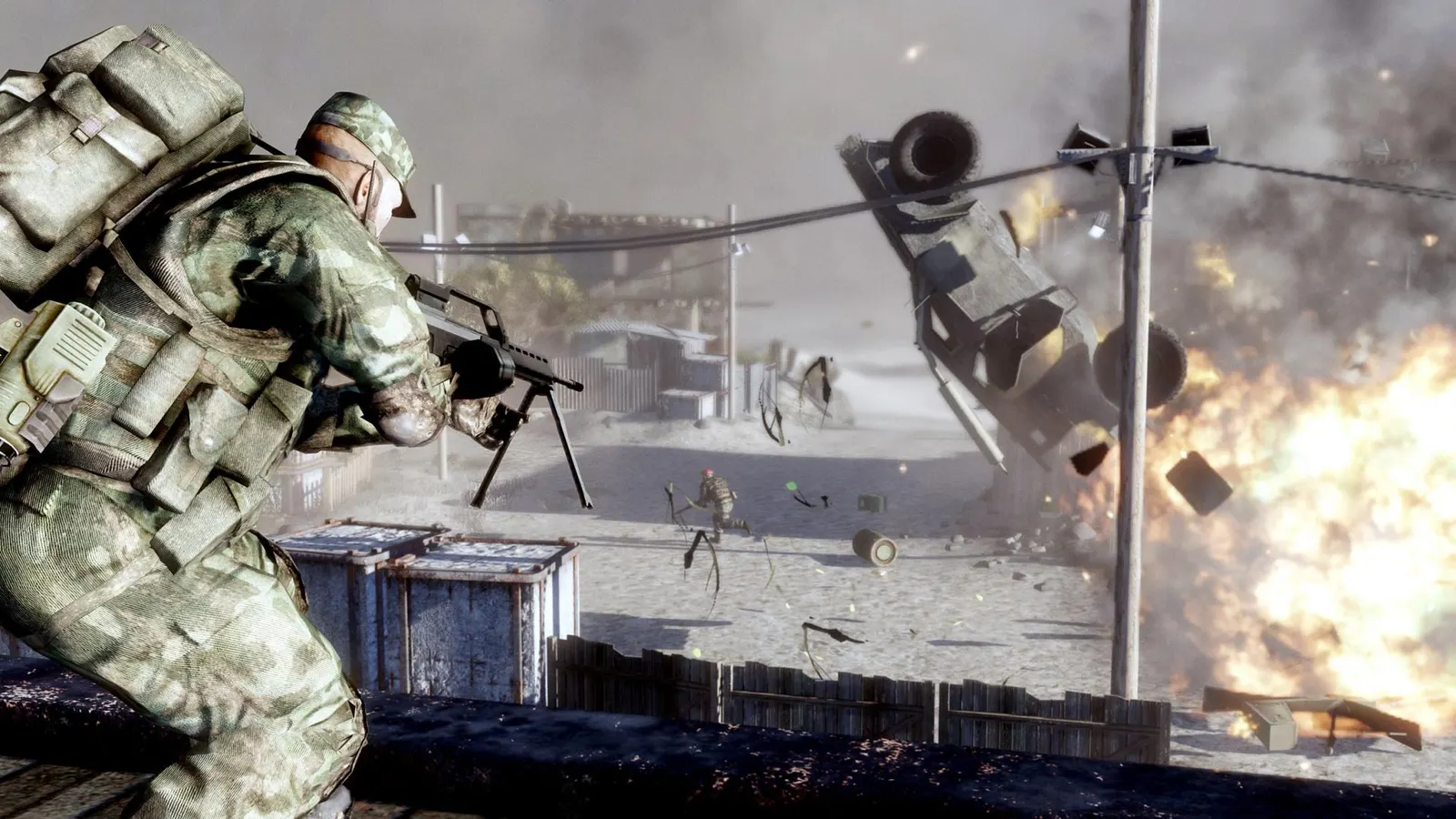
DICE's 2010 squad-based shooter with Frostbite destruction, Rush and Conquest, and a comic-toned campaign. It runs well above 60 fps on current hardware, but official servers closed in December 2023, so the PC version relies on fan-run servers; the useful tuning is anti-aliasing, DirectX version and the field-of-view line in settings.ini.
Best Battlefield: Bad Company 2 settings at 1080p for an RTX 4060 + Ryzen 5 7600: Ultra. Modelled: that PC gets about 365 fps, an RTX 3060 + Ryzen 5 5600 295 fps (Ultra), a GTX 1650 + Core i5-10400 130 fps (Ultra). Calibrated against 22 measured benchmarks. How we estimate this
Updated . Game data researched November 2026.
The setting for every preset, from Low to Ultra. Save your hardware to get one tuned list.
Set up your rig to see which column fits your PC, with an estimate of your frames.
| Setting | Low | Medium | High | Ultra |
|---|---|---|---|---|
| Resolution | Your monitor's native resolution; scale with the upscaler instead | |||
| Overall Quality | Low | Medium | High | Advanced |
| Level of Detail | Low | Medium | High | High |
| Texture Quality | Low | Medium | High | High |
| Shadow Quality | Low | Medium | High | High |
| Effects Quality | Low | Medium | High | High |
| Anti-Aliasing | Off | 2x | 4x | 4x |
| Anisotropic Filtering | 16x | 16x | 16x | 16x |
| HBAO | Off | Off | Off | On |
| DirectX Version | Auto | Auto | Auto | Auto |
| VSync | Off; use G-Sync or FreeSync with an FPS cap instead | |||
| Fov (settings.ini) | 75 | 75 | 75 | 75 |
Modelled frame rates on the High preset at native resolution, without upscaling or frame generation. Your own rig can differ: check your exact PC.
| Graphics card | 1080p | 1440p | 4K |
|---|---|---|---|
| RTX 4090 | 765 fps | 765 fps | 470 fps |
| RTX 4070 | 765 fps | 495 fps | 260 fps |
| RTX 4060 | 470 fps | 300 fps | 155 fps |
| RTX 3060 12GB | 385 fps | 245 fps | 125 fps |
| GTX 1650 | 170 fps | 110 fps | 55 fps |
| RX 7800 XT | 765 fps | 515 fps | 270 fps |
| RX 7600 | 470 fps | 300 fps | 155 fps |
| RX 6600 | 370 fps | 235 fps | 125 fps |
These are estimates from our model, not measurements; real results vary with the scene, drivers and background load. Orange numbers are below 60 fps. How we estimate this