Skip to content
Set up my rig
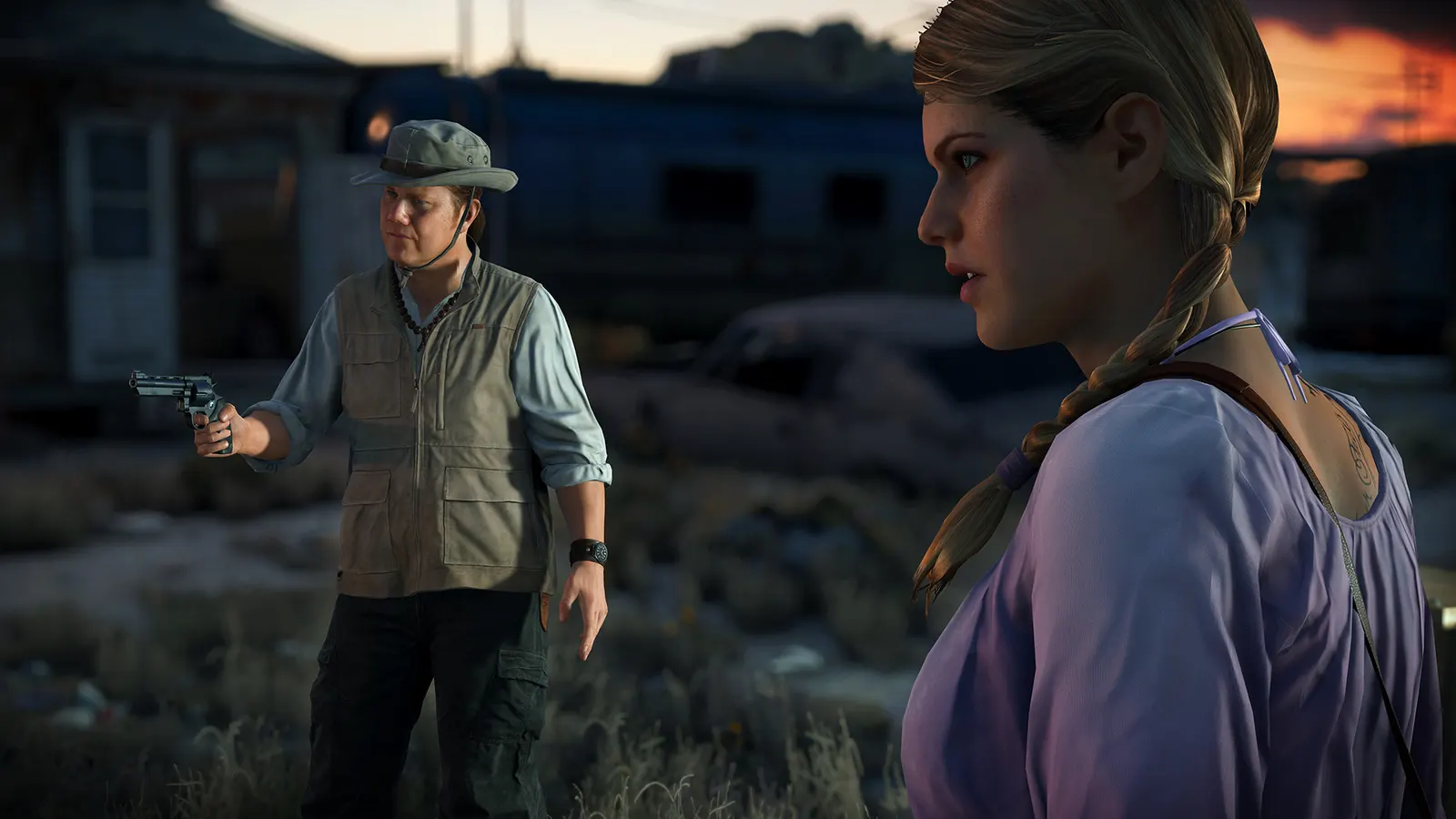
Battlefield Hardline, official artwork

Battlefield Hardline FPS boost and stutter fix

The biggest frame costs in Battlefield Hardline are Antialiasing Deferred, Lighting Quality, Effects Quality. Start there, then work through the stutter checklist.

Updated . Game data researched November 2026.

  • PEGI 18
Genre
Cops-and-robbers shooter
Developer
Visceral Games / EA
Released
2015
Platforms
PC, Xbox, PlayStation

Which Battlefield Hardline settings cost the most FPS?

Antialiasing Deferred

The Ultra preset adds 4x MSAA, which is why Ultra is far slower than High (Notebookcheck: 93 against 130 fps on a GTX 980).

Off

Lighting Quality

Lighting and shadow detail.

Low

Effects Quality

Explosions, smoke and debris; Low keeps fights readable.

Low

Post Process Quality

Bloom, depth of field and colour grading.

Low

Mesh Quality

Object detail and draw distance.

Medium

Ambient Occlusion

Soft contact shadows; HBAO costs more than SSAO.

Off

Values shown are what we pick for max FPS. Section names follow the in-game menu.

Upscaling and latency in BFH

  • Upscaling: not available in this game.
  • Frame generation: not available in this game.
  • Latency: no Reflex or Anti-Lag 2 in this game. Cap your FPS a few frames below your refresh rate instead.

Upscaling explained

How do I fix stuttering in Battlefield Hardline?

BFH: Recording tools show no FPS

  1. In BFH, notebookcheck needed the console setting RenderDevice.PresentAsync 0 (for example in a user.cfg text file in the game folder) before Fraps could read the frame rate.
  2. In BFH, if a capture or overlay tool shows nothing, try that line.

BFH: Play on PC

  1. In BFH, PC multiplayer is still online but has a small player population; the PlayStation 4 and Xbox One servers closed on 22 June 2026.
  2. In BFH, use the server browser or quick match at off-peak hours and expect fewer game modes to fill.

Checklist for every PC

  • Install the game on an SSD: a hard drive causes texture pop-in and hitches. Battlefield Hardline wants 8 GB of RAM; close browsers and launchers while playing.
  • Lower Textures one step if your graphics card has 8 GB of VRAM or less and you see sudden drops.
  • Let shaders finish compiling on first launch and after driver updates; the first match can stutter.
  • Enable XMP/EXPO so your RAM runs at its rated speed, and update your graphics driver.
  • Check that Windows runs your monitor at its full refresh rate: how to check.
  • Turn on Game Mode and Hardware-accelerated GPU scheduling: Windows gaming settings.

Battlefield Hardline settings for a low-end PC

SettingLow-end value
ResolutionYour monitor's native resolution; scale with the upscaler instead
Vertical SyncOff; use G-Sync or FreeSync with an FPS cap instead
Texture QualityLow
Texture FilteringLow
Lighting QualityLow
Effects QualityLow
Post Process QualityLow
Mesh QualityLow
Terrain QualityLow
Undergrowth QualityLow
Antialiasing DeferredOff
Antialiasing PostOff
Ambient OcclusionOff