How do I show FPS in BioShock 2?
- In BioShock 2, in Steam, open Settings > In Game and set "In-game FPS counter" to a screen corner.
- In BioShock 2, alternatively use the NVIDIA app or AMD Software overlay.
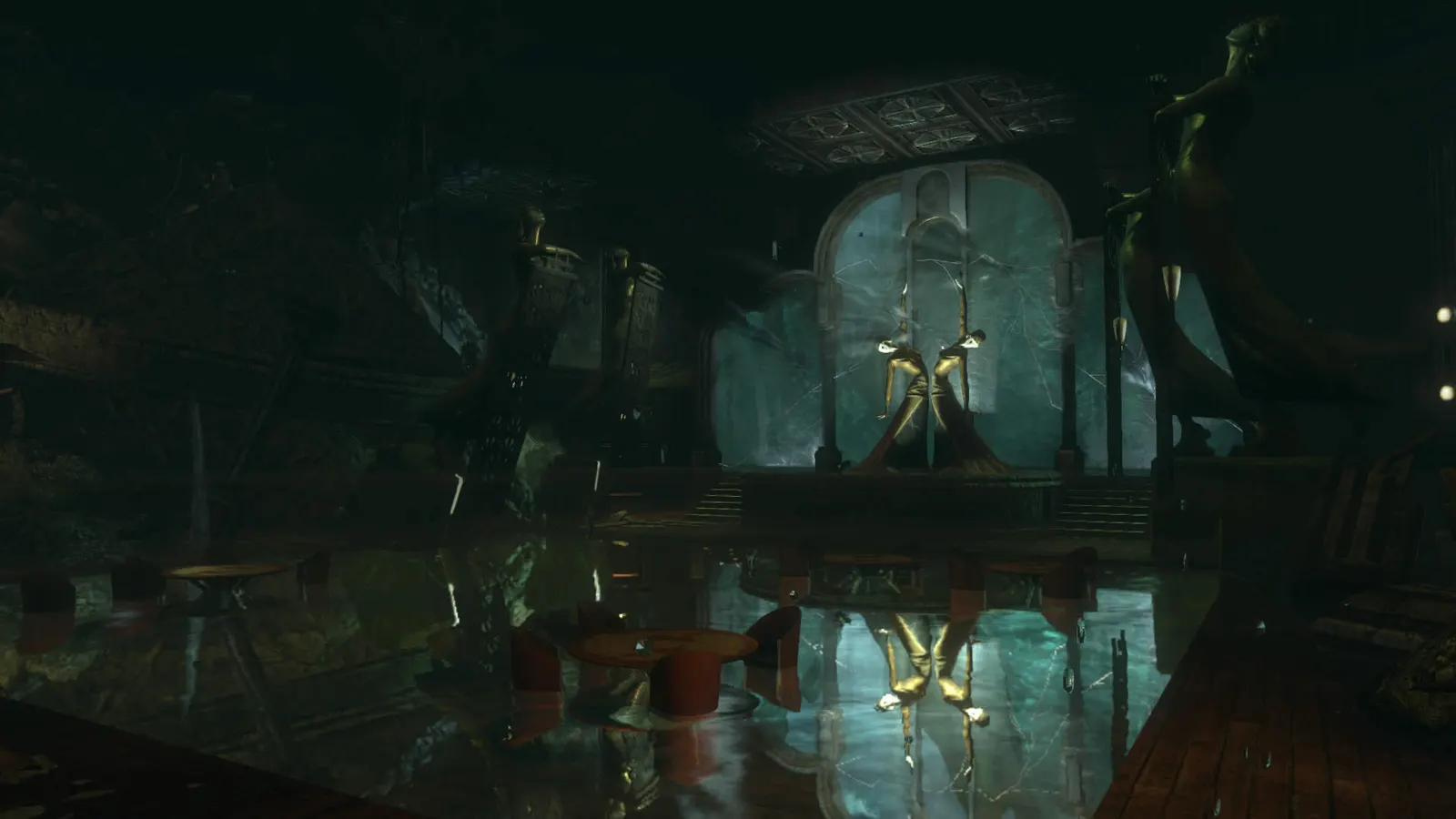
The 2016 remaster of the 2010 sequel set in Rapture, with updated textures, lighting and effects. It is light by today's standards: nearly any recent GPU holds 60 fps or more at 1080p, so the useful tuning is the field of view slider, anti-aliasing, anisotropic filtering and keeping V-Sync from capping you.
Best BioShock 2 Remastered settings at 1080p for an RTX 4060 + Ryzen 5 7600: Ultra. Modelled: that PC gets about 235 fps, an RTX 3060 + Ryzen 5 5600 195 fps (Ultra), a GTX 1650 + Core i5-10400 120 fps (High). Rough estimate: no published benchmarks yet. How we estimate this
Updated . Game data researched November 2026.
The setting for every preset, from Low to Ultra. Save your hardware to get one tuned list.
Set up your rig to see which column fits your PC, with an estimate of your frames.
| Setting | Low | Medium | High | Ultra |
|---|---|---|---|---|
| Resolution | Your monitor's native resolution; scale with the upscaler instead | |||
| V-Sync | Off; use G-Sync or FreeSync with an FPS cap instead | |||
| Anti-Aliasing | Off | On | On | On |
| Anisotropic Filtering | Low | Medium | High | High |
| Field of View | 90-100 | 90-100 | 90-100 | 90-100 |
Modelled frame rates on the High preset at native resolution, without upscaling or frame generation. Your own rig can differ: check your exact PC.
| Graphics card | 1080p | 1440p | 4K |
|---|---|---|---|
| RTX 4090 | 445 fps | 445 fps | 330 fps |
| RTX 4070 | 445 fps | 345 fps | 180 fps |
| RTX 4060 | 330 fps | 210 fps | 110 fps |
| RTX 3060 12GB | 270 fps | 170 fps | 90 fps |
| GTX 1650 | 120 fps | 75 fps | 40 fps |
| RX 7800 XT | 445 fps | 360 fps | 190 fps |
| RX 7600 | 330 fps | 210 fps | 110 fps |
| RX 6600 | 260 fps | 165 fps | 85 fps |
These are estimates from our model, not measurements; real results vary with the scene, drivers and background load. Orange numbers are below 60 fps. How we estimate this
As the leaves turn and the crisp autumn air settles in, that familiar feeling returns: the golden hour after school or work, rushing home to drop your bag, power up your rig, and lose yourself in a world you love. The long summer nights…
Read on Steam (opens in a new tab): Cozy Up with 2K: The Autumn Sale is Live on Steam! Save Big Through Oct 8.*The 2K Summer Sale is officially live on Steam, and it’s the perfect excuse to find your next great escape. Summer is about having the time to truly immerse yourself, dive deep into a world, and remember exactly why you fell in love with…
Read on Steam (opens in a new tab): Time to Play: The 2K Summer Sale is Officially Live on SteamSave Big During the 2K Spring Sale Shake off the winter frost and grow your library with deep discounts on 2K’s biggest hits. From legendary strategy epics to high-octane shooters, there has never been a better time to jump into a new…
Read on Steam (opens in a new tab): Fresh Deals in Full Bloom: Save Big During the 2K Spring SaleThe massive 2K Publisher Sale has officially started on Steam! For a limited time, grab great deals on your favorite blockbuster games and complete collections! 🔥 New Titles & Major Milestones: Dive into our latest hits and celebrate…
Read on Steam (opens in a new tab): 🚀 The 2K Publisher Sale* is LIVE! 🚀 BioShock 2 Remastered Endings Guide: Good, Neutral and Bad
Every BioShock 2 ending explained: how Little Sister choices decide Eleanor and Delta's fate, and how Grace, Stanley and Gilbert decide whether Sofia Lamb lives.
Guide · BioShock 2 Remastered
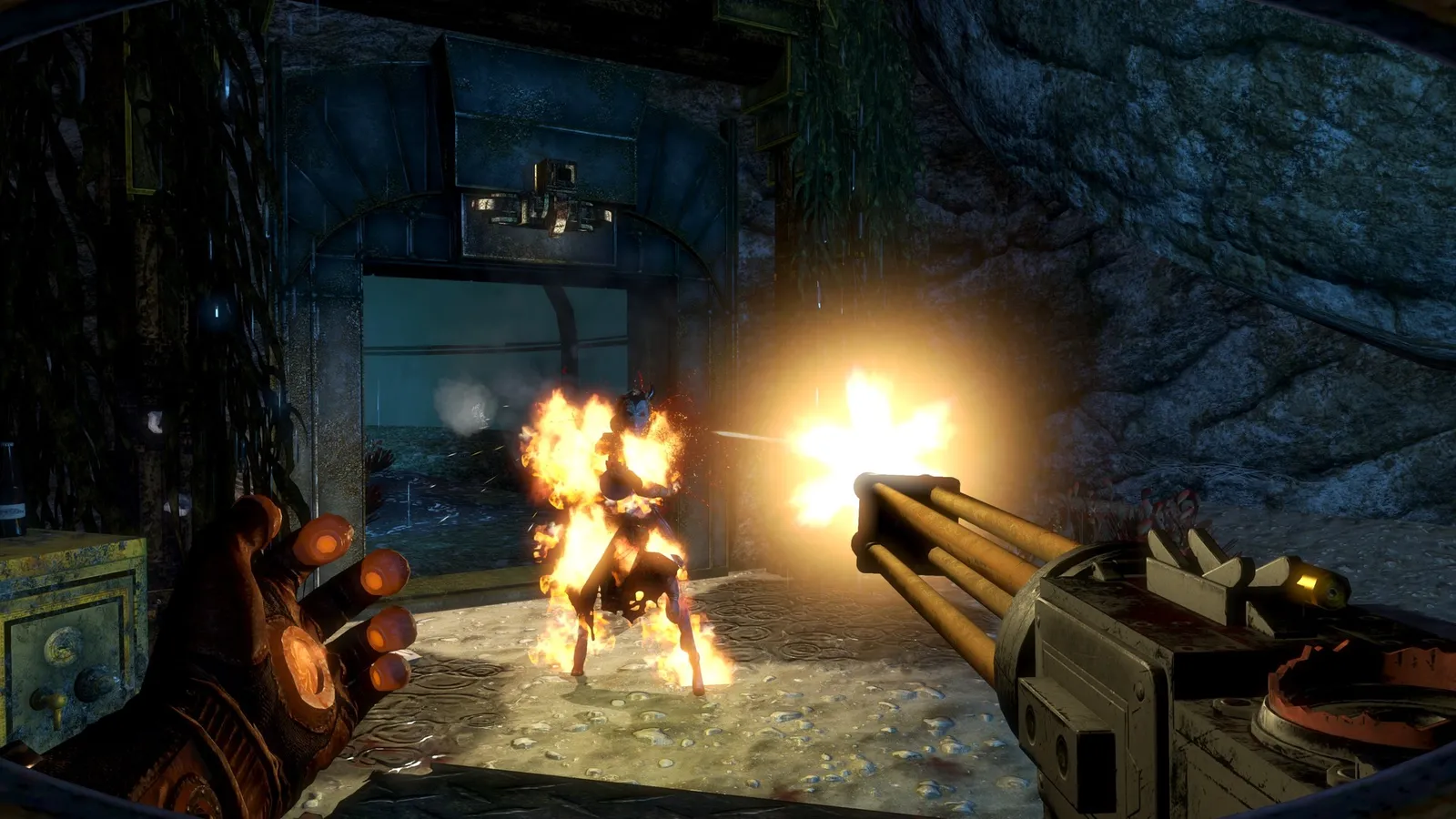 BioShock 2 Remastered Weapons and Plasmids: What to Use
In BioShock 2 you can fire a plasmid and a weapon at the same time. Here is what each weapon and plasmid does and which combinations are worth building around.
Guide · BioShock 2 Remastered