Skip to content
Set up my rig
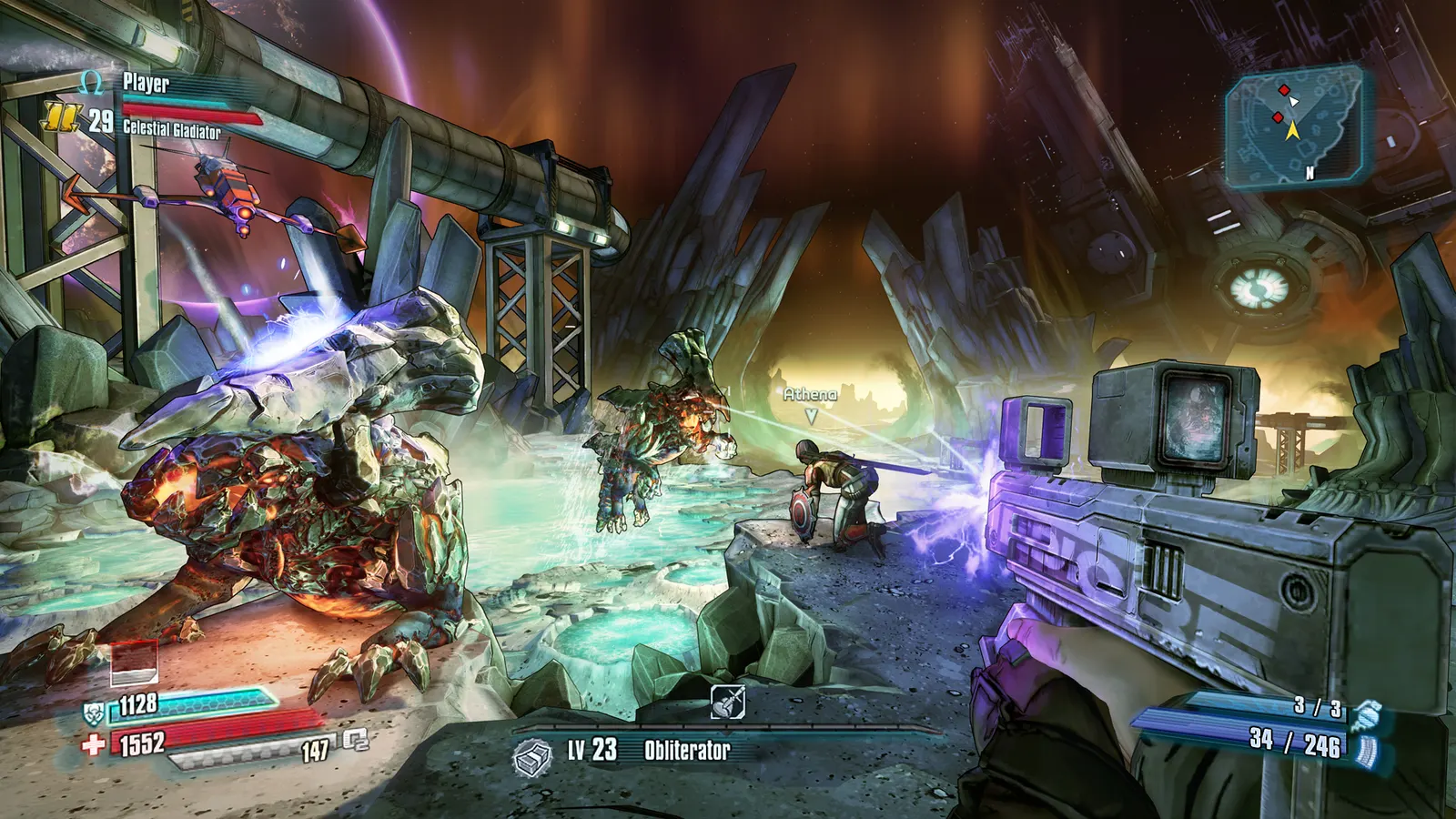
Borderlands: The Pre-Sequel, official artwork

Borderlands: The Pre-Sequel FPS boost and stutter fix

The biggest frame costs in Borderlands: The Pre-Sequel are PhysX, View Distance. Start there, then work through the stutter checklist.

Updated . Game data researched November 2026.

  • PEGI 18
Genre
Looter shooter
Developer
2K Australia / Gearbox Software
Released
2014
Platforms
PC, Mac, Linux, Xbox, PlayStation, Nintendo

Which Borderlands: The Pre-Sequel settings cost the most FPS?

PhysX

SegmentNext puts PhysX at the top of the cost list ("enormous"); the options run from Low upwards, and the effect depends on whether your GPU or CPU computes it.

Off

View Distance

SegmentNext lists view distance among the heavier options after PhysX and resolution.

Near

Values shown are what we pick for max FPS. Section names follow the in-game menu.

Upscaling and latency in TPS

  • Upscaling: not available in this game.
  • Frame generation: not available in this game.
  • Latency: no Reflex or Anti-Lag 2 in this game. Cap your FPS a few frames below your refresh rate instead.

Upscaling explained

How do I fix stuttering in Borderlands: The Pre-Sequel?

TPS: Lower PhysX first

  1. In TPS, open Options > Video and set PhysX to Low if the frame rate drops in big fights.
  2. In TPS, this option shaves the most frames per step; resolution above 1080p and View Distance come next.
TPS: Ini tweaks

  1. In TPS, back up Documents\My Games\BorderlandsThePreSequel\WillowGame\Config\WillowEngine.ini, then open it in a text editor.
  2. In TPS, SegmentNext lists the MipFade lines under [Engine.Engine] (set them to 0 for less texture pop-in) and DynamicShadows=True, bAllowLightShafts=True, DetailMode=2 and MaxWholeSceneDominantShadowResolution=2048 under [SystemSettings] as the places to adjust shadow and detail settings.

Checklist for every PC

  • Install the game on an SSD: a hard drive causes texture pop-in and hitches. Borderlands: The Pre-Sequel wants 4 GB of RAM; close browsers and launchers while playing.
  • Lower Textures one step if your graphics card has 8 GB of VRAM or less and you see sudden drops.
  • Let shaders finish compiling on first launch and after driver updates; the first match can stutter.
  • Enable XMP/EXPO so your RAM runs at its rated speed, and update your graphics driver.
  • Check that Windows runs your monitor at its full refresh rate: how to check.
  • Turn on Game Mode and Hardware-accelerated GPU scheduling: Windows gaming settings.

Borderlands: The Pre-Sequel settings for a low-end PC

SettingLow-end value
ResolutionYour monitor's native resolution; scale with the upscaler instead
VSyncOff; use G-Sync or FreeSync with an FPS cap instead
Frame Rates3 below your refresh rate (141 on 144 Hz); uncapped for max FPS
Field of View90-100
Anisotropic Filtering2x
View DistanceNear
Foliage DistanceNear
Ambient OcclusionOff
Depth of FieldOff
FXAAOff
PhysXOff