How do I show FPS in TPS?
- In TPS, in Steam, open Settings > In Game and set "In-game FPS counter" to a screen corner.
- In TPS, alternatively use the NVIDIA app or AMD Software overlay.
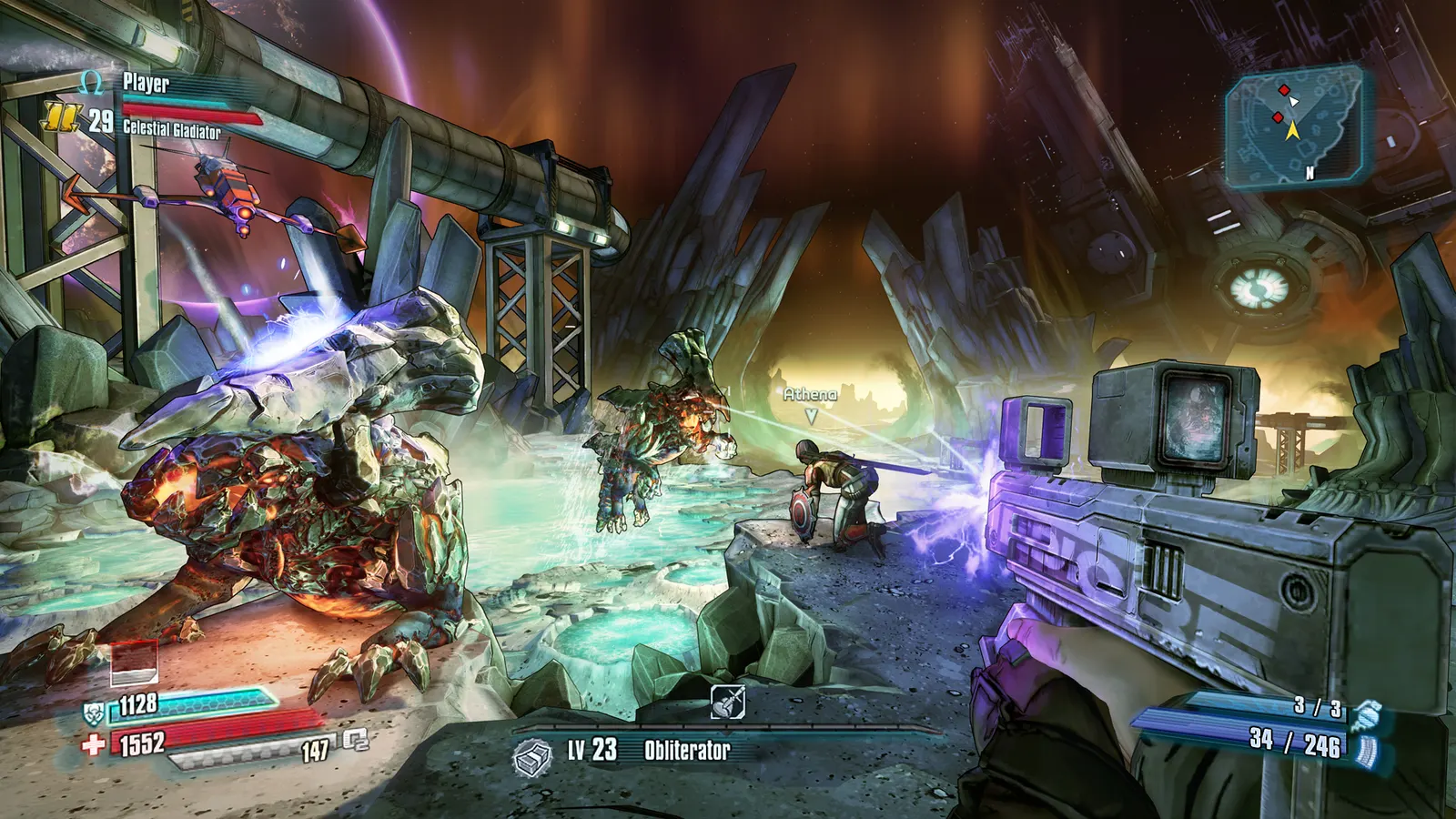
The 2014 prequel set on Elpis and aboard the Hyperion station, built on the same Unreal Engine 3 as Borderlands 2 with low-gravity combat. It is light on modern hardware, and as in Borderlands 2 PhysX is the one setting with an enormous cost, followed by resolution above 1080p and view distance.
Best Borderlands: The Pre-Sequel settings at 1080p for an RTX 4060 + Ryzen 5 7600: Ultra, lowering PhysX first. Modelled: that PC gets about 330 fps, an RTX 3060 + Ryzen 5 5600 270 fps (Ultra), a GTX 1650 + Core i5-10400 120 fps (Ultra). Rough estimate: no published benchmarks yet. How we estimate this
Updated . Game data researched November 2026.
The setting for every preset, from Low to Ultra. Save your hardware to get one tuned list.
Set up your rig to see which column fits your PC, with an estimate of your frames.
| Setting | Low | Medium | High | Ultra |
|---|---|---|---|---|
| Resolution | Your monitor's native resolution; scale with the upscaler instead | |||
| VSync | Off; use G-Sync or FreeSync with an FPS cap instead | |||
| Frame Rates | 3 below your refresh rate (141 on 144 Hz); uncapped for max FPS | |||
| Field of View | 90-100 | 90-100 | 90-100 | 90-100 |
| Anisotropic Filtering | 2x | 4x | 8x | 16x |
| View Distance | Near | Near | Far | Far |
| Foliage Distance | Near | Near | Far | Far |
| Ambient Occlusion | Off | Off | On | On |
| Depth of Field | Off | Off | On | On |
| FXAA | Off | On | On | On |
| PhysX | Off | Low | Medium | High |
Modelled frame rates on the High preset at native resolution, without upscaling or frame generation. Your own rig can differ: check your exact PC.
| Graphics card | 1080p | 1440p | 4K |
|---|---|---|---|
| RTX 4090 | 535 fps | 535 fps | 495 fps |
| RTX 4070 | 535 fps | 520 fps | 270 fps |
| RTX 4060 | 495 fps | 310 fps | 165 fps |
| RTX 3060 12GB | 405 fps | 255 fps | 135 fps |
| GTX 1650 | 180 fps | 115 fps | 60 fps |
| RX 7800 XT | 535 fps | 535 fps | 280 fps |
| RX 7600 | 495 fps | 310 fps | 165 fps |
| RX 6600 | 390 fps | 245 fps | 130 fps |
These are estimates from our model, not measurements; real results vary with the scene, drivers and background load. Orange numbers are below 60 fps. How we estimate this
The Borderlands community is holding another scavenger hunt in support of St. Jude's Children's Research Hospital, starting November 6 across Borderlands 2, Borderlands 3, and Borderlands 4! The Borderlands Community Fundraising Team…
Read on Steam (opens in a new tab): The Hunt is back on, alongside a new Twitch Drop!THANK YOU It’s hard to believe it’s been just more than 12 months since Borderlands 4 launched and you all first set foot on Kairos. Everything we create has you at its core. You are why we fight. We know how passionate you are about…
Read on Steam (opens in a new tab): A message to the entire Borderlands communityCalling all you badass Vault Hunters: it's time to make some mayhem and save big with the Borderlands Franchise Sale running now until November 16.* Experience hundreds of hours of looter shooter action in solo or co-op with limited-time…
Read on Steam (opens in a new tab): Save big with the Borderlands Franchise SaleAs the leaves turn and the crisp autumn air settles in, that familiar feeling returns: the golden hour after school or work, rushing home to drop your bag, power up your rig, and lose yourself in a world you love. The long summer nights…
Read on Steam (opens in a new tab): Cozy Up with 2K: The Autumn Sale is Live on Steam! Save Big Through Oct 8.*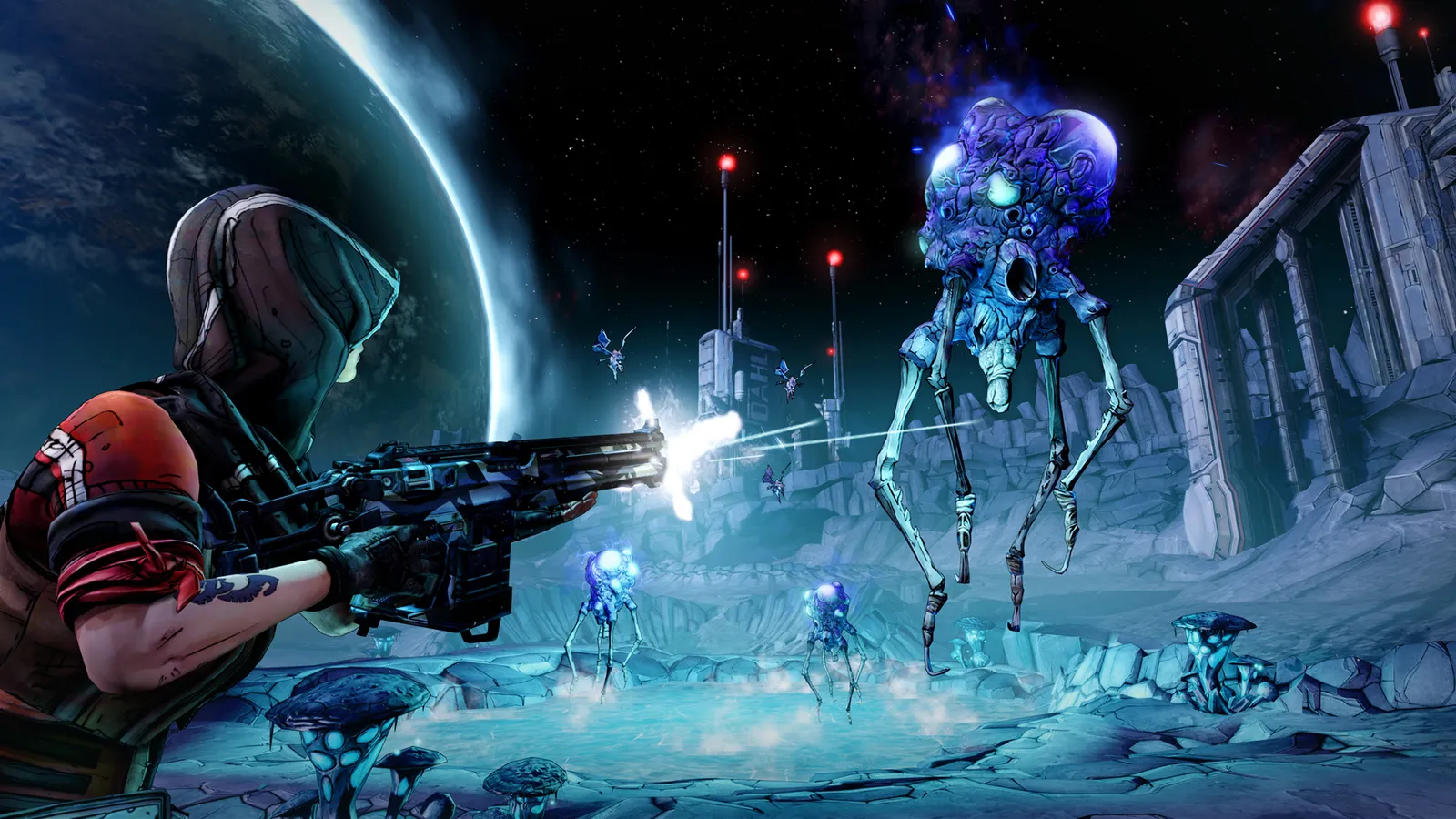 Borderlands: The Pre-Sequel Best Character: Which Class to Pick
The Pre-Sequel has four starting Vault Hunters and two more from DLC. Here is how each plays, what their skill trees do and who suits solo, co-op and beginners.
Guide · Borderlands: The Pre-Sequel
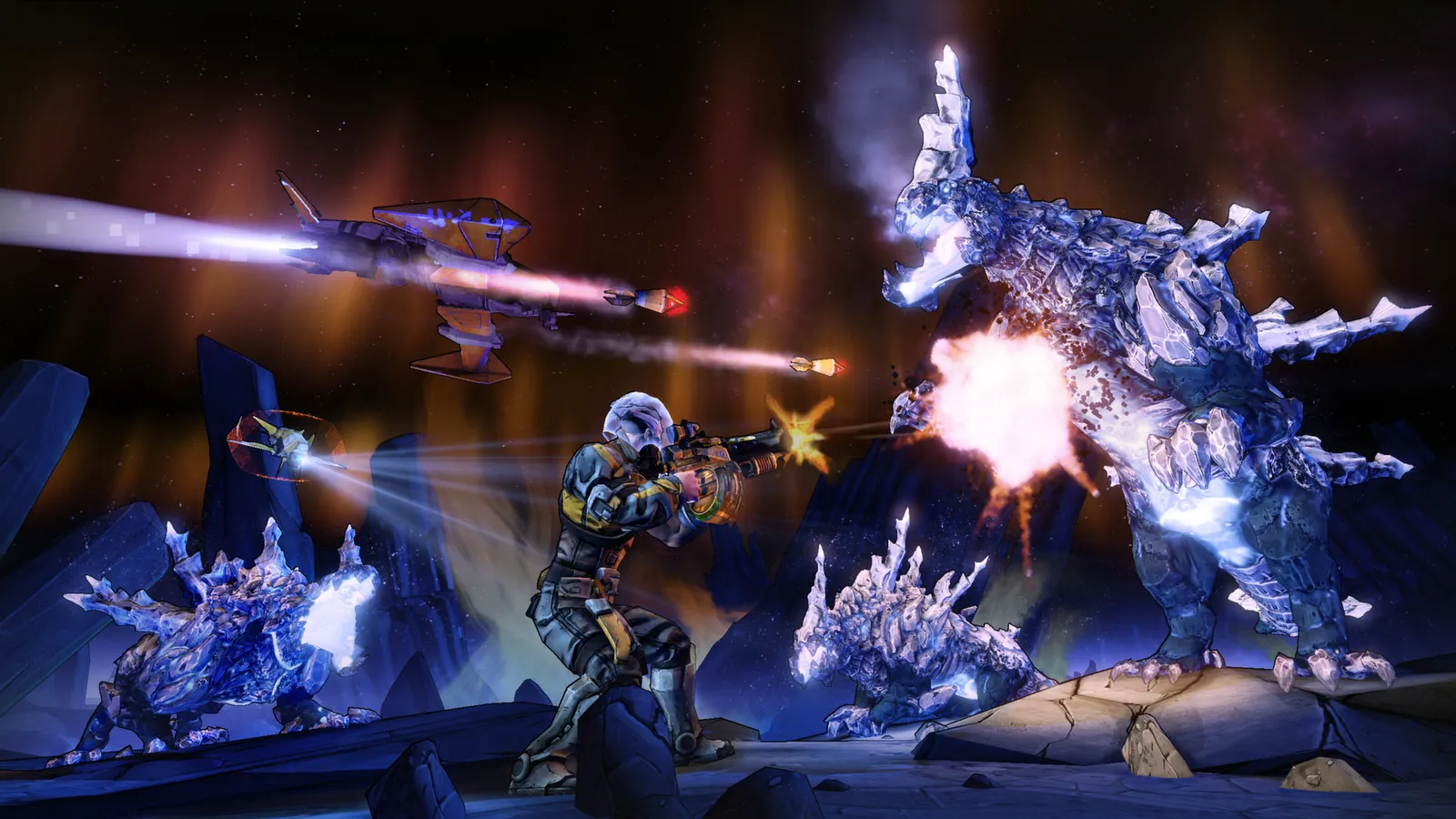 Borderlands: The Pre-Sequel Grinder Guide: Recipes and Moonstones
The Grinder eats three items and returns one new item. This guide covers where to find it, the recipes that matter, what a moonstone does and the items that will not go in.
Guide · Borderlands: The Pre-Sequel