Skip to content
Set up my rig
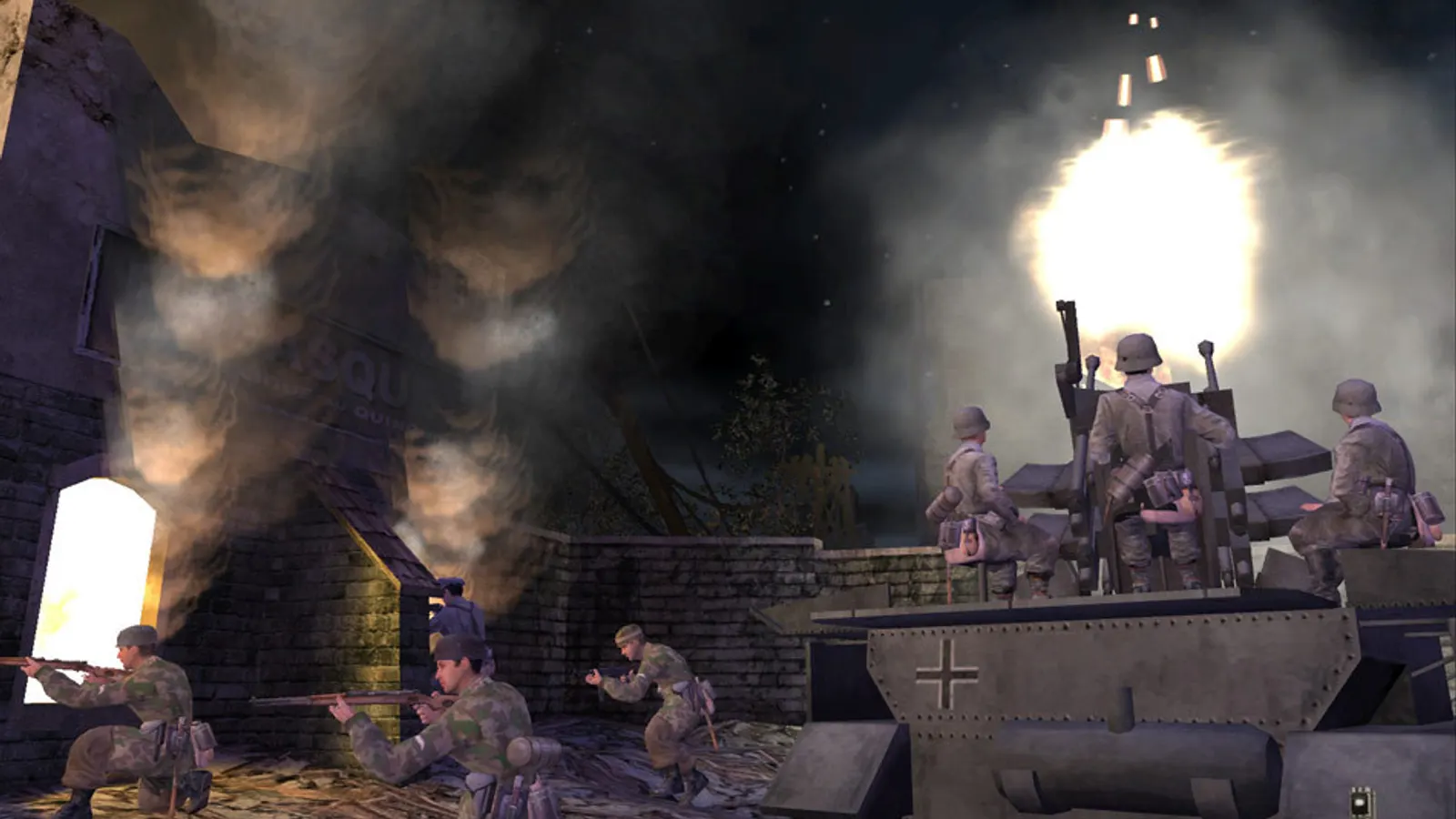
Call of Duty (2003), official artwork

Best Call of Duty (2003) settings

The 2003 World War II shooter that started the series, built on a heavily modified Quake III engine. It is extremely light on a modern PC; what matters is a working widescreen resolution, a sensible FOV and lifting the 85 fps cap that multiplayer applies by default.

Best Call of Duty (2003) settings at 1080p for an RTX 4060 + Ryzen 5 7600: Ultra. Modelled: that PC gets about 1000 fps, an RTX 3060 + Ryzen 5 5600 1000 fps (Ultra), a GTX 1650 + Core i5-10400 515 fps (Ultra). Rough estimate: no published benchmarks yet. How we estimate this

Updated . Game data researched November 2026.

Genre
First-person shooter
Developer
Infinity Ward
Released
2003
Platforms
PC, Mac
Engine
id Tech 3 (modified)
Researched
Nov 2026

What are the best Call of Duty (2003) graphics settings?

The setting for every preset, from Low to Ultra. Save your hardware to get one tuned list.

Tell us your hardware once and every game page shows settings for it. Set up my rig

Set up your rig to see which column fits your PC, with an estimate of your frames.

Call of Duty (2003) graphics settings per preset
SettingLowMediumHighUltra
Video Mode Your monitor's native resolution; scale with the upscaler instead
Sync Every Frame Off; use G-Sync or FreeSync with an FPS cap instead
Maximum FPS (console: com_maxfps) 3 below your refresh rate (141 on 144 Hz); uncapped for max FPS
Multicore rendering (r_smp) 1111
Field of view (cg_fov) 90 or higher on 16:990 or higher on 16:990 or higher on 16:990 or higher on 16:9

How much FPS will I get in Call of Duty (2003)?

Modelled frame rates on the High preset at native resolution, without upscaling or frame generation. Your own rig can differ: check your exact PC.

Estimated Call of Duty (2003) FPS by graphics card, High preset, with a Ryzen 7 7800X3D and 16 GB RAM
Graphics card 1080p1440p4K
RTX 4090 1000 fps1000 fps1000 fps
RTX 4070 1000 fps1000 fps1000 fps
RTX 4060 1000 fps1000 fps655 fps
RTX 3060 12GB 1000 fps1000 fps535 fps
GTX 1650 720 fps455 fps240 fps
RX 7800 XT 1000 fps1000 fps1000 fps
RX 7600 1000 fps1000 fps655 fps
RX 6600 1000 fps985 fps515 fps

These are estimates from our model, not measurements; real results vary with the scene, drivers and background load. Orange numbers are below 60 fps. How we estimate this

What are the best CoD tips for more FPS?

How do I show FPS in CoD?

  1. In CoD, open the console with the ~ key in a singleplayer or multiplayer game.
  2. In CoD, type cg_drawfps 1 and press Enter (0 turns it off).
  3. In CoD, alternatively the Steam overlay FPS counter (Steam > Settings > In Game) works with this game.
CoD: Play in widescreen

  1. In CoD, in Steam, right-click the game > Properties > General > Launch Options and enter: +set r_mode -1 +set r_customwidth 2560 +set r_customheight 1440 +set cg_fov 90 (use your own resolution).
  2. In CoD, the HUD and menus stay stretched, and the menu has no widescreen modes; that is a limit of the 2003 engine.
  3. In CoD, if the display looks dim, set r_fullscreen to 1 in config.cfg; if brightness jumps when you Alt+Tab, set r_ignorehwgamma to 1.

CoD: Change the frame rate cap

  1. In CoD, turn Sync Every Frame to No in the options first, otherwise the game follows your monitor's refresh rate.
  2. In CoD, open the console and type com_maxfps 0 (or a value such as 125), or add +set com_maxfps 125 to the launch options. Multiplayer saves its own value in config_mp.cfg (seta com_maxfps 85).
  3. In CoD, very high frame rates can change movement physics on this engine, and above roughly 900 fps a 'Connection Interrupted' warning has been reported.

CoD: Water looks flat on Radeon cards

  1. In CoD, on AMD drivers from Adrenalin 22.7.1 (July 2022) onward the reflective water effect is missing because the driver dropped an old OpenGL extension.
  2. In CoD, rolling back to Adrenalin 22.6.1 or older restores it, but those drivers do not exist for RX 7000 cards and newer.

Launch options

+set r_mode -1 +set r_customwidth 2560 +set r_customheight 1440 +set cg_fov 90 Starts at a custom widescreen resolution and a wider field of view (edit the numbers for your monitor).
+set com_maxfps 125 Sets the frame rate cap for that session instead of the default 85 in multiplayer.

Guides