Skip to content
Set up my rig
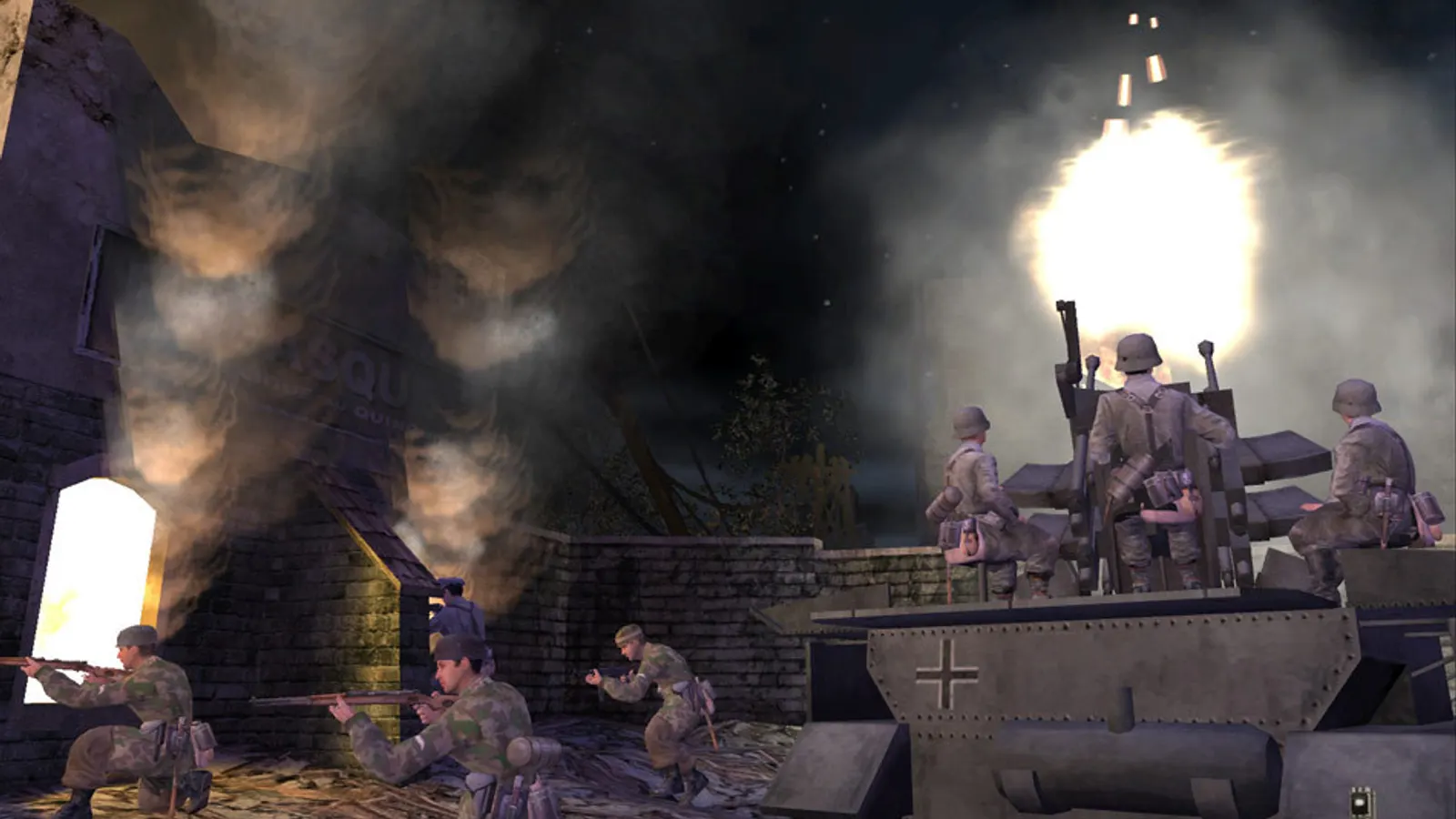
Call of Duty (2003), official artwork

Call of Duty (2003) FPS boost and stutter fix

Work through the settings and the stutter checklist below.

Updated . Game data researched November 2026.

Genre
First-person shooter
Developer
Infinity Ward
Released
2003
Platforms
PC, Mac

Upscaling and latency in CoD

  • Upscaling: not available in this game.
  • Frame generation: not available in this game.
  • Latency: no Reflex or Anti-Lag 2 in this game. Cap your FPS a few frames below your refresh rate instead.

Upscaling explained

How do I fix stuttering in Call of Duty (2003)?

CoD: Play in widescreen

  1. In CoD, in Steam, right-click the game > Properties > General > Launch Options and enter: +set r_mode -1 +set r_customwidth 2560 +set r_customheight 1440 +set cg_fov 90 (use your own resolution).
  2. In CoD, the HUD and menus stay stretched, and the menu has no widescreen modes; that is a limit of the 2003 engine.
  3. In CoD, if the display looks dim, set r_fullscreen to 1 in config.cfg; if brightness jumps when you Alt+Tab, set r_ignorehwgamma to 1.

CoD: Change the frame rate cap

  1. In CoD, turn Sync Every Frame to No in the options first, otherwise the game follows your monitor's refresh rate.
  2. In CoD, open the console and type com_maxfps 0 (or a value such as 125), or add +set com_maxfps 125 to the launch options. Multiplayer saves its own value in config_mp.cfg (seta com_maxfps 85).
  3. In CoD, very high frame rates can change movement physics on this engine, and above roughly 900 fps a 'Connection Interrupted' warning has been reported.

CoD: Water looks flat on Radeon cards

  1. In CoD, on AMD drivers from Adrenalin 22.7.1 (July 2022) onward the reflective water effect is missing because the driver dropped an old OpenGL extension.
  2. In CoD, rolling back to Adrenalin 22.6.1 or older restores it, but those drivers do not exist for RX 7000 cards and newer.

Checklist for every PC

  • Install the game on an SSD: a hard drive causes texture pop-in and hitches. Call of Duty (2003) wants 2 GB of RAM; close browsers and launchers while playing.
  • Lower Textures one step if your graphics card has 8 GB of VRAM or less and you see sudden drops.
  • Let shaders finish compiling on first launch and after driver updates; the first match can stutter.
  • Enable XMP/EXPO so your RAM runs at its rated speed, and update your graphics driver.
  • Check that Windows runs your monitor at its full refresh rate: how to check.
  • Turn on Game Mode and Hardware-accelerated GPU scheduling: Windows gaming settings.

Call of Duty (2003) settings for a low-end PC

SettingLow-end value
Video ModeYour monitor's native resolution; scale with the upscaler instead
Sync Every FrameOff; use G-Sync or FreeSync with an FPS cap instead
Maximum FPS (console: com_maxfps)3 below your refresh rate (141 on 144 Hz); uncapped for max FPS
Multicore rendering (r_smp)1
Field of view (cg_fov)90 or higher on 16:9

Launch options

  • +set r_mode -1 +set r_customwidth 2560 +set r_customheight 1440 +set cg_fov 90 Starts at a custom widescreen resolution and a wider field of view (edit the numbers for your monitor).
  • +set com_maxfps 125 Sets the frame rate cap for that session instead of the default 85 in multiplayer.