Skip to content
Set up my rig
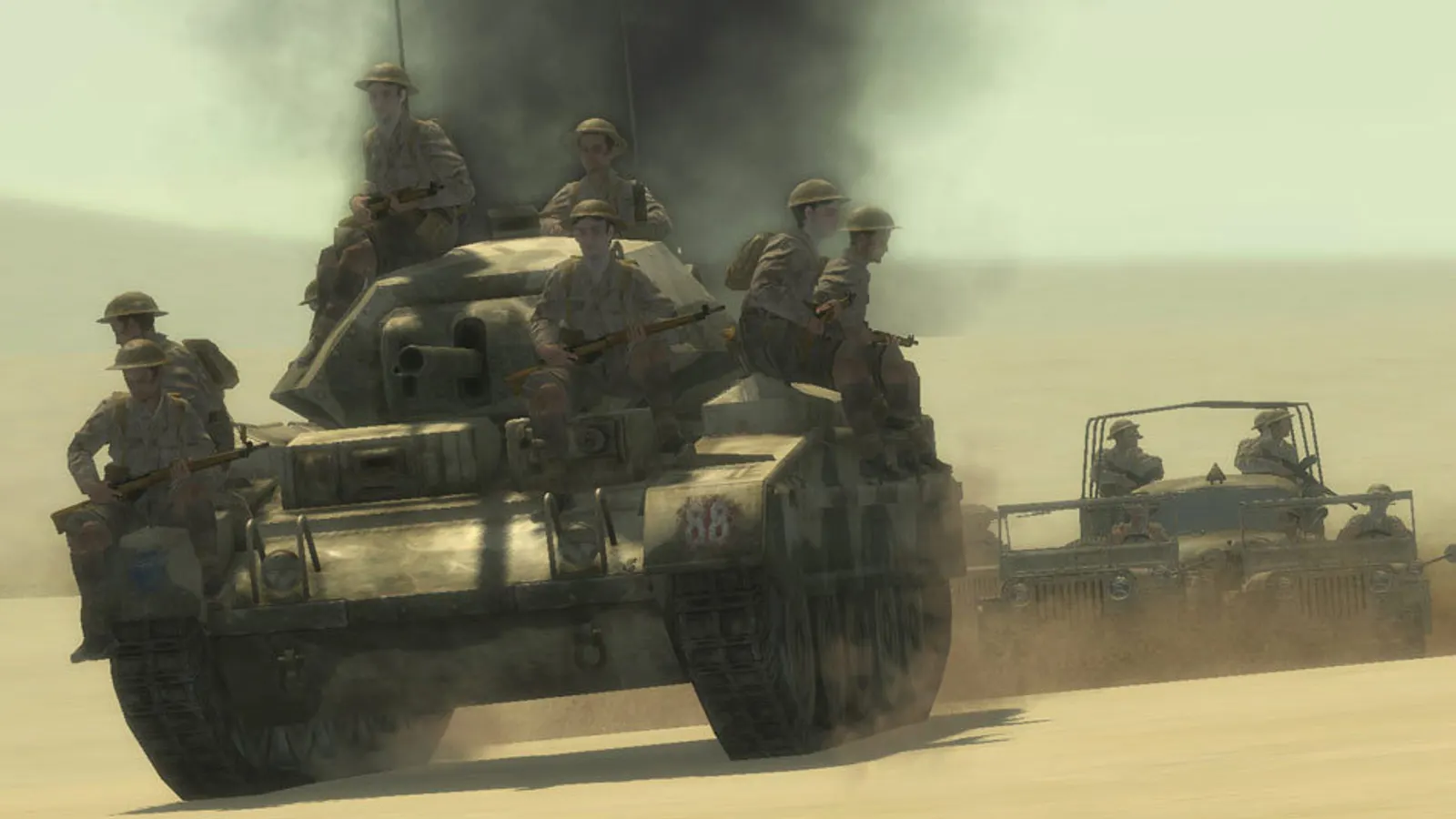
Call of Duty 2, official artwork

Best Call of Duty 2 settings

Infinity Ward's 2005 World War II sequel, the first Call of Duty with regenerating health and the Direct3D-based IW engine. It runs at hundreds of frames per second on any modern card, so the useful tuning is anti-aliasing, anisotropic filtering, the 91 fps multiplayer cap and a proper widescreen setup.

Best Call of Duty 2 settings at 1080p for an RTX 4060 + Ryzen 5 7600: Ultra. Modelled: that PC gets about 1180 fps, an RTX 3060 + Ryzen 5 5600 965 fps (Ultra), a GTX 1650 + Core i5-10400 430 fps (Ultra). Rough estimate: no published benchmarks yet. How we estimate this

Updated . Game data researched November 2026.

Genre
First-person shooter
Developer
Infinity Ward
Released
2005
Platforms
PC, Mac, Xbox
Engine
IW engine 2.0
Researched
Nov 2026

What are the best Call of Duty 2 graphics settings?

The setting for every preset, from Low to Ultra. Save your hardware to get one tuned list.

Tell us your hardware once and every game page shows settings for it. Set up my rig

Set up your rig to see which column fits your PC, with an estimate of your frames.

Call of Duty 2 graphics settings per preset
SettingLowMediumHighUltra
Video Mode Your monitor's native resolution; scale with the upscaler instead
Anti-Aliasing Off2x4x4x
Anisotropic filtering (console: r_anisotropy) 16161616
Sync Every Frame Off; use G-Sync or FreeSync with an FPS cap instead
Maximum FPS (console: com_maxfps) 3 below your refresh rate (141 on 144 Hz); uncapped for max FPS
Field of view (cg_fov) 90909090

How much FPS will I get in Call of Duty 2?

Modelled frame rates on the High preset at native resolution, without upscaling or frame generation. Your own rig can differ: check your exact PC.

Estimated Call of Duty 2 FPS by graphics card, High preset, with a Ryzen 7 7800X3D and 16 GB RAM
Graphics card 1080p1440p4K
RTX 4090 2135 fps2135 fps1650 fps
RTX 4070 2135 fps1735 fps905 fps
RTX 4060 1650 fps1040 fps545 fps
RTX 3060 12GB 1350 fps850 fps445 fps
GTX 1650 600 fps380 fps200 fps
RX 7800 XT 2135 fps1800 fps940 fps
RX 7600 1650 fps1040 fps545 fps
RX 6600 1300 fps820 fps430 fps

These are estimates from our model, not measurements; real results vary with the scene, drivers and background load. Orange numbers are below 60 fps. How we estimate this

What are the best CoD2 tips for more FPS?

How do I show FPS in CoD2?

  1. In CoD2, in Game Options make sure the console is enabled, then press ~ in a match.
  2. In CoD2, type cg_drawfps 1 and press Enter (0 turns it off).
  3. In CoD2, alternatively use the Steam overlay FPS counter (Steam > Settings > In Game).
CoD2: Change the frame rate cap

  1. In CoD2, turn Sync Every Frame to No in the options first, otherwise the game follows your monitor's refresh rate.
  2. In CoD2, singleplayer is already uncapped. For multiplayer, edit config_mp.cfg and change seta com_maxfps 85 to 0 (or 125), or type /com_maxfps 125 in the console.
  3. In CoD2, some servers limit the allowed rate, so a lower cap such as 125 is a safe choice online.

CoD2: Widescreen and 4K

  1. In CoD2, install the Letlev Edition mod to correct the menus, backgrounds and cursor on widescreen, or use Widescreen Fixer for ultrawide and multi-monitor setups.
  2. In CoD2, if the game crashes at resolutions above 2715x1527, pick a lower resolution in the menu.
  3. In CoD2, windowed mode: type /r_fullscreen 0 and then /vid_restart in the console (singleplayer only).

CoD2: Steam and Microsoft Store editions do not play together

  1. In CoD2, PCGamingWiki notes that Steam and Microsoft Store players cannot join each other's games.

Guides