Skip to content
Set up my rig
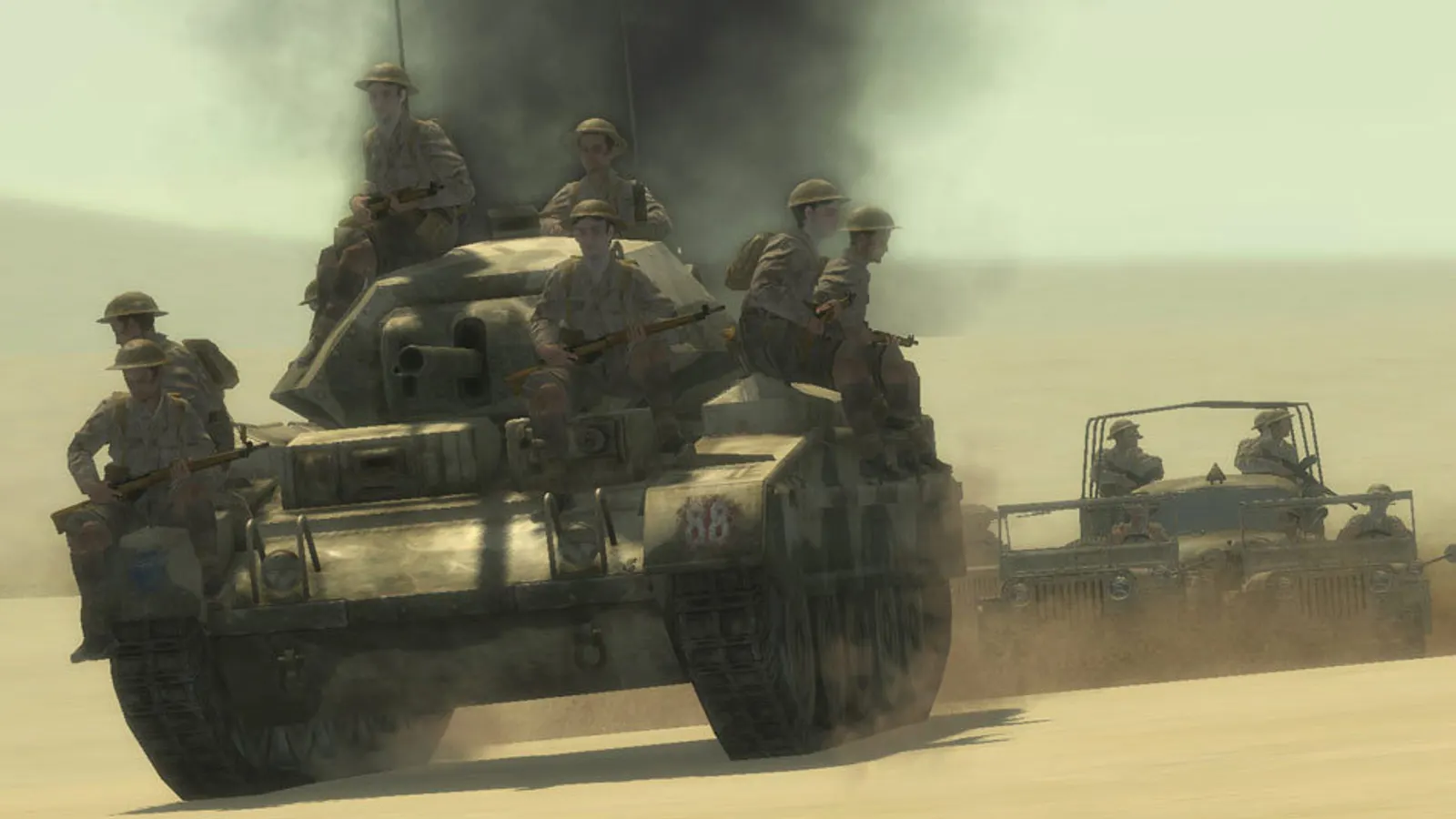
Call of Duty 2, official artwork

Call of Duty 2 FPS boost and stutter fix

Work through the settings and the stutter checklist below.

Updated . Game data researched November 2026.

Genre
First-person shooter
Developer
Infinity Ward
Released
2005
Platforms
PC, Mac, Xbox

Upscaling and latency in CoD2

  • Upscaling: not available in this game.
  • Frame generation: not available in this game.
  • Latency: no Reflex or Anti-Lag 2 in this game. Cap your FPS a few frames below your refresh rate instead.

Upscaling explained

How do I fix stuttering in Call of Duty 2?

CoD2: Change the frame rate cap

  1. In CoD2, turn Sync Every Frame to No in the options first, otherwise the game follows your monitor's refresh rate.
  2. In CoD2, singleplayer is already uncapped. For multiplayer, edit config_mp.cfg and change seta com_maxfps 85 to 0 (or 125), or type /com_maxfps 125 in the console.
  3. In CoD2, some servers limit the allowed rate, so a lower cap such as 125 is a safe choice online.

CoD2: Widescreen and 4K

  1. In CoD2, install the Letlev Edition mod to correct the menus, backgrounds and cursor on widescreen, or use Widescreen Fixer for ultrawide and multi-monitor setups.
  2. In CoD2, if the game crashes at resolutions above 2715x1527, pick a lower resolution in the menu.
  3. In CoD2, windowed mode: type /r_fullscreen 0 and then /vid_restart in the console (singleplayer only).

CoD2: Steam and Microsoft Store editions do not play together

  1. In CoD2, PCGamingWiki notes that Steam and Microsoft Store players cannot join each other's games.

Checklist for every PC

  • Install the game on an SSD: a hard drive causes texture pop-in and hitches. Call of Duty 2 wants 2 GB of RAM; close browsers and launchers while playing.
  • Lower Textures one step if your graphics card has 8 GB of VRAM or less and you see sudden drops.
  • Let shaders finish compiling on first launch and after driver updates; the first match can stutter.
  • Enable XMP/EXPO so your RAM runs at its rated speed, and update your graphics driver.
  • Check that Windows runs your monitor at its full refresh rate: how to check.
  • Turn on Game Mode and Hardware-accelerated GPU scheduling: Windows gaming settings.

Call of Duty 2 settings for a low-end PC

SettingLow-end value
Video ModeYour monitor's native resolution; scale with the upscaler instead
Anti-AliasingOff
Anisotropic filtering (console: r_anisotropy)16
Sync Every FrameOff; use G-Sync or FreeSync with an FPS cap instead
Maximum FPS (console: com_maxfps)3 below your refresh rate (141 on 144 Hz); uncapped for max FPS
Field of view (cg_fov)90