Skip to content
Set up my rig
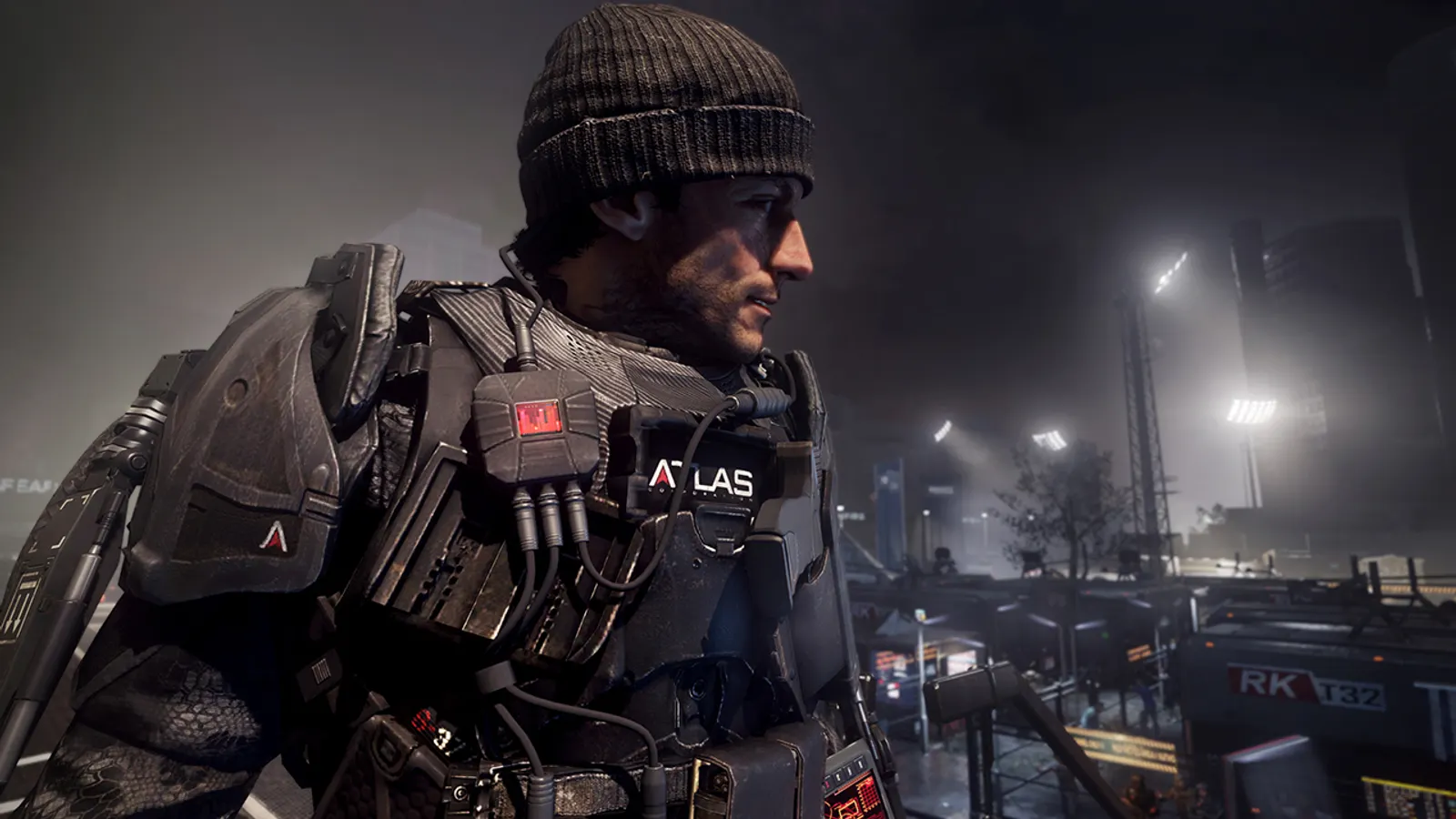
Call of Duty: Advanced Warfare, official artwork

Best Call of Duty: Advanced Warfare settings

Sledgehammer's 2014 futuristic Call of Duty with exo-suit movement, a Kevin Spacey-led campaign, multiplayer and Exo Zombies. The Steam listing is the Gold Edition. It is mostly GPU-limited (even slow CPU clocks barely change frame rate), and SSAA at Extra is by far the costliest option.

Best Call of Duty: Advanced Warfare settings at 1080p for an RTX 4060 + Ryzen 5 7600: Ultra, lowering Anti-Aliasing first. Modelled: that PC gets about 345 fps, an RTX 3060 + Ryzen 5 5600 285 fps (Ultra), a GTX 1650 + Core i5-10400 125 fps (Ultra). Calibrated against 16 measured benchmarks. How we estimate this

Updated . Game data researched November 2026.

  • PEGI 18
  • Competitive
Genre
First-person shooter
Developer
Sledgehammer Games / Activision
Released
2014
Platforms
PC, Xbox, PlayStation
Engine
IW engine (modified)
Researched
Nov 2026

What are the best Call of Duty: Advanced Warfare graphics settings?

The setting for every preset, from Low to Ultra. Save your hardware to get one tuned list.

Tell us your hardware once and every game page shows settings for it. Set up my rig

Set up your rig to see which column fits your PC, with an estimate of your frames. The competitive column is what we recommend for max FPS.

Call of Duty: Advanced Warfare graphics settings per preset
SettingLowMediumHighUltra Competitive
Display Mode FullscreenFullscreenFullscreenFullscreen Fullscreen
Resolution Your monitor's native resolution; scale with the upscaler instead
Sync Every Frame (V-Sync) Off; use G-Sync or FreeSync with an FPS cap instead
Texture Resolution LowNormalHighExtra Low
Anisotropic Filtering 4x8x16x16x 4x
Shadow Map Resolution LowNormalHighExtra Normal
Ambient Occlusion OffOffOnHBAO+ Off
Depth of Field OffOffOnOn Off
Motion Blur OffOffOnOn Off
Anti-Aliasing FXAAFXAAFXAASSAA 2x FXAA
Field of View (FOV) 90909090 90

How much FPS will I get in Call of Duty: Advanced Warfare?

Modelled frame rates on the High preset at native resolution, without upscaling or frame generation. Your own rig can differ: check your exact PC.

Estimated Call of Duty: Advanced Warfare FPS by graphics card, High preset, with a Ryzen 7 7800X3D and 16 GB RAM
Graphics card 1080p1440p4K
RTX 4090 815 fps815 fps485 fps
RTX 4070 805 fps510 fps265 fps
RTX 4060 485 fps305 fps160 fps
RTX 3060 12GB 395 fps250 fps130 fps
GTX 1650 175 fps110 fps60 fps
RX 7800 XT 815 fps530 fps275 fps
RX 7600 485 fps305 fps160 fps
RX 6600 380 fps240 fps125 fps

These are estimates from our model, not measurements; real results vary with the scene, drivers and background load. Orange numbers are below 60 fps. How we estimate this

What are the best AW tips for more FPS?

How do I show FPS in AW?

  1. In AW, Steam version: open Steam > Settings > In Game and set "In-game FPS counter" to a corner of the screen.
  2. In AW, any version: the NVIDIA app (Alt+Z) or AMD Software overlay shows FPS, frame time and GPU/CPU load.
  3. In AW, compare the same spot (for example the start of a mission) before and after each change, not a random match.

In AW, Steam's FPS counter works for every Steam game; Advanced Warfare has no built-in counter.

AW: Dual-core CPUs may not start the game

  1. In AW, advanced Warfare needs four logical processors; a dual-core CPU without Hyper-Threading refuses to launch.
  2. In AW, community fixes exist, but the simple answer is a quad-core or a dual-core with Hyper-Threading.

In AW, reported by 3DCenter / PCGH around launch.

AW: Skip SSAA first

  1. In AW, extra with 2x SSAA took a GTX 980 from 109 fps (High, FXAA) to 76 fps in Notebookcheck's test.
  2. In AW, set Anti-Aliasing to FXAA and the preset to High before touching anything else.

AW: Multiplayer frame cap

  1. In AW, multiplayer is reported to be limited to around 90 fps; single-player is not (a GTX 980 reached 179 fps at 1024x768 Low).
  2. In AW, if multiplayer fps sits at a fixed number, that is the engine.

In AW, the ~90 fps limit comes from a news site and Steam forum reports, not from a hardware test.

AW: Check driver-level frame caps and V-Sync

  1. In AW, open the NVIDIA Control Panel or AMD Software and look at the profile for this game.
  2. In AW, make sure V-Sync is not forced on and no maximum frame rate is set, then use the in-game limiter if you want a cap.
  3. In AW, on Windows 10/11, set the game's graphics preference to High performance on laptops with two GPUs.

News from Steam

All news