Skip to content
Set up my rig
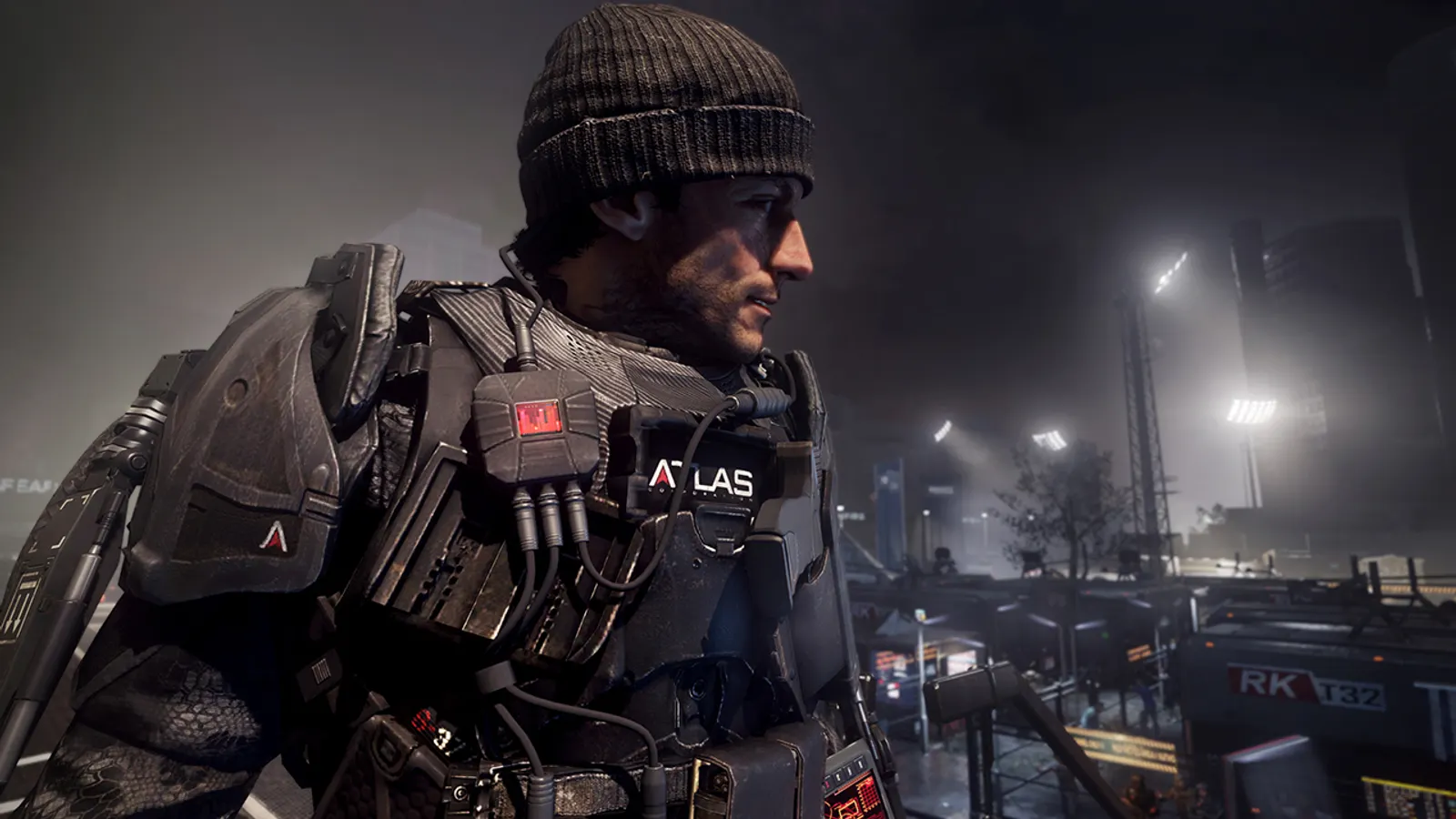
Call of Duty: Advanced Warfare, official artwork

Call of Duty: Advanced Warfare FPS boost and stutter fix

The biggest frame costs in Call of Duty: Advanced Warfare are Anti-Aliasing, Shadow Map Resolution, Ambient Occlusion. Start there, then work through the stutter checklist.

Updated . Game data researched November 2026.

  • PEGI 18
  • Competitive
Genre
First-person shooter
Developer
Sledgehammer Games / Activision
Released
2014
Platforms
PC, Xbox, PlayStation

Which Call of Duty: Advanced Warfare settings cost the most FPS?

Anti-Aliasing

SSAA 2x renders the game at twice the pixels and is the main reason Extra is slow; Notebookcheck measured about 30% fewer frames than High with FXAA.

FXAA

Shadow Map Resolution

Resolution of shadow maps; moderate GPU cost.

Normal

Ambient Occlusion

Soft contact shadows; HBAO+ is NVIDIA-only and costs frames.

Off

Values shown are what we pick for max FPS (visibility kept where it matters). Section names follow the in-game menu.

Upscaling and latency in AW

  • Upscaling: not available in this game.
  • Frame generation: not available in this game.
  • Latency: no Reflex or Anti-Lag 2 in this game. Cap your FPS a few frames below your refresh rate instead.

Upscaling explained

How do I fix stuttering in Call of Duty: Advanced Warfare?

AW: Dual-core CPUs may not start the game

  1. In AW, advanced Warfare needs four logical processors; a dual-core CPU without Hyper-Threading refuses to launch.
  2. In AW, community fixes exist, but the simple answer is a quad-core or a dual-core with Hyper-Threading.

In AW, reported by 3DCenter / PCGH around launch.

AW: Skip SSAA first

  1. In AW, extra with 2x SSAA took a GTX 980 from 109 fps (High, FXAA) to 76 fps in Notebookcheck's test.
  2. In AW, set Anti-Aliasing to FXAA and the preset to High before touching anything else.

AW: Multiplayer frame cap

  1. In AW, multiplayer is reported to be limited to around 90 fps; single-player is not (a GTX 980 reached 179 fps at 1024x768 Low).
  2. In AW, if multiplayer fps sits at a fixed number, that is the engine.

In AW, the ~90 fps limit comes from a news site and Steam forum reports, not from a hardware test.

AW: Check driver-level frame caps and V-Sync

  1. In AW, open the NVIDIA Control Panel or AMD Software and look at the profile for this game.
  2. In AW, make sure V-Sync is not forced on and no maximum frame rate is set, then use the in-game limiter if you want a cap.
  3. In AW, on Windows 10/11, set the game's graphics preference to High performance on laptops with two GPUs.

Checklist for every PC

  • Install the game on an SSD: a hard drive causes texture pop-in and hitches. Call of Duty: Advanced Warfare wants 8 GB of RAM; close browsers and launchers while playing.
  • Lower Textures one step if your graphics card has 8 GB of VRAM or less and you see sudden drops.
  • Let shaders finish compiling on first launch and after driver updates; the first match can stutter.
  • Enable XMP/EXPO so your RAM runs at its rated speed, and update your graphics driver.
  • Check that Windows runs your monitor at its full refresh rate: how to check.
  • Turn on Game Mode and Hardware-accelerated GPU scheduling: Windows gaming settings.

Call of Duty: Advanced Warfare settings for a low-end PC

SettingLow-end value
Display ModeFullscreen
ResolutionYour monitor's native resolution; scale with the upscaler instead
Sync Every Frame (V-Sync)Off; use G-Sync or FreeSync with an FPS cap instead
Texture ResolutionLow
Anisotropic Filtering4x
Shadow Map ResolutionLow
Ambient OcclusionOff
Depth of FieldOff
Motion BlurOff
Anti-AliasingFXAA
Field of View (FOV)90