Skip to content
Set up my rig
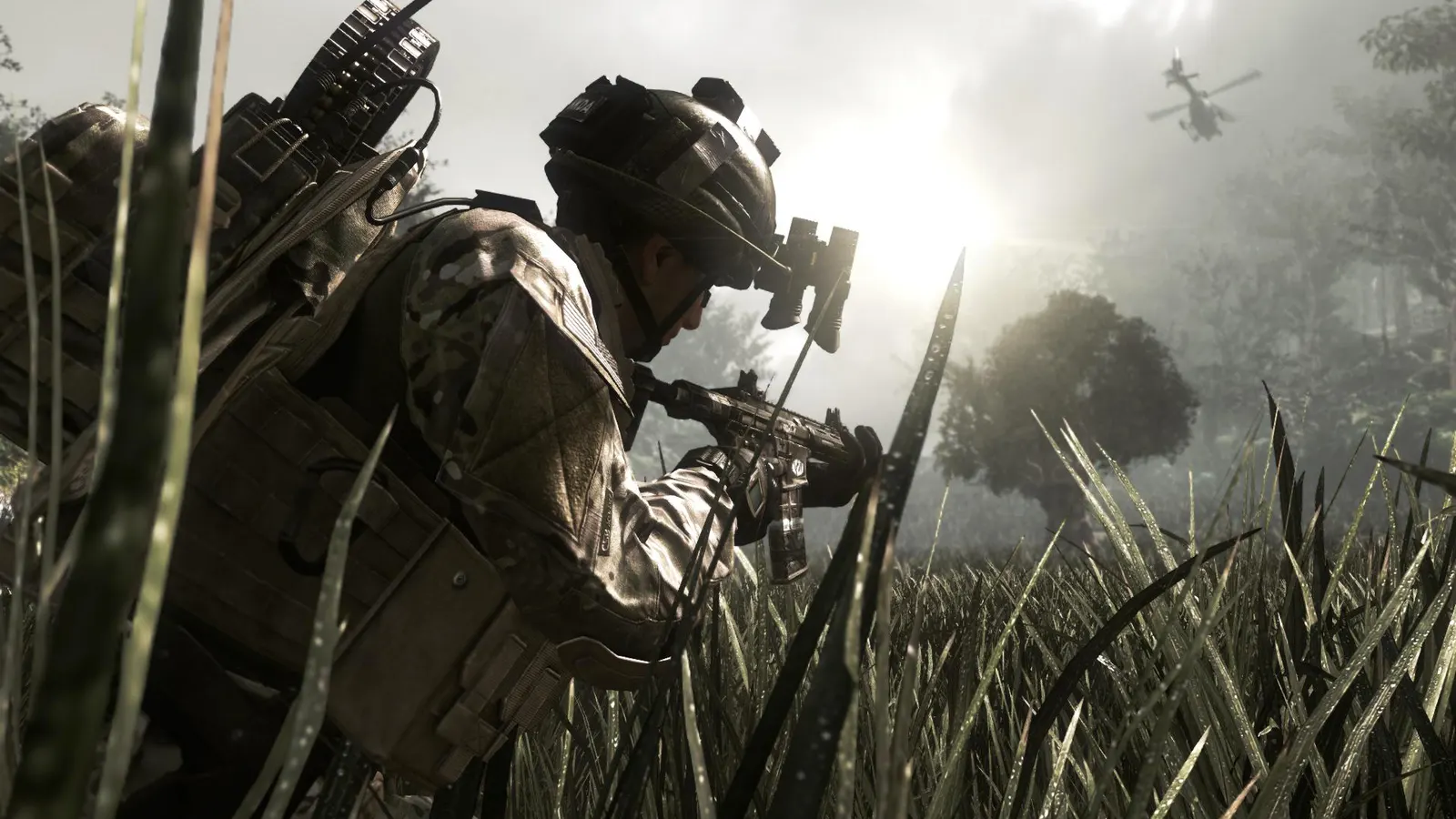
Call of Duty: Ghosts, official artwork

Best Call of Duty: Ghosts settings

Infinity Ward's 2013 Call of Duty with a campaign, Extinction co-op and multiplayer. It runs on a DirectX 11 engine with a long list of options (HBAO+, dynamic fur, PhysX turbulence, MSAA/TXAA) that are demanding for the GPU, while the engine itself is light on the CPU.

Best Call of Duty: Ghosts settings at 1080p for an RTX 4060 + Ryzen 5 7600: Ultra. Modelled: that PC gets about 275 fps, an RTX 3060 + Ryzen 5 5600 225 fps (Ultra), a GTX 1650 + Core i5-10400 130 fps (High). Calibrated against 21 measured benchmarks. How we estimate this

Updated . Game data researched November 2026.

  • PEGI 16
  • Competitive
Genre
First-person shooter
Developer
Infinity Ward / Activision
Released
2013
Platforms
PC, Xbox, PlayStation
Engine
IW engine (IW6)
Researched
Nov 2026

What are the best Call of Duty: Ghosts graphics settings?

The setting for every preset, from Low to Ultra. Save your hardware to get one tuned list.

Tell us your hardware once and every game page shows settings for it. Set up my rig

Set up your rig to see which column fits your PC, with an estimate of your frames. The competitive column is what we recommend for max FPS.

Call of Duty: Ghosts graphics settings per preset
SettingLowMediumHighUltra Competitive
Display Mode FullscreenFullscreenFullscreenFullscreen Fullscreen
Resolution Your monitor's native resolution; scale with the upscaler instead
Sync Every Frame (V-Sync) Off; use G-Sync or FreeSync with an FPS cap instead
Texture Resolution NormalNormalHighExtra Normal
Normal Map Resolution NormalNormalHighHigh Normal
Specular Map Resolution NormalNormalHighHigh Normal
Shadows LowNormalHighExtra Normal
Screen Space Ambient Occlusion OffLowHighHBAO+ Off
Depth of Field OffOffOnOn Off
Distortion OffOffOffOff Off
Dynamic Fur OffLowLowHigh Off
PhysX Turbulence OffOffLowHigh Off
Anti-Aliasing FXAASMAAMSAA 2xMSAA 4x SMAA
Anisotropic Filtering 4x8x16x16x 4x
Field of View (FOV) 90909090 90

How much FPS will I get in Call of Duty: Ghosts?

Modelled frame rates on the High preset at native resolution, without upscaling or frame generation. Your own rig can differ: check your exact PC.

Estimated Call of Duty: Ghosts FPS by graphics card, High preset, with a Ryzen 7 7800X3D and 16 GB RAM
Graphics card 1080p1440p4K
RTX 4090 440 fps440 fps355 fps
RTX 4070 440 fps375 fps195 fps
RTX 4060 355 fps225 fps115 fps
RTX 3060 12GB 290 fps185 fps95 fps
GTX 1650 130 fps80 fps45 fps
RX 7800 XT 440 fps385 fps200 fps
RX 7600 355 fps225 fps115 fps
RX 6600 280 fps175 fps90 fps

These are estimates from our model, not measurements; real results vary with the scene, drivers and background load. Orange numbers are below 60 fps. How we estimate this

What are the best Ghosts tips for more FPS?

How do I show FPS in Ghosts?

  1. In Ghosts, Steam version: open Steam > Settings > In Game and set "In-game FPS counter" to a corner of the screen.
  2. In Ghosts, any version: the NVIDIA app (Alt+Z) or AMD Software overlay shows FPS, frame time and GPU/CPU load.
  3. In Ghosts, compare the same spot (for example the start of a mission) before and after each change, not a random match.

Steam's FPS counter works for every Steam game; Ghosts has no built-in counter.

Ghosts: What makes "Extra" slow

  1. In Ghosts, texture, normal and specular map resolution set to Extra mostly use VRAM and cost little speed.
  2. In Ghosts, the heavy items are 4x MSAA, HBAO+, Dynamic Fur and PhysX Turbulence: turn those down first.
  3. In Ghosts, NVIDIA names the GTX 780 as the first card that could run everything maxed in 2013.

Ghosts: Mouse acceleration and the config files

  1. In Ghosts, settings are stored in config.cfg (campaign) and config_mp.cfg (multiplayer) in the game folder.
  2. NVIDIA's Ghosts guide lists cl_mouseaccel 0 as the setting for raw mouse input; check the file after a reset.

From NVIDIA's 2013 Ghosts graphics and performance guide.

Ghosts: Multiplayer frame cap

  1. Call of Duty games of this era were limited to around 90 fps in multiplayer; no outlet confirmed a Ghosts-specific value.
  2. In Ghosts, if your multiplayer fps stops at one fixed number, it is the engine, not your hardware.

Not verified for Ghosts; treat as a hint, not a rule.

Ghosts: Check driver-level frame caps and V-Sync

  1. In Ghosts, open the NVIDIA Control Panel or AMD Software and look at the profile for this game.
  2. In Ghosts, make sure V-Sync is not forced on and no maximum frame rate is set, then use the in-game limiter if you want a cap.
  3. In Ghosts, on Windows 10/11, set the game's graphics preference to High performance on laptops with two GPUs.