DayZ is CPU-bound in towns
- In DayZ, slowdowns in cities come from object and AI density, so a faster CPU and quick RAM (XMP/EXPO on) matter more than a new GPU.
- In DayZ, if fps does not rise when you lower graphics settings, the CPU is the limit.
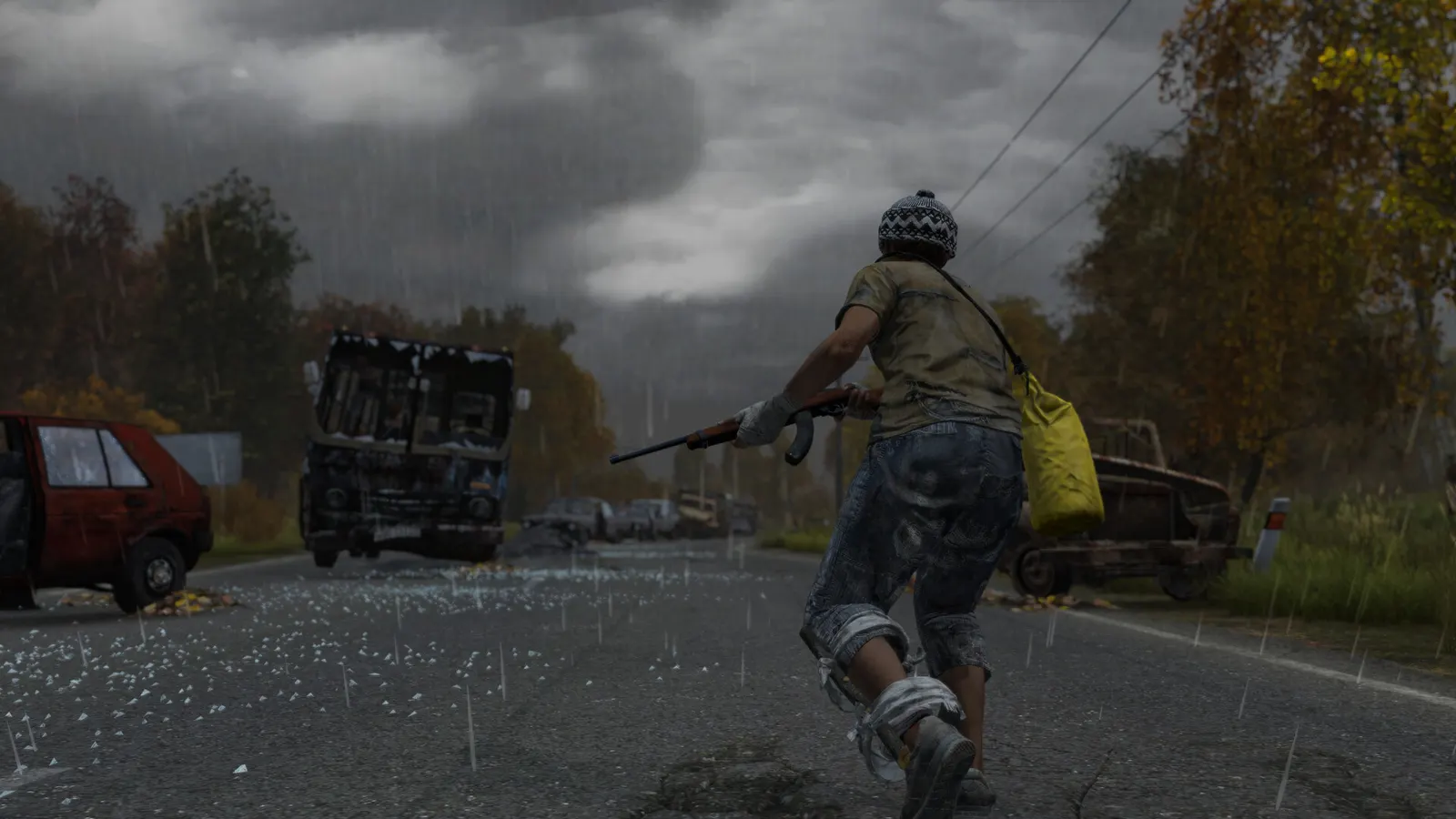
The biggest frame costs in DayZ are Object Detail, Ambient Occlusion, Terrain Detail. Start there, then work through the stutter checklist.
Updated . Game data researched November 2026.
Object Detail
The biggest CPU lever in towns and on servers with a long view distance; lower it first when cities stutter.
Ambient Occlusion
Player reports put the saving at roughly 15 to 20 fps in open areas and cities when it is disabled.
Terrain Detail
Ground geometry and terrain draw cost; Medium is a good balance.
Shadows
Guides recommend Low to Medium; higher shadow quality costs frames for little gameplay gain.
Antialiasing
Lowering it gives a large gain; the multisampling (hardware AA) option has also caused black screens at launch for some players.
Post Process Quality
Medium impact; low settings also give a sharper image.
Values shown are what we pick for max FPS. Section names follow the in-game menu.
| Setting | Low-end value |
|---|---|
| Resolution | Your monitor's native resolution; scale with the upscaler instead |
| VSync | Off; use G-Sync or FreeSync with an FPS cap instead |
| Quality Preset | Custom |
| Object Detail | Low |
| Terrain Detail | Low |
| Shadows | Low |
| Ambient Occlusion | Disabled |
| Antialiasing | Disabled |
| Post Process Quality | Disabled |
| HDR Quality | Low |
| Texture Quality | Low |
| Video Memory | Auto |