How do I show FPS in DayZ?
- In DayZ, Steam: Steam > Settings > In Game > "In-game FPS counter" and pick a corner.
- In DayZ, alternatives: the NVIDIA app overlay (Alt+Z) or the AMD Software performance overlay.
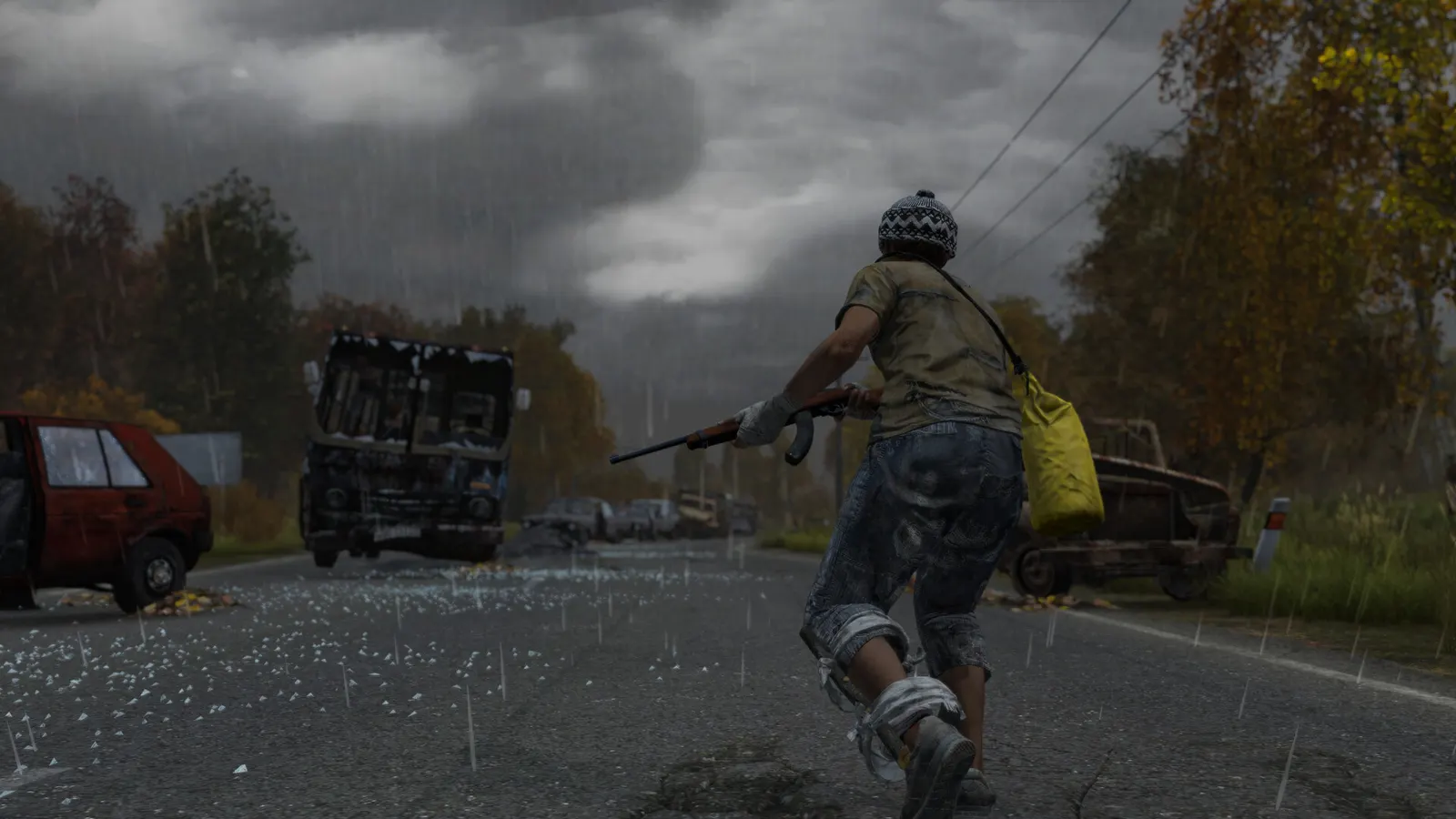
Bohemia's open-world zombie survival game. It is mostly CPU-bound: towns, big servers and object density cost more frames than shadows or textures, and the Enfusion engine has no DLSS or FSR. Update 1.29 (2026) targeted server and client performance, and the Badlands expansion with the Nasdara map followed in October 2026.
Best DayZ settings at 1080p for an RTX 4060 + Ryzen 5 7600: Ultra, lowering Object Detail and Ambient Occlusion first. Modelled: that PC gets about 100 fps, an RTX 3060 + Ryzen 5 5600 85 fps (Ultra), a GTX 1650 + Core i5-10400 60 fps (Medium). Rough estimate: no published benchmarks yet. How we estimate this
Updated . Game data researched November 2026.
The setting for every preset, from Low to Ultra. Save your hardware to get one tuned list.
Set up your rig to see which column fits your PC, with an estimate of your frames.
| Setting | Low | Medium | High | Ultra |
|---|---|---|---|---|
| Resolution | Your monitor's native resolution; scale with the upscaler instead | |||
| VSync | Off; use G-Sync or FreeSync with an FPS cap instead | |||
| Quality Preset | Custom | Custom | Custom | Custom |
| Object Detail | Low | Medium | High | Very High |
| Terrain Detail | Low | Medium | Medium | High |
| Shadows | Low | Low | Medium | High |
| Ambient Occlusion | Disabled | Disabled | Low | Medium |
| Antialiasing | Disabled | Low | Low | Medium |
| Post Process Quality | Disabled | Low | Low | Medium |
| HDR Quality | Low | Low | Low | Low |
| Texture Quality | Low | Medium | High | Very High |
| Video Memory | Auto | Auto | Auto | Auto |
Modelled frame rates on the High preset at native resolution, without upscaling or frame generation. Your own rig can differ: check your exact PC.
| Graphics card | 1080p | 1440p | 4K |
|---|---|---|---|
| RTX 4090 | 135 fps | 135 fps | 135 fps |
| RTX 4070 | 135 fps | 135 fps | 80 fps |
| RTX 4060 | 135 fps | 90 fps | 45 fps |
| RTX 3060 12GB | 115 fps | 75 fps | 40 fps |
| GTX 1650 | 50 fps | 30 fps | 15 fps |
| RX 7800 XT | 135 fps | 135 fps | 80 fps |
| RX 7600 | 135 fps | 90 fps | 45 fps |
| RX 6600 | 110 fps | 70 fps | 35 fps |
These are estimates from our model, not measurements; real results vary with the scene, drivers and background load. Orange numbers are below 60 fps. How we estimate this
Hey Survivors, Welcome to DayZ Badlands post-release dev blog 2! We will be talking about additional behaviors that we are adding to the dogs with Patch 2 of the 1.30 Update. Patch 2 is slated to arrive on the experimental branches next…
Read on Steam (opens in a new tab): DayZ Badlands | Post-Release Dev Blog (Week 04) | Dog BehaviourHey Survivors, Select DayZ merch is now up to 55% off in our merch store! Get your hands on pristine loot at ruined prices! Check back regularly, as we’re adding more items to the sale each week. Sale ends on November 27. {LINK…
Read on Steam (opens in a new tab): DayZ Merch | Black Friday SaleHey Survivors, Week 1 of DayZ Badlands We’re thrilled to announce that more than 325,500 units of DayZ Badlands have been purchased across all platforms, and DayZ reached a peak of more than 435,500 concurrent players during the launch…
Read on Steam (opens in a new tab): Thank you, Survivors!Hey Survivors, Spooky season is upon us, and DayZ Badlands is here! To celebrate, DayZ and its various bundles are on sale for up to 50% off until November 2! To welcome Nasdara to the roster of DayZ terrains, DayZ Badlands is also…
Read on Steam (opens in a new tab): Scream V Sale