How do I show FPS in DiRT Rally?
- In DiRT Rally, in Steam open Settings > In Game and choose a position for "In-game FPS counter".
- In DiRT Rally, the NVIDIA app or AMD Software overlay also shows frame rate and frame time.
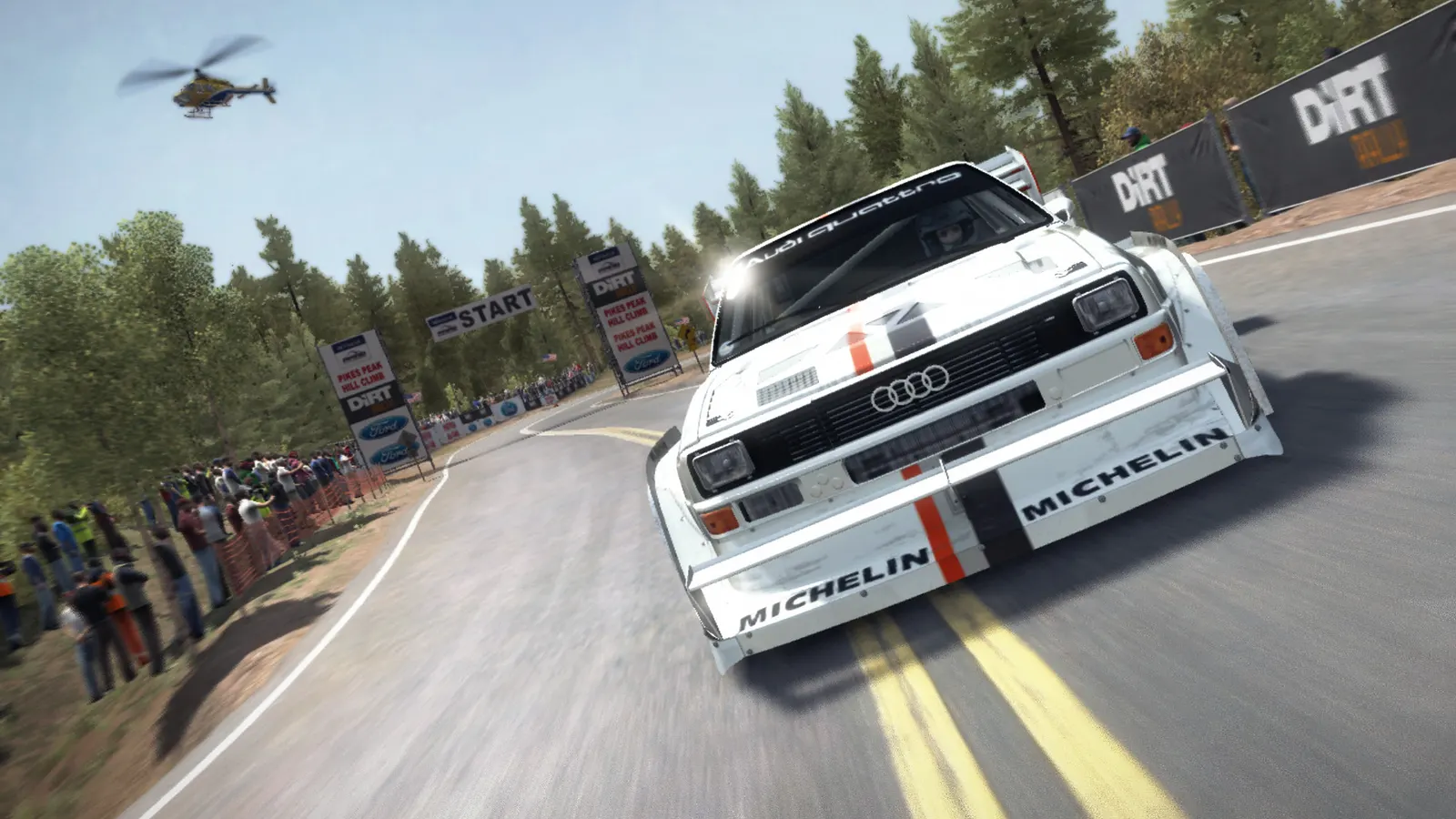
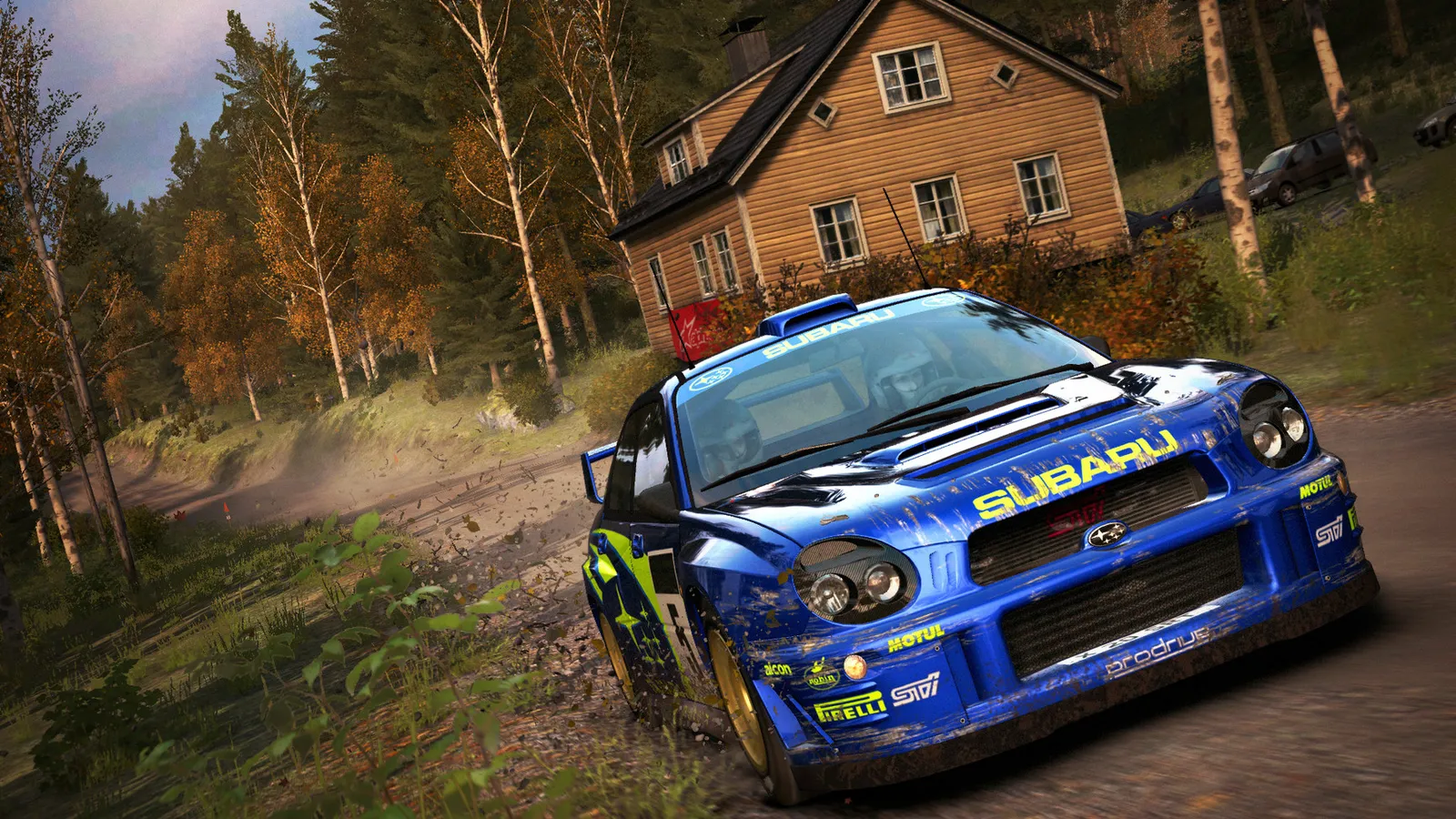
The 2015 rally simulation that started the DiRT Rally line, now delisted from sale but playable for people who own it. It is light by today's standards: a mid-range card from 2016 maxes it at 1080p, and the heavy options are anti-aliasing and ambient occlusion.
Best DiRT Rally settings at 1080p for an RTX 4060 + Ryzen 5 7600: Ultra, lowering Anti-Aliasing first. Modelled: that PC gets about 270 fps, an RTX 3060 + Ryzen 5 5600 220 fps (Ultra), a GTX 1650 + Core i5-10400 100 fps (Ultra). Calibrated against 14 measured benchmarks. How we estimate this
Updated . Game data researched November 2026.
The setting for every preset, from Low to Ultra. Save your hardware to get one tuned list.
Set up your rig to see which column fits your PC, with an estimate of your frames.
| Setting | Low | Medium | High | Ultra |
|---|---|---|---|---|
| Resolution | Your monitor's native resolution; scale with the upscaler instead | |||
| V-Sync | Off; use G-Sync or FreeSync with an FPS cap instead | |||
| Anti-Aliasing | Low | Medium | High | Ultra |
| Ambient Occlusion | Off | Low | High | High |
| Shader Detail | Medium | Medium | High | High |
Modelled frame rates on the High preset at native resolution, without upscaling or frame generation. Your own rig can differ: check your exact PC.
| Graphics card | 1080p | 1440p | 4K |
|---|---|---|---|
| RTX 4090 | 510 fps | 510 fps | 375 fps |
| RTX 4070 | 510 fps | 395 fps | 205 fps |
| RTX 4060 | 375 fps | 240 fps | 125 fps |
| RTX 3060 12GB | 310 fps | 195 fps | 100 fps |
| GTX 1650 | 135 fps | 85 fps | 45 fps |
| RX 7800 XT | 510 fps | 410 fps | 215 fps |
| RX 7600 | 375 fps | 240 fps | 125 fps |
| RX 6600 | 295 fps | 190 fps | 100 fps |
These are estimates from our model, not measurements; real results vary with the scene, drivers and background load. Orange numbers are below 60 fps. How we estimate this
As revealed during Microsoft’s Inside Xbox show, Codemasters is delighted to announce DIRT 5, coming October 2020 via Steam. Whilst respecting the heritage and retaining the DNA of the franchise, DIRT 5 writes a new chapter in the legacy…
Read on Steam (opens in a new tab): DIRT 5 - Coming October 2020
DiRT Rally Free Weekend! Play for free until Sunday at 1PM Pacific Time Offer ends Monday at 10am Pacific Time
Read on Steam (opens in a new tab): DiRT Rally Free Weekend!
DiRT Rally for Linux is now available for Steam
Read on Steam (opens in a new tab): DiRT Rally Linux is out now
Challenge yourself to the most authentic rally game ever made with DiRT Rally, coming to Linux on March 2nd.
Read on Steam (opens in a new tab): On March 2nd, DiRT Rally takes Linux to the edge