Skip to content
Set up my rig
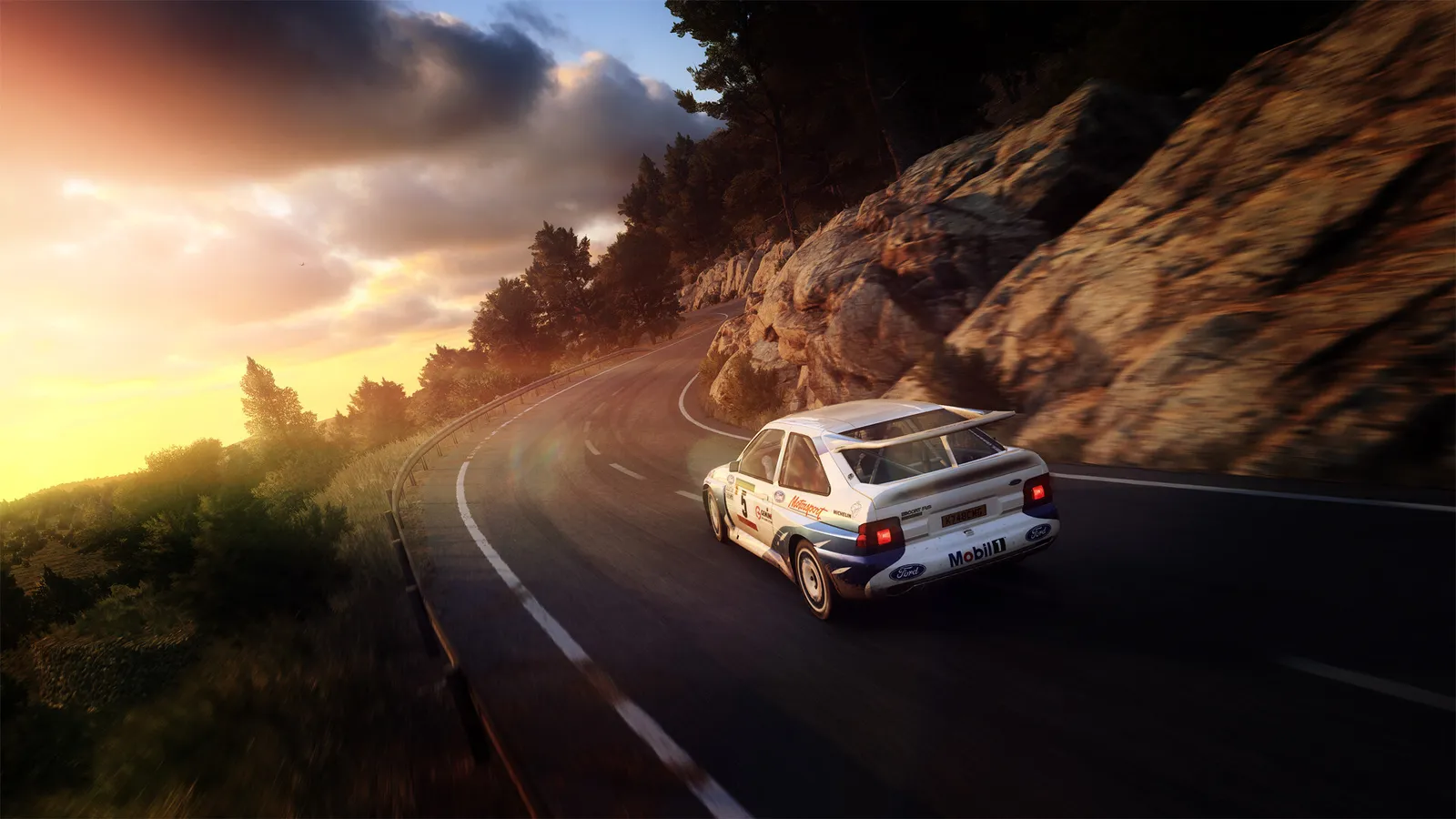
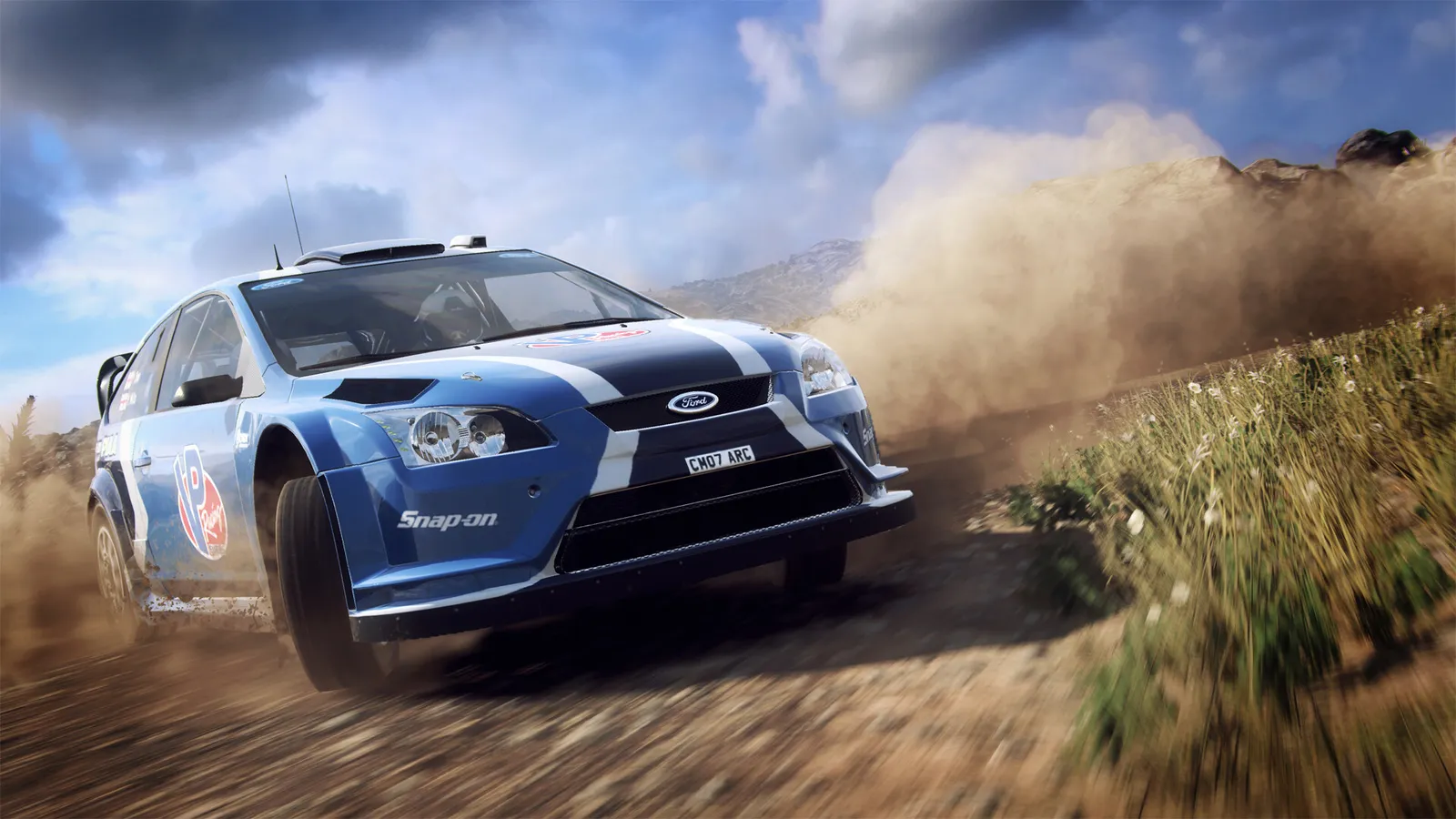
DiRT Rally 2.0, official artwork

Best DiRT Rally 2.0 settings

Codemasters' rally simulation with stage racing, rallycross and a lot of loose-surface weather. It is mostly GPU-bound: multisampling, ground cover, ambient occlusion and reflections are the heavy options, and a mid-range card from 2016 still holds 60 fps at 1080p on Ultra.

Best DiRT Rally 2.0 settings at 1080p for an RTX 4060 + Ryzen 5 7600: Ultra, lowering Multisampling and Ground Cover first. Modelled: that PC gets about 125 fps, an RTX 3060 + Ryzen 5 5600 100 fps (Ultra), a GTX 1650 + Core i5-10400 100 fps (Medium). Calibrated against 12 measured benchmarks. How we estimate this

Updated . Game data researched November 2026.

  • PEGI 3
Genre
Rally simulation
Developer
Codemasters
Released
2019
Platforms
PC, Xbox, PlayStation
Engine
EGO
Researched
Nov 2026

What are the best DiRT Rally 2.0 graphics settings?

The setting for every preset, from Low to Ultra. Save your hardware to get one tuned list.

Tell us your hardware once and every game page shows settings for it. Set up my rig

Set up your rig to see which column fits your PC, with an estimate of your frames.

DiRT Rally 2.0 graphics settings per preset
SettingLowMediumHighUltra
Display Mode Windowed BorderlessWindowed BorderlessWindowed BorderlessWindowed Borderless
Resolution Your monitor's native resolution; scale with the upscaler instead
VSync Off; use G-Sync or FreeSync with an FPS cap instead
Multisampling CMAACMAA4x MSAA8x MSAA
TAA OffOffOffOff
Shader Detail MediumMediumHighHigh
Texture Detail LowMediumHighUltra
Anisotropic Filtering 4x8x16x16x
Reflections LowMediumHighUltra
Screen Space Reflections OffOffOnOn
Shadows LowMediumHighUltra
Ambient Occlusion OffLowHighHigh
Particles LowMediumHighUltra
Ground Cover LowMediumHighUltra
Crowd LowLowMediumHigh
Advanced Blending OffOffOnOn
Motion Blur OffOffOffOff

How much FPS will I get in DiRT Rally 2.0?

Modelled frame rates on the High preset at native resolution, without upscaling or frame generation. Your own rig can differ: check your exact PC.

Estimated DiRT Rally 2.0 FPS by graphics card, High preset, with a Ryzen 7 7800X3D and 16 GB RAM
Graphics card 1080p1440p4K
RTX 4090 290 fps290 fps195 fps
RTX 4070 290 fps205 fps105 fps
RTX 4060 195 fps125 fps65 fps
RTX 3060 12GB 160 fps100 fps50 fps
GTX 1650 70 fps45 fps25 fps
RX 7800 XT 290 fps210 fps110 fps
RX 7600 195 fps125 fps65 fps
RX 6600 155 fps95 fps50 fps

These are estimates from our model, not measurements; real results vary with the scene, drivers and background load. Orange numbers are below 60 fps. How we estimate this

What are the best DiRT Rally 2.0 tips for more FPS?

How do I show FPS in DiRT Rally 2.0?

  1. In DiRT Rally 2.0, in Steam open Settings > In Game and choose a position for "In-game FPS counter".
  2. In DiRT Rally 2.0, the game has no counter of its own that we could verify; the NVIDIA app or AMD Software overlay also shows frame rate and frame time.
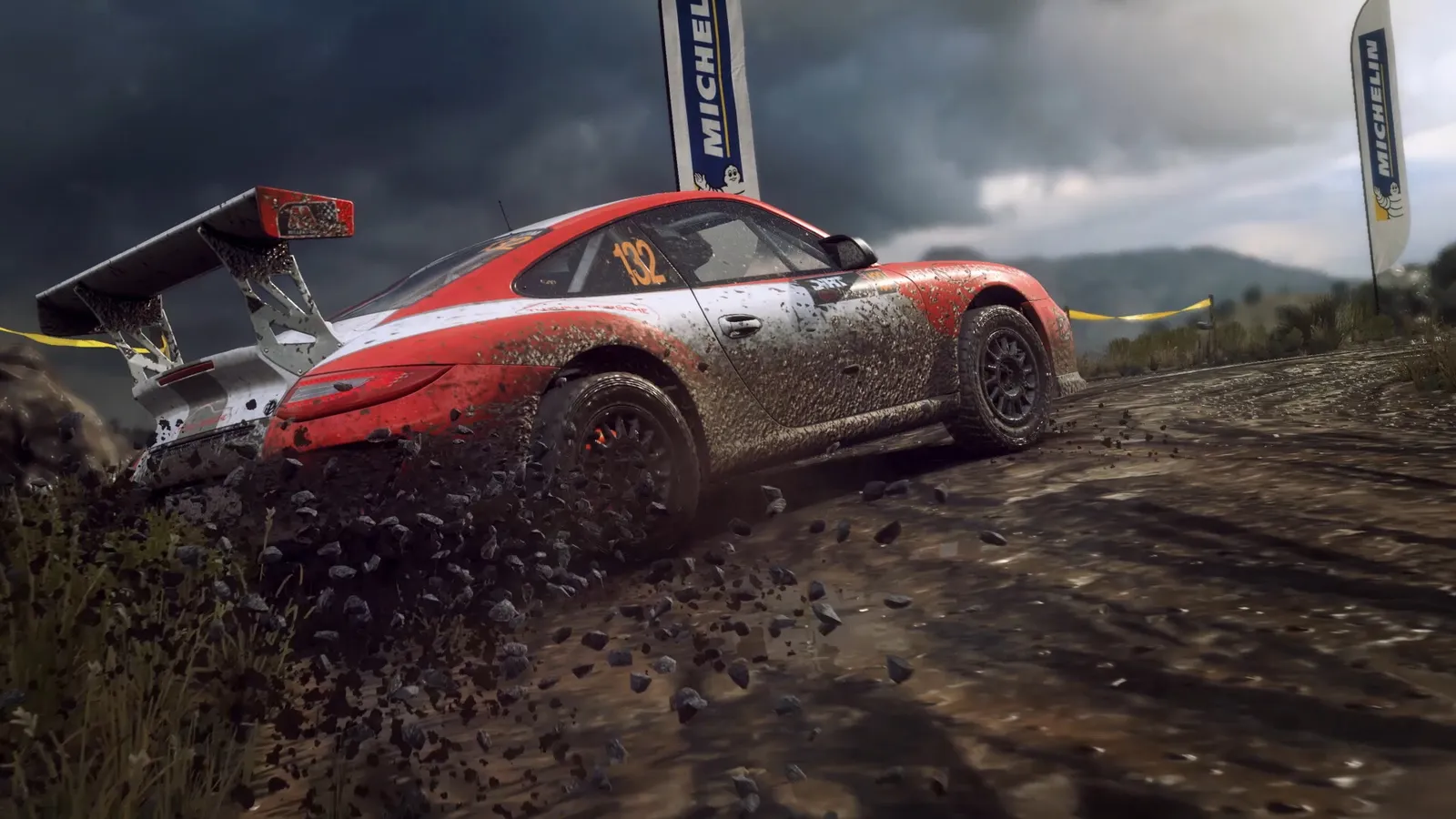
DiRT Rally 2.0: Where the frames are

  1. In DiRT Rally 2.0, drop Multisampling from 8x MSAA to 4x MSAA or CMAA first: it is the largest single saving.
  2. In DiRT Rally 2.0, next lower Ground Cover, Ambient Occlusion and Motion Blur; the picture barely changes.
  3. In DiRT Rally 2.0, rallycross with a full grid and crowds costs more than a quiet gravel stage, so test in the heaviest event you play.

DiRT Rally 2.0: Wheel and input latency

  1. In DiRT Rally 2.0, keep VSync off and cap the frame rate with the driver slightly below your refresh rate if the picture tears.
  2. In DiRT Rally 2.0, A stable frame rate matters more than a high peak for feedback on a force-feedback wheel.

DiRT Rally 2.0: Field of view and camera

  1. In DiRT Rally 2.0, set the camera field of view in the camera options to match your seating distance and screen size.
  2. In DiRT Rally 2.0, on a triple screen or ultrawide, expect the GPU cost to grow with the pixel count; lower Ground Cover first.

News from Steam

All news

Save up to 85%* with the Summer Sale

Whether you’re ready to embark on an amazing journey or have a little friendly competition, the Summer Sale gives you a chance to grab some of your favorite titles at huge savings. Get great deals on EA’s collection of games and start your…

Read on Steam (opens in a new tab): Save up to 85%* with the Summer Sale

Guides