Skip to content
Set up my rig
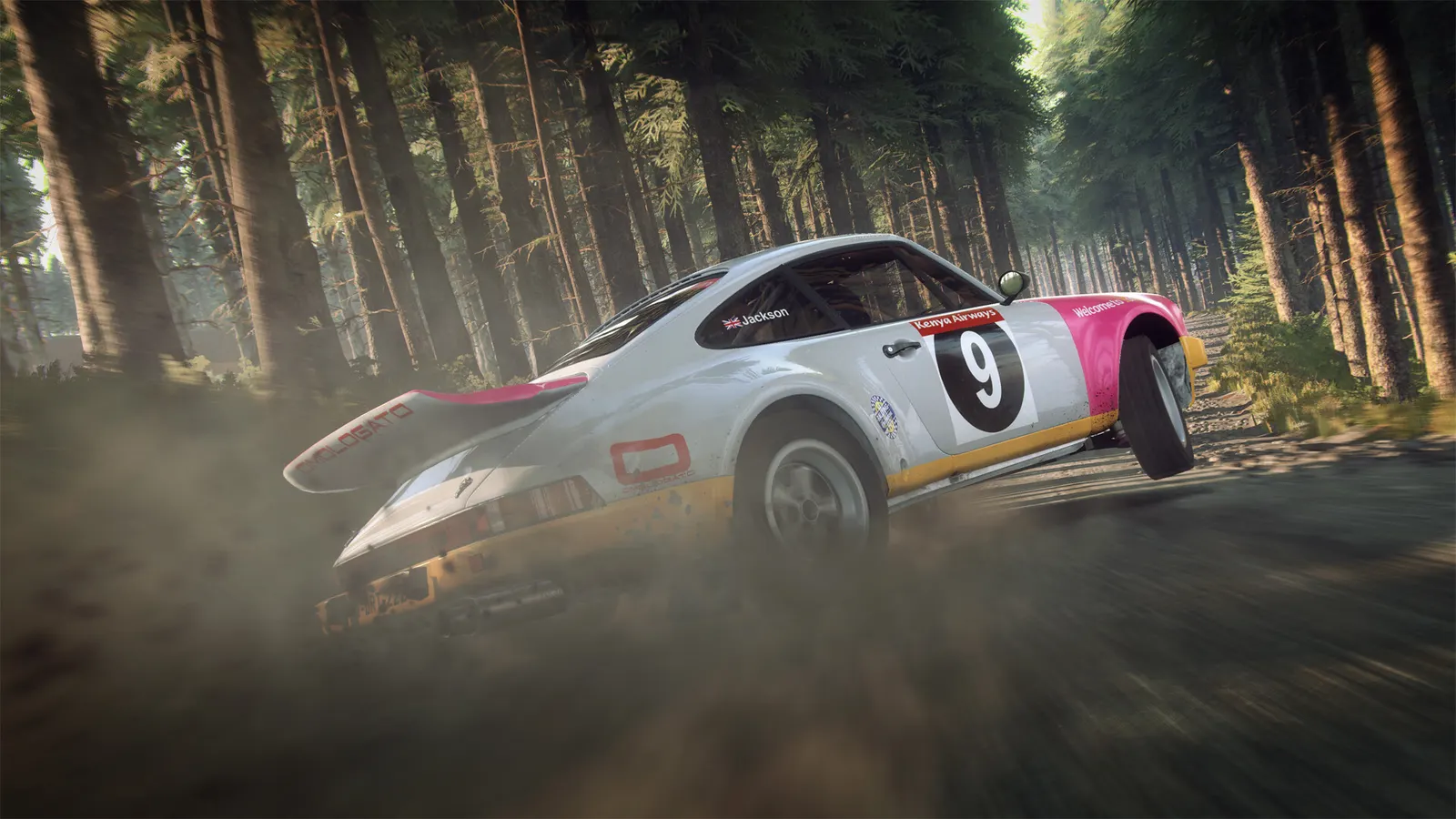
DiRT Rally 2.0, official artwork

DiRT Rally 2.0 FPS boost and stutter fix

The biggest frame costs in DiRT Rally 2.0 are Multisampling, Ground Cover, TAA. Start there, then work through the stutter checklist.

Updated . Game data researched November 2026.

  • PEGI 3
Genre
Rally simulation
Developer
Codemasters
Released
2019
Platforms
PC, Xbox, PlayStation

Which DiRT Rally 2.0 settings cost the most FPS?

Multisampling

The single most expensive option (one guide measures up to about 39% of fps). CMAA is the cheap alternative.

CMAA

Ground Cover

Grass and verge detail; reported as the biggest saving after multisampling (up to about 22%).

Low

TAA

Costs roughly 12% in one guide and softens the picture noticeably.

Off

Reflections

Ultra gets expensive in rain; High is the usual sweet spot.

Low

Screen Space Reflections

Wet-road reflections; about 11% in one measurement.

Off

Shadows

Moderate cost; Medium or High keeps car and tree shadows believable.

Low

Ambient Occlusion

Contact shadows; roughly 12% in one guide. The separate Advanced Ambient Occlusion toggle adds another few percent.

Off

Particles

Dust and spray from the car and rivals; costs more when several cars are near.

Low

Crowd

Spectators are expensive in rallycross and at stage starts; one test gained about 10 fps on Low with Advanced Blending off.

Low

Values shown are what we pick for max FPS. Section names follow the in-game menu.

Upscaling and latency in DiRT Rally 2.0

  • Upscaling: not available in this game.
  • Frame generation: not available in this game.
  • Latency: no Reflex or Anti-Lag 2 in this game. Cap your FPS a few frames below your refresh rate instead.

Upscaling explained

How do I fix stuttering in DiRT Rally 2.0?

DiRT Rally 2.0: Where the frames are

  1. In DiRT Rally 2.0, drop Multisampling from 8x MSAA to 4x MSAA or CMAA first: it is the largest single saving.
  2. In DiRT Rally 2.0, next lower Ground Cover, Ambient Occlusion and Motion Blur; the picture barely changes.
  3. In DiRT Rally 2.0, rallycross with a full grid and crowds costs more than a quiet gravel stage, so test in the heaviest event you play.

DiRT Rally 2.0: Wheel and input latency

  1. In DiRT Rally 2.0, keep VSync off and cap the frame rate with the driver slightly below your refresh rate if the picture tears.
  2. In DiRT Rally 2.0, A stable frame rate matters more than a high peak for feedback on a force-feedback wheel.

DiRT Rally 2.0: Field of view and camera

  1. In DiRT Rally 2.0, set the camera field of view in the camera options to match your seating distance and screen size.
  2. In DiRT Rally 2.0, on a triple screen or ultrawide, expect the GPU cost to grow with the pixel count; lower Ground Cover first.

Checklist for every PC

  • Install the game on an SSD: a hard drive causes texture pop-in and hitches. DiRT Rally 2.0 wants 8 GB of RAM; close browsers and launchers while playing.
  • Lower Textures one step if your graphics card has 8 GB of VRAM or less and you see sudden drops.
  • Let shaders finish compiling on first launch and after driver updates; the first match can stutter.
  • Enable XMP/EXPO so your RAM runs at its rated speed, and update your graphics driver.
  • Check that Windows runs your monitor at its full refresh rate: how to check.
  • Turn on Game Mode and Hardware-accelerated GPU scheduling: Windows gaming settings.

DiRT Rally 2.0 settings for a low-end PC

SettingLow-end value
Display ModeWindowed Borderless
ResolutionYour monitor's native resolution; scale with the upscaler instead
VSyncOff; use G-Sync or FreeSync with an FPS cap instead
MultisamplingCMAA
TAAOff
Shader DetailMedium
Texture DetailLow
Anisotropic Filtering4x
ReflectionsLow
Screen Space ReflectionsOff
ShadowsLow
Ambient OcclusionOff
ParticlesLow
Ground CoverLow
CrowdLow
Advanced BlendingOff
Motion BlurOff