How do I show FPS in DST?
- In DST, Steam: Steam > Settings > In Game > "In-game FPS counter" and pick a corner.
- In DST, any version: the NVIDIA app overlay (Alt+Z) or AMD Software overlay.
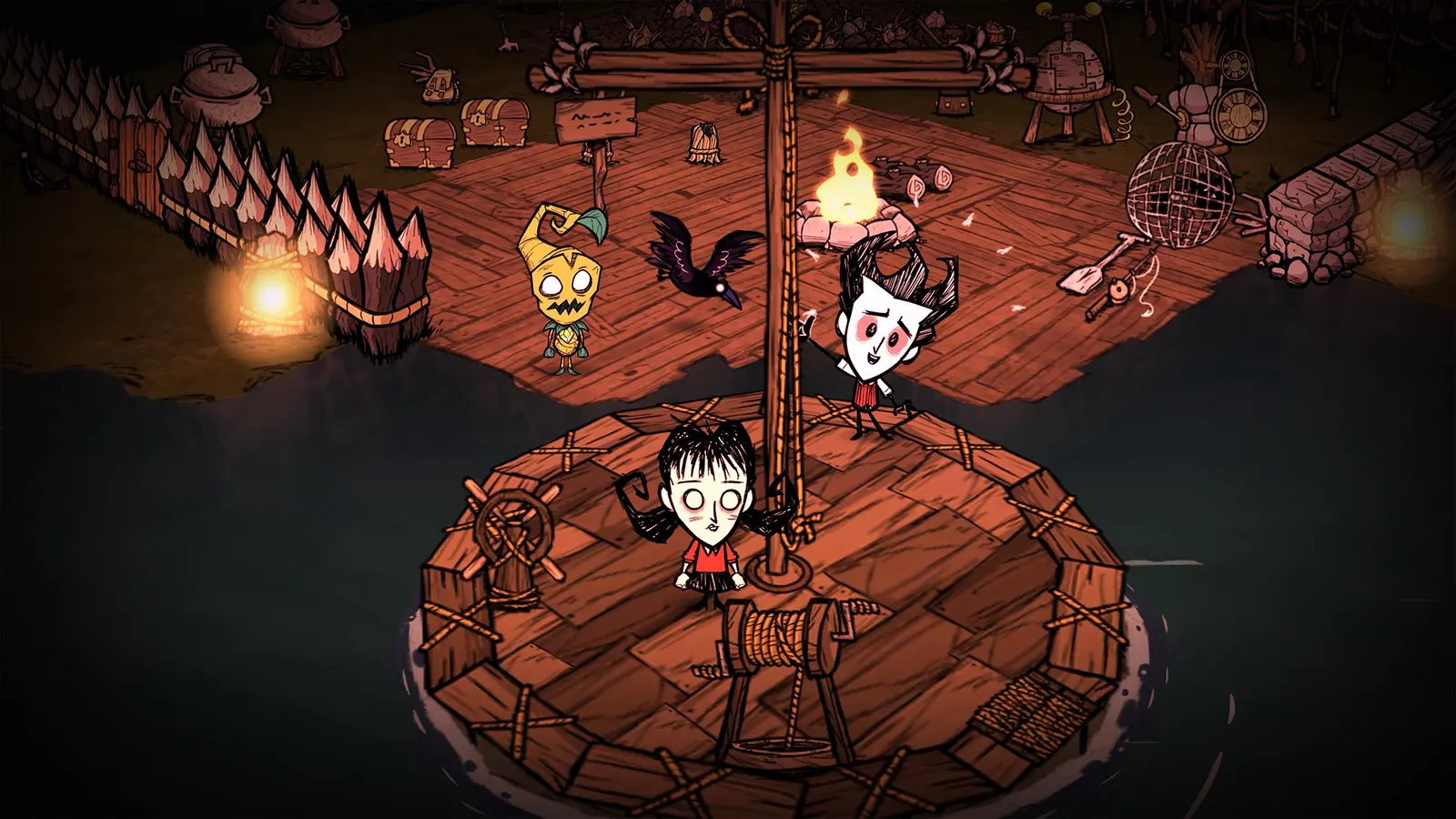
Don't Starve Together is a hand-drawn 2D-style survival game with very low graphics needs. Lag in it is almost never the graphics card: it comes from a single processor core running a big world, from the host's connection and from mods.
Best Don't Starve Together settings at 1080p for an RTX 4060 + Ryzen 5 7600: Ultra. Modelled: that PC gets about 295 fps, an RTX 3060 + Ryzen 5 5600 235 fps (Ultra), a GTX 1650 + Core i5-10400 175 fps (Ultra). Rough estimate: no published benchmarks yet. How we estimate this
Updated . Game data researched November 2026.
The setting for every preset, from Low to Ultra. Save your hardware to get one tuned list.
Set up your rig to see which column fits your PC, with an estimate of your frames.
| Setting | Low | Medium | High | Ultra |
|---|---|---|---|---|
| Resolution | Your monitor's native resolution; scale with the upscaler instead | |||
| Fullscreen | On | On | On | On |
| VSync | Off; use G-Sync or FreeSync with an FPS cap instead | |||
| Netbook Mode | Only if the game is slow | Only if the game is slow | Only if the game is slow | Only if the game is slow |
Modelled frame rates on the High preset at native resolution, without upscaling or frame generation. Your own rig can differ: check your exact PC.
| Graphics card | 1080p | 1440p | 4K |
|---|---|---|---|
| RTX 4090 | 380 fps | 380 fps | 380 fps |
| RTX 4070 | 380 fps | 380 fps | 380 fps |
| RTX 4060 | 380 fps | 380 fps | 325 fps |
| RTX 3060 12GB | 380 fps | 380 fps | 265 fps |
| GTX 1650 | 360 fps | 225 fps | 120 fps |
| RX 7800 XT | 380 fps | 380 fps | 380 fps |
| RX 7600 | 380 fps | 380 fps | 325 fps |
| RX 6600 | 380 fps | 380 fps | 255 fps |
These are estimates from our model, not measurements; real results vary with the scene, drivers and background load. Orange numbers are below 60 fps. How we estimate this
Changes Added map screen sounds. Bug Fixes Fixed bug causing Depth Worm Waves to never come even if enabled. Fixed bug causing Moonblind Crows and Misshapen Birds to behave incorrectly during a Moonstorm event. Fixed bug causing…
Read on Steam (opens in a new tab): Hotfix 762172
Changes Added map screen sounds. Bug Fixes Fixed bug causing Depth Worm Waves to never come even if enabled. Fixed bug causing Moonblind Crows and Misshapen Birds to behave incorrectly during a Moonstorm event. Fixed bug causing…
Read on Steam (opens in a new tab): Hotfix 762113
Changes Frankenswine, Mermummy, and Vamphare no longer automatically share targets to each other when aggroed individually. Bug Fixes Fixed bug where Willow’s Shadow Fire sometimes circles around its target without reaching it. Fixed bug…
Read on Steam (opens in a new tab): Hotfix 761239
Changes Added spooky variants of Pigmen, Merms, and Bunnymen, which can appear randomly during Hallowed Nights. Added 4 Halloween decorations. Flying on the Enchanted Witch’s Broom now also provides immunity to slipping, sinkholes, and…
Read on Steam (opens in a new tab): Hotifix 760944