How do I show FPS in Enshrouded?
- In Enshrouded, Steam: Steam > Settings > In Game > "In-game FPS counter" and pick a corner.
- In Enshrouded, alternatives: the NVIDIA app overlay (Alt+Z) or the AMD Software performance overlay.
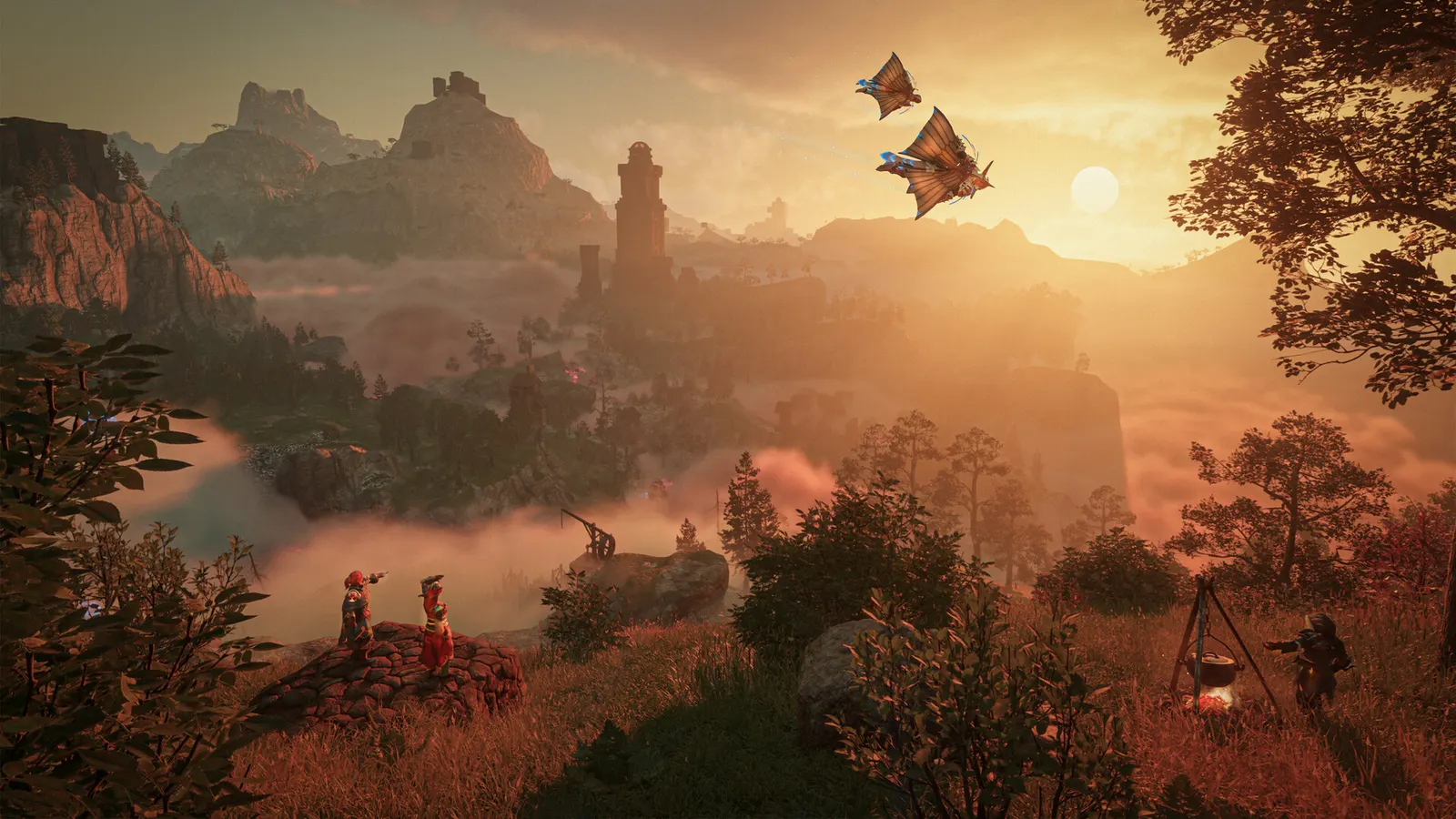
Keen Games' voxel survival RPG left Early Access with 1.0 on 15 October 2026, with changes to distant terrain, fog and lighting plus CPU optimisations for large bases. It is demanding on both the GPU (volumetric fog, indirect lighting) and the CPU, and 6 GB of VRAM is the stated floor.
Best Enshrouded settings at 1080p for an RTX 4060 + Ryzen 5 7600: High with DLSS Quality, lowering Indirect lighting and Fog quality first. Modelled: that PC gets about 85 fps, an RTX 3060 + Ryzen 5 5600 65 fps (High), a GTX 1650 + Core i5-10400 45 fps (Medium). Rough estimate: no published benchmarks yet. How we estimate this
Updated . Game data researched November 2026.
The setting for every preset, from Low to Ultra. Save your hardware to get one tuned list.
Set up your rig to see which column fits your PC, with an estimate of your frames.
| Setting | Low | Medium | High | Ultra |
|---|---|---|---|---|
| Display mode | Fullscreen | Fullscreen | Fullscreen | Fullscreen |
| Resolution | Your monitor's native resolution; scale with the upscaler instead | |||
| VSync | Off; use G-Sync or FreeSync with an FPS cap instead | |||
| Anti-aliasing (DLSS / FSR / FXAA) | Native; DLSS Quality on RTX, FSR Quality on AMD and older GeForce | |||
| Texture quality | Performance | Balanced | Quality | Quality |
| Shadow Quality | Performance | Balanced | Balanced | Quality |
| Indirect lighting | Performance | Balanced | Balanced | Quality |
| Fog quality | Performance | Performance | Balanced | Quality |
| Volumetric shadow quality | Performance | Balanced | Balanced | Quality |
| SSAO | Performance | Balanced | Balanced | Quality |
| Reflections | Performance | Balanced | Balanced | Quality |
| Distance objects | Performance | Balanced | Balanced | Quality |
| Tessellation | Performance | Balanced | Balanced | Quality |
| Small foliage | Quality | Quality | Quality | Quality |
| Limit frame rate in background | On | On | On | On |
Modelled frame rates on the High preset at native resolution, without upscaling or frame generation. Your own rig can differ: check your exact PC.
| Graphics card | 1080p | 1440p | 4K |
|---|---|---|---|
| RTX 4090 | 105 fps | 105 fps | 55 fps |
| RTX 4070 | 90 fps | 60 fps | 30 fps |
| RTX 4060 | 55 fps | 35 fps | 20 fps |
| RTX 3060 12GB | 45 fps | 30 fps | 15 fps |
| GTX 1650 | 20 fps | 15 fps | 5 fps |
| RX 7800 XT | 95 fps | 60 fps | 30 fps |
| RX 7600 | 55 fps | 35 fps | 20 fps |
| RX 6600 | 45 fps | 25 fps | 15 fps |
These are estimates from our model, not measurements; real results vary with the scene, drivers and background load. Orange numbers are below 60 fps. How we estimate this
We have a new livestream on our Steam page to show off the game! Thank you to https://www.youtube.com/@JuiceHead3 for providing the footage, we hope you enjoy the release of 1.0 as much he did!
Read on Steam (opens in a new tab): Enshrouded: 1.0 Livestream
Changelog for Hotfix #5 1.0.1.2 Version is: 1287369 Changelog Recipes that are pinned stay pinned. It wasn't a big thing but it annoyed a lot of people. Thank you for the (numerous!) messages letting us know! Fixed a rare water crash…
Read on Steam (opens in a new tab): Changelog for Hotfix #5: v1.0.1.2Greetings, Flameborn! As is the tradition, with every update comes a new vanity outfit! As the nights get longer (if you're on the correct side of the planet, sorry players from down under), we get more time to stay in, look at the stars…
Read on Steam (opens in a new tab): New Drops - Through Adversity, to the Stars
Changelog for Hotfix #4 v1.0.1.1 Version is: 1285601 Changelog Fixed an issue that was introduced in patch 1.0.1 that caused the voice-over to play quieter than intended. Fixed an issue that caused the sound effects for picking up loot or…
Read on Steam (opens in a new tab): Changelog for Hotfix #4: v1.0.1.1