Skip to content
Set up my rig
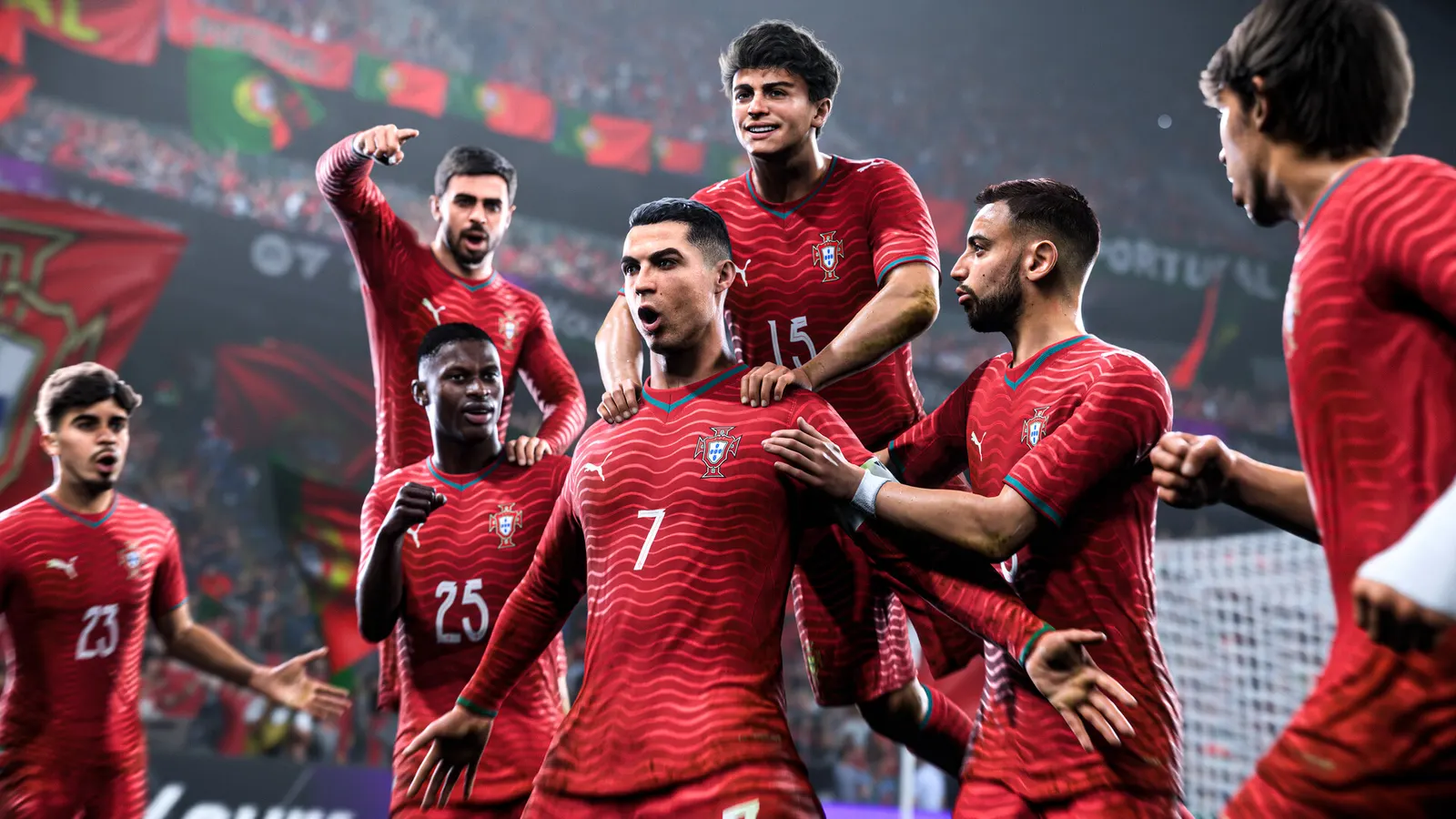
EA SPORTS FC 26, official artwork

EA SPORTS FC 26 FPS boost and stutter fix

The biggest frame costs in EA SPORTS FC 26 are Rendering Quality, Strand Based Hair, Cloth Quality. Start there, then work through the stutter checklist.

Updated . Game data researched November 2026.

  • PEGI 3
  • Competitive
Genre
Football
Developer
EA Canada, EA Romania
Released
2025
Platforms
PC, Xbox, PlayStation, Nintendo

Which EA SPORTS FC 26 settings cost the most FPS?

Rendering Quality

EA rates this as heavy on CPU, GPU and VRAM, so it is the main quality lever.

Low

Strand Based Hair

Hair strands are GPU-heavy and almost invisible at broadcast camera distance.

Off

Cloth Quality

EA rates cloth as CPU-heavy; lower it if your processor is the limit.

Low

Ambient Occlusion Quality

Contact shadows cost both CPU and GPU time for a small visual gain.

Low

Values shown are what we pick for max FPS (visibility kept where it matters). Section names follow the in-game menu.

Upscaling and latency in FC 26

  • Upscaling: not available in this game.
  • Frame generation: not available in this game.
  • Latency: no Reflex or Anti-Lag 2 in this game. Cap your FPS a few frames below your refresh rate instead.

Upscaling explained

How do I fix stuttering in EA SPORTS FC 26?

FC 26: Restart after changing Graphics settings

  1. Graphics options in FC 26 only apply after you restart the game; Display options apply right away.
  2. In FC 26, test in a real match, not in the menu, because the match engine is what the CPU spends time on.

In FC 26, EA's pitch notes list the exact per-preset values of each option nowhere; the values in this guide follow EA's CPU/GPU/VRAM impact ratings per option.

FC 26: It is mostly a CPU game

  1. In FC 26, with a recent GPU the frame rate is set by your processor and RAM speed, not by the graphics preset.
  2. In FC 26, close browsers and launchers while playing; the game also runs anti-cheat in the background.
  3. In FC 26, run RAM at its rated XMP/EXPO speed.

FC 26: Driver settings

  1. NVIDIA app > Graphics > Program settings > EA SPORTS FC 26: "Power management mode" to "Prefer maximum performance".
  2. In FC 26, if you cap the frame rate in the driver, put it a few frames under your refresh rate and leave the in-game limit on its highest value.

Checklist for every PC

  • Install the game on an SSD: a hard drive causes texture pop-in and hitches. EA SPORTS FC 26 wants 12 GB of RAM; close browsers and launchers while playing.
  • Lower Textures one step if your graphics card has 8 GB of VRAM or less and you see sudden drops.
  • Let shaders finish compiling on first launch and after driver updates; the first match can stutter.
  • Enable XMP/EXPO so your RAM runs at its rated speed, and update your graphics driver.
  • Check that Windows runs your monitor at its full refresh rate: how to check.
  • Turn on Game Mode and Hardware-accelerated GPU scheduling: Windows gaming settings.

EA SPORTS FC 26 settings for a low-end PC

SettingLow-end value
Display ModeFullscreen
Screen ResolutionYour monitor's native resolution; scale with the upscaler instead
VSyncOff; use G-Sync or FreeSync with an FPS cap instead
Frame Rate Limit3 below your refresh rate (141 on 144 Hz); uncapped for max FPS
Cutscene PerformanceHalf Frame Rate
Render Scale100%
Dynamic Resolution ScalingOff
Rendering QualityLow
Strand Based HairOff
Cloth QualityLow
Ambient Occlusion QualityLow
Grass QualityLow
Crowd QualityLow
Motion BlurOff