Enshrouded: Test in the same three places
- In Enshrouded, compare an open vista, a fog-heavy area and a fight, changing one setting at a time.
- In Enshrouded, start from the automatic preset, then lower fog quality and indirect lighting first.
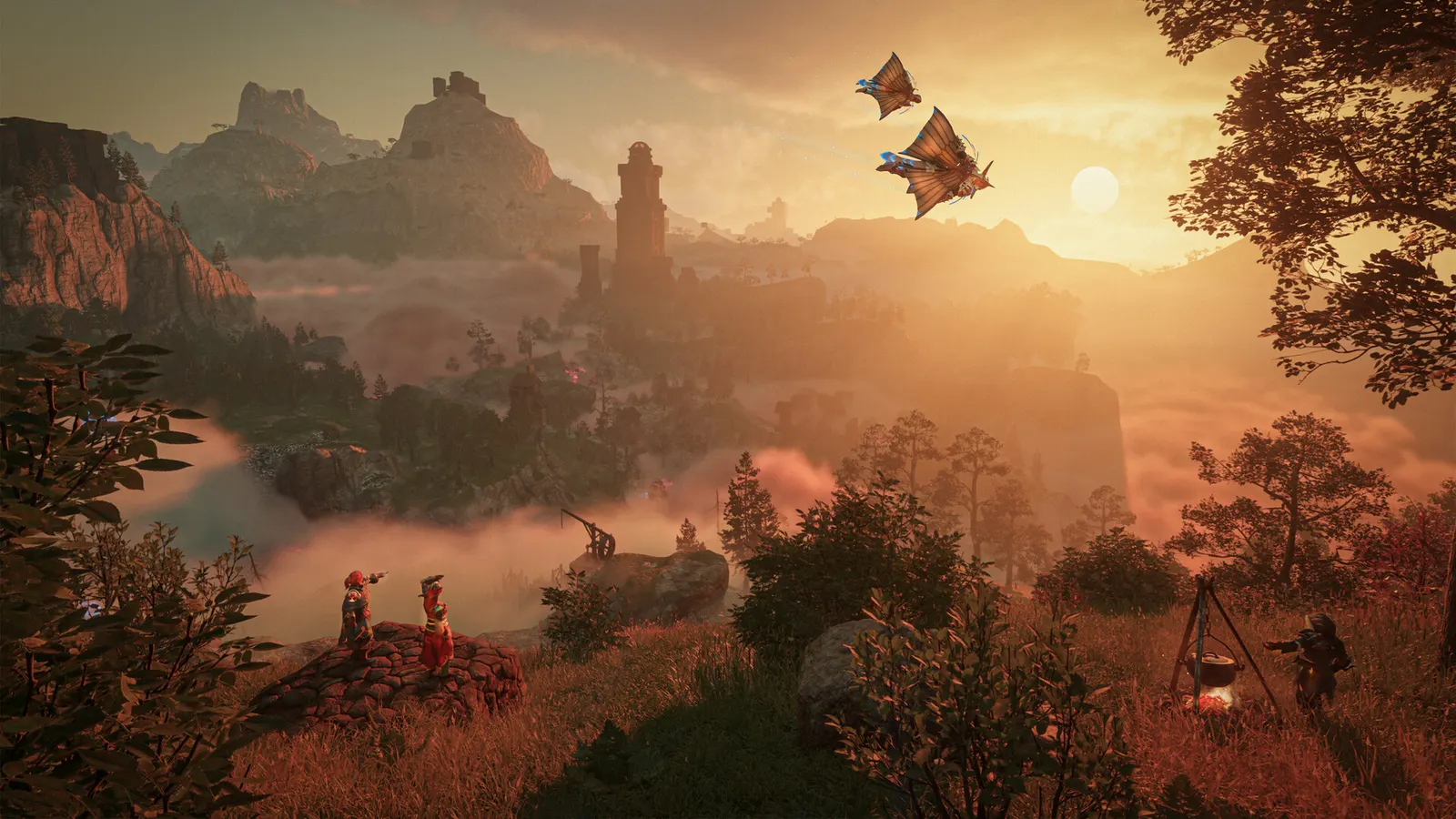
The biggest frame costs in Enshrouded are Indirect lighting, Fog quality, Shadow Quality. Start there, then work through the stutter checklist.
Updated . Game data researched November 2026.
Indirect lighting
Global lighting is one of the heavier effects, especially under the Shroud and in caves.
Fog quality
Volumetric fog covers much of the world and costs more than it looks; lower it first.
Shadow Quality
Balanced gains a couple of fps over maximum; with Performance, distant shadows can still flicker per Keen's 1.0 notes.
Volumetric shadow quality
Light shafts through fog and foliage; Balanced is a safe middle.
SSAO
Ambient occlusion; Balanced keeps most of the depth for less cost.
Distance objects
Trades a little pop-in for performance.
Values shown are what we pick for max FPS. Section names follow the in-game menu.
| Setting | Low-end value |
|---|---|
| Display mode | Fullscreen |
| Resolution | Your monitor's native resolution; scale with the upscaler instead |
| VSync | Off; use G-Sync or FreeSync with an FPS cap instead |
| Anti-aliasing (DLSS / FSR / FXAA) | Native; DLSS Quality on RTX, FSR Quality on AMD and older GeForce |
| Texture quality | Performance |
| Shadow Quality | Performance |
| Indirect lighting | Performance |
| Fog quality | Performance |
| Volumetric shadow quality | Performance |
| SSAO | Performance |
| Reflections | Performance |
| Distance objects | Performance |
| Tessellation | Performance |
| Small foliage | Quality |
| Limit frame rate in background | On |