FS25: Mods and multiplayer
- In FS25, big mod collections and busy multiplayer farms add CPU load that graphics settings cannot fix.
- In FS25, if your fps drops only in multiplayer or with certain maps, test a clean single-player save first.
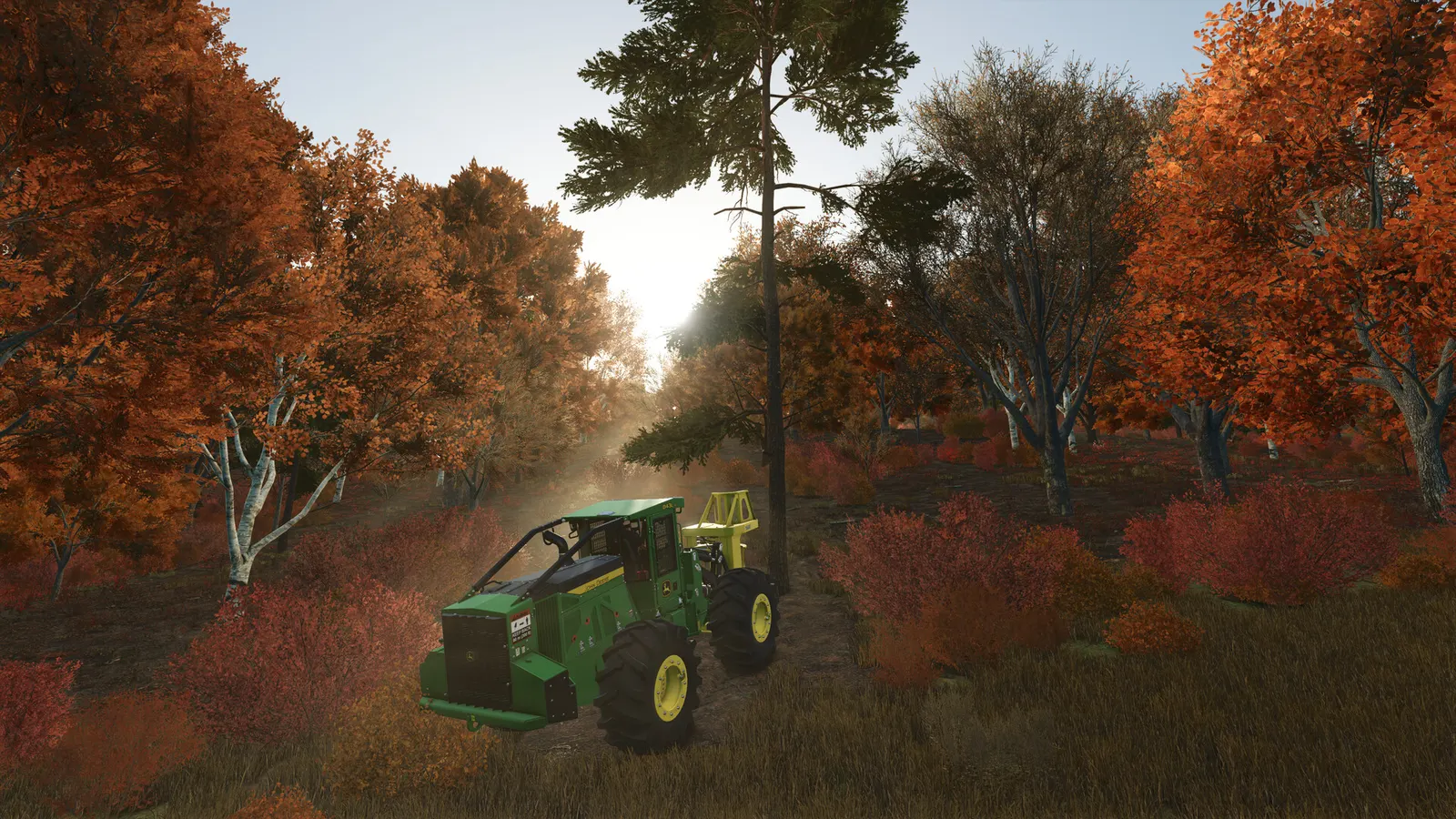
The biggest frame costs in Farming Simulator 25 are Hardware Profile, Object / Foliage Draw Distance and LOD Distance, Shadow Quality and Distance. Start there, then work through the stutter checklist.
Updated . Game data researched November 2026.
Hardware Profile
Sets the starting point for the options below; pick the closest profile, then fine-tune.
Object / Foliage Draw Distance and LOD Distance
Draw and LOD distances are the main CPU and GPU cost on big maps; 100% is the baseline.
Shadow Quality and Distance
Shadows are one of the heaviest options; Medium is a good balance.
Light Quality
Medium is a performance-friendly choice recommended by guides.
Values shown are what we pick for max FPS. Section names follow the in-game menu.
In FS25, this comes from a community guide, not from GIANTS.
| Setting | Low-end value |
|---|---|
| Screen Resolution | Your monitor's native resolution; scale with the upscaler instead |
| V-Sync | Off; use G-Sync or FreeSync with an FPS cap instead |
| Frame Rate Limit | 3 below your refresh rate (141 on 144 Hz); uncapped for max FPS |
| DLSS / FidelityFX Super Resolution | Native; DLSS Quality on RTX, FSR Quality on AMD and older GeForce |
| FidelityFX Super Resolution 3 Frame Generation | Off below 50 fps; above it FSR frame generation elsewhere; never in competitive play |
| Hardware Profile | Low |
| Object / Foliage Draw Distance and LOD Distance | 50% |
| Shadow Quality and Distance | Low |
| Light Quality | Low |
| Screen Space Shadows | Off |
| Screen Space Reflection | Off |
| Foliage Shadows | Off |
| Lens Flare Quality | Off |