How do I show FPS in FS25?
- In FS25, Steam: Steam > Settings > In Game > "In-game FPS counter" and pick a corner.
- In FS25, alternatives: the NVIDIA app overlay (Alt+Z) or the AMD Software performance overlay.
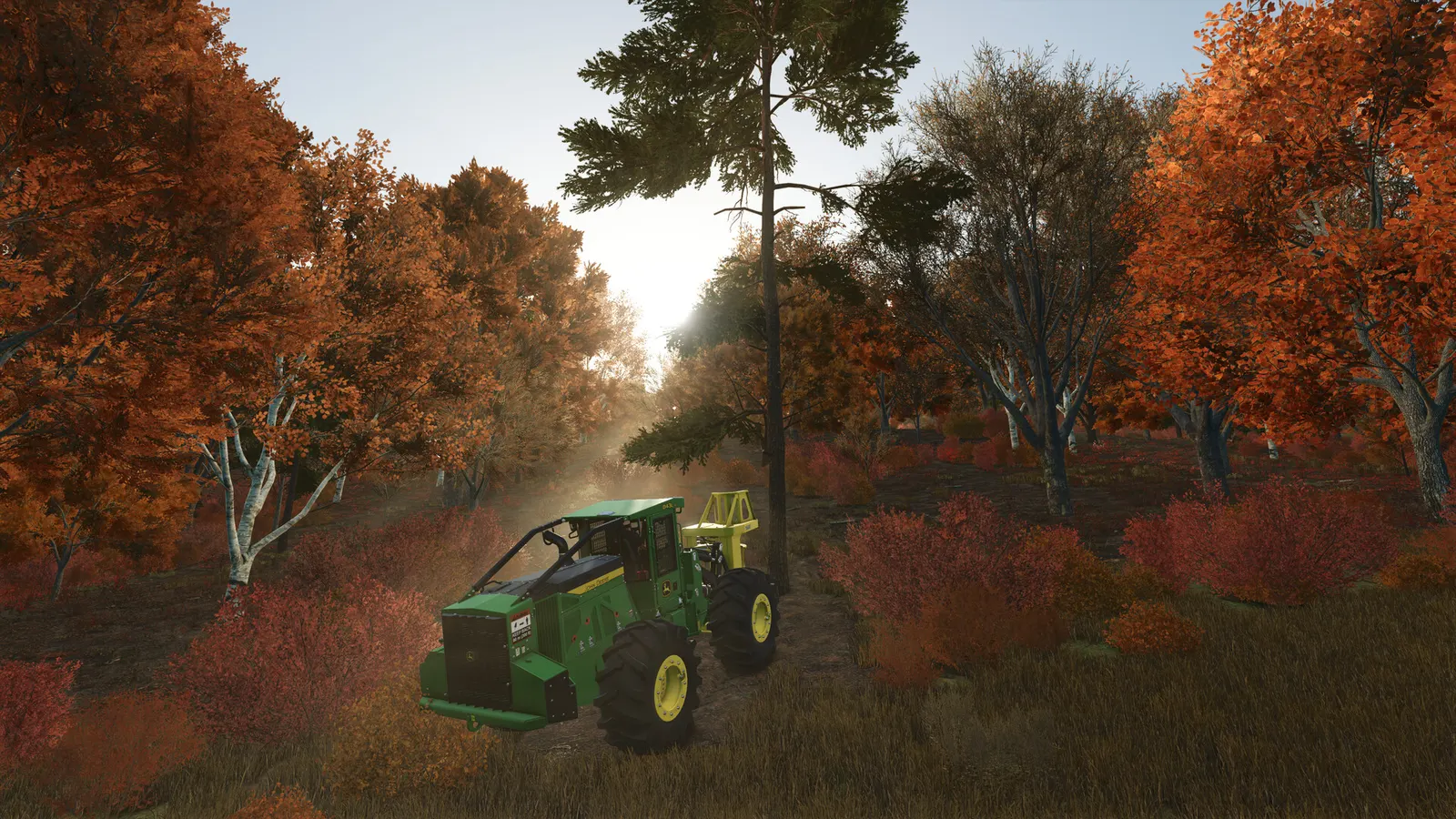
GIANTS Software's farming sim with large maps, many vehicles and multiplayer. Frame rate depends on draw distances, shadows and lighting more than on texture quality, and the game offers DLSS, FSR and FSR 3 frame generation. Large mod collections and big multiplayer farms add CPU load.
Best Farming Simulator 25 settings at 1080p for an RTX 4060 + Ryzen 5 7600: Ultra with DLSS Quality. Modelled: that PC gets about 105 fps, an RTX 3060 + Ryzen 5 5600 85 fps (Ultra), a GTX 1650 + Core i5-10400 60 fps (Ultra). Rough estimate: no published benchmarks yet. How we estimate this
Updated . Game data researched November 2026.
The setting for every preset, from Low to Ultra. Save your hardware to get one tuned list.
Set up your rig to see which column fits your PC, with an estimate of your frames.
| Setting | Low | Medium | High | Ultra |
|---|---|---|---|---|
| Screen Resolution | Your monitor's native resolution; scale with the upscaler instead | |||
| V-Sync | Off; use G-Sync or FreeSync with an FPS cap instead | |||
| Frame Rate Limit | 3 below your refresh rate (141 on 144 Hz); uncapped for max FPS | |||
| DLSS / FidelityFX Super Resolution | Native; DLSS Quality on RTX, FSR Quality on AMD and older GeForce | |||
| FidelityFX Super Resolution 3 Frame Generation | Off below 50 fps; above it FSR frame generation elsewhere; never in competitive play | |||
| Hardware Profile | Low | Medium | High | Very High |
| Object / Foliage Draw Distance and LOD Distance | 50% | 75% | 100% | 100% |
| Shadow Quality and Distance | Low | Medium | Medium | High |
| Light Quality | Low | Medium | Medium | High |
| Screen Space Shadows | Off | Off | Off | Off |
| Screen Space Reflection | Off | Off | Off | Off |
| Foliage Shadows | Off | Off | Off | Off |
| Lens Flare Quality | Off | Off | Off | Off |
Modelled frame rates on the High preset at native resolution, without upscaling or frame generation. Your own rig can differ: check your exact PC.
| Graphics card | 1080p | 1440p | 4K |
|---|---|---|---|
| RTX 4090 | 135 fps | 135 fps | 90 fps |
| RTX 4070 | 135 fps | 95 fps | 50 fps |
| RTX 4060 | 90 fps | 55 fps | 30 fps |
| RTX 3060 12GB | 75 fps | 45 fps | 25 fps |
| GTX 1650 | 35 fps | 20 fps | 10 fps |
| RX 7800 XT | 135 fps | 100 fps | 50 fps |
| RX 7600 | 90 fps | 55 fps | 30 fps |
| RX 6600 | 70 fps | 45 fps | 25 fps |
These are estimates from our model, not measurements; real results vary with the scene, drivers and background load. Orange numbers are below 60 fps. How we estimate this
In FS25, this comes from a community guide, not from GIANTS.
It's time for a warmer kind of farm life! Farming Simulator 25: Beans & Alpacas is now available for PC and consoles! The expansion takes you to the lush South America-inspired region of Catuaí, where coffee plantations, banana…
Read on Steam (opens in a new tab): Beans & Alpacas: Major New Expansion Now Available!The Beans & Alpacas expansion arrives for Farming Simulator 25 on October 27th, bringing new machines to help you tackle the work ahead on Catuaí. Leading up to release, we take a closer look at selected machines and their corresponding…
Read on Steam (opens in a new tab): Fact Sheet Collection: Beans & Alpacas ExpansionWelcome to Catuaí! With Farming Simulator 25: Beans & Alpacas, we're taking you to a new map inspired by the rural landscapes of Brazil. Wide, rolling hills meet tropical vegetation, while a winding river cuts through the region and…
Read on Steam (opens in a new tab): Ready for Catuaí? Map Preview - Beans & Alpacas Expansion
Changes & Improvements Fixed the moon rising instead of the sun at the start of a day, and a sudden lighting jump at dusk and dawn Fixed the fence snapping angle Fixed the stump cutter on trees that hadn’t been cut yet Fixed hand tools…
Read on Steam (opens in a new tab): Patch 1.25 for Farming Simulator 25 now available!