Skip to content
Set up my rig
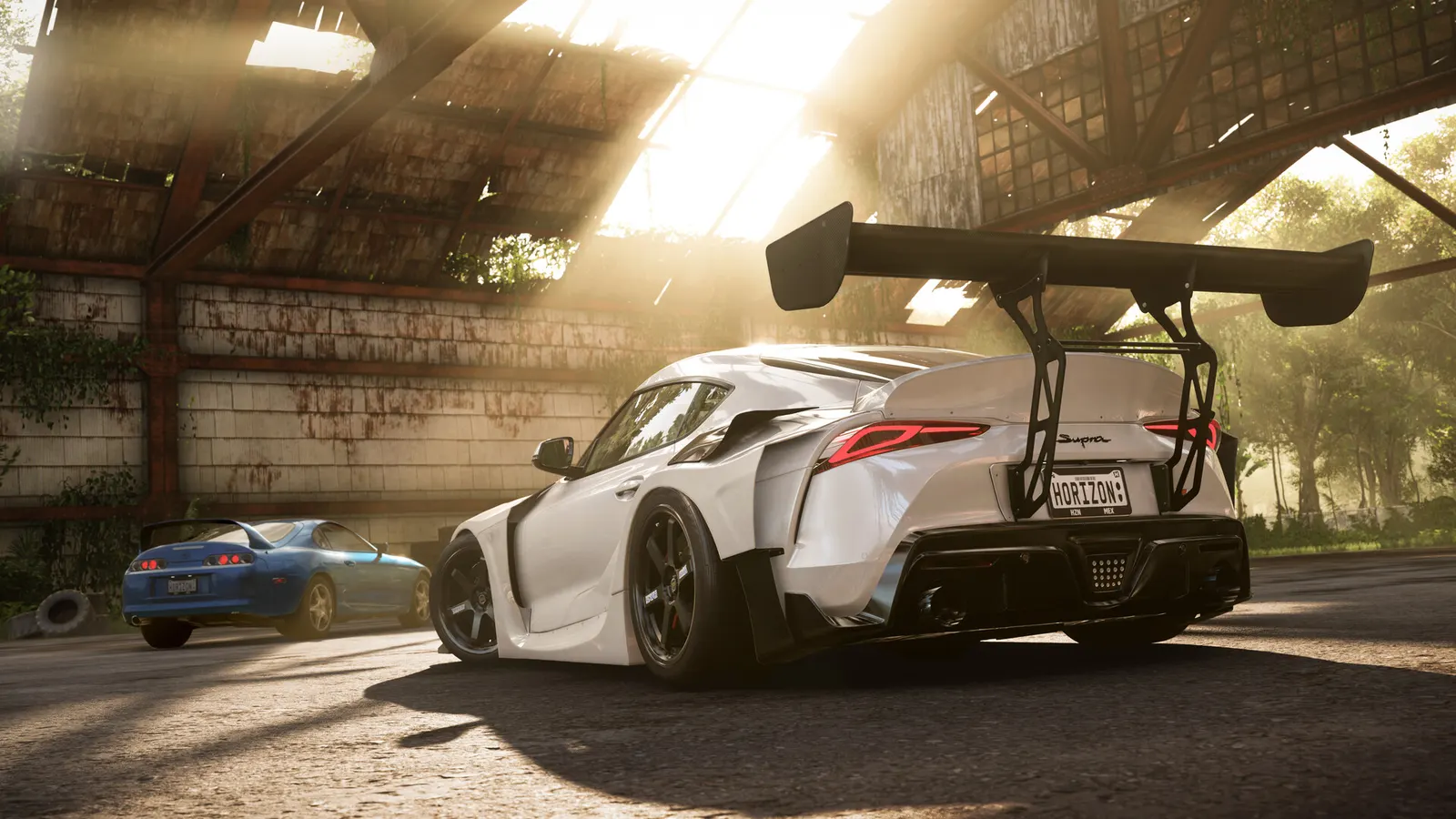
Forza Horizon 5, official artwork

Forza Horizon 5 FPS boost and stutter fix

The biggest frame costs in Forza Horizon 5 are Graphics Preset, Shadow Quality, MSAA. Start there, then work through the stutter checklist.

Updated . Game data researched November 2026.

  • PEGI 3
Genre
Open-world racing
Developer
Playground Games
Released
2021
Platforms
PC, Xbox, PlayStation

Which Forza Horizon 5 settings cost the most FPS?

Graphics Preset

PCGamesN measured Ultra at about 23% and Extreme at about 41% lower frame rate than High, so High is the best starting point.

Low

Shadow Quality

Can be the most taxing setting in the game; High keeps most of the look.

Low

MSAA

Smooths shimmering edges; 4X is the recommended level but costs a lot of frame rate.

Off

Night Shadows

Extra shadows after dark, mostly from headlights; the High preset leaves it off.

Off

SSAO Quality

The High preset turns ambient occlusion off; the extra depth is easy to miss at racing speed.

Off

Reflection Quality

Controls the reflections on car bodywork; moderate cost.

Low

Shader Quality

PCGamesN pairs the Extreme preset with High shader quality as a good balance.

Low

Values shown are what we pick for max FPS. Section names follow the in-game menu.

Upscaling and latency in Forza Horizon 5

  • Upscaling: NVIDIA DLSS, AMD FSR. Use the Quality mode first; at 1080p avoid Balanced and Performance, they get blurry.
  • Frame generation: not available in this game.
  • Latency: no Reflex or Anti-Lag 2 in this game. Cap your FPS a few frames below your refresh rate instead.

Upscaling explained

How do I fix stuttering in Forza Horizon 5?

Forza Horizon 5: Use the built-in benchmark

  1. In Forza Horizon 5, open Settings > Video and start the Benchmark to see average and minimum fps with your current settings.
  2. In Forza Horizon 5, Overclock3D notes that at 1080p the integrated benchmark can be CPU-limited, so a fast GPU may not score higher.

Forza Horizon 5: Watch the VRAM meter

  1. In Forza Horizon 5, the graphics menu shows how much video memory your settings use; keep it below your card's total.
  2. In Forza Horizon 5, environment Texture Quality is the setting that drives VRAM use, so lower it first on 4-6 GB cards.

Forza Horizon 5: Ray tracing only on the top presets

  1. In Forza Horizon 5, in races and Free Roam, ray tracing is available with the Ultra and Extreme presets; on Medium and High it only works in the Forzavista car viewer.
  2. In Forza Horizon 5, the performance cost is large, so try upscaling before you give up on ray tracing.

Checklist for every PC

  • Install the game on an SSD: a hard drive causes texture pop-in and hitches. Forza Horizon 5 wants 16 GB of RAM; close browsers and launchers while playing.
  • Lower Textures one step if your graphics card has 8 GB of VRAM or less and you see sudden drops.
  • Let shaders finish compiling on first launch and after driver updates; the first match can stutter.
  • Enable XMP/EXPO so your RAM runs at its rated speed, and update your graphics driver.
  • Check that Windows runs your monitor at its full refresh rate: how to check.
  • Turn on Game Mode and Hardware-accelerated GPU scheduling: Windows gaming settings.

Forza Horizon 5 settings for a low-end PC

SettingLow-end value
ResolutionYour monitor's native resolution; scale with the upscaler instead
UpscalingNative; DLSS Quality on RTX, FSR Quality on AMD and older GeForce
Frame Rate Limit3 below your refresh rate (141 on 144 Hz); uncapped for max FPS
V-SyncOff; use G-Sync or FreeSync with an FPS cap instead
Graphics PresetLow
MSAAOff
Shadow QualityLow
Night ShadowsOff
SSAO QualityOff
Reflection QualityLow
SSR QualityLow
Shader QualityLow
World Car Level of DetailLow
Environment Texture QualityLow
Environment Geometry QualityLow
Motion Blur QualityOff
Anisotropic FilteringUltra (16x)
Ray TracingOff