Skip to content
Set up my rig
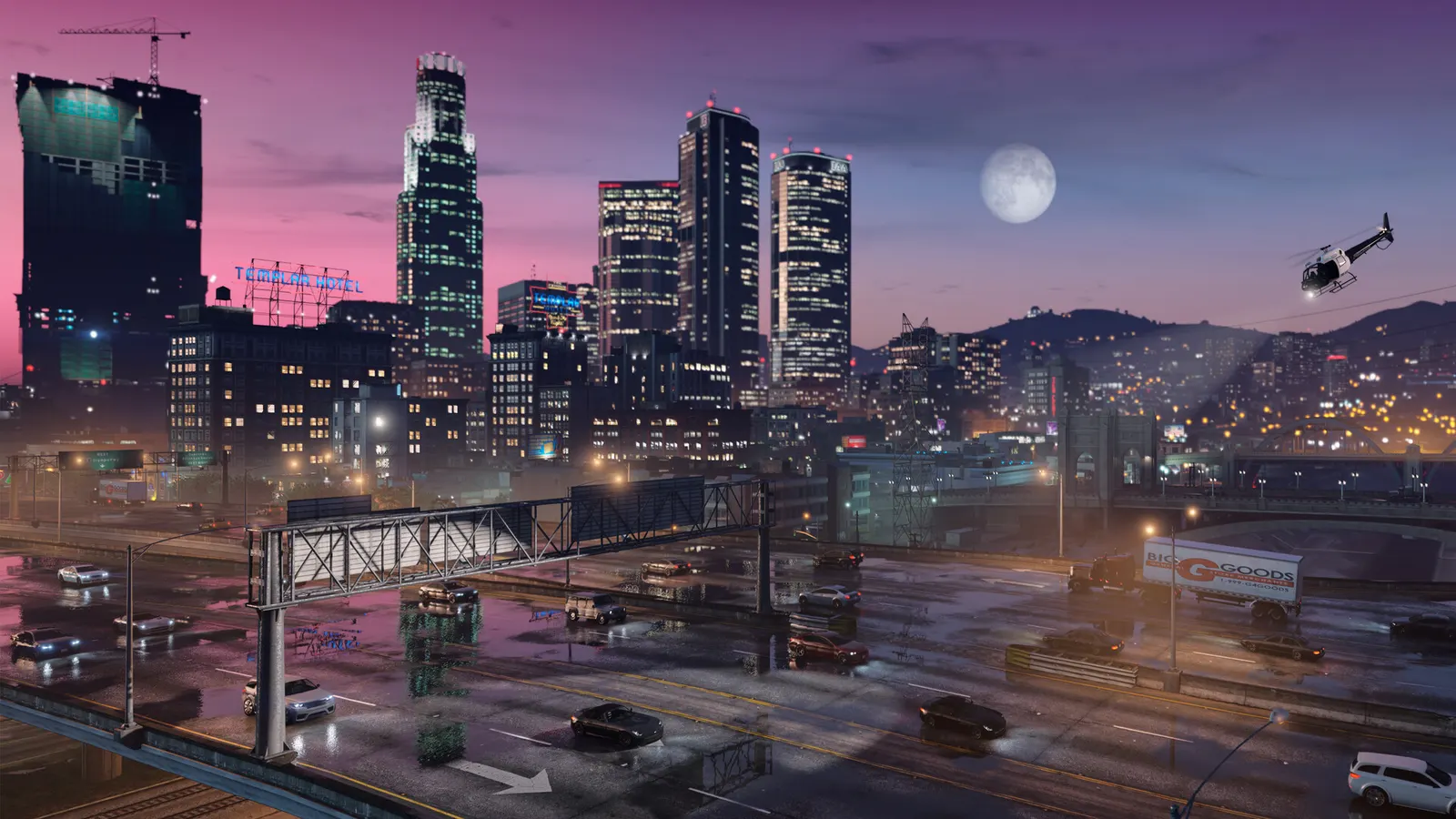
Grand Theft Auto V (Enhanced), official artwork

Grand Theft Auto V (Enhanced) FPS boost and stutter fix

The biggest frame costs in Grand Theft Auto V (Enhanced) are Ray Tracing, Ray Traced Global Illumination, Shadow Quality. Start there, then work through the stutter checklist.

Updated . Game data researched November 2026.

  • PEGI 18
Genre
Open-world action-adventure
Developer
Rockstar North
Released
2025
Platforms
PC, Xbox, PlayStation

Which Grand Theft Auto V (Enhanced) settings cost the most FPS?

Ray Tracing

The master switch for all ray-traced effects below. Needs an RTX GPU or a Radeon RX 6000 or newer.

Off

Ray Traced Global Illumination

The most demanding effect: it can cut frame rates by 20% or more and loads the CPU as well.

Off

Shadow Quality

Ultra costs about 5-6% more than Normal or High for a very small visual gain.

Normal

Reflection Quality

Screen-space reflections; mostly replaced by the ray-traced version when that is on.

Normal

Post FX

Can cost up to 20% at the top level; High is a sensible stopping point.

Normal

Ray Traced Reflections

Ultra costs about 15% more than screen-space reflections; High costs only 3-4%.

Off

Values shown are what we pick for max FPS. Section names follow the in-game menu.

Upscaling and latency in GTA V

  • Upscaling: NVIDIA DLSS, AMD FSR, DLAA. Use the Quality mode first; at 1080p avoid Balanced and Performance, they get blurry.
  • Frame generation: NVIDIA DLSS frame generation, AMD FSR frame generation. Only turn it on when you already have 50+ fps, and keep it off in competitive matches: it adds input lag.
  • Latency: NVIDIA Reflex. Turn it on; it lowers input lag with no image cost.

Upscaling explained

How do I fix stuttering in Grand Theft Auto V (Enhanced)?

GTA V: Tune ray tracing from the heavy end

  1. In GTA V, ray Traced Global Illumination costs the most, then Ray Traced Reflections. Lower those first.
  2. In GTA V, ray Traced Shadows and Ray Traced Ambient Occlusion are cheap, and Scene BVH Quality only changes a few percent.
  3. In GTA V, if the CPU is the limit, lowering resolution or the upscaler mode will not help: ray tracing loads the processor too.

GTA V: Cap the frame rate with commandline.txt

  1. In GTA V, the Enhanced edition has no Steam launch options. Create or edit commandline.txt in the game's install folder.
  2. In GTA V, add -maxFrameLimit 120 (values up to 500 are accepted).
  3. In GTA V, testing found frametime stutter above roughly 140 FPS, so 120 is a sensible cap.

GTA V: Windows settings that help

  1. In GTA V, enable Resizable BAR in the BIOS and XMP or EXPO for your RAM.
  2. In GTA V, turn on Game Mode and Hardware-accelerated GPU scheduling, and use the High Performance power plan.
  3. In GTA V, install the game on an SSD: it is required, and DirectStorage-capable drives load the world faster.

Checklist for every PC

  • Install the game on an SSD: a hard drive causes texture pop-in and hitches. Grand Theft Auto V (Enhanced) wants 16 GB of RAM; close browsers and launchers while playing.
  • Lower Textures one step if your graphics card has 8 GB of VRAM or less and you see sudden drops.
  • Let shaders finish compiling on first launch and after driver updates; the first match can stutter.
  • Enable XMP/EXPO so your RAM runs at its rated speed, and update your graphics driver.
  • Check that Windows runs your monitor at its full refresh rate: how to check.
  • Turn on Game Mode and Hardware-accelerated GPU scheduling: Windows gaming settings.

Grand Theft Auto V (Enhanced) settings for a low-end PC

SettingLow-end value
ResolutionYour monitor's native resolution; scale with the upscaler instead
Frame ScalingNative; DLSS Quality on RTX, FSR Quality on AMD and older GeForce
Frame GenerationOff below 50 fps; above it DLSS frame generation on RTX 40 and 50 or FSR frame generation elsewhere; never in competitive play
NVIDIA ReflexOn with NVIDIA Reflex on GeForce
V-SyncOff; use G-Sync or FreeSync with an FPS cap instead
Texture QualityNormal
Anisotropic Filtering4x
Shadow QualityNormal
Reflection QualityNormal
Water QualityNormal
Particle QualityNormal
Post FXNormal
Ambient OcclusionHBAO
Motion BlurOff
Ray TracingOff
Ray Traced ShadowsOff
Ray Traced ReflectionsOff
Ray Traced Global IlluminationOff
Ray Traced Ambient OcclusionOff

Launch options

  • -maxFrameLimit 120 Goes in commandline.txt in the install folder (not in Steam launch options). Caps the frame rate; values up to 500 are accepted.