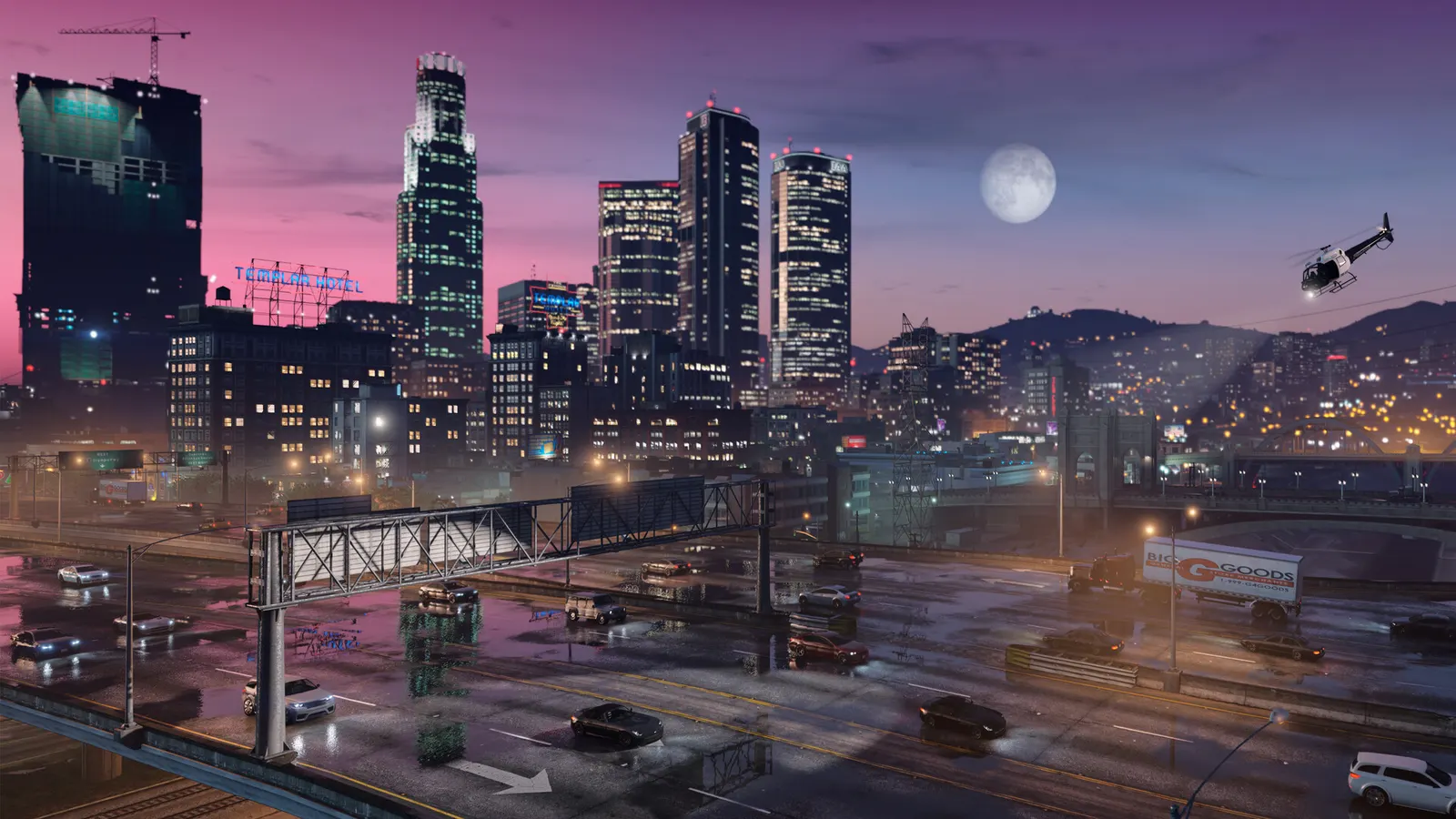
How do I show FPS in GTA V?
- In GTA V, Steam: open Steam > Settings > In Game and set "In-game FPS counter" to a screen corner.
- In GTA V, the NVIDIA App overlay and MSI Afterburner also work.
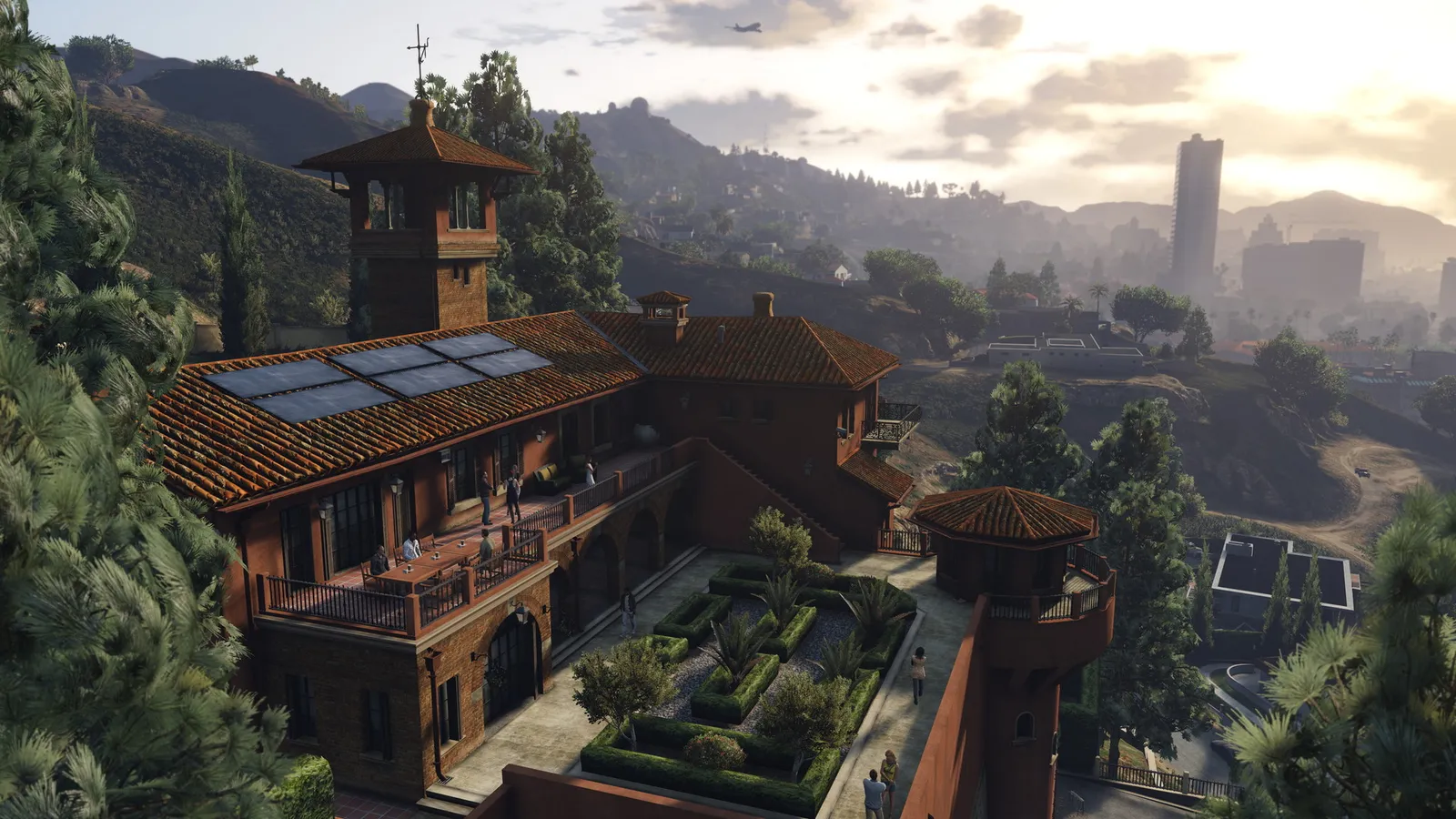
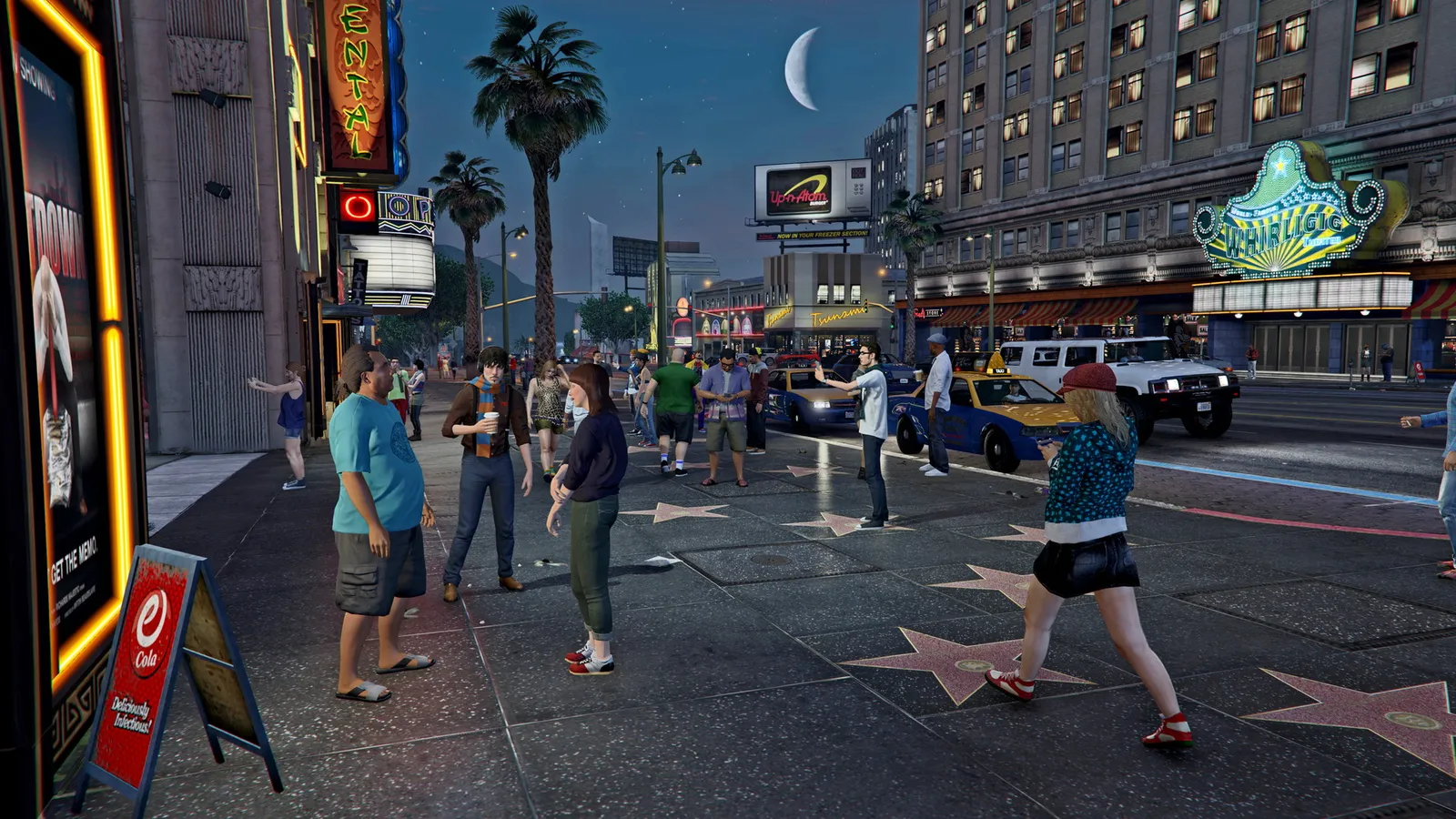
- In GTA V, compare settings in the same spot, since ray-traced areas such as dense city streets are much heavier than the countryside.