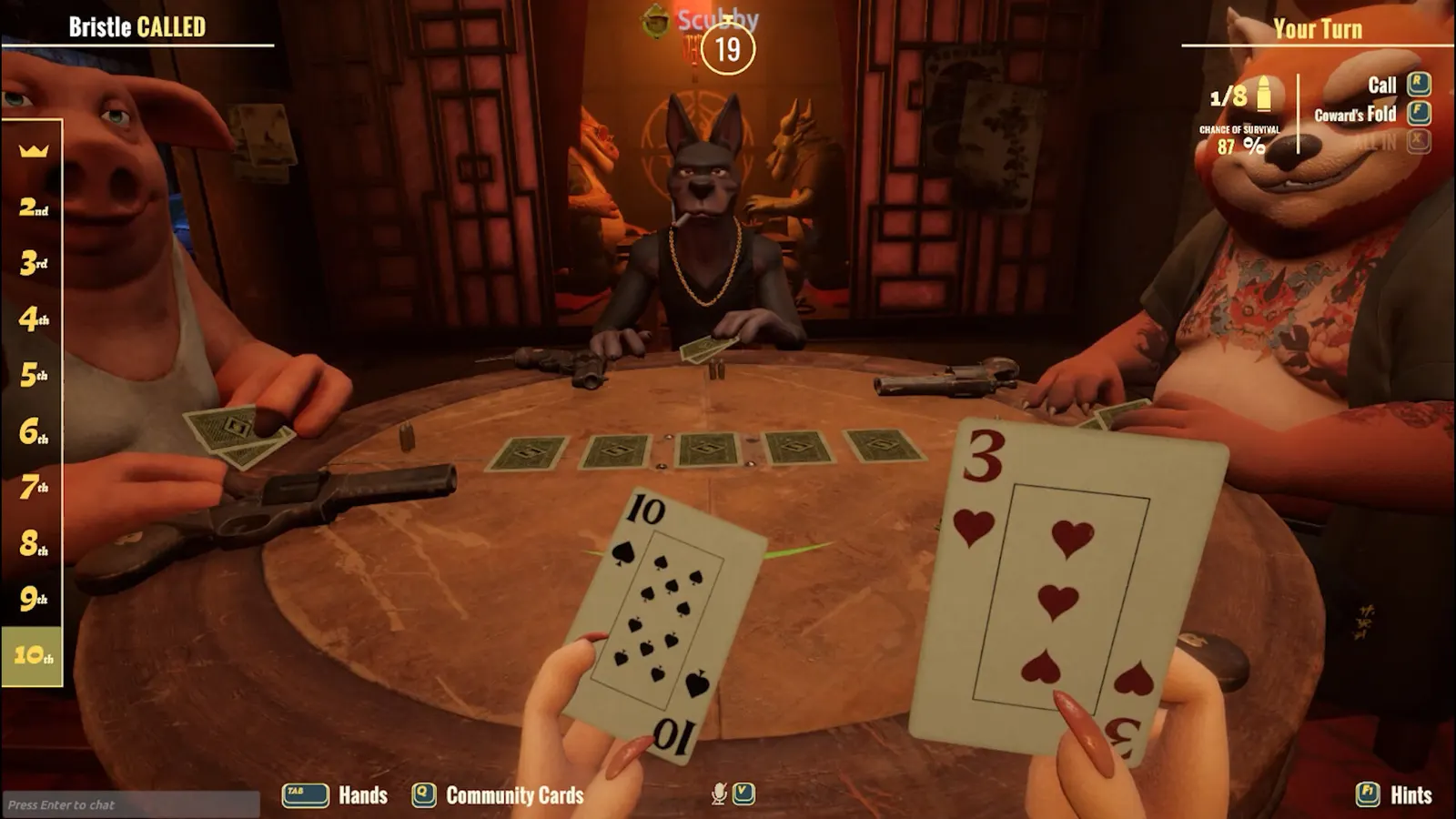
Liar's Bar: Blank screen after pressing Apply
- In Liar's Bar, players report the screen can go blank after Apply in the settings menu.
- In Liar's Bar, press Alt+Enter twice to cycle fullscreen, set the resolution back to your monitor's native one, and quit through the in-game menu so the setting saves.