Skip to content
Set up my rig
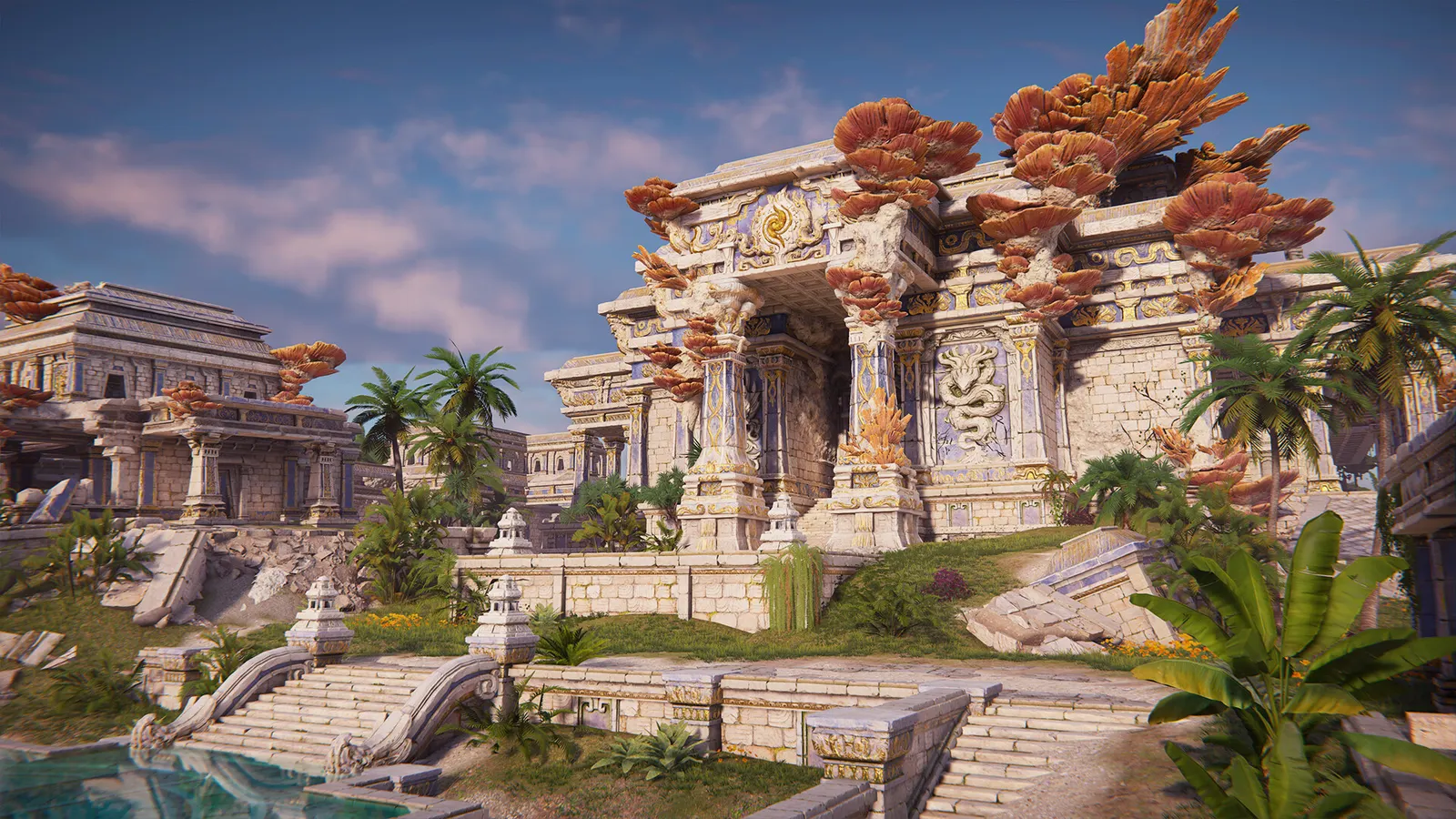
NARAKA: BLADEPOINT, official artwork

NARAKA: BLADEPOINT FPS boost and stutter fix

The biggest frame costs in NARAKA: BLADEPOINT are Lighting, Screen Space Reflections, Anti-aliasing. Start there, then work through the stutter checklist.

Updated . Game data researched November 2026.

  • PEGI 12
  • Free to play
  • Competitive
Genre
Melee battle royale
Developer
24 Entertainment
Released
2021
Platforms
PC, Xbox, PlayStation

Which NARAKA: BLADEPOINT settings cost the most FPS?

Lighting

Lighting and volumetric lighting are the settings guides drop first on weaker cards.

Low

Screen Space Reflections

Guides agree on turning this off for frames; reflections are not needed to read the fight.

Off

Anti-aliasing

Off or TAA is recommended for performance; with DLSS on it does the anti-aliasing for you.

Off

Post-processing

Moderate cost; High is a common target for mid-range cards.

Low

Values shown are what we pick for max FPS (visibility kept where it matters). Section names follow the in-game menu.

Upscaling and latency in Naraka

  • Upscaling: NVIDIA DLSS. Use the Quality mode first; at 1080p avoid Balanced and Performance, they get blurry.
  • Frame generation: not available in this game.
  • Latency: NVIDIA Reflex. Turn it on; it lowers input lag with no image cost.

Upscaling explained

How do I fix stuttering in NARAKA: BLADEPOINT?

Naraka: Turn off Memory Integrity / VBS

  1. In Naraka, the Steam page states the game requires Windows Memory Integrity and VBS to be disabled.
  2. In Naraka, Windows Security > Device security > Core isolation > Memory integrity: Off, then restart.

In Naraka, memory Integrity is a Windows security feature; weigh that before turning it off.

Naraka: Install it on an SSD

  1. In Naraka, the game is 90 GB and its publisher advises an SSD; loading from a hard drive adds stutter when new areas stream in.

Naraka: Use DirectX 11 and close overlays

  1. In Naraka, run the DirectX 11 mode, which is the only API listed in the requirements.
  2. In Naraka, close browsers, capture tools and launchers while playing; the game is CPU-heavy in crowded fights.

Checklist for every PC

  • Install the game on an SSD: a hard drive causes texture pop-in and hitches. NARAKA: BLADEPOINT wants 16 GB of RAM; close browsers and launchers while playing.
  • Lower Textures one step if your graphics card has 8 GB of VRAM or less and you see sudden drops.
  • Let shaders finish compiling on first launch and after driver updates; the first match can stutter.
  • Enable XMP/EXPO so your RAM runs at its rated speed, and update your graphics driver.
  • Check that Windows runs your monitor at its full refresh rate: how to check.
  • Turn on Game Mode and Hardware-accelerated GPU scheduling: Windows gaming settings.

NARAKA: BLADEPOINT settings for a low-end PC

SettingLow-end value
Display ModeFullscreen
ResolutionYour monitor's native resolution; scale with the upscaler instead
Render Scale100
NVIDIA ReflexOn with NVIDIA Reflex on GeForce
NVIDIA DLSSNative; DLSS Quality on RTX
Screen Space ReflectionsOff
Anti-aliasingOff
LightingLow
Post-processingLow
Ambient OcclusionMedium