How do I show FPS in Naraka?
- Naraka has no documented in-game FPS counter.
- In Naraka, Steam: Steam > Settings > In Game > "In-game FPS counter" and pick a corner.
- In Naraka, any version: the NVIDIA app overlay (Alt+Z) or AMD Software overlay.
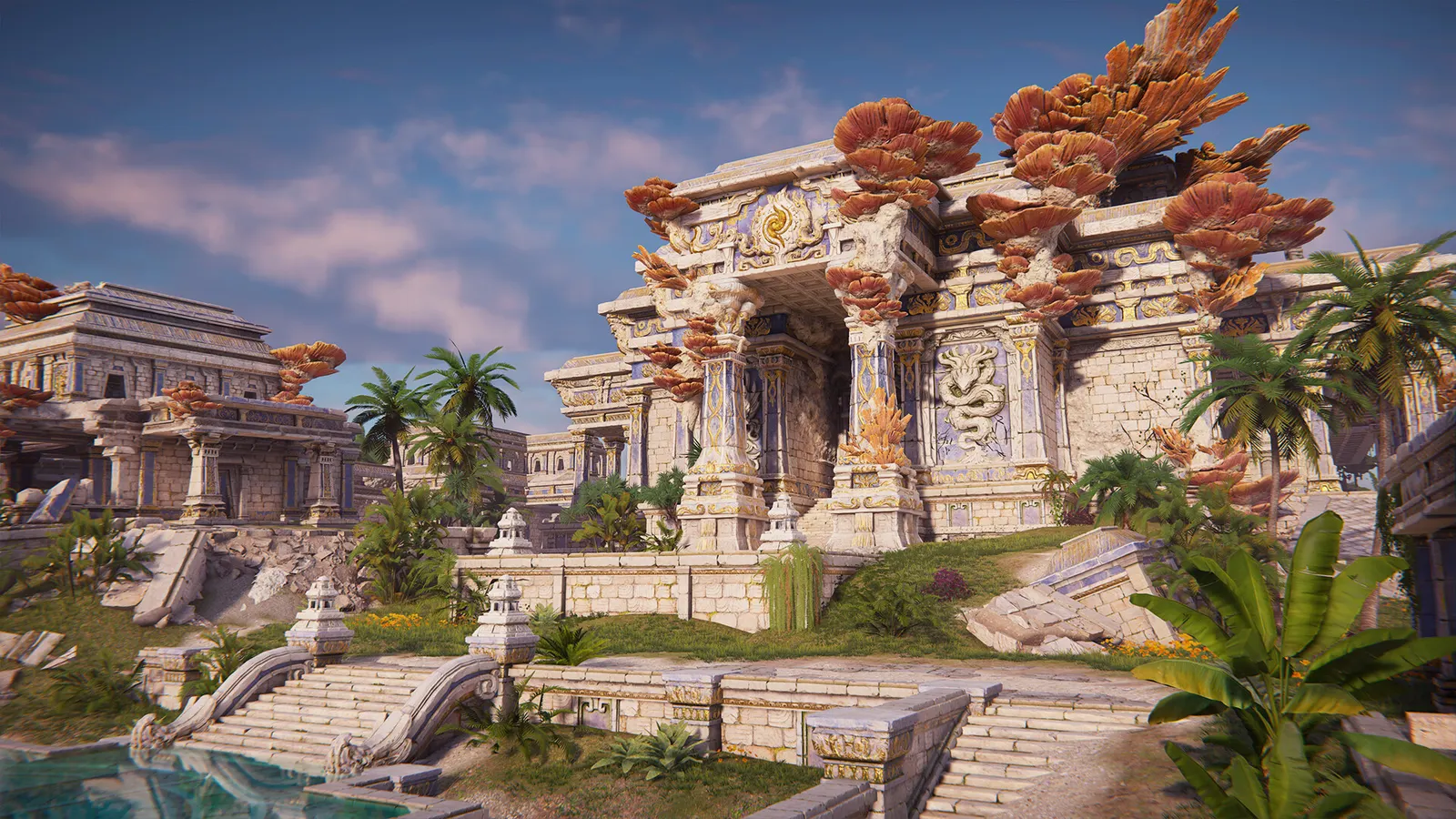
NARAKA: BLADEPOINT is a free-to-play melee battle royale that is more demanding than its fighting-game look suggests: official specs ask for a GTX 1060 and 16 GB of RAM for 1080p at 60 fps. The biggest levers are Screen Space Reflections, Lighting and Post-processing, and DLSS plus Reflex on GeForce cards.
Best NARAKA: BLADEPOINT settings at 1080p for an RTX 4060 + Ryzen 5 7600: Ultra with DLSS Quality, lowering Lighting first. Modelled: that PC gets about 140 fps, an RTX 3060 + Ryzen 5 5600 110 fps (Ultra), a GTX 1650 + Core i5-10400 80 fps (Low). Rough estimate: no published benchmarks yet. How we estimate this
Updated . Game data researched November 2026.
The setting for every preset, from Low to Ultra. Save your hardware to get one tuned list.
Set up your rig to see which column fits your PC, with an estimate of your frames. The competitive column is what we recommend for max FPS.
| Setting | Low | Medium | High | Ultra | Competitive |
|---|---|---|---|---|---|
| Display Mode | Fullscreen | Fullscreen | Fullscreen | Fullscreen | Fullscreen |
| Resolution | Your monitor's native resolution; scale with the upscaler instead | ||||
| Render Scale | 100 | 100 | 100 | 100 | 100 |
| NVIDIA Reflex | On with NVIDIA Reflex on GeForce | ||||
| NVIDIA DLSS | Native; DLSS Quality on RTX | ||||
| Screen Space Reflections | Off | Medium | High | High | Off |
| Anti-aliasing | Off | Medium | High | High | Off |
| Lighting | Low | Medium | High | High | Low |
| Post-processing | Low | Medium | High | High | Low |
| Ambient Occlusion | Medium | High | High | High | Medium |
Modelled frame rates on the High preset at native resolution, without upscaling or frame generation. Your own rig can differ: check your exact PC.
| Graphics card | 1080p | 1440p | 4K |
|---|---|---|---|
| RTX 4090 | 180 fps | 180 fps | 130 fps |
| RTX 4070 | 180 fps | 140 fps | 75 fps |
| RTX 4060 | 130 fps | 85 fps | 45 fps |
| RTX 3060 12GB | 110 fps | 70 fps | 35 fps |
| GTX 1650 | 50 fps | 30 fps | 15 fps |
| RX 7800 XT | 180 fps | 145 fps | 75 fps |
| RX 7600 | 130 fps | 85 fps | 45 fps |
| RX 6600 | 105 fps | 65 fps | 35 fps |
These are estimates from our model, not measurements; real results vary with the scene, drivers and background load. Orange numbers are below 60 fps. How we estimate this
In Naraka, memory Integrity is a Windows security feature; weigh that before turning it off.
Dear players, NARAKA: BLADEPOINT is committed to creating a fair and healthy competitive environment. We have not only used new anti-cheat technologies, but also established special cheat-reporting reward activities to encourage those…
Read on Steam (opens in a new tab): NARAKA: BLADEPOINT Banned Players List November 10thDear players, The servers of NARAKA: BLADEPOINT will be suspended for maintenance from Nov 4th, 2026 23:00 (UTC) to Nov 5th, 2026 04:00 (UTC). We suggest you log out in advance and enter the game again after the maintenance. The details…
Read on Steam (opens in a new tab): NARAKA: BLADEPOINT Update – November 5th, 2026Dear players, NARAKA: BLADEPOINT is committed to creating a fair and healthy competitive environment. We have not only used new anti-cheat technologies, but also established special cheat-reporting reward activities to encourage those…
Read on Steam (opens in a new tab): NARAKA: BLADEPOINT Banned Players List November 3rdDear players, NARAKA: BLADEPOINT is committed to creating a fair and healthy competitive environment. We have not only used new anti-cheat technologies, but also established special cheat-reporting reward activities to encourage those…
Read on Steam (opens in a new tab): NARAKA: BLADEPOINT Banned Players List Oct 27th