Skip to content
Set up my rig
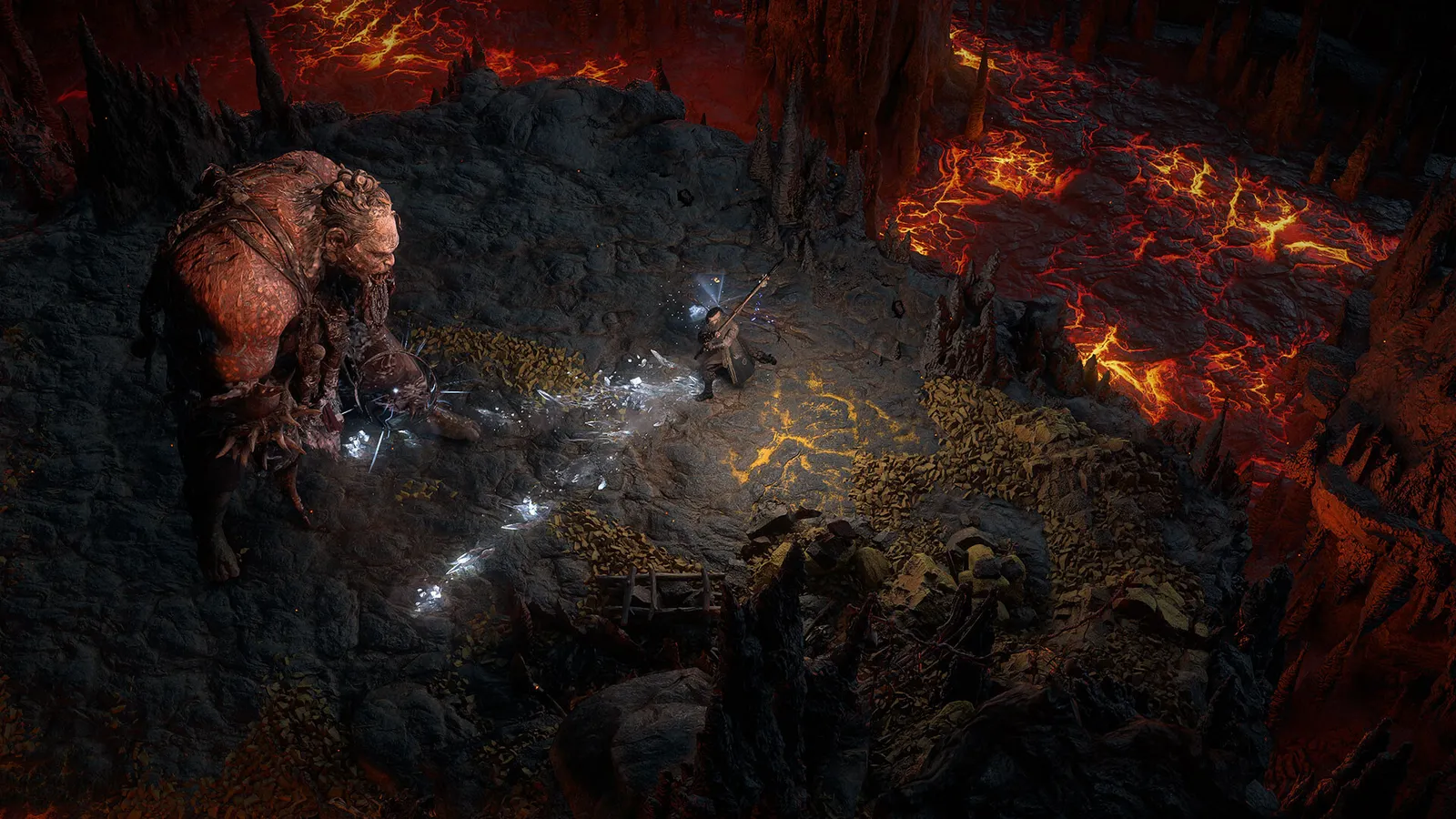
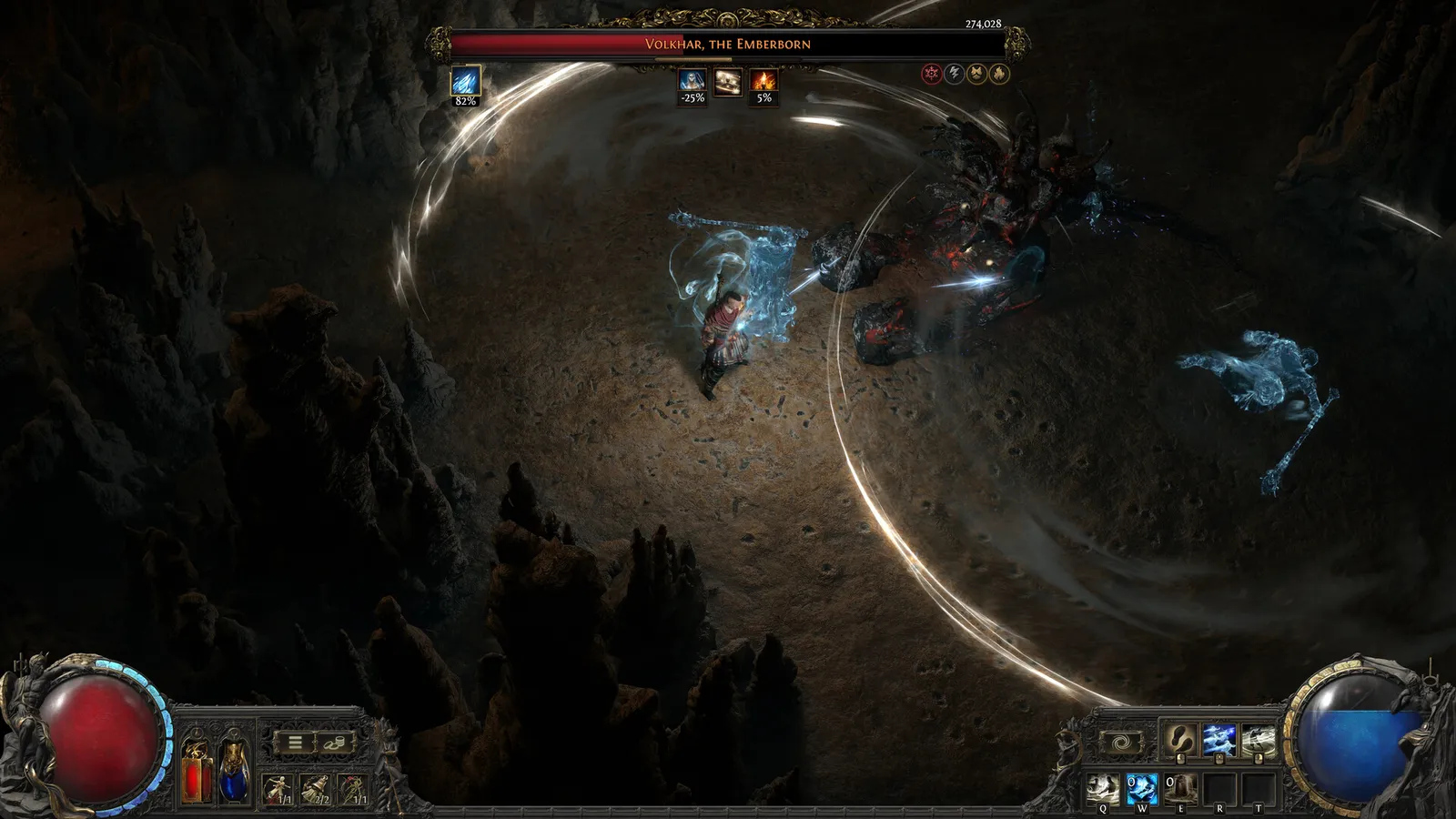
Path of Exile 2, official artwork

Best Path of Exile 2 settings

Grinding Gear Games' isometric action RPG. Frame rate depends heavily on how much is on screen: late-game maps with many monsters and spell effects lean on the CPU, while global illumination and shadow quality set the GPU load.

Best Path of Exile 2 settings at 1080p for an RTX 4060 + Ryzen 5 7600: Ultra with DLSS Quality. Modelled: that PC gets about 110 fps, an RTX 3060 + Ryzen 5 5600 105 fps (High), a GTX 1650 + Core i5-10400 80 fps (High). Calibrated against 17 measured benchmarks. How we estimate this

Updated . Game data researched November 2026.

  • Early access
Genre
Action RPG
Developer
Grinding Gear Games
Released
2024 (Early Access)
Platforms
PC, Xbox, PlayStation
Engine
Proprietary (Grinding Gear Games)
Researched
Nov 2026

What are the best Path of Exile 2 graphics settings?

The setting for every preset, from Low to Ultra. Save your hardware to get one tuned list.

Tell us your hardware once and every game page shows settings for it. Set up my rig

Set up your rig to see which column fits your PC, with an estimate of your frames.

Path of Exile 2 graphics settings per preset
SettingLowMediumHighUltra
Renderer DirectX 12 (or Vulkan if it stutters less)DirectX 12 (or Vulkan if it stutters less)DirectX 12 (or Vulkan if it stutters less)DirectX 12 (or Vulkan if it stutters less)
Resolution Your monitor's native resolution; scale with the upscaler instead
Upscaling Native; DLSS Quality on RTX, FSR Quality on AMD and older GeForce, XeSS on Intel Arc
NVIDIA Reflex On with NVIDIA Reflex on GeForce
VSync Off; use G-Sync or FreeSync with an FPS cap instead
Foreground FPS cap 3 below your refresh rate (141 on 144 Hz); uncapped for max FPS
Texture Quality MediumMediumHighHigh
Texture Filtering 16x Anisotropic Filtering16x Anisotropic Filtering16x Anisotropic Filtering16x Anisotropic Filtering
Lighting ShadowsShadows + Global IlluminationShadows + Global IlluminationShadows + Global Illumination
Shadow + GI Quality LowMediumHighUltra
Sun Shadow Quality LowMediumHighHigh
Number of Lights LowMediumHighHigh
Water Detail Level LowLowHighHigh
Dynamic Resolution OnOnOffOff
Dynamic Culling OffOffOffOff
Engine Multithreading OnOnOnOn

How much FPS will I get in Path of Exile 2?

Modelled frame rates on the High preset at native resolution, without upscaling or frame generation. Your own rig can differ: check your exact PC.

Estimated Path of Exile 2 FPS by graphics card, High preset, with a Ryzen 7 7800X3D and 16 GB RAM
Graphics card 1080p1440p4K
RTX 4090 170 fps155 fps80 fps
RTX 4070 135 fps85 fps45 fps
RTX 4060 80 fps50 fps25 fps
RTX 3060 12GB 65 fps40 fps20 fps
GTX 1650 30 fps20 fps10 fps
RX 7800 XT 140 fps90 fps45 fps
RX 7600 80 fps50 fps25 fps
RX 6600 65 fps40 fps20 fps

These are estimates from our model, not measurements; real results vary with the scene, drivers and background load. Orange numbers are below 60 fps. How we estimate this

What are the best PoE 2 tips for more FPS?

How do I show FPS in PoE 2?

  1. In PoE 2, use the Steam overlay counter: Steam > Settings > In Game > In-game FPS counter, then pick a corner.
  2. In PoE 2, alternatively, the NVIDIA app or AMD Software overlay shows FPS, frame time and GPU use.
  3. In PoE 2, measure in a busy endgame map, because a town or an empty zone gives much higher numbers than a pack fight.
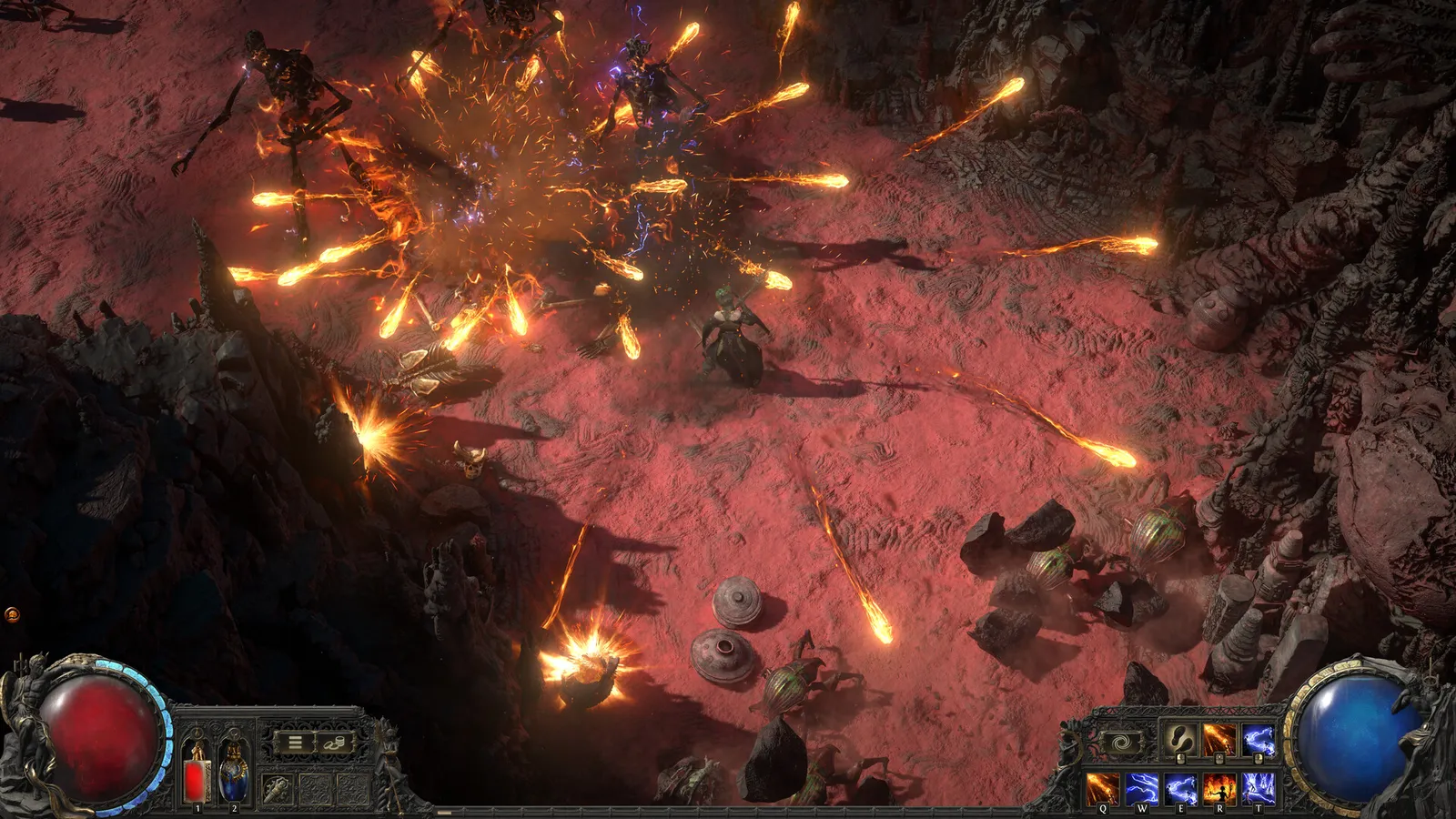
PoE 2: Endgame maps are CPU-limited

  1. In PoE 2, Late-game maps with many monsters and spell effects lean on the CPU, so a faster graphics card helps less than a faster processor.
  2. In PoE 2, keep Engine Multithreading on, and try NVIDIA Reflex On + Boost if your GPU load stays low while FPS drops.

PoE 2: Try both DirectX 12 and Vulkan

  1. In PoE 2, change the Renderer in the graphics options and restart the game.
  2. In PoE 2, pick whichever stutters less; this depends on your drivers and Windows install. DirectX 11 is deprecated and only useful with very little VRAM.

PoE 2: Clear the shader cache if the game crashes

  1. In PoE 2, after a graphics driver update, shader compilation can cause stutter for the first minutes; let the game compile it.
  2. In PoE 2, players with GPU driver crashes often fix them by clearing the shader cache in the driver software and reinstalling the latest driver.

News from Steam

All news

ExileCon 2026 Twitch Drops

Tune in to the ExileCon livestream this weekend to catch our latest developments for Path of Exile 1 and Path of Exile 2 and claim a new set of Twitch Drops! How to Participate Simply link your Path of Exile account to Twitch (see below)…

Read on Steam (opens in a new tab): ExileCon 2026 Twitch Drops

Guides