Skip to content
Set up my rig
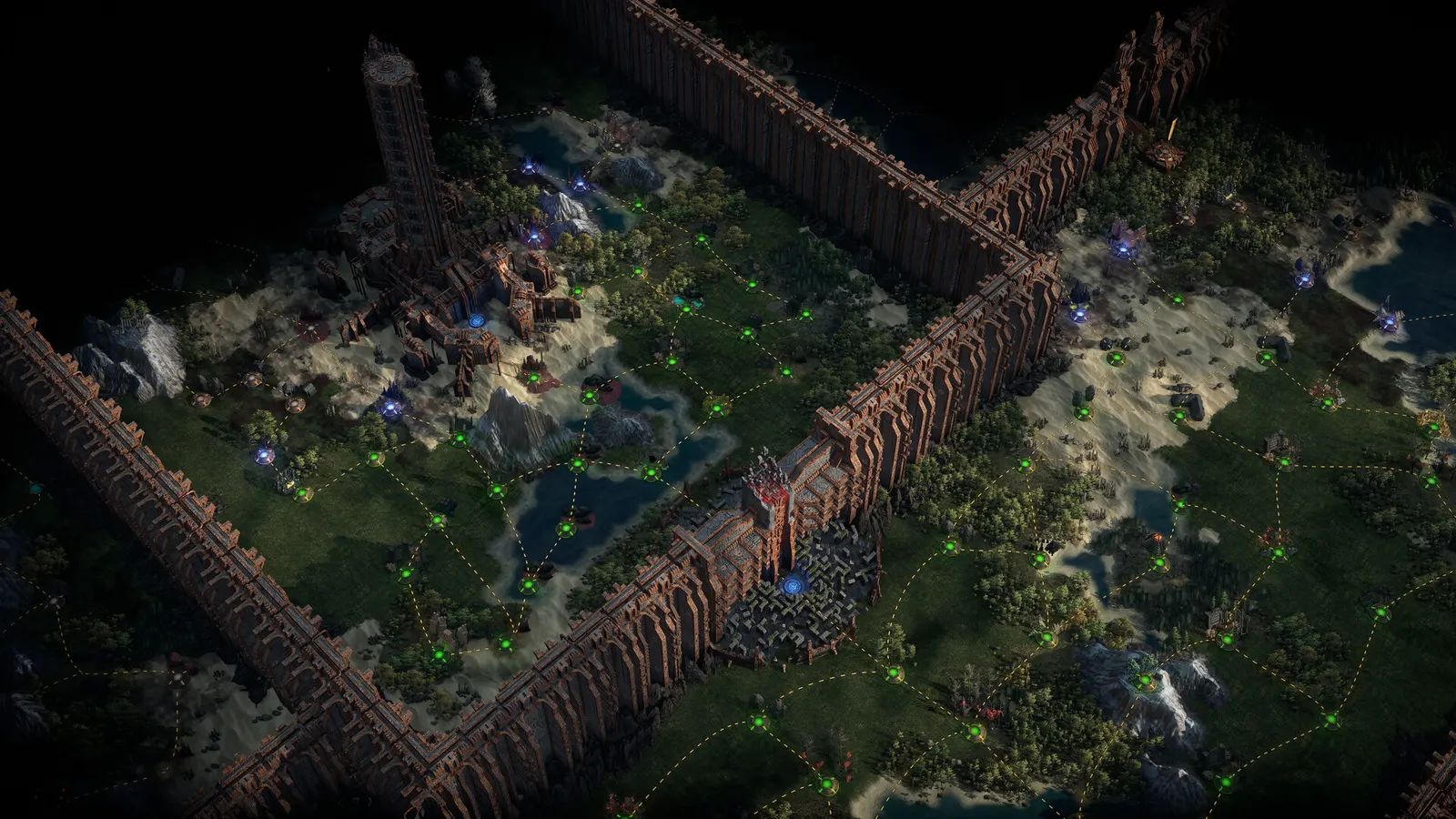
Path of Exile 2, official artwork

Path of Exile 2 FPS boost and stutter fix

The biggest frame costs in Path of Exile 2 are Lighting, Shadow + GI Quality, Dynamic Resolution. Start there, then work through the stutter checklist.

Updated . Game data researched November 2026.

  • Early access
Genre
Action RPG
Developer
Grinding Gear Games
Released
2024
Platforms
PC, Xbox, PlayStation

Which Path of Exile 2 settings cost the most FPS?

Lighting

Global illumination lights the world from spells and torches. In testing, turning it off gave about 32% more FPS.

Shadows

Shadow + GI Quality

High is the sweet spot; Low gets close to the speed of turning global illumination off.

Low

Dynamic Resolution

Lowers the render resolution when frames drop below the Target Framerate. Handy on slow GPUs, but it can look soft in busy fights.

On

Values shown are what we pick for max FPS. Section names follow the in-game menu.

Upscaling and latency in PoE 2

  • Upscaling: NVIDIA DLSS, DLAA, AMD FSR, Intel XeSS. Use the Quality mode first; at 1080p avoid Balanced and Performance, they get blurry.
  • Frame generation: not available in this game.
  • Latency: NVIDIA Reflex. Turn it on; it lowers input lag with no image cost.

Upscaling explained

How do I fix stuttering in Path of Exile 2?

PoE 2: Endgame maps are CPU-limited

  1. In PoE 2, Late-game maps with many monsters and spell effects lean on the CPU, so a faster graphics card helps less than a faster processor.
  2. In PoE 2, keep Engine Multithreading on, and try NVIDIA Reflex On + Boost if your GPU load stays low while FPS drops.

PoE 2: Try both DirectX 12 and Vulkan

  1. In PoE 2, change the Renderer in the graphics options and restart the game.
  2. In PoE 2, pick whichever stutters less; this depends on your drivers and Windows install. DirectX 11 is deprecated and only useful with very little VRAM.

PoE 2: Clear the shader cache if the game crashes

  1. In PoE 2, after a graphics driver update, shader compilation can cause stutter for the first minutes; let the game compile it.
  2. In PoE 2, players with GPU driver crashes often fix them by clearing the shader cache in the driver software and reinstalling the latest driver.

Checklist for every PC

  • Install the game on an SSD: a hard drive causes texture pop-in and hitches. Path of Exile 2 wants 16 GB of RAM; close browsers and launchers while playing.
  • Lower Textures one step if your graphics card has 8 GB of VRAM or less and you see sudden drops.
  • Let shaders finish compiling on first launch and after driver updates; the first match can stutter.
  • Enable XMP/EXPO so your RAM runs at its rated speed, and update your graphics driver.
  • Check that Windows runs your monitor at its full refresh rate: how to check.
  • Turn on Game Mode and Hardware-accelerated GPU scheduling: Windows gaming settings.

Path of Exile 2 settings for a low-end PC

SettingLow-end value
RendererDirectX 12 (or Vulkan if it stutters less)
ResolutionYour monitor's native resolution; scale with the upscaler instead
UpscalingNative; DLSS Quality on RTX, FSR Quality on AMD and older GeForce, XeSS on Intel Arc
NVIDIA ReflexOn with NVIDIA Reflex on GeForce
VSyncOff; use G-Sync or FreeSync with an FPS cap instead
Foreground FPS cap3 below your refresh rate (141 on 144 Hz); uncapped for max FPS
Texture QualityMedium
Texture Filtering16x Anisotropic Filtering
LightingShadows
Shadow + GI QualityLow
Sun Shadow QualityLow
Number of LightsLow
Water Detail LevelLow
Dynamic ResolutionOn
Dynamic CullingOff
Engine MultithreadingOn