Skip to content
Set up my rig
Project Zomboid, official artwork

Project Zomboid FPS boost and stutter fix

The biggest frame costs in Project Zomboid are Texture quality, Shadows, particles, puddles and bloom. Start there, then work through the stutter checklist.

Updated . Game data researched November 2026.

  • Early access
Genre
Zombie survival sim
Developer
The Indie Stone
Released
2013
Platforms
PC, Mac, Linux

Which Project Zomboid settings cost the most FPS?

Texture quality

On a 4-6 GB card, one notch down eases VRAM pressure.

Low

Shadows, particles, puddles and bloom

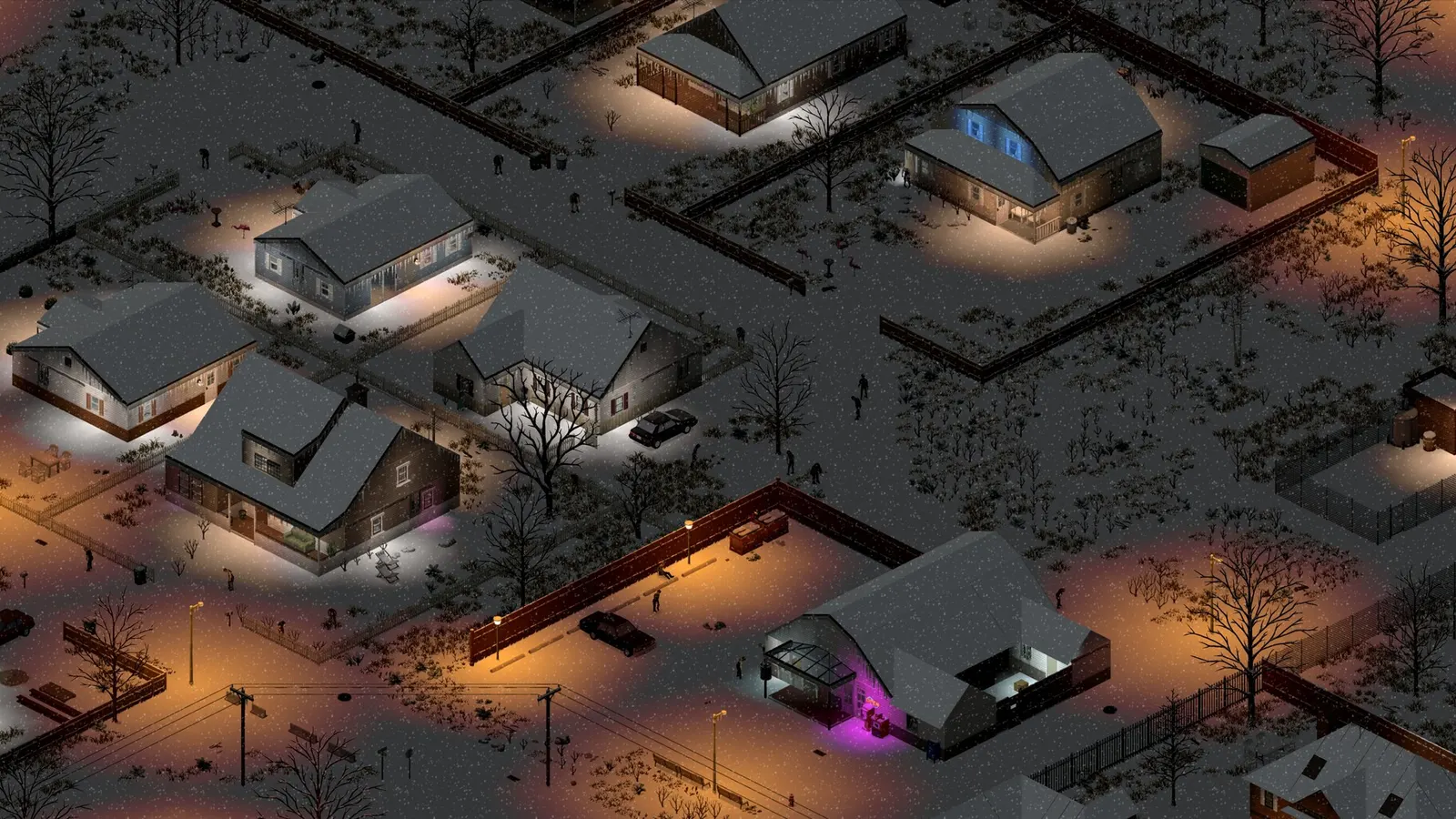
The wiki suggests Low or Off for these on weaker PCs; rain and snow spikes are real after the Build 42 lighting rewrite.

Off or Low

Values shown are what we pick for max FPS. Section names follow the in-game menu.

Upscaling and latency in Zomboid

  • Upscaling: not available in this game.
  • Frame generation: not available in this game.
  • Latency: no Reflex or Anti-Lag 2 in this game. Cap your FPS a few frames below your refresh rate instead.

Upscaling explained

How do I fix stuttering in Project Zomboid?

Zomboid: Java memory (-Xmx) is a last resort

  1. The heap limit is the -Xmx line in ProjectZomboid64.json, next to the game's executable. Copy the file first.
  2. In Zomboid, raise it only when you actually run out of memory or the log shows heap pressure.
  3. In Zomboid, leave headroom: giving the game too much steals RAM from Windows and the GPU driver and causes hitching.

Zomboid: Mods are a common cause of stutter

  1. In Zomboid, test on a new save with all Workshop mods off before blaming the settings.
  2. In Zomboid, UI and inventory mods are named most often in community reports.

Zomboid: Driver settings

  1. NVIDIA app > Graphics > Program settings > Project Zomboid: "Power management mode" to "Prefer maximum performance".
  2. In Zomboid, if you see a stutter, test the available video/present options one at a time; results differ between machines.

Checklist for every PC

  • Install the game on an SSD: a hard drive causes texture pop-in and hitches. Project Zomboid wants 12 GB of RAM; close browsers and launchers while playing.
  • Lower Textures one step if your graphics card has 8 GB of VRAM or less and you see sudden drops.
  • Let shaders finish compiling on first launch and after driver updates; the first match can stutter.
  • Enable XMP/EXPO so your RAM runs at its rated speed, and update your graphics driver.
  • Check that Windows runs your monitor at its full refresh rate: how to check.
  • Turn on Game Mode and Hardware-accelerated GPU scheduling: Windows gaming settings.

Project Zomboid settings for a low-end PC

SettingLow-end value
Display modeBorderless or Windowed
ResolutionYour monitor's native resolution; scale with the upscaler instead
VSyncOff; use G-Sync or FreeSync with an FPS cap instead
ZoomZoomed in (not at maximum range)
Texture qualityLow
Shadows, particles, puddles and bloomOff or Low
3D item placementOff on weak PCs