Skip to content
Set up my rig
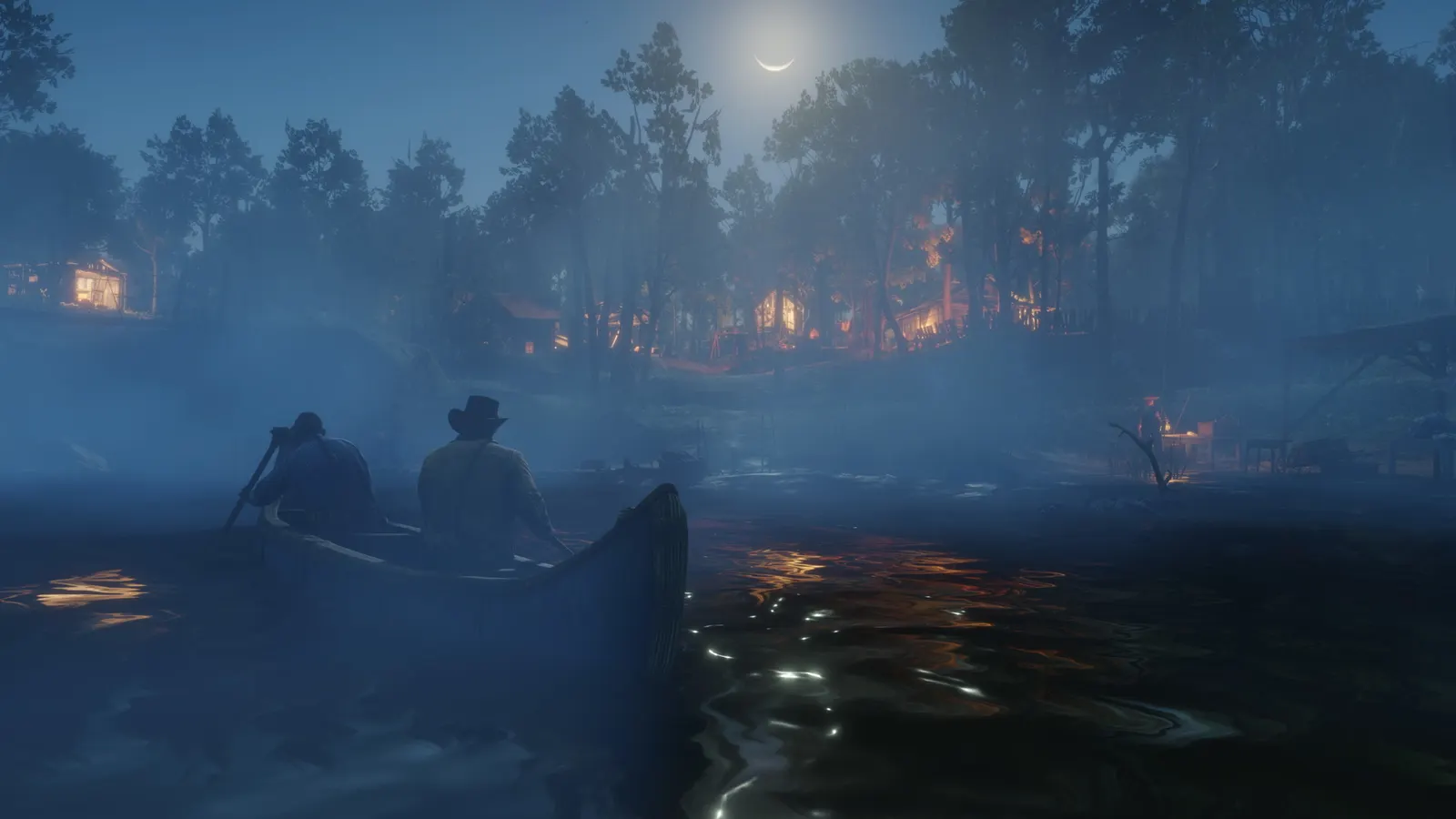
Red Dead Redemption 2, official artwork

Red Dead Redemption 2 FPS boost and stutter fix

The biggest frame costs in Red Dead Redemption 2 are Shadow Quality, Reflection Quality, Volumetric Lighting Quality. Start there, then work through the stutter checklist.

Updated . Game data researched November 2026.

  • PEGI 18
Genre
Open-world action-adventure
Developer
Rockstar Games
Released
2019
Platforms
PC, Xbox, PlayStation

Which Red Dead Redemption 2 settings cost the most FPS?

Shadow Quality

Medium or High is enough; lower distant shadows before nearby ones.

Low

Reflection Quality

One of the two settings that cost the most; Medium looks close to High in play.

Low

Volumetric Lighting Quality

Fog, god rays and clouds of light. Together with reflections this is where most frames are won back; lower the far volumetric setting first in bad weather.

Low

Lighting Quality

Ultra is rarely worth the cost over High, especially at night.

Low

Global Illumination Quality

Bounced light and ambient shading; lower it first if you see CPU-side stutter.

Low

SSAO

Screen-space ambient occlusion; Medium keeps most of the depth. Full Resolution SSAO adds more cost and is best left off at 1080p.

Low

Water Quality

Medium is usually enough; Water Physics Quality is a separate slider that should stay at or below half.

Low

Tree Quality

Also loads the CPU in forests; lower it first if you are CPU-bound.

Low

Values shown are what we pick for max FPS. Section names follow the in-game menu.

Upscaling and latency in RDR2

  • Upscaling: NVIDIA DLSS, AMD FSR. Use the Quality mode first; at 1080p avoid Balanced and Performance, they get blurry.
  • Frame generation: not available in this game.
  • Latency: no Reflex or Anti-Lag 2 in this game. Cap your FPS a few frames below your refresh rate instead.

Upscaling explained

How do I fix stuttering in Red Dead Redemption 2?

RDR2: Unlock the advanced graphics options

  1. In RDR2, in Settings > Graphics, enable "Unlock Advanced Graphics for Installed GPU".
  2. In RDR2, this reveals the Advanced Settings section with volumetrics, water, tree and geometry options.
RDR2: Vulkan or DirectX 12

  1. In RDR2, switch the Graphics API in Settings > Graphics > Advanced Settings. The game must restart to apply it.
  2. In RDR2, results vary per GPU and driver: compare average and 1% low FPS in the same save and keep the steadier one.
  3. In RDR2, FSR 2.0 works in both DirectX 12 and Vulkan.

RDR2: Stutter after a driver or game update

  1. Add -ignorepipelinecache in the Rockstar Games Launcher: Settings > Red Dead Redemption 2 > Launch arguments.
  2. In RDR2, it is a community fix with mixed results, not an official recommendation. Remove it again if it does not help.

RDR2: When the CPU is the limit

  1. In RDR2, lower Tree Quality, Geometry Level of Detail and Global Illumination Quality first: they load the CPU, not the GPU.
  2. In RDR2, enable XMP or EXPO so your RAM runs at its rated speed.

Checklist for every PC

  • Install the game on an SSD: a hard drive causes texture pop-in and hitches. Red Dead Redemption 2 wants 12 GB of RAM; close browsers and launchers while playing.
  • Lower Textures one step if your graphics card has 8 GB of VRAM or less and you see sudden drops.
  • Let shaders finish compiling on first launch and after driver updates; the first match can stutter.
  • Enable XMP/EXPO so your RAM runs at its rated speed, and update your graphics driver.
  • Check that Windows runs your monitor at its full refresh rate: how to check.
  • Turn on Game Mode and Hardware-accelerated GPU scheduling: Windows gaming settings.

Red Dead Redemption 2 settings for a low-end PC

SettingLow-end value
Graphics APIVulkan (try DirectX 12 if it is unstable)
ResolutionYour monitor's native resolution; scale with the upscaler instead
DLSS / FSRNative; DLSS Quality on RTX, FSR Quality on AMD and older GeForce
Texture QualityLow
Anisotropic Filteringx4
Lighting QualityLow
Global Illumination QualityLow
Shadow QualityLow
Far Shadow QualityLow
SSAOLow
Reflection QualityLow
Volumetric Lighting QualityLow
Water QualityLow
Tree QualityLow
TAAMedium
MSAAOff
Motion BlurOff

Launch options

  • -ignorepipelinecache Community fix for stutter and crashes after updates; set in the Rockstar Games Launcher. Results are mixed.