Skip to content
Set up my rig
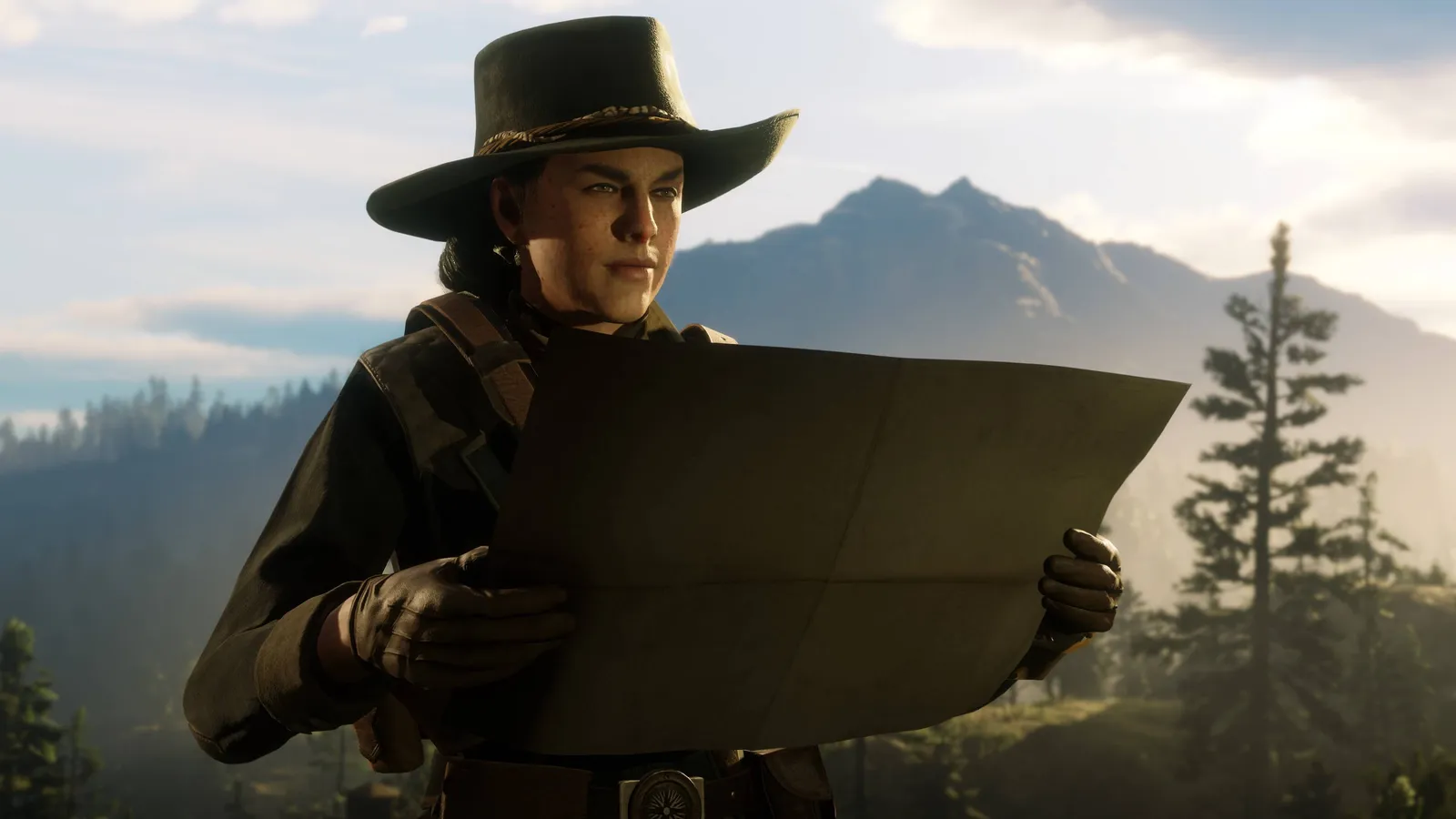
Red Dead Redemption 2, official artwork

Best Red Dead Redemption 2 settings

Rockstar's Wild West open-world game. It is one of the most GPU-hungry games around at Ultra, but a handful of settings (volumetrics, reflections, water, shadows) cost most of the frames, so tuning them gets a big gain for a small loss in looks.

Best Red Dead Redemption 2 settings at 1080p for an RTX 4060 + Ryzen 5 7600: Ultra with DLSS Quality. Modelled: that PC gets about 105 fps, an RTX 3060 + Ryzen 5 5600 140 fps (High), a GTX 1650 + Core i5-10400 95 fps (Medium). Calibrated against 25 measured benchmarks. How we estimate this

Updated . Game data researched November 2026.

  • PEGI 18
Genre
Open-world action-adventure
Developer
Rockstar Games
Released
2019 (PC)
Platforms
PC, Xbox, PlayStation
Engine
RAGE
Researched
Nov 2026

What are the best Red Dead Redemption 2 graphics settings?

The setting for every preset, from Low to Ultra. Save your hardware to get one tuned list.

Tell us your hardware once and every game page shows settings for it. Set up my rig

Set up your rig to see which column fits your PC, with an estimate of your frames.

Red Dead Redemption 2 graphics settings per preset
SettingLowMediumHighUltra
Graphics API Vulkan (try DirectX 12 if it is unstable)Vulkan (try DirectX 12 if it is unstable)Vulkan (try DirectX 12 if it is unstable)Vulkan (try DirectX 12 if it is unstable)
Resolution Your monitor's native resolution; scale with the upscaler instead
DLSS / FSR Native; DLSS Quality on RTX, FSR Quality on AMD and older GeForce
Texture Quality LowMediumHighUltra
Anisotropic Filtering x4x8x16x16
Lighting Quality LowMediumHighUltra
Global Illumination Quality LowMediumHighUltra
Shadow Quality LowMediumHighUltra
Far Shadow Quality LowMediumHighUltra
SSAO LowMediumHighHigh
Reflection Quality LowMediumMediumHigh
Volumetric Lighting Quality LowMediumMediumHigh
Water Quality LowMediumMediumHigh
Tree Quality LowMediumHighUltra
TAA MediumMediumHighHigh
MSAA OffOffOffOff
Motion Blur OffOffOffOff

How much FPS will I get in Red Dead Redemption 2?

Modelled frame rates on the High preset at native resolution, without upscaling or frame generation. Your own rig can differ: check your exact PC.

Estimated Red Dead Redemption 2 FPS by graphics card, High preset, with a Ryzen 7 7800X3D and 16 GB RAM
Graphics card 1080p1440p4K
RTX 4090 255 fps190 fps100 fps
RTX 4070 165 fps105 fps55 fps
RTX 4060 100 fps60 fps30 fps
RTX 3060 12GB 80 fps50 fps25 fps
GTX 1650 35 fps25 fps10 fps
RX 7800 XT 170 fps105 fps55 fps
RX 7600 100 fps60 fps30 fps
RX 6600 80 fps50 fps25 fps

These are estimates from our model, not measurements; real results vary with the scene, drivers and background load. Orange numbers are below 60 fps. How we estimate this

What are the best RDR2 tips for more FPS?

How do I show FPS in RDR2?

  1. In RDR2, Steam: open Steam > Settings > In Game and set "In-game FPS counter" to a screen corner.
  2. In RDR2, other options are the NVIDIA App overlay or MSI Afterburner / RivaTuner.
  3. In RDR2, test changes in the same spot and the same time of day, one setting family at a time.
RDR2: Unlock the advanced graphics options

  1. In RDR2, in Settings > Graphics, enable "Unlock Advanced Graphics for Installed GPU".
  2. In RDR2, this reveals the Advanced Settings section with volumetrics, water, tree and geometry options.

RDR2: Vulkan or DirectX 12

  1. In RDR2, switch the Graphics API in Settings > Graphics > Advanced Settings. The game must restart to apply it.
  2. In RDR2, results vary per GPU and driver: compare average and 1% low FPS in the same save and keep the steadier one.
  3. In RDR2, FSR 2.0 works in both DirectX 12 and Vulkan.

RDR2: Stutter after a driver or game update

  1. Add -ignorepipelinecache in the Rockstar Games Launcher: Settings > Red Dead Redemption 2 > Launch arguments.
  2. In RDR2, it is a community fix with mixed results, not an official recommendation. Remove it again if it does not help.

RDR2: When the CPU is the limit

  1. In RDR2, lower Tree Quality, Geometry Level of Detail and Global Illumination Quality first: they load the CPU, not the GPU.
  2. In RDR2, enable XMP or EXPO so your RAM runs at its rated speed.

Launch options

-ignorepipelinecache Community fix for stutter and crashes after updates; set in the Rockstar Games Launcher. Results are mixed.

News from Steam

All news

Guides