How do I show FPS in Stardew?
- In Stardew, the game has no built-in counter: use Steam > Settings > In Game > "In-game FPS counter".
- In Stardew, the NVIDIA app or AMD Software overlay also shows frame time.
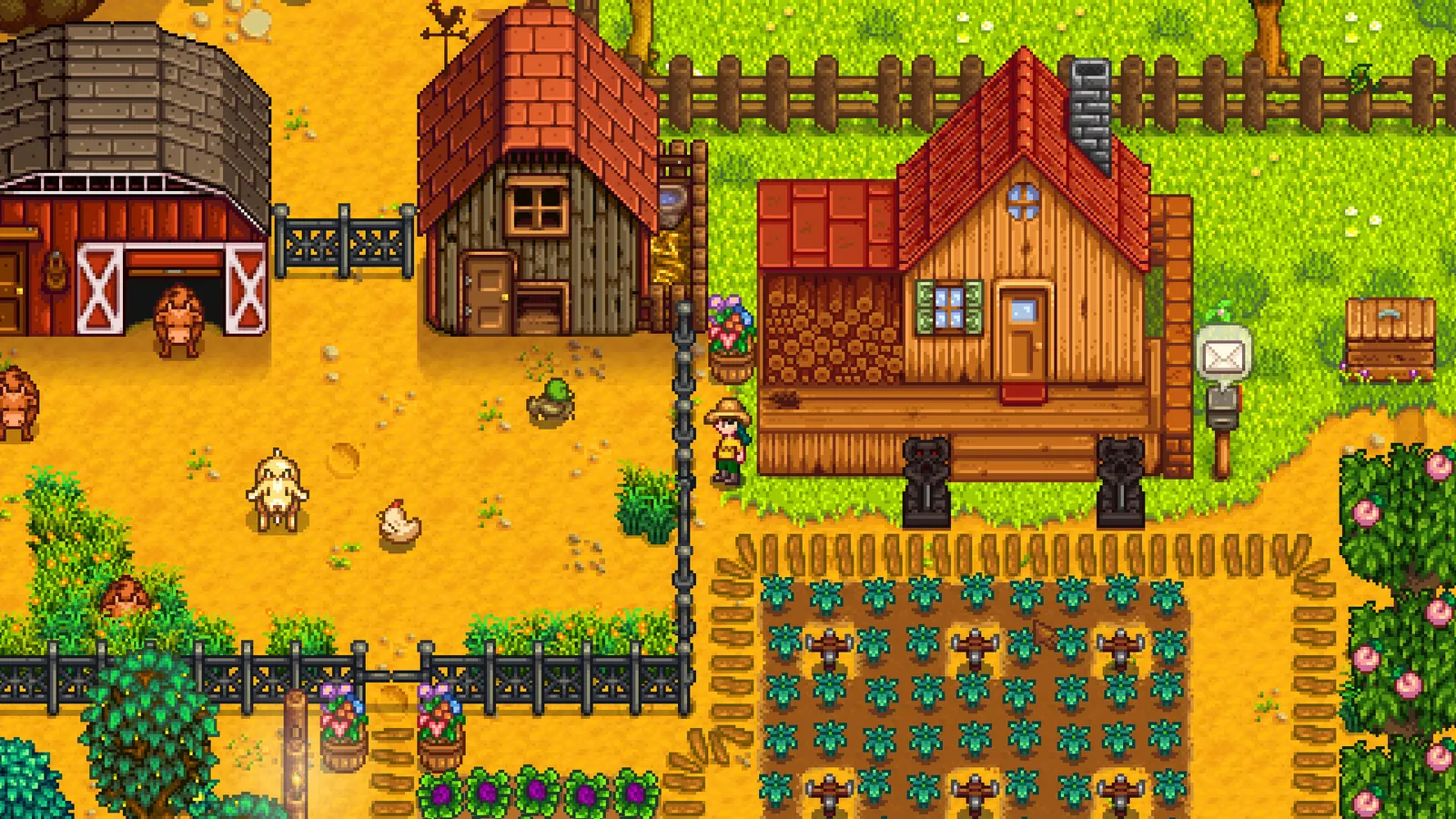
ConcernedApe's 2D farming and life simulation. It runs on almost any PC and is capped at 60 fps, so there is little to tune: use your native resolution, keep V-Sync on if you see tearing, and adjust the zoom and UI scale for readability.
Best Stardew Valley settings at 1080p for an RTX 4060 + Ryzen 5 7600: Ultra. Modelled: that PC gets about 60 fps, an RTX 3060 + Ryzen 5 5600 60 fps (Ultra), a GTX 1650 + Core i5-10400 60 fps (Ultra). Rough estimate: no published benchmarks yet. How we estimate this
Updated . Game data researched November 2026.
The setting for every preset, from Low to Ultra. Save your hardware to get one tuned list.
Set up your rig to see which column fits your PC, with an estimate of your frames.
| Setting | Low | Medium | High | Ultra |
|---|---|---|---|---|
| Window Mode | Windowed Borderless | Windowed Borderless | Windowed Borderless | Windowed Borderless |
| Screen Resolution | Your monitor's native resolution; scale with the upscaler instead | |||
| Vsync | Off; use G-Sync or FreeSync with an FPS cap instead | |||
| Zoom Level | Your preference | Your preference | Your preference | Your preference |
| UI Scale | Your preference | Your preference | Your preference | Your preference |
Modelled frame rates on the High preset at native resolution, without upscaling or frame generation. Your own rig can differ: check your exact PC.
| Graphics card | 1080p | 1440p | 4K |
|---|---|---|---|
| RTX 4090 | 60 fps | 60 fps | 60 fps |
| RTX 4070 | 60 fps | 60 fps | 60 fps |
| RTX 4060 | 60 fps | 60 fps | 60 fps |
| RTX 3060 12GB | 60 fps | 60 fps | 60 fps |
| GTX 1650 | 60 fps | 60 fps | 60 fps |
| RX 7800 XT | 60 fps | 60 fps | 60 fps |
| RX 7600 | 60 fps | 60 fps | 60 fps |
| RX 6600 | 60 fps | 60 fps | 60 fps |
These are estimates from our model, not measurements; real results vary with the scene, drivers and background load. Orange numbers are below 60 fps. How we estimate this
Hello everyone, Today is the 10-year Anniversary of Stardew Valley. Back when Stardew first came out, I was worried it might be a flop. Now, 10 years later, it's one of the highest rated games on Steam, and has sold over 50 million copies…
Read on Steam (opens in a new tab): Stardew Valley 10-year AnniversaryHello everyone, With the "Feast of the Winter Star" fast approaching, I would like to share a special promotion from Stardew Valley's merchandise partner, Fangamer. They make some of the coolest merch, and they are doing a free shipping…
Read on Steam (opens in a new tab): Stardew Valley Merchandise by Fangamer -- Special PromotionHello everyone, The 1.6.15 patch is now available. This fixes a few lingering issues in Stardew Valley, balances some things, and adds some quality of life improvements. To new and seasoned players alike, I hope you are enjoying Stardew…
Read on Steam (opens in a new tab): Stardew Valley 1.6.15 Patch now availableHello everyone, Stardew Valley was successfully nominated for the Steam Awards, in the category "Labor of Love". Now it is in the final selection. Please consider voting for Stardew Valley in the final Steam Award vote! Thank you for your…
Read on Steam (opens in a new tab): Stardew Valley up for "Labor of Love" Steam Award