How do I show FPS in You Suck at Parking?
- In You Suck at Parking, in Steam open Settings > In Game and choose a position for "In-game FPS counter".
- In You Suck at Parking, the NVIDIA app or AMD Software overlay also shows frame rate and frame time.
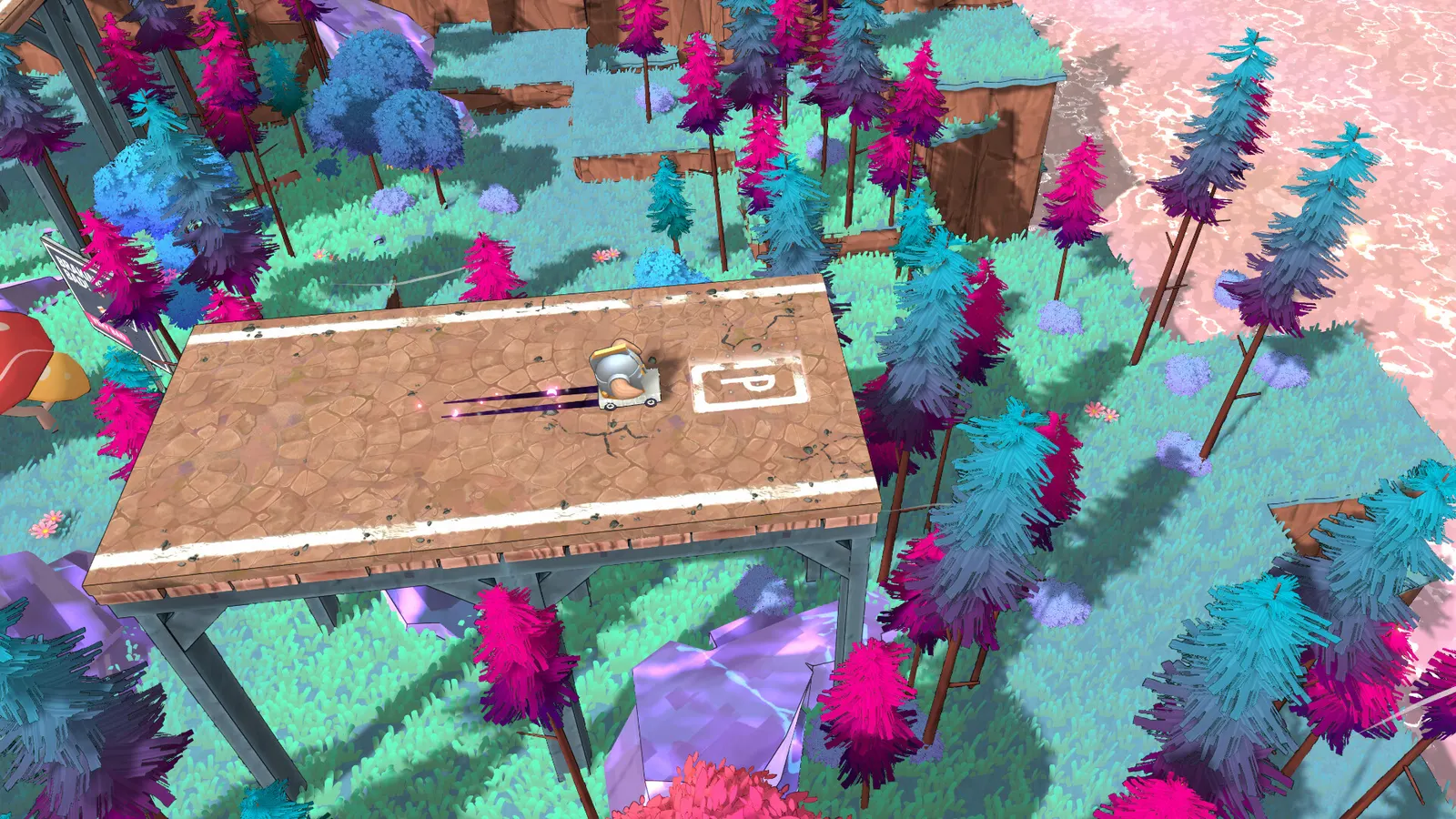
An arcade racer about racing to a parking space against the clock, with more than 250 short levels and online play. The Steam page lists a GTX 1060 as minimum, but the levels are small, so a modest card runs it at 1080p and 60 fps.
Best You Suck at Parking settings at 1080p for an RTX 4060 + Ryzen 5 7600: Ultra. Modelled: that PC gets about 155 fps, an RTX 3060 + Ryzen 5 5600 130 fps (Ultra), a GTX 1650 + Core i5-10400 105 fps (Medium). Rough estimate: no published benchmarks yet. How we estimate this
Updated . Game data researched November 2026.
The setting for every preset, from Low to Ultra. Save your hardware to get one tuned list.
Set up your rig to see which column fits your PC, with an estimate of your frames.
| Setting | Low | Medium | High | Ultra |
|---|---|---|---|---|
| Resolution | Your monitor's native resolution; scale with the upscaler instead | |||
| V-Sync | Off; use G-Sync or FreeSync with an FPS cap instead | |||
| Frame rate limit | 3 below your refresh rate (141 on 144 Hz); uncapped for max FPS | |||
Modelled frame rates on the High preset at native resolution, without upscaling or frame generation. Your own rig can differ: check your exact PC.
| Graphics card | 1080p | 1440p | 4K |
|---|---|---|---|
| RTX 4090 | 380 fps | 380 fps | 220 fps |
| RTX 4070 | 365 fps | 230 fps | 120 fps |
| RTX 4060 | 220 fps | 140 fps | 75 fps |
| RTX 3060 12GB | 180 fps | 115 fps | 60 fps |
| GTX 1650 | 80 fps | 50 fps | 25 fps |
| RX 7800 XT | 380 fps | 240 fps | 125 fps |
| RX 7600 | 220 fps | 140 fps | 75 fps |
| RX 6600 | 175 fps | 110 fps | 55 fps |
These are estimates from our model, not measurements; real results vary with the scene, drivers and background load. Orange numbers are below 60 fps. How we estimate this
If you're a fan of what we make at Happy Volcano, we think you might enjoy our newest release. Midnight Moments is a small cyberpunk diorama-building game, no pressure, no timers, just a quiet corner of a neon-lit city to build and…
Read on Steam (opens in a new tab): From the team behind You Suck At Parking; Midnight Moments is out nowHey our wonderful You Suck at Parking community! So. We made another game. And unlike parking, you might actually be good at this one. ːsteamhappyː Modulus: Factory Automation launched today on Steam. It's a creative sandbox factory game…
Read on Steam (opens in a new tab): We made a factory game and it's out RIGHT NOWHello everyone. As longtime supporters of Happy Volcano, we wanted to share a quick reminder about something close to our hearts. Our Creator Program is open and now fully focused on supporting the launch of our next game, Modulus, a…
Read on Steam (opens in a new tab): Happy Volcano Needs You!This September, something pretty special happened behind the scenes… Happy Volcano officially turned 10 years old! 🎂 A whole decade of making games, learning, experimenting, and building worlds, and none of it would have been possible…
Read on Steam (opens in a new tab): Happy Volcano Turns 10!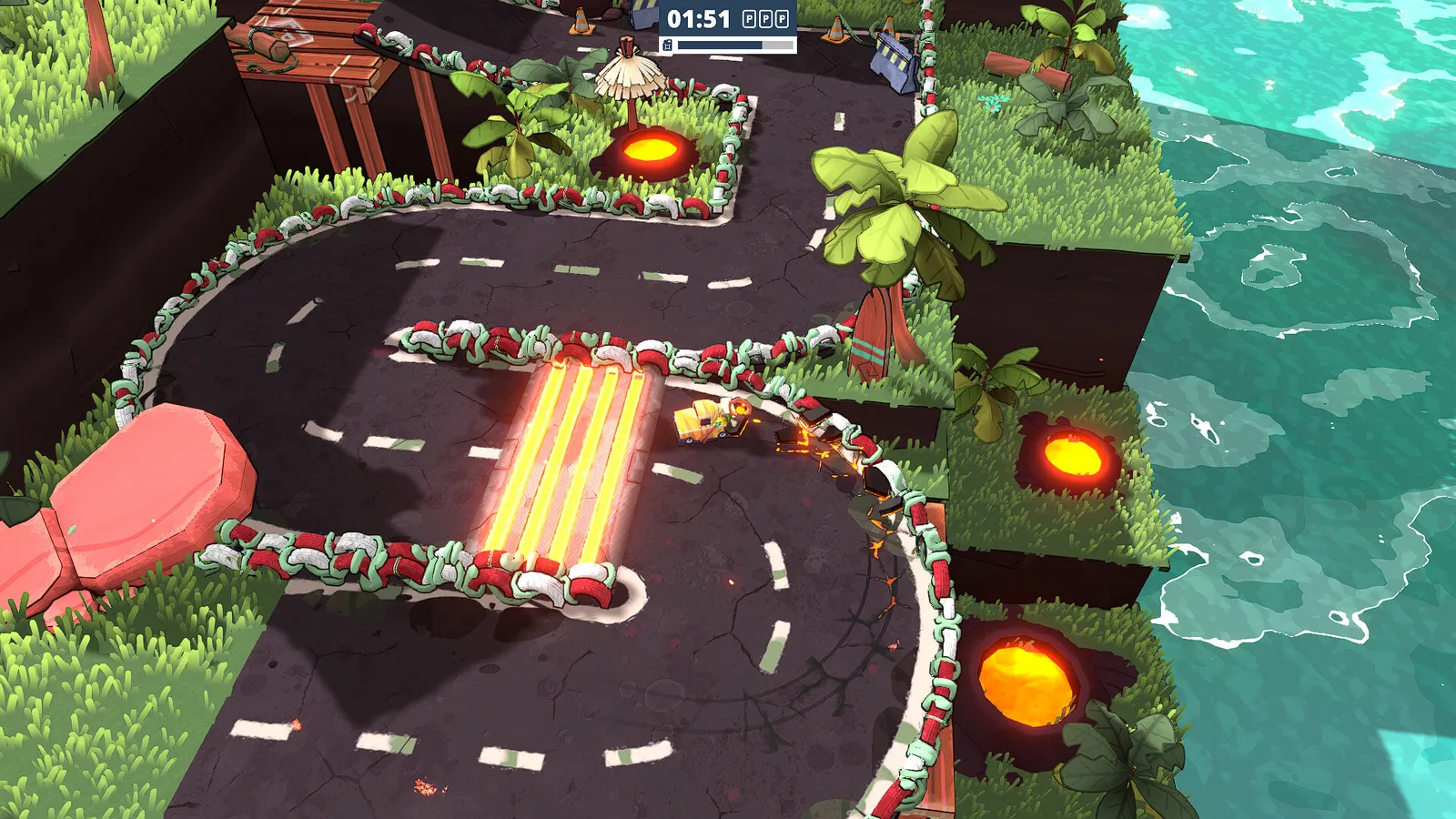 You Suck at Parking: How the Game Works and How to Get Better
You race the clock to park in a marked spot, you cannot reverse and your fuel is limited. Here is how levels, unlocks and the Complete Edition work.
Guide · You Suck at Parking
 You Suck at Parking Multiplayer and Friends Party Explained
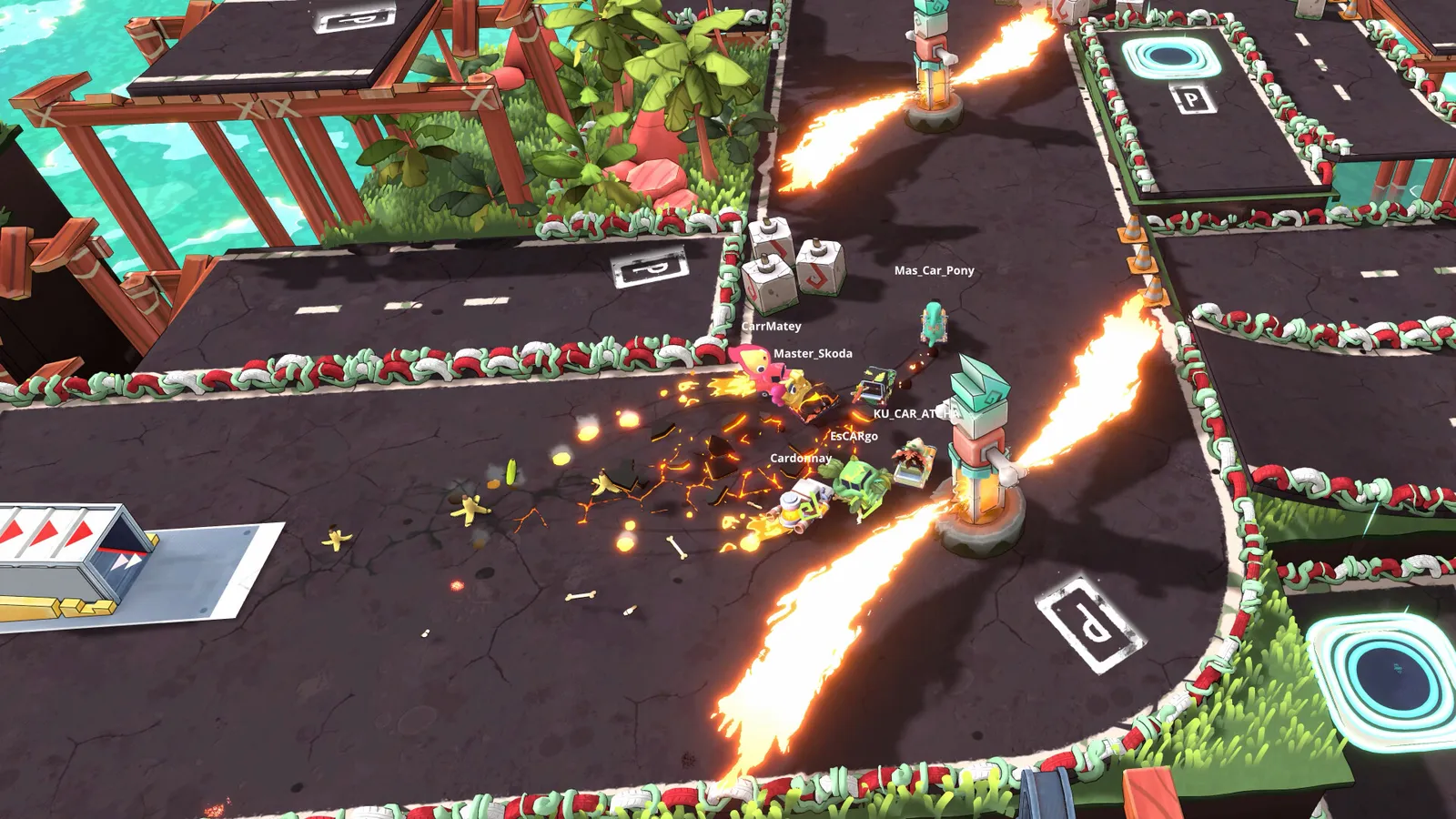
Up to eight players race to be first to park. Friends Party lets you bring up to three friends into a public lobby.
Guide · You Suck at Parking