Skip to content
Set up my rig
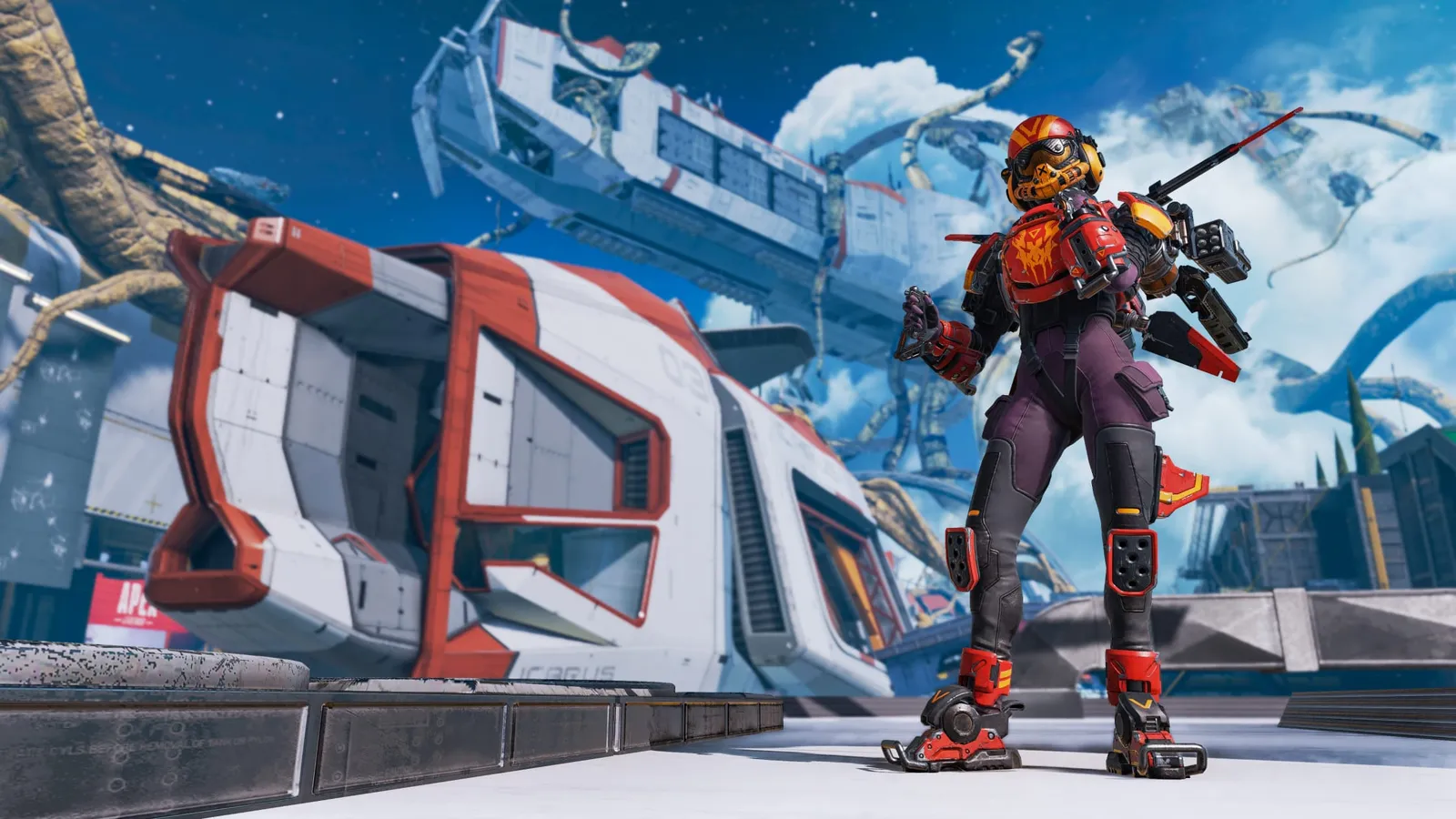
Apex Legends, official artwork

Best Apex Legends settings

Respawn's free-to-play hero shooter battle royale. Fast movement and 60-player lobbies make it CPU-heavy, and texture streaming needs to match your VRAM or you get hitching.

Best Apex Legends settings at 1080p for an RTX 4060 + Ryzen 5 7600: Ultra. Modelled: that PC gets about 200 fps, an RTX 3060 + Ryzen 5 5600 160 fps (Ultra), a GTX 1650 + Core i5-10400 110 fps (Low). Calibrated against 11 measured benchmarks. How we estimate this

Updated . Game data researched November 2026.

  • PEGI 16
  • Free to play
  • Competitive
Genre
Battle royale
Developer
Respawn Entertainment / EA
Released
2019 (free to play)
Platforms
PC, Xbox, PlayStation, Nintendo
Engine
Source (modified)
Researched
Nov 2026

What are the best Apex Legends graphics settings?

The setting for every preset, from Low to Ultra. Save your hardware to get one tuned list.

Tell us your hardware once and every game page shows settings for it. Set up my rig

Set up your rig to see which column fits your PC, with an estimate of your frames. The competitive column is what we recommend for max FPS.

Apex Legends graphics settings per preset
SettingLowMediumHighUltra Competitive
Display Mode Full ScreenFull ScreenFull ScreenFull Screen Full Screen
Resolution Your monitor's native resolution; scale with the upscaler instead
Field of View 104104104104 104
V-Sync Off; use G-Sync or FreeSync with an FPS cap instead
Adaptive Resolution FPS Target 0000 0
NVIDIA Reflex On with NVIDIA Reflex on GeForce
Anti-Aliasing NoneNoneNoneNone None
Texture Streaming Budget LowMediumHighVery High Low
Texture Filtering BilinearBilinearAnisotropic 4XAnisotropic 8X Anisotropic 2X
Ambient Occlusion Quality DisabledDisabledMediumHigh Disabled
Sun Shadow Coverage LowLowHighHigh Low
Sun Shadow Detail LowLowHighHigh Low
Spot Shadow Detail DisabledLowHighHigh Low
Volumetric Lighting DisabledDisabledDisabledDisabled Disabled
Dynamic Spot Shadows DisabledDisabledDisabledDisabled Disabled
Model Detail LowLowHighHigh Low
Effects Detail LowLowHighHigh Low
Impact Marks DisabledLowHighHigh Low
Ragdolls LowLowHighHigh Low
Frame Rate Cap (launch option +fps_max) 3 below your refresh rate (141 on 144 Hz); uncapped for max FPS

How much FPS will I get in Apex Legends?

Modelled frame rates on the High preset at native resolution, without upscaling or frame generation. Your own rig can differ: check your exact PC.

Estimated Apex Legends FPS by graphics card, High preset, with a Ryzen 7 7800X3D and 16 GB RAM
Graphics card 1080p1440p4K
RTX 4090 255 fps255 fps210 fps
RTX 4070 255 fps220 fps115 fps
RTX 4060 210 fps130 fps70 fps
RTX 3060 12GB 170 fps110 fps55 fps
GTX 1650 75 fps50 fps25 fps
RX 7800 XT 255 fps225 fps120 fps
RX 7600 210 fps130 fps70 fps
RX 6600 165 fps105 fps55 fps

These are estimates from our model, not measurements; real results vary with the scene, drivers and background load. Orange numbers are below 60 fps. How we estimate this

What are the best Apex tips for more FPS?

How do I show FPS in Apex?

  1. In Apex, open Settings and go to the Gameplay tab (HUD section).
  2. In Apex, switch on "Performance Display". FPS and ping data appear in the top-right corner.
  3. In Apex, fallback: Steam > Settings > In Game > In-game FPS counter.

Apex: Match the Texture Streaming Budget to your VRAM

  1. In Apex, open Settings > Video and set Texture Streaming Budget at or just below your GPU's VRAM.
  2. In Apex, if you get hitching or pop-in, step it down one notch and retest.

Apex: EA's own performance settings

  1. In Apex, EA's official guide recommends Low for Sun Shadow Coverage/Detail, Spot Shadow, Model Detail and Effects Detail, and Disabled for Ambient Occlusion and Volumetric Lighting.
  2. In Apex, start from that, then raise individual options only if you have spare frames.

Launch options

+fps_max unlimited Removes the engine frame cap (300 fps); EA documents the +fps_max form. Use a number instead to cap, and avoid caps right at 65-85, 140-160, 205-230 or 275-300 fps.
+lobby_max_fps 0 Removes the separate frame cap in the lobby, as guides list it.

News from Steam

All news

Guides