Skip to content
Set up my rig
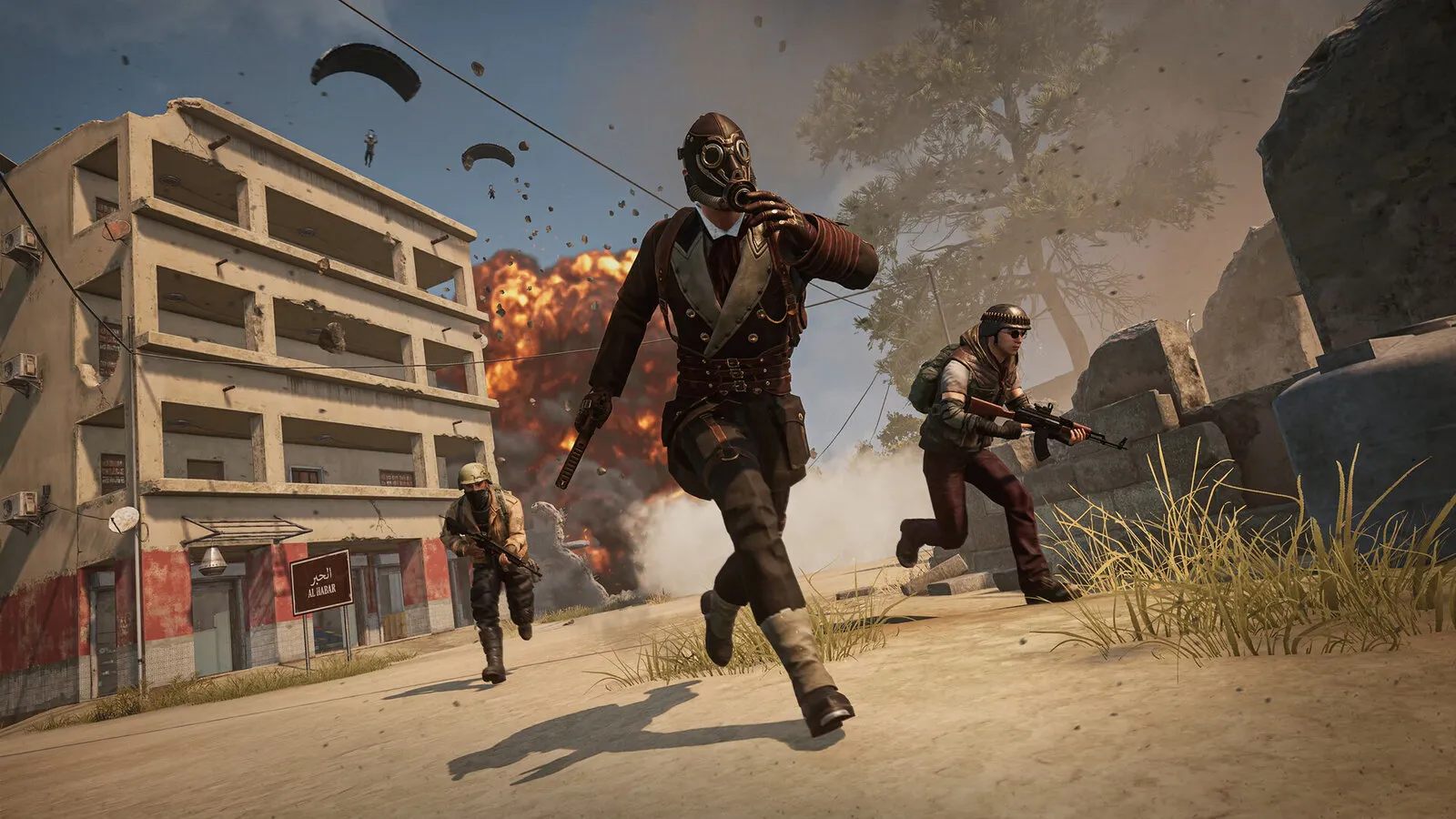
PUBG: BATTLEGROUNDS, official artwork

Best PUBG: BATTLEGROUNDS settings

KRAFTON's large-scale battle royale. It is light on the GPU for what it shows, so frame rate is mostly a CPU question; for competitive play the goal is a high, stable FPS with foliage, shadows and effects turned down so enemies stand out.

Best PUBG: BATTLEGROUNDS settings at 1080p for an RTX 4060 + Ryzen 5 7600: Ultra, lowering Shadows first. Modelled: that PC gets about 135 fps, an RTX 3060 + Ryzen 5 5600 195 fps (Ultra), a GTX 1650 + Core i5-10400 140 fps (Ultra). Calibrated against 20 measured benchmarks. How we estimate this

Updated . Game data researched November 2026.

  • PEGI 16
  • Free to play
  • Competitive
Genre
Battle royale shooter
Developer
KRAFTON (PUBG Studios)
Released
2017 (free to play)
Platforms
PC, Xbox, PlayStation
Engine
Unreal Engine 4 (heavily modified)
Researched
Nov 2026

What are the best PUBG: BATTLEGROUNDS graphics settings?

The setting for every preset, from Low to Ultra. Save your hardware to get one tuned list.

Tell us your hardware once and every game page shows settings for it. Set up my rig

Set up your rig to see which column fits your PC, with an estimate of your frames. The competitive column is what we recommend for max FPS.

PUBG: BATTLEGROUNDS graphics settings per preset
SettingLowMediumHighUltra Competitive
Display Mode FullscreenFullscreenFullscreenFullscreen Fullscreen
Resolution Your monitor's native resolution; scale with the upscaler instead
Render Scale 100100100100 100
Resolution Upscaling Native; DLSS Quality on RTX, FSR Quality on AMD and older GeForce
Anti-Aliasing Very LowMediumHighUltra Medium
Post-Processing Very LowMediumHighUltra Very Low
Shadows Very LowMediumHighUltra Very Low
Textures LowMediumHighUltra Low
Effects Very LowMediumHighUltra Very Low
Foliage Very LowMediumHighUltra Very Low
View Distance LowMediumHighUltra Medium
Sharpen EnabledEnabledEnabledEnabled Enabled
V-Sync Off; use G-Sync or FreeSync with an FPS cap instead
Motion Blur OffOffOffOff Off
DirectX Version DirectX 11 EnhancedDirectX 11 EnhancedDirectX 11 EnhancedDirectX 11 Enhanced DirectX 11 Enhanced

How much FPS will I get in PUBG: BATTLEGROUNDS?

Modelled frame rates on the High preset at native resolution, without upscaling or frame generation. Your own rig can differ: check your exact PC.

Estimated PUBG: BATTLEGROUNDS FPS by graphics card, High preset, with a Ryzen 7 7800X3D and 16 GB RAM
Graphics card 1080p1440p4K
RTX 4090 410 fps285 fps150 fps
RTX 4070 250 fps160 fps80 fps
RTX 4060 150 fps95 fps50 fps
RTX 3060 12GB 125 fps75 fps40 fps
GTX 1650 55 fps35 fps20 fps
RX 7800 XT 260 fps165 fps85 fps
RX 7600 150 fps95 fps50 fps
RX 6600 120 fps75 fps40 fps

These are estimates from our model, not measurements; real results vary with the scene, drivers and background load. Orange numbers are below 60 fps. How we estimate this

What are the best PUBG tips for more FPS?

How do I show FPS in PUBG?

  1. Start PUBG from Steam, then open Steam > Settings > In Game.
  2. In PUBG, set "In-game FPS counter" to one of the four screen corners (turn on the high-contrast colour if it is hard to read).
  3. If the counter does not show up, restart both Steam and PUBG. NVIDIA App overlay or MSI Afterburner work too.
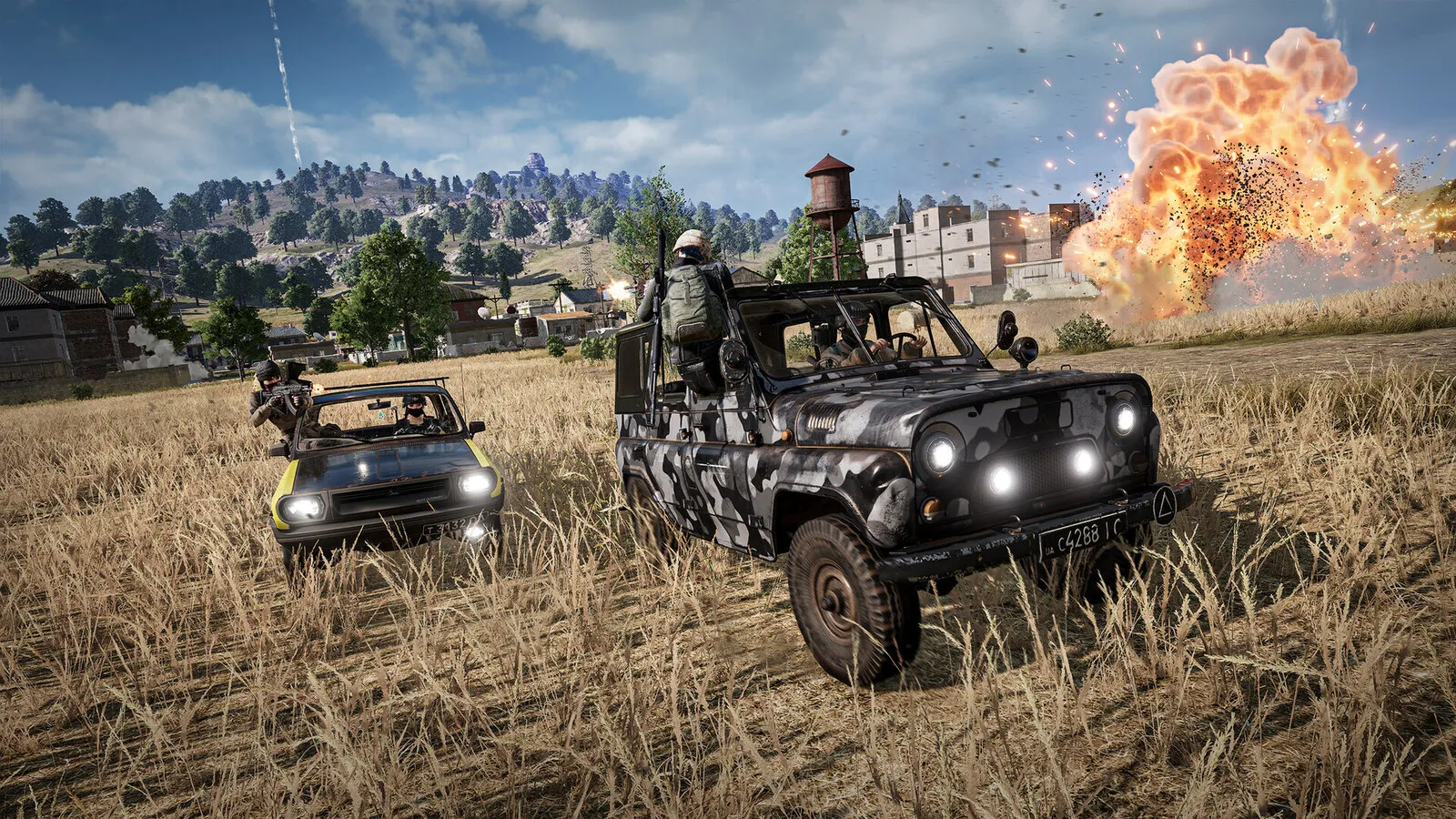
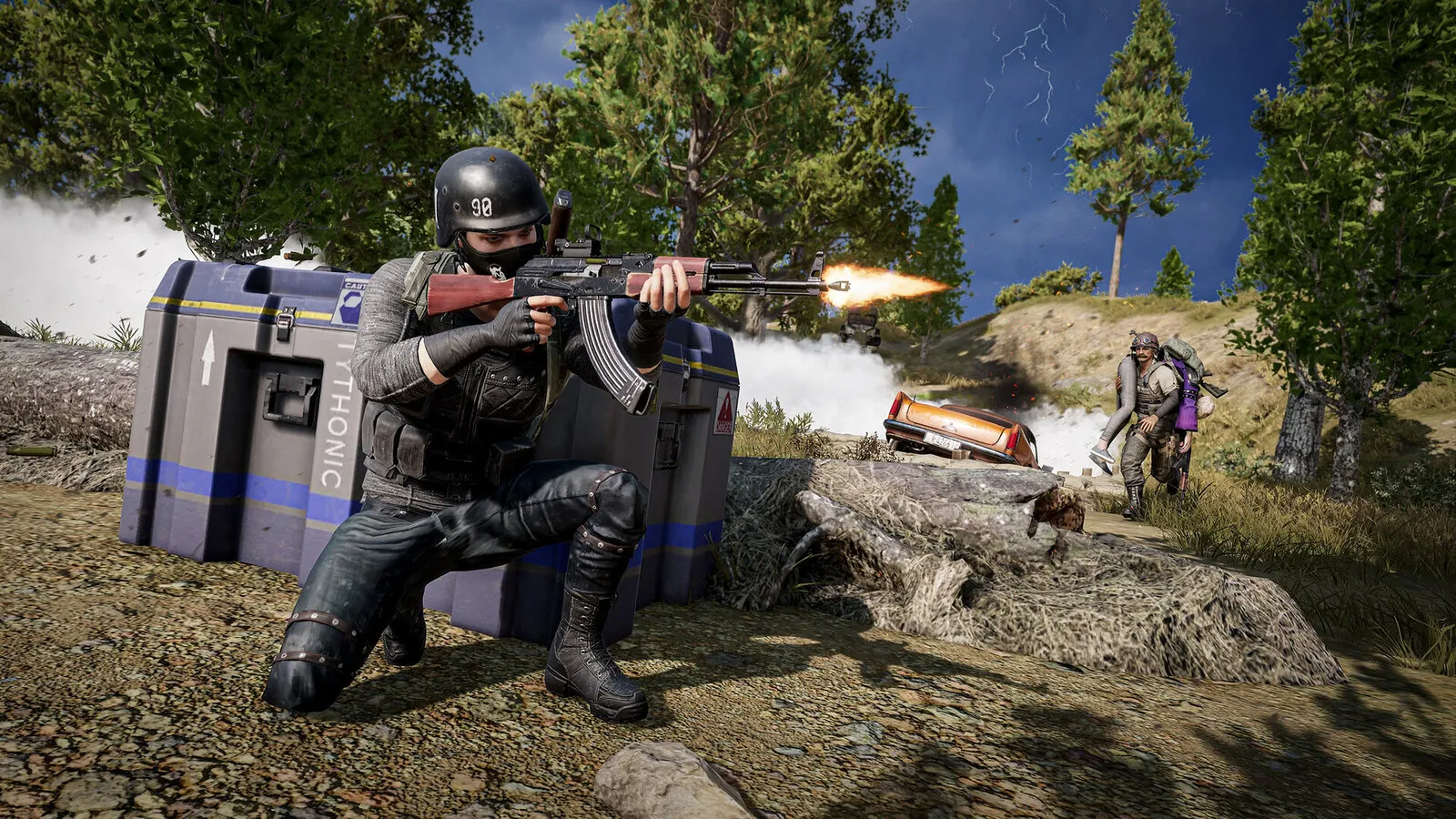
PUBG: It is mostly a CPU game

  1. In PUBG, on a fast GPU the frame rate stops growing with graphics options because the processor is the limit.
  2. In PUBG, close background apps and launchers, and enable XMP or EXPO so your RAM runs at its rated speed.
  3. In PUBG, judge stability by your minimum FPS in a firefight, not by the average in a quiet area.

PUBG: Pick the right DirectX version

  1. In PUBG, use DirectX 11 Enhanced for most systems.
  2. In PUBG, plain DirectX 11 is stable but is reported to use at most 4 CPU cores.
  3. In PUBG, DirectX 12 is a beta: try it only if you can accept crashes or stutter.

PUBG: Using DLSS or FSR

  1. In PUBG, open Settings > Graphics > Advanced and set "Resolution Upscaling" to NVIDIA DLSS or AMD FSR.
  2. In PUBG, the option stays hidden while Anti-Aliasing is Very Low or Low: raise it to Medium first.
  3. In PUBG, on NVIDIA you can also force the newest DLSS 4.5 models through the NVIDIA app DLSS overrides.
  4. In PUBG, in a CPU-limited match upscaling will not add frames, so skip it at 1080p on a fast GPU.

Launch options

-ResX=1728 -ResY=1080 Optional: forces a stretched resolution. Not needed if you set the resolution in the game itself.

PUBG news

All news

News from Steam

All news

Guides