Skip to content
Set up my rig
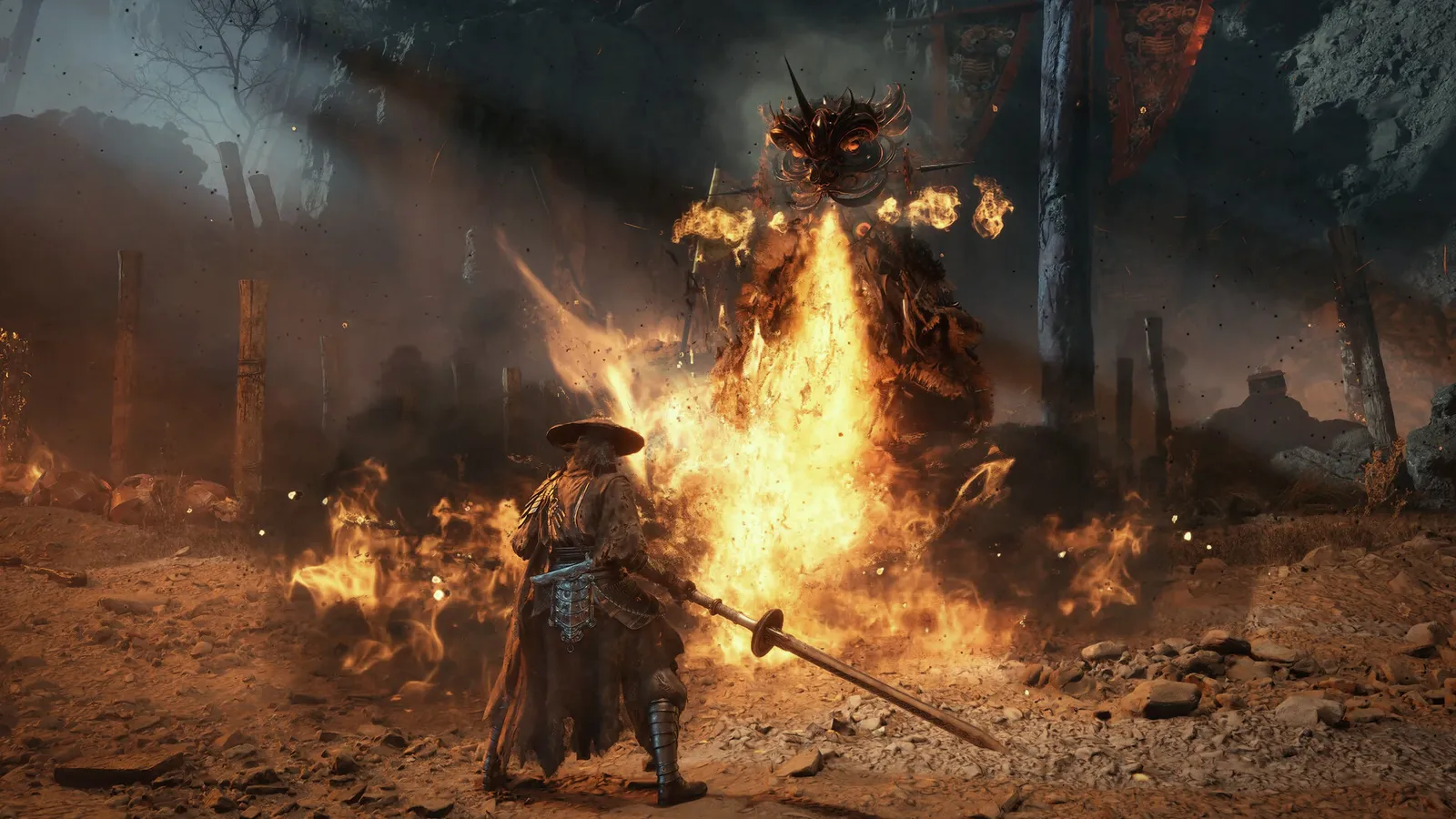
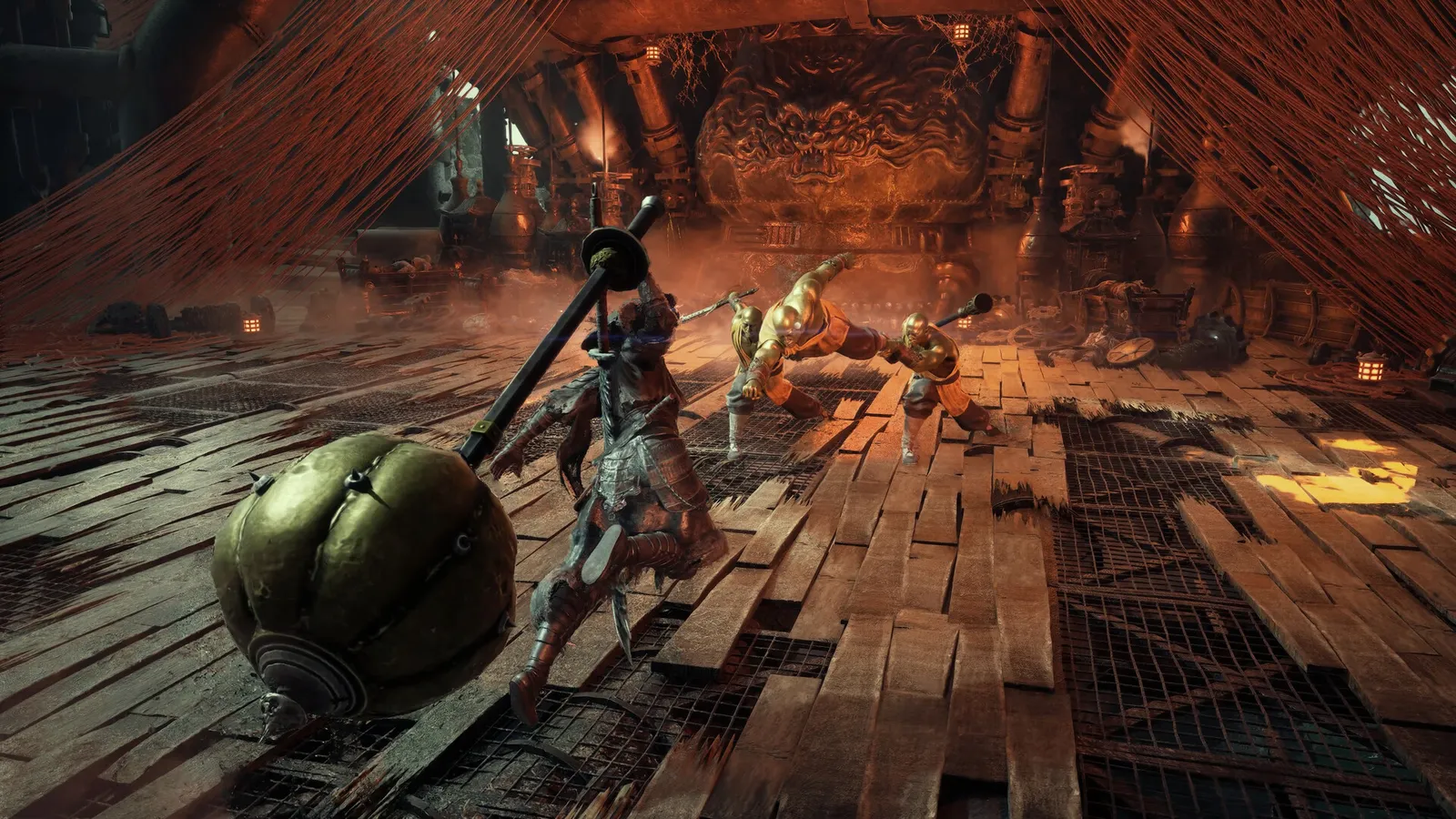
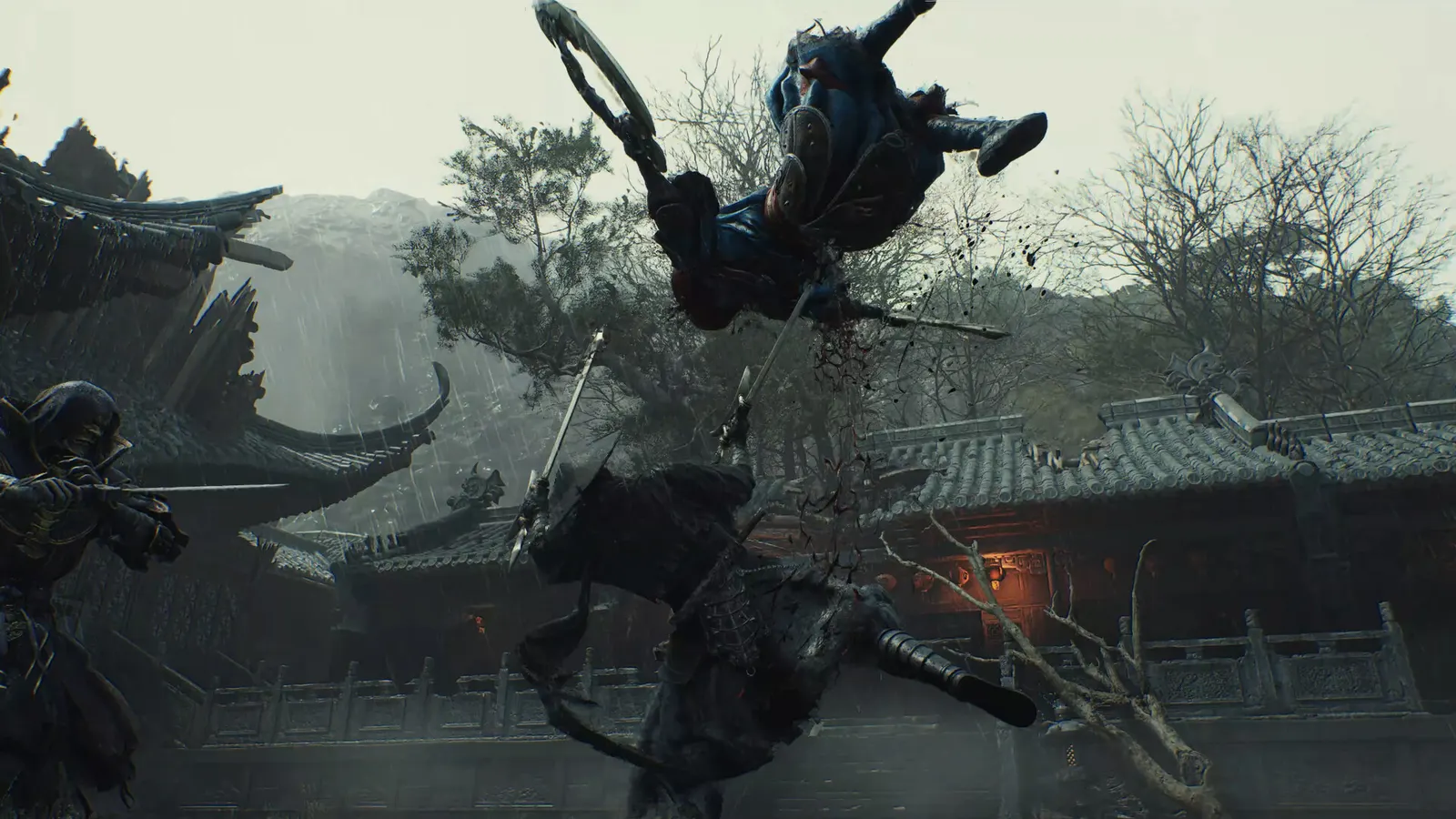
Phantom Blade Zero, official artwork

Best Phantom Blade Zero settings

S-GAME's kung-fu action RPG on Unreal Engine 5 (PC release 28 October 2026). It is a heavy game: native Ultra is demanding even for fast cards, so DLSS, FSR or XeSS is part of the normal setup, and ray tracing and path tracing cost roughly half the frame rate again.

Best Phantom Blade Zero settings at 1080p for an RTX 4060 + Ryzen 5 7600: High with DLSS Quality. Modelled: that PC gets about 100 fps, an RTX 3060 + Ryzen 5 5600 120 fps (Medium), a GTX 1650 + Core i5-10400 85 fps (Medium). Calibrated against 18 measured benchmarks. How we estimate this

Updated . Game data researched November 2026.

Genre
Action RPG
Developer
S-GAME
Released
2026
Platforms
PC, PlayStation
Engine
Unreal Engine 5
Researched
Nov 2026

What are the best Phantom Blade Zero graphics settings?

The setting for every preset, from Low to Ultra. Save your hardware to get one tuned list.

Tell us your hardware once and every game page shows settings for it. Set up my rig

Set up your rig to see which column fits your PC, with an estimate of your frames.

Phantom Blade Zero graphics settings per preset
SettingLowMediumHighUltra
Window Mode FullscreenFullscreenFullscreenFullscreen
Resolution Your monitor's native resolution; scale with the upscaler instead
Frame Rate Limit 3 below your refresh rate (141 on 144 Hz); uncapped for max FPS
V-Sync Off; use G-Sync or FreeSync with an FPS cap instead
Motion Blur OffOffOffOff
Quality Preset LowHighVery HighUltra
Super Resolution Method Native; DLSS Quality on RTX, FSR Quality on AMD and older GeForce, XeSS on Intel Arc
Frame Generation Off below 50 fps; above it DLSS frame generation on RTX 40 and 50 or FSR frame generation elsewhere; never in competitive play
NVIDIA Reflex On with NVIDIA Reflex on GeForce
Ray Tracing Quality OffOffOffOff
Shadow Quality LowHighVery HighUltra
Lighting Quality LowHighVery HighUltra
Reflection Quality LowHighVery HighUltra
Post-Processing Quality LowHighVery HighUltra
Effects Quality LowHighVery HighUltra
Material Quality LowHighVery HighUltra
Ambient Occlusion Quality LowHighVery HighUltra
Depth of Field Quality LowHighVery HighUltra
Anti-Aliasing LowHighVery HighUltra
View Distance LowHighVery HighUltra
Character Texture Quality LowHighVery HighUltra
Environment Texture Quality LowHighVery HighUltra
High-Quality Hair OffOffOnOn

How much FPS will I get in Phantom Blade Zero?

Modelled frame rates on the High preset at native resolution, without upscaling or frame generation. Your own rig can differ: check your exact PC.

Estimated Phantom Blade Zero FPS by graphics card, High preset, with a Ryzen 7 7800X3D and 16 GB RAM
Graphics card 1080p1440p4K
RTX 4090 170 fps110 fps55 fps
RTX 4070 95 fps60 fps30 fps
RTX 4060 55 fps35 fps20 fps
RTX 3060 12GB 45 fps30 fps15 fps
GTX 1650 20 fps15 fps5 fps
RX 7800 XT 95 fps60 fps30 fps
RX 7600 55 fps35 fps20 fps
RX 6600 45 fps30 fps15 fps

These are estimates from our model, not measurements; real results vary with the scene, drivers and background load. Orange numbers are below 60 fps. How we estimate this

What are the best PBZ tips for more FPS?

How do I show FPS in PBZ?

  1. In PBZ, the game has no built-in FPS counter that we could find.
  2. In PBZ, Steam: Steam > Settings > In Game > "In-game FPS counter" and pick a corner.
  3. In PBZ, other tools: the NVIDIA app overlay (Alt+Z) or AMD Software overlay.
PBZ: Mind your graphics driver

  1. In PBZ, S-GAME advised NVIDIA owners to use driver 617.42 because 621.01 can cause unstable performance at launch.
  2. In PBZ, check the latest patch notes and driver release notes before you troubleshoot.

In PBZ, reported by Notebookcheck from S-GAME's launch communication; may be outdated by newer drivers.

PBZ: First launch compiles shaders

  1. In PBZ, the first start compiles shaders, which can take a few minutes; do not close the game during it.
  2. In PBZ, stutter in new areas right after an update usually settles once shaders are cached.

PBZ: Use an upscaler as a normal setting

  1. In PBZ, native Ultra is hard even on high-end cards; DLSS, FSR or XeSS in Quality mode gives a large gain with little visible loss.
  2. In PBZ, the official recommended spec (RTX 3060 Ti, 1440p, 60 fps) assumes upscaling.

PBZ: Install on an SSD

  1. In PBZ, Steam lists 145 GB and requires an SSD.
  2. In PBZ, on a hard drive expect long loads and texture pop-in.

News from Steam

All news

Reason and Madness

Twenty years ago, while I was still a student, I completed my first indie game, Rainblood: Town of Death. It was a hobby project made with RPG Maker. With the limited skills I had at the time, I built the fantasy world I had imagined: the…

Read on Steam (opens in a new tab): Reason and Madness

Ready your blade!

Ready your blade! Phantom Blade Zero pre-load begins October 26, 2026, at 7:00 PM PDT. PC players, please check the system requirements and prepare for the journey: 1. Install the game on an SSD for a smooth experience. 2. The game is…

Read on Steam (opens in a new tab): Ready your blade!

Guides