Skip to content
Set up my rig
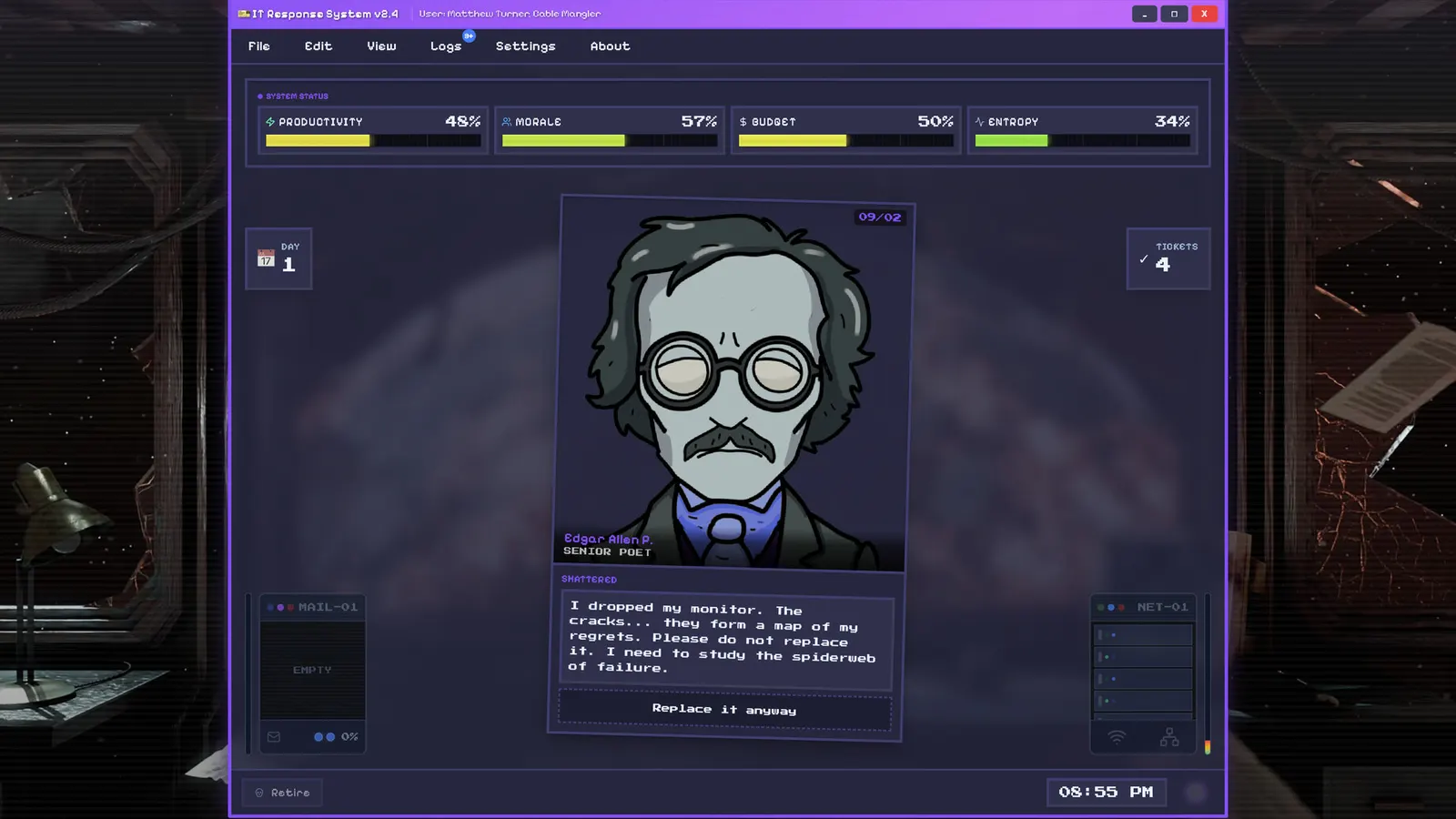
I.T. Never Ends, official artwork

Best I.T. Never Ends settings

Dadbod Games' dark-comedy desktop simulator in which you work IT support for a company run by cosmic horrors, deciding approve-or-deny on tickets. The published requirements are tiny (an i3, 4 GB of RAM and a GTX 460), so any current PC runs it at a high frame rate.

Best I.T. Never Ends settings at 1080p for an RTX 4060 + Ryzen 5 7600: Ultra. Modelled: that PC gets about 285 fps, an RTX 3060 + Ryzen 5 5600 230 fps (Ultra), a GTX 1650 + Core i5-10400 105 fps (Ultra). Rough estimate: no published benchmarks yet. How we estimate this

Updated . Game data researched November 2026.

Genre
Desktop simulator / dark comedy
Developer
Dadbod Games
Released
2026
Platforms
PC, Mac, Linux
Engine
Not published
Researched
Nov 2026

What are the best I.T. Never Ends graphics settings?

The setting for every preset, from Low to Ultra. Save your hardware to get one tuned list.

Tell us your hardware once and every game page shows settings for it. Set up my rig

Set up your rig to see which column fits your PC, with an estimate of your frames.

I.T. Never Ends graphics settings per preset
SettingLowMediumHighUltra
Fullscreen OnOnOnOn
Resolution Your monitor's native resolution; scale with the upscaler instead
V-Sync (driver) Off; use G-Sync or FreeSync with an FPS cap instead

How much FPS will I get in I.T. Never Ends?

Modelled frame rates on the High preset at native resolution, without upscaling or frame generation. Your own rig can differ: check your exact PC.

Estimated I.T. Never Ends FPS by graphics card, High preset, with a Ryzen 7 7800X3D and 16 GB RAM
Graphics card 1080p1440p4K
RTX 4090 670 fps670 fps395 fps
RTX 4070 660 fps415 fps220 fps
RTX 4060 395 fps250 fps130 fps
RTX 3060 12GB 325 fps205 fps105 fps
GTX 1650 145 fps90 fps50 fps
RX 7800 XT 670 fps430 fps225 fps
RX 7600 395 fps250 fps130 fps
RX 6600 310 fps195 fps105 fps

These are estimates from our model, not measurements; real results vary with the scene, drivers and background load. Orange numbers are below 60 fps. How we estimate this

What are the best I.T. Never Ends tips for more FPS?

How do I show FPS in I.T. Never Ends?

  1. In I.T. Never Ends, we could not confirm a built-in frame counter, so use an overlay.
  2. In I.T. Never Ends, Steam: Settings > In Game > In-game FPS counter, then pick a corner. The NVIDIA app and AMD Software overlays also show FPS and GPU/CPU use.
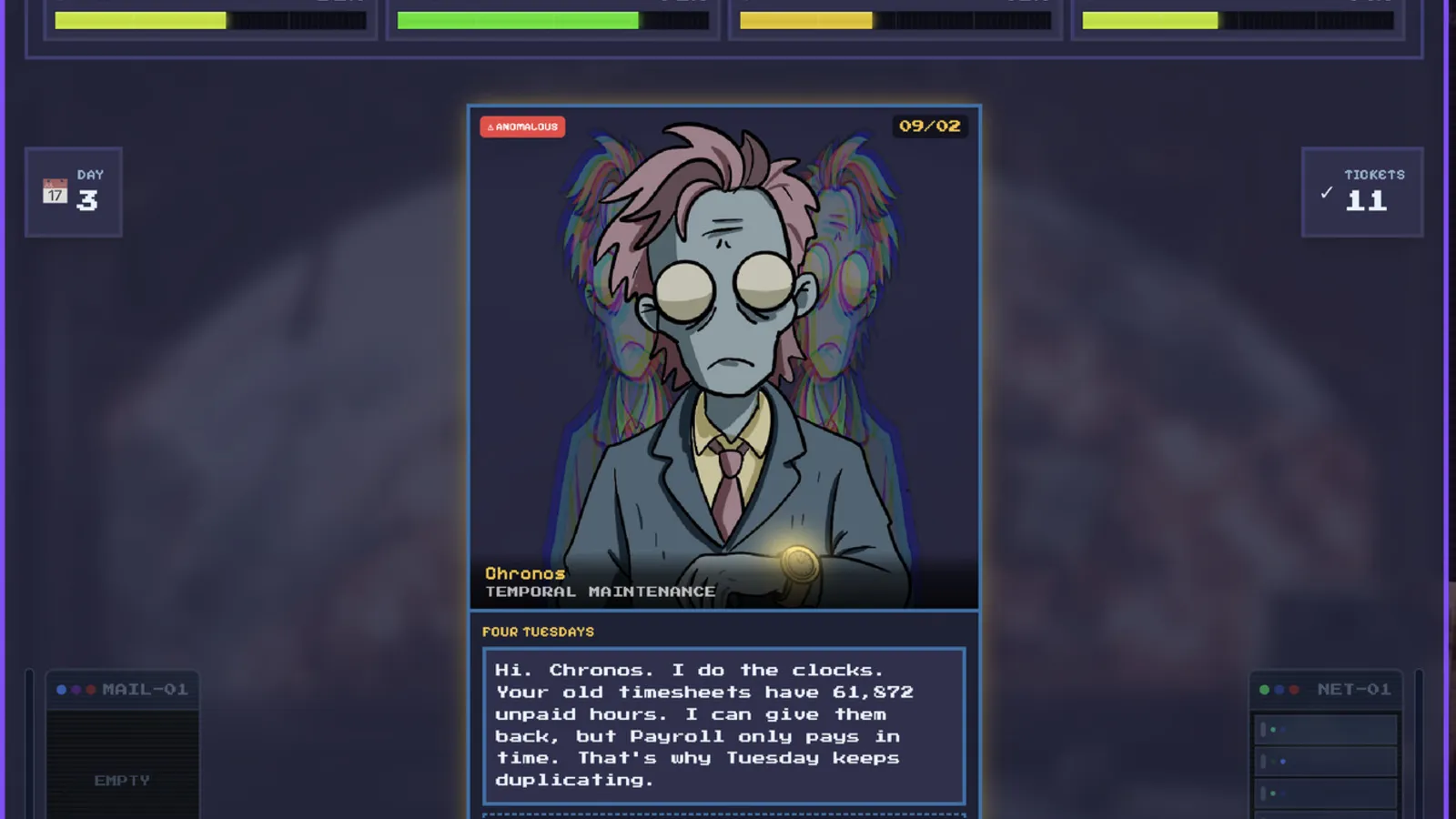
I.T. Never Ends: Performance is not a concern

  1. In I.T. Never Ends, the requirements are far below any recent PC. If it stutters, close browsers and background apps, and check your power plan.
  2. In I.T. Never Ends, it also runs natively on Linux and macOS, and Steam rates it Playable on Steam Deck.

News from Steam

All news
I.T. Never Ends, official artwork

Content Update — VERA OS 2.7.80

Hey everyone! Here’s what’s new since our last patch: Expanded several storylines with new choices and outcomes. Added more content for a few familiar coworkers and office anomalies. Fixed Performance Review events not appearing correctly…

Read on Steam (opens in a new tab): Content Update — VERA OS 2.7.80

Guides