How do I show FPS in TLOU Part I?
- In TLOU Part I, Steam: Steam > Settings > In Game > "In-game FPS counter" and pick a corner.
- In TLOU Part I, alternatives: the NVIDIA app overlay (Alt+Z) or AMD Software's Performance Metrics overlay.
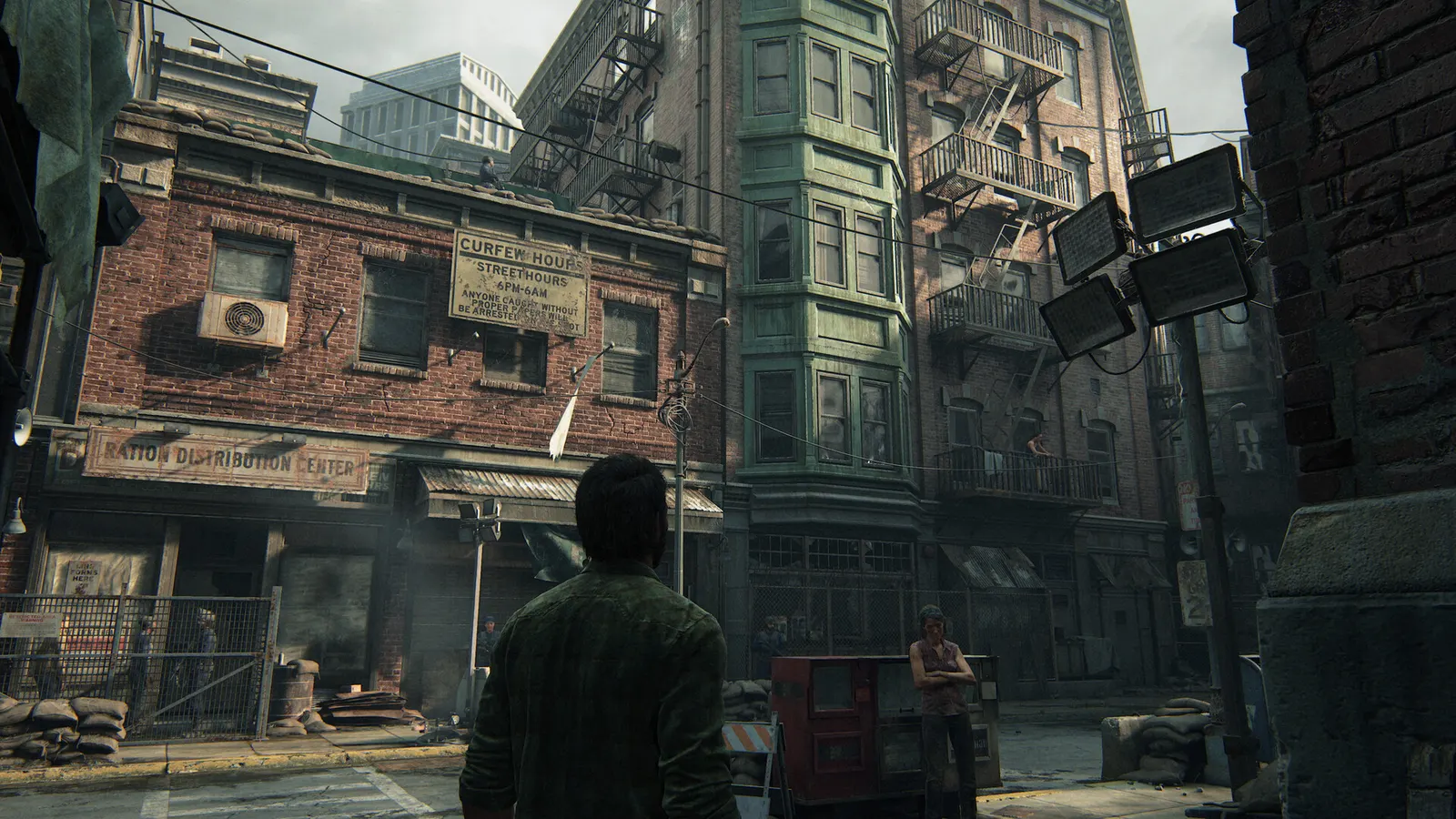
The PC port of Naughty Dog's remake of the post-apocalyptic story. It is heavy on VRAM (textures) and on the CPU, which decompresses and streams assets, so 8 GB cards struggle at high textures and lowering settings often helps less than expected. Shaders compile on the first launch and after every driver update.
Best The Last of Us Part I settings at 1080p for an RTX 4060 + Ryzen 5 7600: Ultra with DLSS Quality. Modelled: that PC gets about 105 fps, an RTX 3060 + Ryzen 5 5600 105 fps (High), a GTX 1650 + Core i5-10400 80 fps (Low). Calibrated against 44 measured benchmarks. How we estimate this
Updated . Game data researched November 2026.
The setting for every preset, from Low to Ultra. Save your hardware to get one tuned list.
Set up your rig to see which column fits your PC, with an estimate of your frames.
| Setting | Low | Medium | High | Ultra |
|---|---|---|---|---|
| Resolution | Your monitor's native resolution; scale with the upscaler instead | |||
| Framerate Cap | 3 below your refresh rate (141 on 144 Hz); uncapped for max FPS | |||
| V-Sync | Off; use G-Sync or FreeSync with an FPS cap instead | |||
| Scaling Mode | Native; DLSS Quality on RTX, FSR Quality on AMD and older GeForce | |||
| Animation Quality | Low | Medium | High | Ultra |
| Draw Distance | Low | Medium | High | Ultra |
| Dynamic Objects Level of Detail | Low | Medium | High | Ultra |
| Character Level of Detail | Low | Medium | High | Ultra |
| Environments Level of Detail | Low | Medium | High | Ultra |
| Dynamic Objects Texture Quality | Low | Medium | High | Ultra |
| Characters Texture Quality | Low | Medium | High | Ultra |
| Environments Texture Quality | Low | Medium | High | Ultra |
| Visual Effects Texture Quality | Low | Medium | High | Ultra |
| Texture Filtering | Low | Medium | High | Ultra |
| Ambient Shadows Quality | Low | Medium | High | Ultra |
| Directional Shadow Resolution | Low | Medium | High | Ultra |
| Directional Shadow Distance | Low | Medium | High | Ultra |
| Image Based Lighting | Low | Medium | High | Ultra |
| Spotlights Shadow Resolution | Low | Medium | High | Ultra |
| Point Lights Shadow Resolution | Low | Medium | High | Ultra |
| Bounced Lighting | Low | Medium | High | Ultra |
Modelled frame rates on the High preset at native resolution, without upscaling or frame generation. Your own rig can differ: check your exact PC.
| Graphics card | 1080p | 1440p | 4K |
|---|---|---|---|
| RTX 4090 | 175 fps | 140 fps | 75 fps |
| RTX 4070 | 120 fps | 75 fps | 40 fps |
| RTX 4060 | 75 fps | 45 fps | 25 fps |
| RTX 3060 12GB | 60 fps | 35 fps | 20 fps |
| GTX 1650 | 25 fps | 15 fps | 10 fps |
| RX 7800 XT | 125 fps | 80 fps | 40 fps |
| RX 7600 | 75 fps | 45 fps | 25 fps |
| RX 6600 | 55 fps | 35 fps | 20 fps |
These are estimates from our model, not measurements; real results vary with the scene, drivers and background load. Orange numbers are below 60 fps. How we estimate this
We here at Naughty Dog are honored to celebrate The Last of Us Day 2025, our annual recognition of the franchise that has meant so much to you, our incredible fans, and the teams at Naughty Dog who have contributed to the series over the…
Read on Steam (opens in a new tab): Celebrating The Last of Us Day 2025
A patch for The Last of Us Part I is now available. This update brings over various improvements and stability fixes from The Last of Us Part II Remastered for PC and support for AMD’s latest version of FidelityFX™ Super Resolution (FSR)…
Read on Steam (opens in a new tab): The Last of Us Part I v1.1.5 Patch Notes
A patch for The Last of Us Part I is now available. This update includes the following: Feature Support Added support for AMD FSR3.1 Super Resolution Added support for AMD FSR3.1 Frame Generation General Fixed rendering issue that could…
Read on Steam (opens in a new tab): The Last of Us Part I v1.1.4 Patch Notes
A patch for The Last of Us Part I is now live. This update includes the following: Improved support for AMD FSR3 Frame Generation
Read on Steam (opens in a new tab): The Last of Us Part I v1.1.3.1 Patch Notes The Last of Us Part I: Best Weapon Upgrades to Get First
You cannot afford every upgrade, so the order matters. Holsters first, then scope and armor-piercing on the hunting rifle, fire rate on the pistol.
Guide · The Last of Us Part I
 The Last of Us Part I Difficulty Levels Explained: Which to Pick
Six levels, a Custom mode and one big change at the top: Listen Mode disappears. Here is what each difficulty does and how to choose.
Guide · The Last of Us Part I