Skip to content
Set up my rig
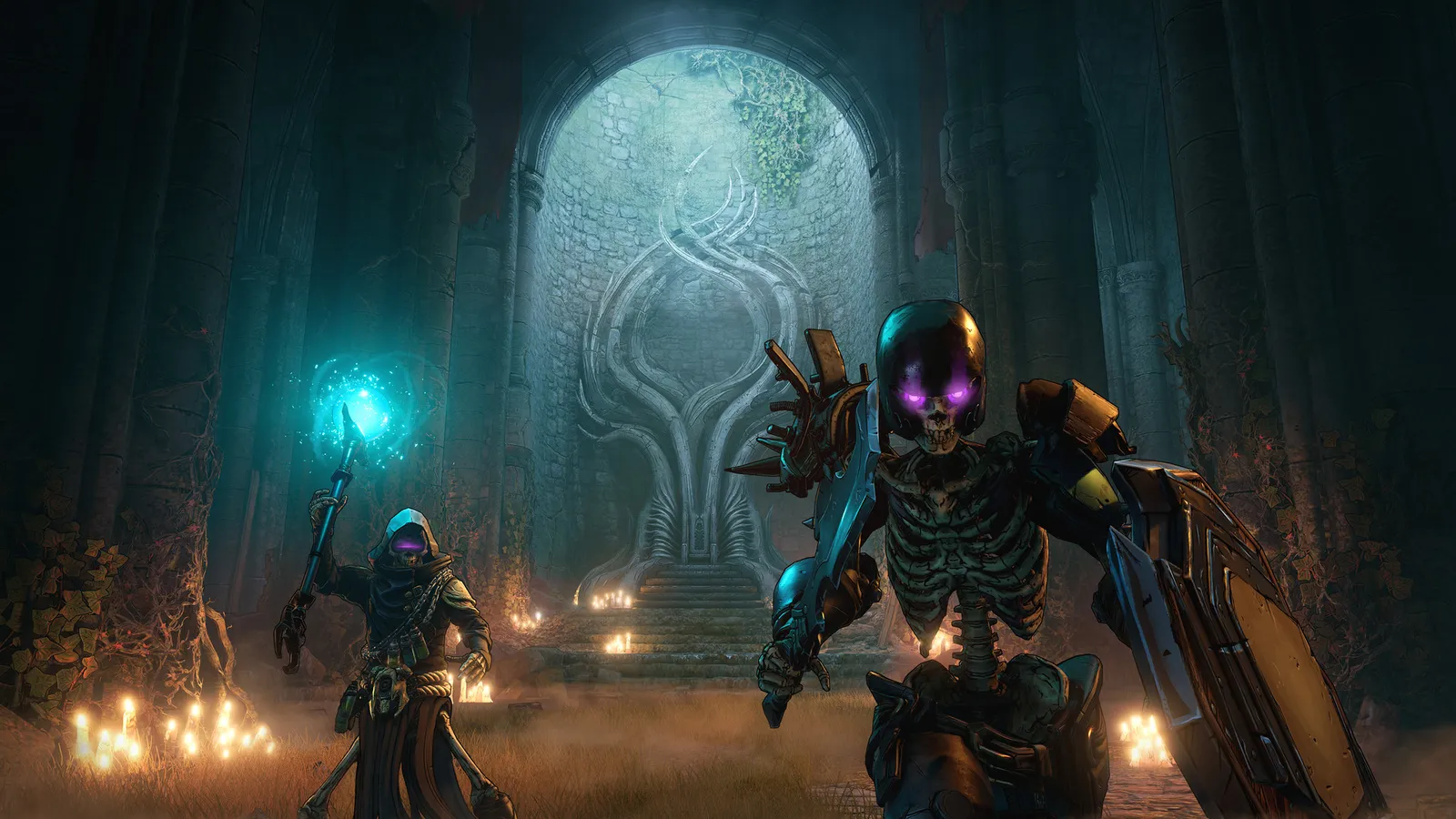
Tiny Tina's Wonderlands, official artwork

Best Tiny Tina's Wonderlands settings

A fantasy spin-off of the Borderlands series on Unreal Engine 4, with a tabletop-game frame and a spell and melee build system. It is demanding for its look: the step from High to Medium is the big win, DirectX 11 runs faster than DirectX 12 on most cards, and there is no DLSS or FSR, only a resolution scale and AMD CAS sharpening.

Best Tiny Tina's Wonderlands settings at 1080p for an RTX 4060 + Ryzen 5 7600: High, lowering Graphics Quality and Volumetric Fog first. Modelled: that PC gets about 105 fps, an RTX 3060 + Ryzen 5 5600 95 fps (Medium), a GTX 1650 + Core i5-10400 70 fps (Low). Calibrated against 27 measured benchmarks. How we estimate this

Updated . Game data researched November 2026.

  • PEGI 16
Genre
Looter shooter
Developer
Gearbox Software
Released
2022
Platforms
PC, Xbox, PlayStation
Engine
Unreal Engine 4
Researched
Nov 2026

What are the best Tiny Tina's Wonderlands graphics settings?

The setting for every preset, from Low to Ultra. Save your hardware to get one tuned list.

Tell us your hardware once and every game page shows settings for it. Set up my rig

Set up your rig to see which column fits your PC, with an estimate of your frames.

Tiny Tina's Wonderlands graphics settings per preset
SettingLowMediumHighUltra
Graphics API DirectX 11DirectX 11DirectX 11DirectX 11
Display Mode Full ScreenFull ScreenFull ScreenFull Screen
Resolution Your monitor's native resolution; scale with the upscaler instead
Vertical Sync Off; use G-Sync or FreeSync with an FPS cap instead
Resolution Scale 100%100%100%100%
Limit Frame Rate 3 below your refresh rate (141 on 144 Hz); uncapped for max FPS
Field of View 90-10090-10090-10090-100
Graphics Quality LowMediumHighBadass
Anti Aliasing FXAAFXAATemporalTemporal
Texture Streaming LowMediumHighUltra
Material Quality LowMediumHighUltra
Anisotropic Filtering 16x16x16x16x
Shadows LowMediumHighUltra
Draw Distance LowMediumHighUltra
Foliage LowMediumHighUltra
Volumetric Fog LowMediumMediumHigh
Screen Space Reflections OffMediumHighUltra
Ambient Occlusion OffLowMediumHigh
Camera Motion Blur OffOffOffOff
FidelityFX Sharpening OnOnOnOn

How much FPS will I get in Tiny Tina's Wonderlands?

Modelled frame rates on the High preset at native resolution, without upscaling or frame generation. Your own rig can differ: check your exact PC.

Estimated Tiny Tina's Wonderlands FPS by graphics card, High preset, with a Ryzen 7 7800X3D and 16 GB RAM
Graphics card 1080p1440p4K
RTX 4090 325 fps205 fps105 fps
RTX 4070 175 fps110 fps60 fps
RTX 4060 105 fps65 fps35 fps
RTX 3060 12GB 85 fps55 fps30 fps
GTX 1650 40 fps25 fps15 fps
RX 7800 XT 185 fps115 fps60 fps
RX 7600 105 fps65 fps35 fps
RX 6600 85 fps55 fps30 fps

These are estimates from our model, not measurements; real results vary with the scene, drivers and background load. Orange numbers are below 60 fps. How we estimate this

What are the best Wonderlands tips for more FPS?

How do I show FPS in Wonderlands?

  1. In Wonderlands, open Options > Video > Advanced > General and set "Display Stats" to FPS (All shows more detail).
  2. In Wonderlands, alternatively use the Steam overlay counter (Steam Settings > In Game) or the NVIDIA/AMD overlay.
Wonderlands: Switch to DirectX 11

  1. In Wonderlands, open Options > Video > Basic and set Graphics API to DirectX 11, then restart the game.
  2. In Wonderlands, ComputerBase measured higher frame rates in DirectX 11 on both an RTX 3080 and an RX 6800 XT.

Wonderlands: Set the frame limit properly

  1. In Wonderlands, limit Frame Rate offers Smooth (22 to 62 fps), fixed caps of 30, 50, 60, 72 and 120, Unlimited and Custom.
  2. In Wonderlands, choose Custom and set it a few frames below your refresh rate (for example 141 on a 144 Hz monitor), or Unlimited with G-Sync/FreeSync.

Wonderlands: Use the built-in benchmark

  1. In Wonderlands, the game has a built-in fly-by benchmark of about a minute and a half.
  2. In Wonderlands, run it after each change to see the effect on your own rig before playing.

News from Steam

All news

Guides